
Edutech E-Learning Web Design & Development
- Education
- Dashboard
- E-commerce

For teams running their own Linux or Windows web servers: a CIS Benchmark baseline applied, open doors closed, and proof of every change. From $650.
CIS L1
Benchmark baseline applied
100%
Open ports closed or justified
How your project runs
01 · FreeIndustry leaders we work with
 PHP
 Node.js
 MySQL
 AWS
 Microsoft Azure
The Problem
It shows up after a quick launch or a contractor hand-off. The server works fine, answers on ports nobody uses, and nobody has checked it against a hardening standard.
Password logins
Your SSH accepts passwords, and root can sign in remotely.
Password logins
Key-only SSH, no remote root, and failed logins banned automatically.
Open ports
Your database and an old admin panel face the internet.
Open ports
Every listening port is closed or written down with the reason it stays open.
Chatty servers
Your error pages announce the web server and PHP versions.
Chatty servers
Version banners, directory listings, and debug output are switched off.
Old protocols
Outdated TLS versions and weak ciphers are still accepted.
Old protocols
TLS 1.2 and 1.3 only, with a cipher list that current browsers support.
Your web server was set up in a hurry three years ago, and it has run fine since. SSH still accepts passwords, and root can log in. The database listens on a public port. NGINX announces its version on every error page, and an old TLS version is still switched on. A forgotten admin panel answers on port 8080. Nothing is broken, which is exactly why nobody has looked.
We start with a scan against the CIS Benchmark for your operating system, then rank every failed check by risk. Changes go in small batches on a snapshot or staging copy first, with a rollback note for each. SSH, ports, services, the web server, and the runtime all get locked down. You get a before and after score, not just a promise that it's safer.
Scored against CIS Benchmarks
Every server is scanned before and after, so you see which checks passed and why.
Snapshot before every change
Changes go in small batches with a tested way back, so a setting can't take the site down.
A record of every setting
You get a hardening log listing each change, the reason, and any check left open on purpose.
Our Server Hardening Services Process
You see the scan results before anything changes, approve each batch of settings, and get a final score with every exception written down.
You get an outside scan of your open ports, TLS settings, and version banners. Your note shows what an attacker can see today, plus a fixed price. If your host already hardens the server and you have no root access, we'll tell you before we quote.
Projects We've Built
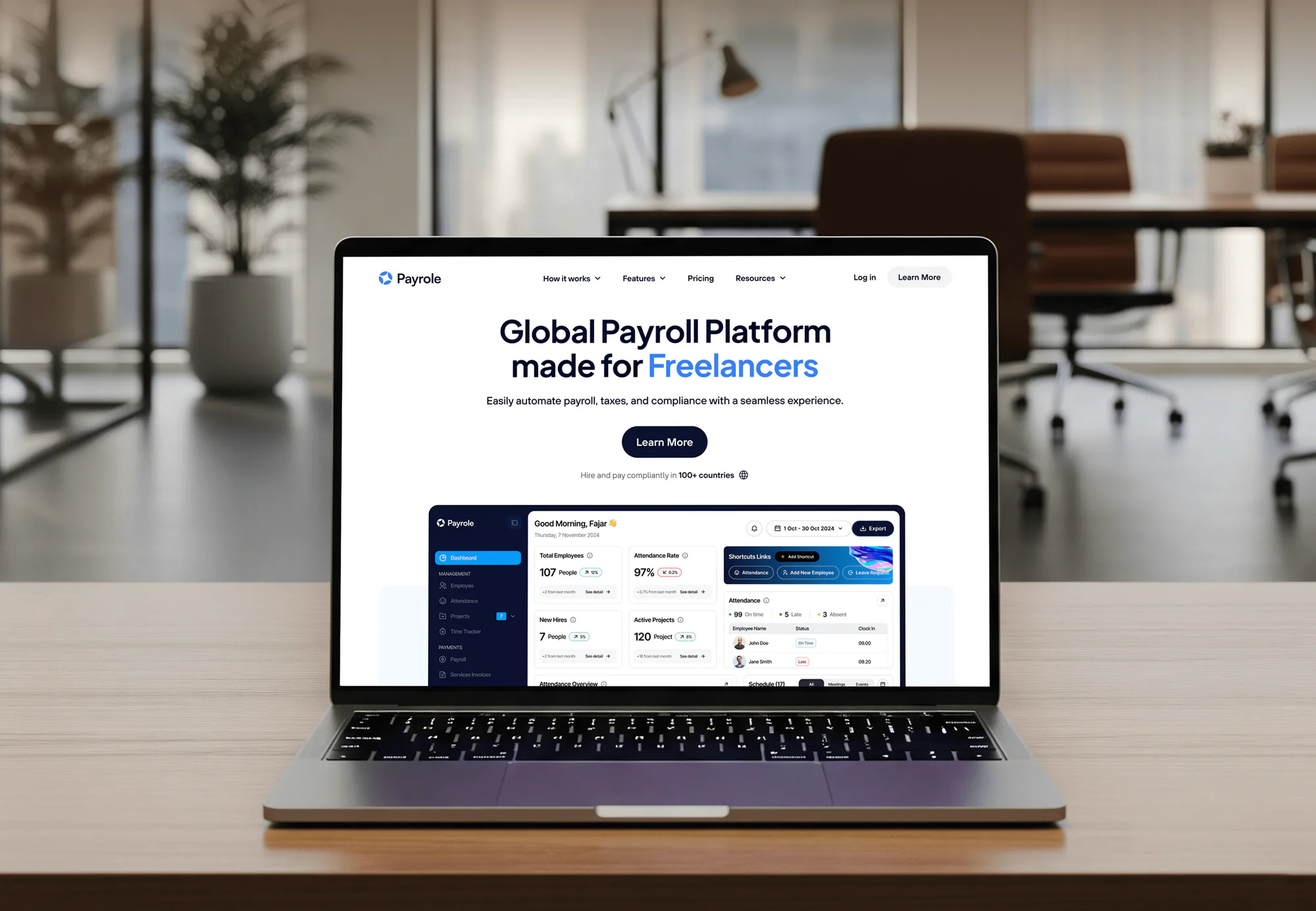
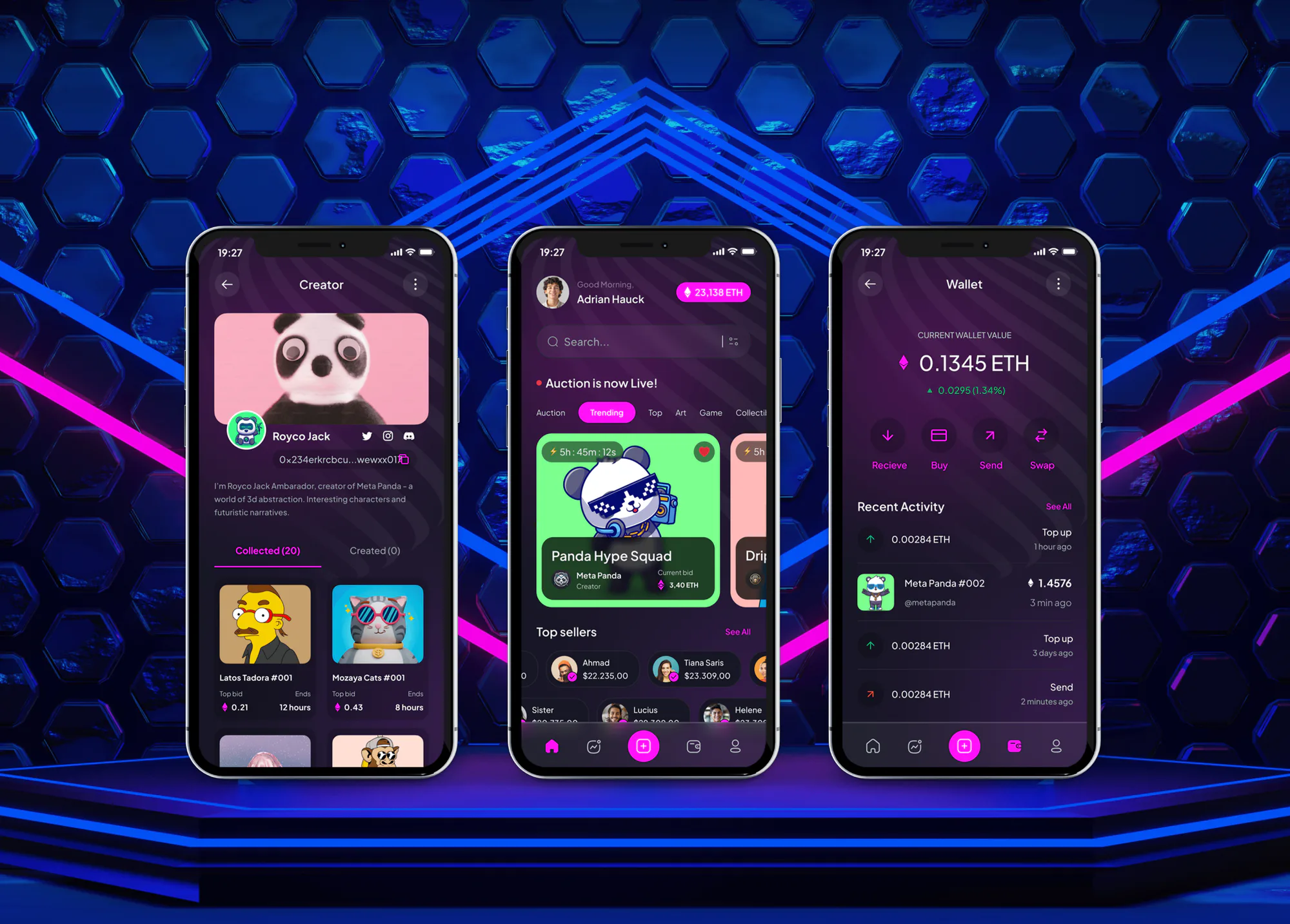
E-learning, NFT marketplace, payroll, and trading platforms we designed and built. They weren't hardening projects, but each runs on servers like the ones this service locks down.

What's Included
You get access lockdown, closed ports, trimmed services, and a hardened web server and runtime. Logging catches tampering, and benchmark scores show where you started and finished.
Compare Options
A free checklist and a careful admin cover the basics, and a good managed host hardens its own platform. Here is how each approach compares for web server hardening on servers you control.
| Feature | DeveloperLookBest fit | DIY checklist | Managed host |
|---|---|---|---|
| Baseline used | CIS Benchmark for your OS | Whatever the checklist covers | The host's own standard |
| Linux and Windows | Both, per server | One at a time | Usually Linux only |
| Web server and runtime | NGINX, Apache, IIS, PHP, Node.js | Often skipped | Platform defaults |
| Testing before changes | Snapshot and staging first | Live, and hope | Done by the host |
| Proof of results | Before and after scores | Rarely shared | |
| Your app's exceptions | Each one written down | Not tracked | Not your choice |
| Effort | We do the work | Your team's evenings | Included, little control |
| Cost | From $650, fixed price | Free, plus your time | Higher monthly hosting |
What Our Clients Say
Feedback from teams we have built websites, platforms, and apps for.
We had a pretty specific idea of what we wanted our website to become, but I wasn’t sure how easily we could explain all of it to a development team. There were quite a few moving parts, and we were working toward a deadline, so I expected a few things to get lost along the way. That never really happened. They understood what we were trying to achieve, kept us updated throughout the process, and got everything ready within the agreed timeline. The final site feels much easier to navigate, works beautifully on mobile, and is noticeably smoother for our customers. It was a huge relief seeing the original idea actually turn into the website we had in mind.
The mobile experience is probably my favourite part of the new site. We had spent a lot of time making sure the desktop version looked right, and the team kept pushing us to think about how everything would actually feel on a phone too. They were right. The navigation is clean, the interactions feel natural, and everything we’ve tested so far works exactly as it should. They also went through the links, forms, integrations, and other details more than once before launch, which I really appreciated. And even after going live, we could still reach out when something came up. The whole process felt friendly, organised, and surprisingly straightforward.
What I appreciate most is that the website is actually easy for us to manage now. We can update content ourselves instead of sending a developer a message every time we need to change something small. They also paid attention to the technical SEO side, which mattered to us because we didn’t want a new website to create problems for the traffic we already had. I’ve probably asked more questions than I should have since launch, but every question has been handled patiently and without any fuss. The team is easy to work with, they explain things clearly, and when we need something changed, they focus on getting it done rather than making the process complicated.
1,250+
Projects shipped
10+
Years of experience
5 stars
Clutch rating
5 stars
GoodFirms rating
Excellent
Trustpilot rating
Top 3%
Upwork Top Rated Plus
1,250+
Projects shipped
10+
Years of experience
5 stars
Clutch rating
5 stars
GoodFirms rating
Excellent
Trustpilot rating
Top 3%
Upwork Top Rated Plus

Want results like these?
Tell us what you are building. You get a reply within 24 hours on business days, then a written estimate.
Work Culture
Hardening fails when it breaks production or gets undone a month later. These habits keep your server hardening services work safe, provable, and lasting.
Your server gets a snapshot or backup before each batch of changes. If a setting breaks something, you roll back instead of rebuilding.
Your server changes one area at a time, with your site, logins, and jobs tested before the next. If something breaks, you know which setting did it.
Some benchmark checks don't fit your app, and that's normal. Each one we leave open is written down with the reason, so an auditor sees a decision, not a miss.
You get the benchmark score before and after the work. If a number didn't move, you'll see that too, along with what's holding it back.
If your host controls the server and you don't have root, there's little to harden at the OS level. We'll say so and point you to what you can change.
You create our accounts, and you remove them when we finish. No keys, passwords, or extra users stay behind after handover.
Overview
DeveloperLook provides server hardening services for Linux and Windows web servers. We scan against the CIS Benchmark, lock down SSH or RDP, and close unused ports. Then we harden NGINX, Apache, or IIS and your runtime in tested batches. Projects start at $650, and one server takes about 1 week, with before and after scores.
DEVELOPERLOOK
Project facts · Server Hardening Services
Reviewed 27 Oct 2026 by Saimul Islam
Good fit
Teams self-hosting a web app
Your app runs on a VPS or cloud server your developer set up, and nobody has checked it against a hardening standard since launch.
Businesses facing a security questionnaire
Your customer or insurer asks which server hardening standards you follow, and you need a CIS baseline with a real score behind your answer.
Windows Server shops
Your site or line-of-business app runs on IIS, and you want Windows server hardening that won't break the tools your staff rely on.
Sites after a security scare
Your server was flagged by a scanner or hit by brute-force logins, and you want website hardening at the server layer, not just a plugin.
Agencies hosting client sites
Your agency runs client sites on its own servers and wants one tested baseline applied to every box, with a log for each client.
Not a fit
Want ongoing server care
You need someone to patch, watch, and back up your servers every month. Our Server Management Services cover that from $350 per month.
Only monthly patching
Your servers are already locked down, and you just need updates applied in tested rings. Our Patch Management Services fit that better.
Managed host, no root
Your WordPress site lives on managed hosting with no server access. Our WordPress Security Services harden what you can actually change.
Need a company-wide review
You need all 18 CIS Controls assessed across your company, not individual server settings. Our CIS Controls Assessment covers that scope.
Not sure we're the right fit?
Book a free call or message us. We'll tell you honestly whether we're the right team.
Pricing
These are starting points in USD. Your price depends on your server count, operating systems, and app stack, and you get a fixed proposal after a free exposure check.
For Agencies
You own the client relationship, and we do the hardening behind it: benchmark scans, tested change batches, and before and after reports for every client server. Reports go out under your brand, and your clients deal only with you.
White label: your client only ever sees your brand
Send the client servers, operating systems, and who approves changes for each.
We run a free exposure check on each server and give a fixed price.
We harden in tested batches and send reports under your brand.
Send the client servers, operating systems, and who approves changes for each.
We run a free exposure check on each server and give a fixed price.
We harden in tested batches and send reports under your brand.
The Right Technology for Your Project
We use the CIS Benchmarks and open scanners to measure, configuration tools to apply changes, and the servers' own logging to keep watch.
PHPNode.jsMySQLAWSMicrosoft Azure Docker
FAQ
Straight answers on cost, timing, what hardening means, Linux and Windows, techniques, and what happens after handover.
Saimul IslamFounder & CEO, DeveloperLookStill have questions?
Send a message or book a call with the team.
Server hardening services from DeveloperLook start at $650 for one Linux or Windows server, with a CIS Level 1 scan before and after. The $1,650 plan covers up to 4 servers in one stack, including the database and runtime. The $3,400 plan covers up to 12 servers, with the settings kept as Ansible or Group Policy code.
One server takes about 1 week, including the scan, your approval, and tested change batches. A stack of up to 4 servers takes 2 to 3 weeks, and 12 servers take 4 to 6 weeks. Most of the time goes into testing between batches, because that's what keeps your site running.
Server hardening is the work of making a server harder to attack by removing what it doesn't need and tightening what it keeps. You close ports, remove unused software, limit who can log in, turn on logging, and change insecure defaults. NIST's Guide to General Server Security (SP 800-123) describes the same approach.
A hardened server runs only the services it needs, accepts logins only from approved people and keys, and logs who does what. Its settings match a written standard, such as a CIS Benchmark, with your exceptions recorded. You can prove it with a scan score instead of taking someone's word for it.
For a website, it means locking down the machine your site runs on, not just the site itself. Plugins and app settings protect the website. Hardening protects the layer below it: SSH or RDP access, open ports, the web server, the runtime, and file permissions. Attackers often get in at that layer.
Common techniques are key-only SSH, removing unused packages and services, closing unused ports, and binding your database to localhost. You also hide version banners, enforce TLS 1.2 or later, and set strict file permissions. Audit logging and automatic security updates round it out. A server hardening checklist such as a CIS Benchmark lists each check with its exact setting.
Linux server hardening means applying a baseline such as the CIS Benchmark for Ubuntu, Debian, or Red Hat. On your server, that means key-only SSH with root login off, a host firewall with nftables or ufw, and fail2ban for repeated failed logins. You add auditd, unattended security updates, and tighter kernel settings, then measure with OpenSCAP or Lynis before and after.
On Windows, hardening means applying Microsoft's security baselines or the CIS Benchmark for your Windows Server version. Your typical work covers RDP behind a VPN with Network Level Authentication, unique local admin passwords, SMBv1 off, and Windows Defender Firewall rules. You add an audit policy that records logins and privilege changes, and IIS gets its own TLS and header settings.
You do it in small, tested batches with a snapshot before each one. Start with a benchmark scan, rank the failed checks, and group fixes by area. Apply one batch, test logins, the site, email, and scheduled jobs, then move on. Keep a log of each change and each check you leave open on purpose.
You get the before and after scores, a hardening log, and rollback notes, plus 30 days of support if a change affects your app. Settings drift over time, so the Hardening as Code plan adds a drift check. For monthly care, our Server Management Services can keep the baseline in place.
Saimul IslamFounder & CEO, DeveloperLookStill have questions?
Send a message or book a call with the team.
Free 30-min callGoogle Meet
Book a call
In 30 minutes on Google Meet we walk you through how we would build it, how long it takes and what it costs. Then you get a written estimate.
Calendar not showing? Book on cal.com or send a brief.