
External vulnerability scanning
Public IPs, domains, VPN gateways, and mail servers scanned from the internet every week.

For IT teams that want every server, laptop, and public system scanned on a schedule, with only the new and fixed findings reported. From $400 per month.
52
External scans every year
3lists
New, fixed, and still open
How your project runs
Teams we have built for:














The Problem
It shows up when a scan report looks clean, yet an auditor, an insurer, or an incident finds a flaw the scanner should have caught.
01 · Silent hosts
Some servers stop answering the scanner and show as clean.
A coverage check lists every target that didn't respond after each scan.
02 · Failed logins
Credentialed scans fail quietly and miss unpatched software.
We check the login result on every host and fix failed scan accounts.
03 · Repeat noise
Each weekly email repeats the same long list.
Reports split findings into new, fixed, and still open since last time.
04 · Fragile gear
Full-speed scans freeze printers and desk phones.
Safe scan profiles slow down on fragile devices so nothing gets knocked over.
Your IT lead set up a free scanner last year, and the weekly email still arrives. Nobody noticed that several servers stopped answering after a firewall change. The scan account's password expired in March, so the internal results look cleaner than your network is. Every email repeats the same long list, so it gets filed unread. Then a printer froze mid-scan during payroll week, and someone switched the schedule off for good.
We start with a target list and written permission, then run scans on a schedule from outside and from a sensor inside your network. After each run we check coverage and logins host by host, fix what failed, and report only what changed. New critical findings get a hand check first. You see your real exposure every week, not a report that looks clean because the scanner couldn't get in.
Scans that reach every host
A coverage check after each run flags any listed target that stopped answering the scanner.
Logins checked, not assumed
Credentialed scans are confirmed host by host, so failed logins don't hide missing patches.
Only the changes each week
Every report shows what's new, what's fixed, and what's still open since the last run.
Our Vulnerability Scanning Services Process
You approve the targets, scan windows, and device exceptions before anything runs. After the baseline, scans follow your schedule and you get a short change report each time.
We list your public IPs, domains, offices, cloud accounts, and any devices that need gentle handling. You get a written scope, scan windows, and a fixed monthly price. If your cloud provider's built-in scanner already covers everything you run, we'll tell you before we quote.
What's Included
Scheduled scans from outside and inside your network, with coverage and login checks after every run. Fragile devices get safe settings, new criticals get a hand check, and reports show only what changed.
Compare Options
A scanner license suits teams with time to run it, and a cloud provider's own tool covers that cloud cheaply. Here is where each option holds up for scanning.
| Feature | DeveloperLookBest fit | Scanner license | Cloud tool |
|---|---|---|---|
| Setup | We install and tune everything | You install and configure | Switched on in the console |
| Coverage | Internet, offices, laptops, and cloud | Whatever you configure | That provider's cloud only |
| Credentialed scans | Login confirmed on every host | Failed logins easy to miss | Agent on supported machines |
| Fragile devices | Safe profiles per device type | Default scan settings | Not covered |
| Results | New, fixed, and still open | Full list every time | Findings in the console |
| Hand checks | New criticals checked by hand | Left to your team | Left to your team |
| Speed to start | Baseline within 1 to 2 weeks | Same day once licensed | Minutes for one account |
| Cost | From $400 per month | License plus staff time | Often low or bundled |
Projects We've Built
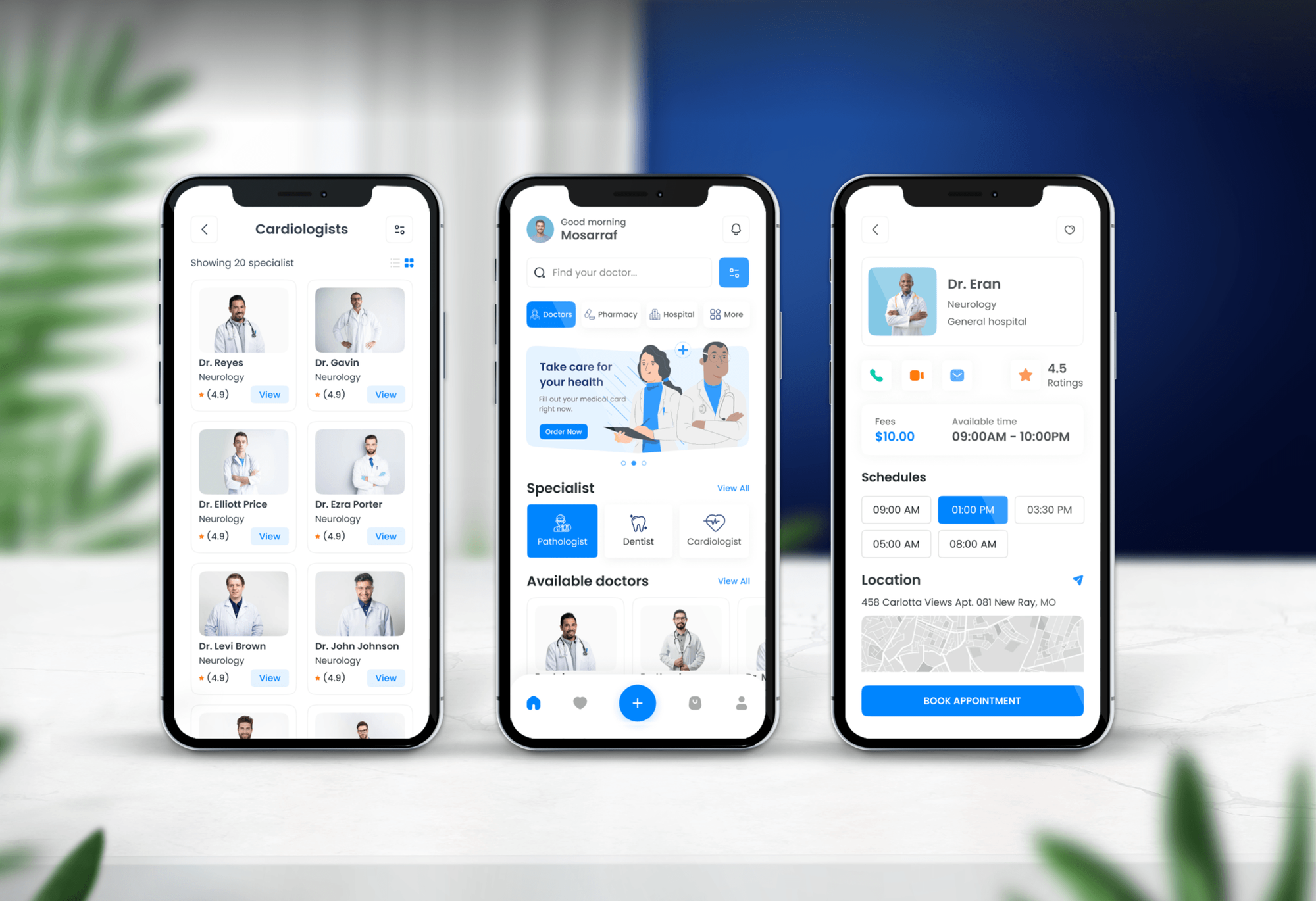
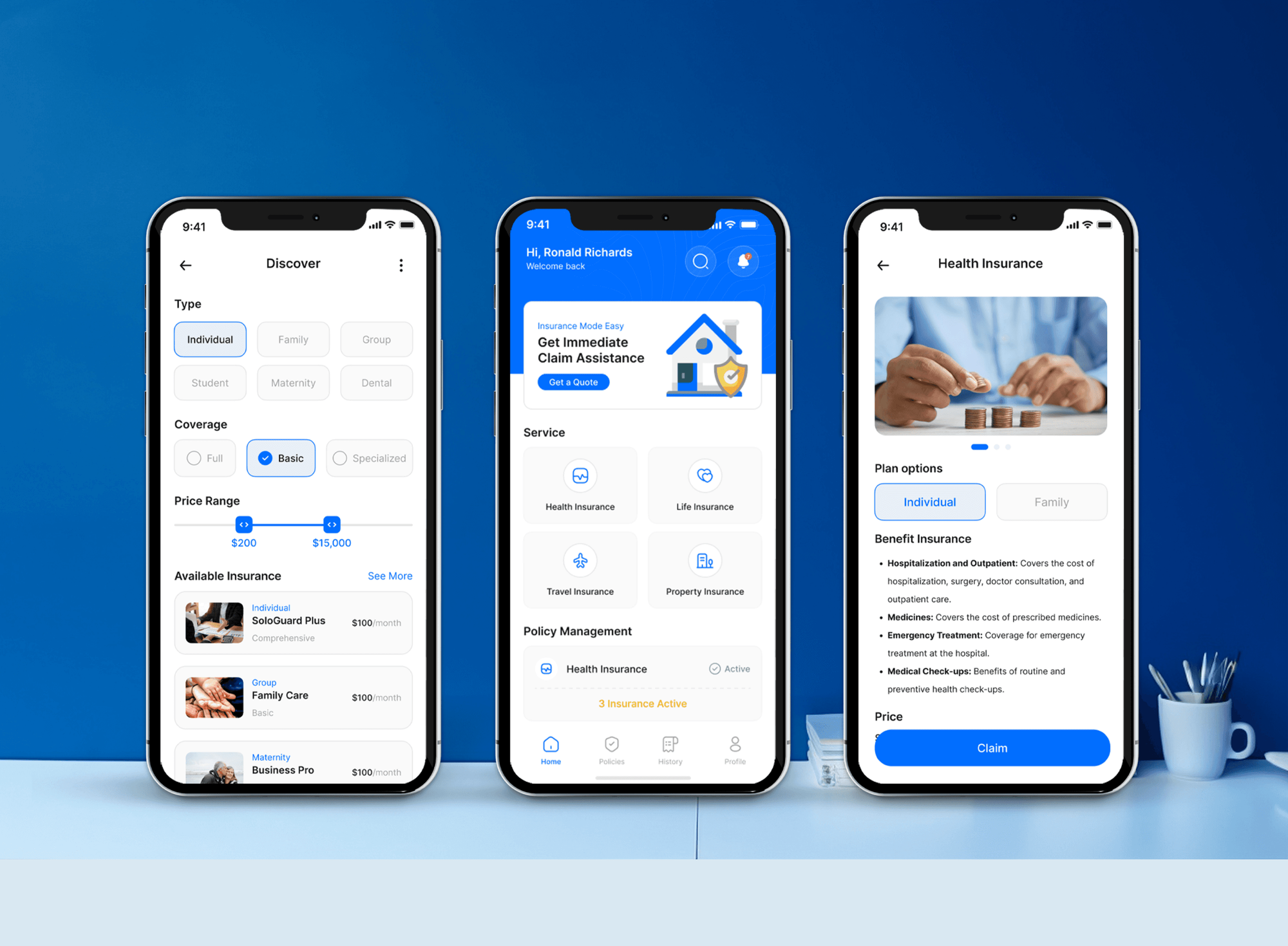
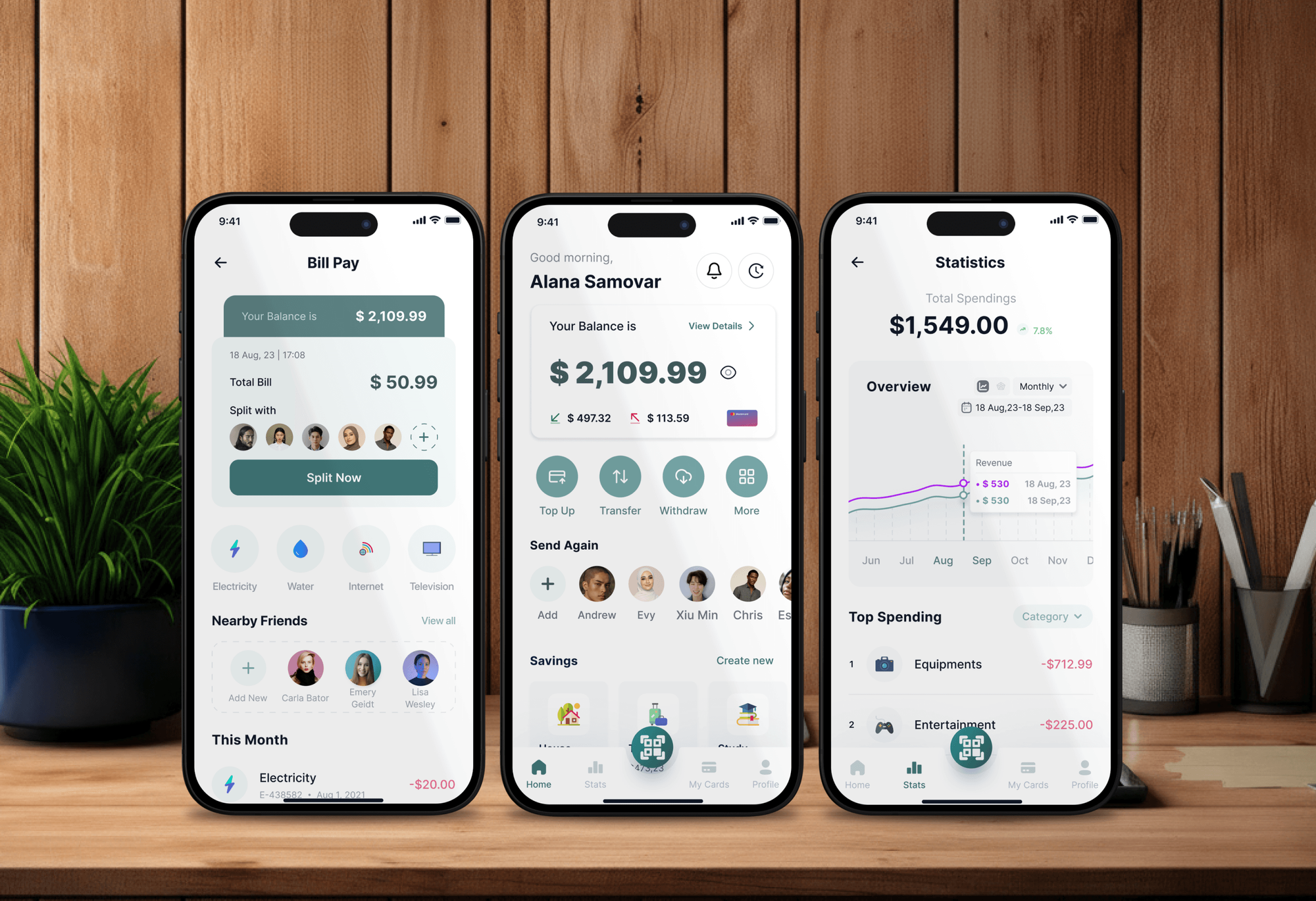
Apps and dashboards we built for recruiting, healthcare, insurance, and finance teams. Every server and login behind products like these belongs on a scan schedule.

What Our Clients Say
Feedback from teams we have built apps, platforms, and websites for.
We had a pretty specific idea of what we wanted our website to become, but I wasn’t sure how easily we could explain all of it to a development team. There were quite a few moving parts, and we were working toward a deadline, so I expected a few things to get lost along the way. That never really happened. They understood what we were trying to achieve, kept us updated throughout the process, and got everything ready within the agreed timeline. The final site feels much easier to navigate, works beautifully on mobile, and is noticeably smoother for our customers. It was a huge relief seeing the original idea actually turn into the website we had in mind.
The mobile experience is probably my favourite part of the new site. We had spent a lot of time making sure the desktop version looked right, and the team kept pushing us to think about how everything would actually feel on a phone too. They were right. The navigation is clean, the interactions feel natural, and everything we’ve tested so far works exactly as it should. They also went through the links, forms, integrations, and other details more than once before launch, which I really appreciated. And even after going live, we could still reach out when something came up. The whole process felt friendly, organised, and surprisingly straightforward.
What I appreciate most is that the website is actually easy for us to manage now. We can update content ourselves instead of sending a developer a message every time we need to change something small. They also paid attention to the technical SEO side, which mattered to us because we didn’t want a new website to create problems for the traffic we already had. I’ve probably asked more questions than I should have since launch, but every question has been handled patiently and without any fuss. The team is easy to work with, they explain things clearly, and when we need something changed, they focus on getting it done rather than making the process complicated.
1,250+
Projects shipped
10+
Years of experience
Top 3%
Upwork Top Rated Plus
5 stars
Average review score

Want results like these?
Tell us what you are building. You get a reply within 24 hours on business days, then a written estimate.
Work Culture
A scanner holding your credentials is a serious level of trust. These habits keep production steady, your data private, and every scan report worth reading.
Heavy scans run outside business hours in the windows you approve. We stop a scan quickly if anything on your network starts behaving oddly.
Printers, desk phones, and older appliances get slower, safer scan profiles. Your front desk keeps working while the scanner passes through.
A credentialed scan that fails to log in looks like a clean result. We check each host's login status after every run and fix failed accounts first.
You get what changed since the last scan: new, fixed, and still open. Older findings stay in the full export for anyone who needs them.
Scan accounts are dedicated, documented, and rotated on a schedule. You can see, audit, or disable every credential we use whenever you like.
If a high score means little in your setup, we say so and explain why. Reports don't get padded to look busier than your real risk.
Overview
DeveloperLook runs vulnerability scanning services for companies that want their networks checked on a schedule without running a scanner themselves. We scan public systems weekly and internal hosts with credentials, check coverage and logins after every run, and report what's new, fixed, and still open. Plans start at $400 per month, with a baseline scan in 1 to 2 weeks.
DEVELOPERLOOK
Project facts · Vulnerability Scanning Services
Reviewed 22 Oct 2026 by Saimul Islam
Good fit
Companies whose scan emails go unread
You set up automated vulnerability scanning months ago, but nobody checks whether it still reaches every server or reads the weekly email.
IT teams with offices and remote laptops
Your network spans offices, a VPN, and laptops at home, and you need internal vulnerability scanning that logs in to each machine.
Offices with network gear and older devices
Your network vulnerability scanning keeps freezing printers and VoIP phones, so you need scan profiles that test fragile devices gently.
Firms without a security analyst
You'd rather pay for vulnerability scanning as a service than license a scanner and train someone to run, tune, and read it.
MSPs reselling security checks
Your clients want regular scans with reports under your name, and you need a scanning partner who stays out of sight.
Not a fit
Need fixes tracked too
You need owners, deadlines, and follow-up on every finding, not just scans. Our vulnerability management services run that full program from $650 a month.
PCI ASV scan needed
Your acquirer wants a passing PCI ASV scan. Only a PCI SSC approved vendor can run that scan, and our PCI ASV scan remediation service fixes what fails.
Only one website to check
Your only system is one website or online store, and you want its plugins, admin accounts, and hosting settings checked. Website security audit services fit better, from $450.
Budget under $400 a month
Your budget is under $400 a month and everything runs in one cloud account. That provider's built-in scanner, reviewed monthly by your IT person, is a fine start.
Not sure we're the right fit?
Book a free call or message us. We'll tell you honestly whether we're the right team.
Pricing
These are monthly starting points in USD. Your plan depends on target count, offices and cloud accounts, and scan frequency, and you get a fixed proposal after a free scan planning call.
For companies that need their internet-facing systems scanned every week and changes reported.
$400/month
For teams that also need offices, servers, and laptops scanned from inside with credentials.
$650/month
For companies with several sites and audit dates that need weekly scans inside and out.
$1,000/month
For Agencies
You own the client relationship. We run scheduled scans for each client, check coverage, and send change reports under your brand. Your clients get regular, readable scan results without you buying scanner licenses or training a security analyst.
White label: your client only ever sees your brand
Share each client's IPs, offices, cloud accounts, and preferred scan windows.
You get a permission form, a scan plan, and a monthly price per client.
We run the schedule and send change reports in your template.
You send the reports and own every client conversation.
Change reports carry your logo, colors, and severity labels.
Each client gets its own sensor, scan accounts, and schedule.
One fixed monthly price per client, sized by target count.
The Right Technology for Your Project
Open, well-known scanners run from small sensors inside your network, and every report is built from their raw results. You can audit or switch off each part.
 AWS
AWS Google Cloud
 Google Sheets
 Python
FAQ
Straight answers on cost, setup time, how scanning works, and when a cloud provider's own scanner is enough.
Saimul IslamFounder & CEO, DeveloperLookStill have questions?
Send a message or book a call with the team.
Managed scanning starts at $400 per month for weekly external scans of up to 50 IPs and domains, with coverage checks and change reports. The $650 plan adds monthly credentialed scans of up to 250 internal hosts and 2 cloud accounts. Companies with several sites choose the $1,000 plan for weekly internal scans of up to 600 hosts.
Most clients get their baseline scan 1 to 2 weeks after the planning call. External scans can start within days of your signed authorization. Internal scans take longer, because a sensor goes into each office or cloud network and the scan accounts need testing. Your weekly or monthly schedule begins right after the baseline report.
A vulnerability scan is an automated check of a device or system for known security flaws, missing patches, and weak settings. The scanner finds open ports and running services, identifies software versions, and compares them with public databases such as NIST's National Vulnerability Database. The result is a list of findings, each with a severity score.
It's the ongoing practice of running those checks across all your systems on a schedule. One scan is a snapshot. Scanning weekly or monthly shows when a new flaw appears, when a fix worked, and when a forgotten server comes back online. It feeds vulnerability management, which adds fixing, owners, and tracking on top.
A scanner first discovers which hosts and services respond, then probes each one for known weaknesses. Unauthenticated checks look in from the network, as an outsider would. Authenticated checks log in and read installed software and settings, which finds many more missing patches. Each result is matched to a CVE entry and scored with CVSS.
In cyber security, it's the detection step that shows which known weaknesses your systems carry today. Frameworks expect it. CIS Controls v8.1 has safeguards for scanning internal and externally exposed assets. PCI DSS v4.0.1 requires internal and external scans at least once every 3 months. Scanning finds problems but fixes nothing by itself.
It checks everything that answers on your network: servers, laptops, firewalls, switches, printers, and VPN gateways. It looks for open ports, outdated firmware, default passwords, and services that shouldn't be exposed. Our scans use gentler profiles for printers and desk phones, which can freeze under a full-speed scan.
An external scan checks your systems from the internet, the way an attacker first sees them. It covers public IPs, domains, mail servers, VPN gateways, and remote access portals. A weekly external schedule catches a port opened by mistake or an outdated gateway within days, instead of at the next yearly review.
Get written permission for every target first, then list the IPs, domains, and networks in scope. Pick a scanner such as Greenbone OpenVAS, give it a scan account so it can log in, and run it in a quiet window. Check that every host answered and every login worked, then fix critical findings first and rescan.
Not if everything you run lives in one cloud account and its built-in scanner is switched on. Tools such as Amazon Inspector or Microsoft Defender for Cloud scan resources inside their own cloud well. They don't reach your office network, staff laptops, or systems hosted elsewhere. We'll tell you on the planning call which case you're in.
Saimul IslamFounder & CEO, DeveloperLookStill have questions?
Send a message or book a call with the team.
Free 30-min callGoogle Meet
Book a call
In 30 minutes on Google Meet we walk you through how we would build it, how long it takes and what it costs. Then you get a written estimate.
Calendar not showing? Book on cal.com or send a brief.