Mavenza Fashion Ecommerce App and Admin Dashboard
- Business
- Fashion
- E-commerce
Shopify sitemap, robots.txt, and canonical fixes that help skipped products get indexed.
100%
Key products indexable
1
Canonical URL per product
Industry leaders we work with
 Shopify
 HTML5
HTML5 JavaScript
 GraphQL
 React
React Next.js
 Node.js
 Vercel
 Google Search Console
 Lighthouse
 PageSpeed Insights
 Chrome DevTools
 Semrush
 Python
 Google Sheets
 Google Analytics (GA4)
The Problem
It shows up in Search Console first: excluded pages pile up, new products take weeks to appear, and the sitemap looks fine.
Slow indexing
Half of a new collection still isn't in Google weeks later.
Slow indexing
We trace every excluded status in your Page indexing report to a named cause.
Duplicates
Thousands of tag and filter URLs show up as duplicates.
Duplicates
Robots rules for filter and tag URLs sit on top of Shopify's defaults.
Two addresses
Collection paths give every product two addresses.
Two addresses
Product links point to /products/ paths, so duplicates stop competing with the real page.
App rules
An app added robots rules nobody remembers.
App rules
Your sitemap and internal links point only at pages worth indexing.
You launch a new collection and wait. Three weeks later, half the products still aren't in Google. Search Console lists thousands of tag and filter URLs as duplicates, while real products sit as discovered but not indexed. Your theme links products through collection paths, so every item has two addresses. An app added robots rules nobody remembers. Each week, Google spends its visits on the wrong URLs.
We start with your Page indexing report and a crawl of your store, so every excluded status has a named cause. Then we fix the cause in your theme: canonical product links, noindex on thin templates, and robots rules for filter and tag URLs. Your sitemap and internal links point only at pages worth indexing. Google spends its visits on your products, not on duplicates it will ignore.
One URL per product
Your product links point to /products/ paths, so collection-path duplicates stop competing with the real page.
Crawl rules that fit Shopify
Filter, sort, and tag rules added on top of Shopify's defaults, which stay in place on your store.
Every excluded status explained
Each excluded status on your store gets a cause, a fix, or a reason to leave it alone.
Our Shopify Indexing & Crawl Fixes Process
You see which pages Google skips and why before we change anything. Each fix is tested on a preview theme and checked against Google's own data.
We read your Page indexing report, sitemap, and robots rules, then check a sample of your product URLs. You get a short call on the causes we see. If submitting your sitemap or a settings change will fix it, we'll tell you before we quote.
Projects We've Built
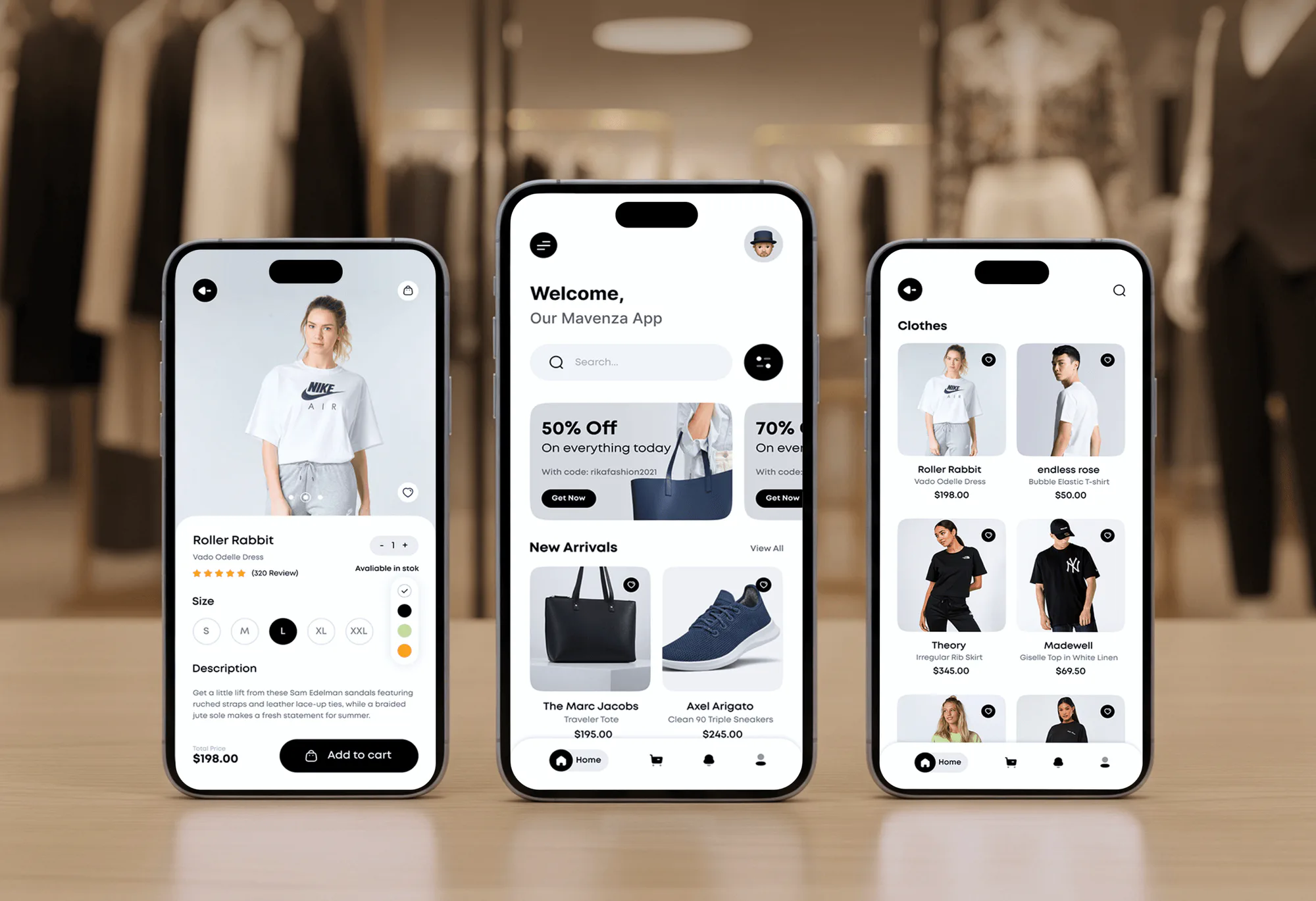
Shopify and ecommerce stores our team has designed and built. Theme code like this is where most indexing problems start and get fixed.


What's Included
Every plan starts with an indexing triage and canonical product links. Larger plans add filter rules, orphan fixes, and large-catalog crawl work for your store.
Compare Options
Shopify's defaults handle a lot on their own, and SEO apps are cheap to try. Here's where each stops when your products still aren't indexed.
| Feature | DeveloperLookBest fit | SEO app | Shopify defaults |
|---|---|---|---|
| Setup speed | 1 to 5 weeks | Minutes to install | Already in place |
| Robots rules | Custom rules on top of defaults | Rarely changed | Solid default rules |
| Sitemap handling | Checked for gaps | Extra sitemaps in some apps | Generated automatically |
| Duplicate URLs | Fixed in theme links | Meta tags only | Canonical tags only |
| Noindex control | Per template and page | Per page toggles | Hidden via metafield |
| Status diagnosis | Every status explained | Generic health score | Not included |
| Large catalogs | Crawl stats and URL rules | Not in scope | Same rules for all |
| Upfront cost | From $550, one-time | Monthly app fee | Free with Shopify |
What Our Clients Say
Feedback from teams we have built Shopify stores, themes, and search-ready templates for.
What I appreciate most is that the website is actually easy for us to manage now. We can update content ourselves instead of sending a developer a message every time we need to change something small. They also paid attention to the technical SEO side, which mattered to us because we didn’t want a new website to create problems for the traffic we already had. I’ve probably asked more questions than I should have since launch, but every question has been handled patiently and without any fuss. The team is easy to work with, they explain things clearly, and when we need something changed, they focus on getting it done rather than making the process complicated.
Our old store was making it way too difficult for people to find products. We had a large catalogue, but the search, filters, and mobile navigation were frustrating customers. The team completely changed how the store handled product discovery and made the experience much easier to use on mobile. I was especially impressed by how much thought went into the customer journey rather than just the visual design. They understood what we were trying to achieve and turned it into a store that actually feels built for our customers. We’re genuinely proud of the result.
The mobile experience is probably my favourite part of the new site. We had spent a lot of time making sure the desktop version looked right, and the team kept pushing us to think about how everything would actually feel on a phone too. They were right. The navigation is clean, the interactions feel natural, and everything we’ve tested so far works exactly as it should. They also went through the links, forms, integrations, and other details more than once before launch, which I really appreciated. And even after going live, we could still reach out when something came up. The whole process felt friendly, organised, and surprisingly straightforward.
1,250+
Projects shipped
10+
Years of experience
5 stars
Clutch rating
5 stars
GoodFirms rating
Excellent
Trustpilot rating
Top 3%
Upwork Top Rated Plus
1,250+
Projects shipped
10+
Years of experience
5 stars
Clutch rating
5 stars
GoodFirms rating
Excellent
Trustpilot rating
Top 3%
Upwork Top Rated Plus

Want results like these?
Tell us what you are building. You get a reply within 24 hours on business days, then a written estimate.
Work Culture
Pages Google skips can't rank, so we start with what Google actually sees. These are the habits we bring to crawl budget optimization for ecommerce and smaller fixes alike.
We start from Google's own report on your pages, not a generic checklist. Every fix traces back to a status you can see.
Shopify's default robots rules block cart, checkout, and account pages for good reasons. We add rules on top of them instead of replacing them.
Each product keeps one canonical URL, and your theme links point to it. Google stops splitting attention between duplicate paths.
For big catalogs, we check crawl stats and trim URL waste first. Google's time goes to the products you actually sell.
Theme and robots changes run on a preview theme and get crawled before publishing. A bad robots rule gets caught before it can reach your live store.
Google recrawls on its own schedule, so we request indexing for key pages and report changes as they happen. You'll know which statuses moved and why.
Overview
DeveloperLook fixes Shopify sitemap, crawl, and indexing problems, so Google crawls and indexes the product pages that matter. We trace every excluded status to its cause, fix canonical and duplicate URLs, add safe robots rules, and link orphaned products. Projects start at $550 and take 1 to 5 weeks, with indexing tracking after launch.
DEVELOPERLOOK
Project facts · Shopify Indexing & Crawl Fixes
Reviewed 28 Sep 2026 by Saimul Islam
Good fit
Stores with half-indexed catalogs
Your Page indexing report shows hundreds of products as crawled or discovered but not indexed, and new launches take weeks to appear.
Stores with filter and tag bloat
Your tag and filter URLs outnumber your products, and Search Console keeps flagging duplicates without a user-selected canonical.
Merchants wary of robots.txt edits
You want to change the robots rules for filter or search pages without blocking products by mistake.
Headless Shopify storefronts
Your headless storefront builds its own sitemap for Shopify products and collections, and some of them are missing from it.
Agencies with Shopify clients
Your agency runs Shopify SEO for clients, and you need a developer to fix indexing problems in their themes under your brand.
Not a fit
Monthly Shopify SEO program
You want an ongoing Shopify SEO program with content and monthly reports. Our Shopify SEO Services page covers that.
Other platforms or stacks
Your store isn't on Shopify, or indexing problems span several platforms. Our Technical SEO Services page covers any stack.
Already well indexed
Your store has a small catalog that Google already indexes well. Submitting your sitemap in Search Console may be all you need.
Budget under $550
Your budget is under $550. Shopify's defaults and automatic sitemap cover the basics while you grow.
Not sure we're the right fit?
Book a free call or message us. We'll tell you honestly whether we're the right team.
Pricing
These are starting points in USD. Your final price depends on catalog size and URL types, and you get a fixed proposal after a free indexing review.
For Agencies
You own the client relationship and the SEO plan. We supply the Shopify engineering: indexing diagnosis, theme fixes, and crawl rules, delivered under your agency's brand with indexing evidence your client can check.
White label: your client only ever sees your brand
Send the client URL, collaborator access, and Search Console access.
You get a free indexing review and a fixed price first.
Fixes ship under your brand, with indexing reports for your client.
Send the client URL, collaborator access, and Search Console access.
You get a free indexing review and a fixed price first.
Fixes ship under your brand, with indexing reports for your client.
The Right Technology for Your Project
We fix indexing in your Shopify theme, check results in Search Console, and crawl your store in Screaming Frog before and after every release.
ShopifyHTML5 JavaScriptGraphQLReactNext.jsNode.jsVercelGoogle Search ConsoleLighthousePageSpeed InsightsChrome DevToolsSemrush
 PythonGoogle SheetsGoogle Analytics (GA4)
 Loom
LoomFAQ
Straight answers on skipped products, sitemaps, robots.txt, canonicals, and pricing.
Saimul IslamFounder & CEO, DeveloperLookStill have questions?
Send a message or book a call with the team.
Google usually skips your Shopify products because of duplicate URLs, thin pages, or crawl time spent on filter and tag URLs. Themes that link products through collection paths create a second address for every item. Google's Page indexing help also says not every URL will be indexed, so the goal is getting your key products in.
Fix duplicate and excluded pages by working through the Page indexing report status by status, because each one has a different cause. Duplicate without user-selected canonical usually means missing canonicals or collection-path links. Discovered but not indexed means Google hasn't crawled the page yet, which better internal links can speed up.
A Shopify indexing fix with us costs $550, $1,100, or $1,650. The $550 plan triages your excluded pages and fixes canonical links, noindex, and sitemap issues. The $1,100 plan adds filter and tag robots rules and orphan fixes. The $1,650 plan covers large catalogs, Markets, and headless storefronts.
Fixing Shopify indexing problems takes 1 to 5 weeks with us, depending on the plan. The fixes themselves ship in days, but Google needs to recrawl the pages before statuses change. We request indexing for key products and track the report for 30 to 90 days, so you see what moved.
Most Shopify sitemap errors come from submitting the wrong URL or a store that's still password protected. Your Shopify sitemap URL is your domain followed by /sitemap.xml, and Google can't read it while the password page is on. The sitemap Shopify generates updates itself, so lasting fixes happen in your products, redirects, and hidden pages.
You edit robots.txt on Shopify by adding a robots.txt.liquid template to your theme under Online Store, then Edit code. Shopify recommends using its Liquid objects so its default rules keep updating. It also warns that the customization is unsupported and mistakes can cost you traffic, so we test every rule before publishing.
You can't remove Shopify's robots file, because Shopify generates one for every store. You can delete a custom robots.txt.liquid template, which puts back Shopify's default rules. Those defaults block admin, cart, checkout, and account pages, plus many sorted and filtered collection URLs, so most stores should keep them.
Crawl budget mostly matters for large catalogs, according to Google's own guide. Google says sites need to think about it at 1 million+ pages that change weekly, or 10,000+ pages that change daily. Below that, fix your duplicates and orphan pages first. For bigger stores, crawl budget optimization for ecommerce mostly means cutting filter, tag, and parameter URLs.
Your Shopify theme prints a canonical tag on each page that points search engines to the main URL. The canonical alone doesn't stop duplicates, because collection-path product links still send crawlers to the second URL. We switch those links to /products/ paths, so the canonical and your internal links agree.
You keep every theme change, the commented rules file, and a record of each status we fixed and why. Your team gets a short checklist for new apps and templates, since those are where new duplicates usually come from. During your tracking window, we fix anything our changes break.
Saimul IslamFounder & CEO, DeveloperLookStill have questions?
Send a message or book a call with the team.
Free 30-min callGoogle Meet
Book a call
In 30 minutes on Google Meet we walk you through how we would build it, how long it takes and what it costs. Then you get a written estimate.
Calendar not showing? Book on cal.com or send a brief.