



Sefinix Furniture Ecommerce Store and Dashboard
- Furniture
- Dashboard
- E-commerce

Shopify pre order app setup for launches: deposits, ship dates, caps tied to incoming stock, and 3PL holds. From $550.
100%
Sold-out products still selling
1:1
Orders matched to incoming stock
Teams we have built for:














The Problem
It starts the day a launch sells out or a restock is weeks away. Buyers who would wait have no way to pay, so they leave.
Sold out
Your page says Sold out while the next batch is at sea.
Sold out
Products keep selling for the next batch instead of showing Sold out.
Overselling
Continue selling lets 400 orders in for 250 incoming units.
Overselling
A cap stops sales at the units on your purchase order.
Date questions
Customers email to ask when their order ships.
Date questions
Dates come from your supplier's schedule and appear on every order.
3PL flags
Your 3PL flags every order it can't fill.
3PL flags
Launch items wait under a fulfillment hold while in-stock items ship.
Your new colorway sells out in four hours. The next batch lands in six weeks, and the product page just says Sold out. So you switch on Shopify's continue selling option, and 400 orders arrive for 250 incoming units. Customers email to ask when it ships, and nobody has a date. Your 3PL flags every order it can't fill. By week three, you're refunding the overflow by hand in your busiest month.
We start with your launch dates, incoming stock, and payment gateway, then set up the app or custom logic that fits. Buyers see a ship date on the product page, cart, and confirmation email. A cap stops sales at the units on your purchase order. Early orders wait under a fulfillment hold while in-stock items ship. Sales stop when stock runs out, not when your inbox fills up.
Ship dates on every order
Dates come from your supplier's schedule and show on product pages, carts, and emails.
Caps tied to incoming stock
Sales stop at the units on your purchase order, so a launch can't outsell its stock.
Holds the warehouse respects
Launch items wait under a fulfillment hold while in-stock items ship right away.
Our Launch Setup Process
You approve the payment model, ship-date wording, and caps before we build, then watch the test orders run with us.
We look at your launch calendar, incoming purchase orders, payment gateway, and 3PL setup. You get a plain answer on whether an app covers the launch or custom logic is needed.
Projects We've Built
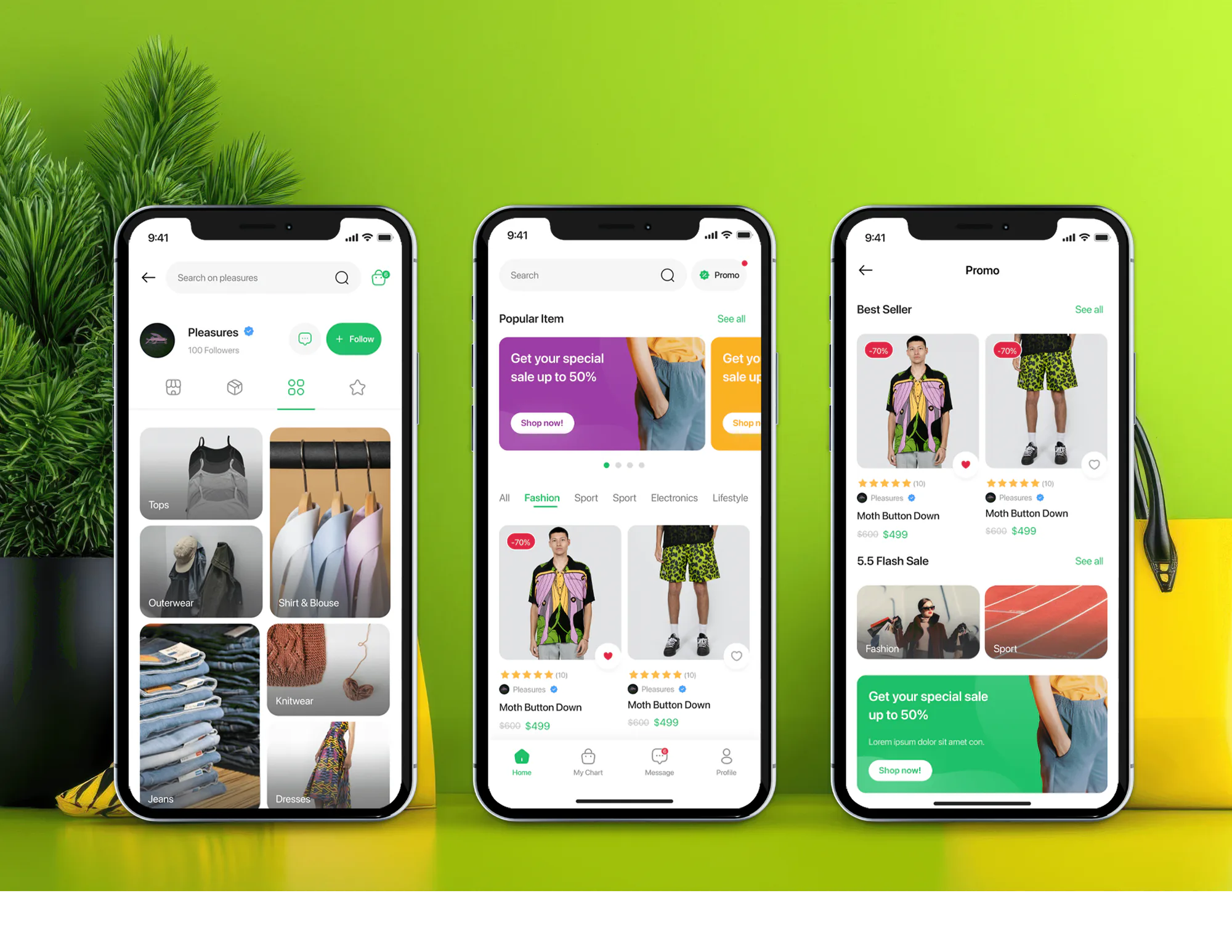
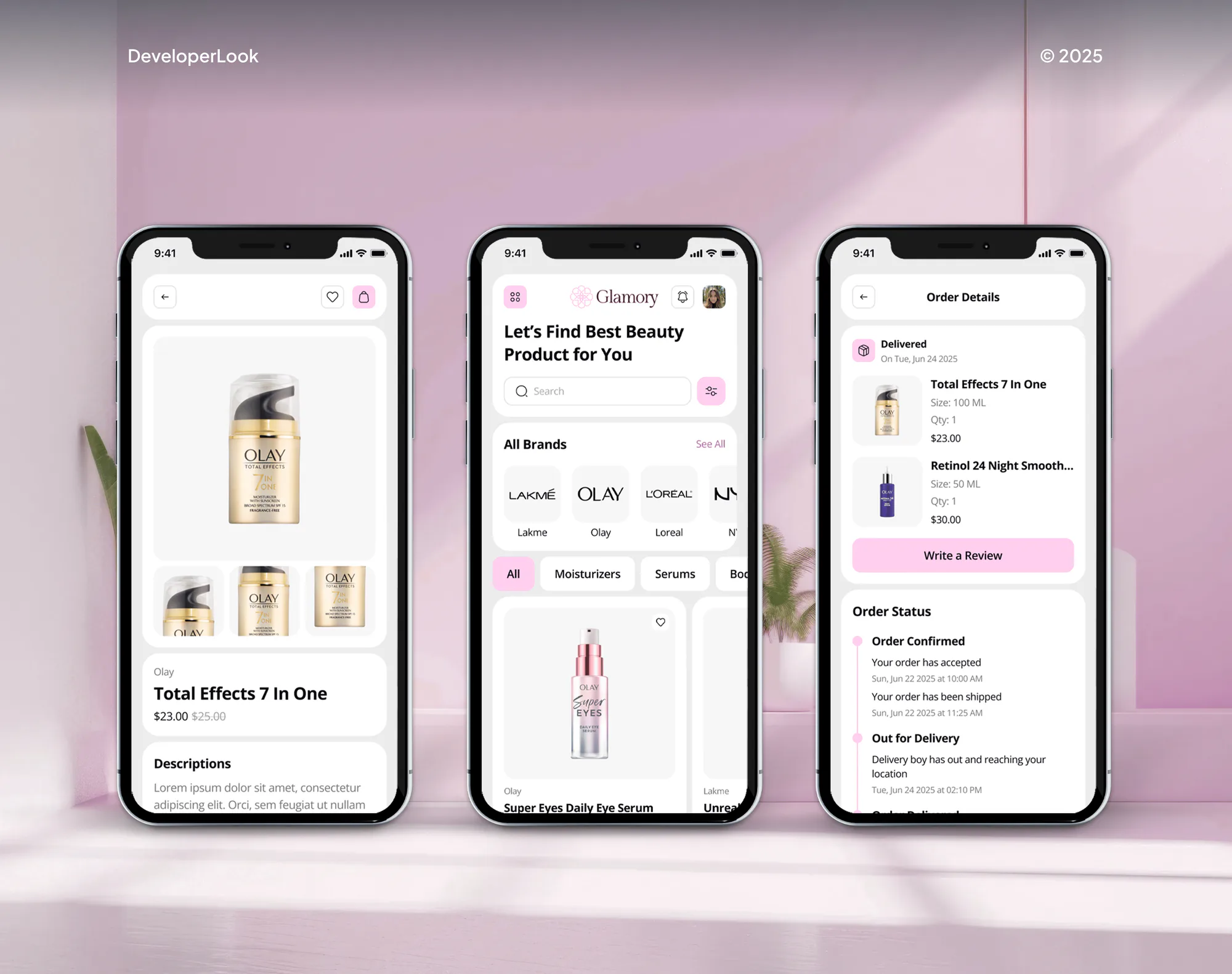
A selection of Shopify and ecommerce builds we've shipped for clients, from product catalogs to the order logic behind them.

What's Included
App setup or a custom build, payment rules, ship dates, stock caps, fulfillment holds, and buyer notices, all tested on a development store before launch.
Compare Options
An app on its own suits a simple launch, and Shopify's continue selling option is free. Here's where each one breaks down once deposits and a 3PL get involved.
| Feature | DeveloperLookBest fit | App on its own | Continue selling |
|---|---|---|---|
| Setup time | 1 to 6 weeks | An afternoon | Built in |
| Upfront cost | From $550 | Monthly app fee | Free |
| Payment options | Full, deposit, or later | Varies by app | Full payment only |
| Ship dates | Pages, cart, and emails | App widget text | Not shown |
| Oversell control | Caps from incoming stock | Manual caps | No limit |
| Warehouse handling | Holds until stock lands | Often manual | Unfillable orders flagged |
| Mixed carts | Rule you approve | App defaults | Split by hand |
| Ownership | Your settings and code | Vendor's platform | Shopify setting |
What Our Clients Say
Feedback from ecommerce teams we have built launch and order logic for.
We had a different kind of problem. People were visiting the store, adding products to their carts, and then disappearing before they finished the order. We had tried a few apps and made changes here and there, but nothing really seemed to solve the bigger issue. The team went through the shopping experience with us and pointed out things we hadn't really noticed ourselves. They cleaned up the cart and checkout flow, made the mobile experience much smoother, and helped us make the store feel easier to shop. I’m not going to pretend we fixed everything overnight, but it finally feels like the store is helping the sale instead of getting in the way of it.
The mobile experience is probably my favourite part of the new site. We had spent a lot of time making sure the desktop version looked right, and the team kept pushing us to think about how everything would actually feel on a phone too. They were right. The navigation is clean, the interactions feel natural, and everything we’ve tested so far works exactly as it should. They also went through the links, forms, integrations, and other details more than once before launch, which I really appreciated. And even after going live, we could still reach out when something came up. The whole process felt friendly, organised, and surprisingly straightforward.
We had a pretty specific idea of what we wanted our website to become, but I wasn’t sure how easily we could explain all of it to a development team. There were quite a few moving parts, and we were working toward a deadline, so I expected a few things to get lost along the way. That never really happened. They understood what we were trying to achieve, kept us updated throughout the process, and got everything ready within the agreed timeline. The final site feels much easier to navigate, works beautifully on mobile, and is noticeably smoother for our customers. It was a huge relief seeing the original idea actually turn into the website we had in mind.
1,250+
Projects shipped
10+
Years of experience
Top 3%
Upwork Top Rated Plus
5 stars
Average review score
1,250+
Projects shipped
10+
Years of experience
Top 3%
Upwork Top Rated Plus
5 stars
Average review score

Want results like these?
Tell us what you are building. You get a reply within 24 hours on business days, then a written estimate.
Work Culture
An early order is a promise with a date on it. These habits keep that promise believable for your buyers and your warehouse.
We set every date from your supplier's confirmed schedule, plus a buffer you choose. A date with slack costs fewer refunds than a hopeful one.
Each cap matches the units on an incoming purchase order, not a guess. You sell what's coming and skip the refund emails.
Banks can challenge a later charge, so we plan the retry timing and the confirmation email before launch. Failed balances get caught before packing day.
We walk your 3PL through the holds and release dates before launch. Their team knows which lines wait and which ones ship today.
Plenty of launches only need a well-configured app. If one covers your payment model and cart rules, we'll tell you before we quote.
Deposits, balance charges, declines, refunds, and mixed carts run on a development store first. Your buyers aren't the ones who find the edge cases.
Overview
DeveloperLook sets up the Shopify pre-order app that fits your launch, or builds custom logic where apps fall short. We configure full, deposit, or charge-later payments, ship dates on pages and emails, caps tied to incoming stock, and holds your 3PL respects. Setups start at $550, most go live in 1 to 3 weeks, and we'll say when an app alone is enough.
DEVELOPERLOOK
Project facts · Shopify Pre-Order Setup
Reviewed 28 Sep 2026 by Saimul Islam
Good fit
Brands whose launches sell out
Your last drop sold out in hours, and you want to keep selling against the next production run.
Stores restocking their bestsellers
Your bestseller says Sold out for three weeks between shipments, and buyers who would wait go elsewhere.
Makers with long production times
You build each batch after orders come in, so you want a deposit now and the balance at shipping.
Stores shipping through a 3PL
Your 3PL gets orders it can't fill yet and flags each one, so the in-stock items in those orders wait too.
Agencies running client launches
Your client wants deposits on next month's launch, and you'd rather hand the build to a white-label team you trust.
Not a fit
One product, full payment
You pre-sell one product with full payment at checkout. An app you install yourself covers that, and our $550 setup would add little.
Warehouse routing
You need orders routed between warehouses and backorders held by location. Our Shopify Order Management System service handles that routing.
Monthly billing
You want customers billed every month, not once per launch. Our Shopify Recharge Subscription Setup service fits recurring orders.
Counter sales mostly
You mostly sell at a shop counter. Shopify doesn't support pre-orders through Shopify POS, so an in-store deposit process fits better.
Not sure we're the right fit?
Book a free call or message us. We'll tell you honestly whether we're the right team.
Pricing
These are starting points in USD. Your price depends on the payment model, launch size, and warehouse holds, and you get a fixed proposal after a free launch review.
For Agencies
You own the client relationship. We supply the launch engineering: app setup, deposit rules, fulfillment holds, and 3PL or ERP links. Your client talks to your team, and you get the runbook and every setting.
White label: your client only ever sees your brand
Send the launch date, products, payment gateway, and 3PL, and we reply with questions.
You get a fixed quote and a written payment plan to share with your client.
We set up, test every order path, and hand over the runbook and settings.
Send the launch date, products, payment gateway, and 3PL, and we reply with questions.
You get a fixed quote and a written payment plan to share with your client.
We set up, test every order path, and hand over the runbook and settings.
The Right Technology for Your Project
We build on Shopify's own purchase options and fulfillment APIs, so deposits, holds, and ship dates live in your store, not a spreadsheet.
 ShopifyShopify Payments
 PayPal
 GraphQL
 Node.js
 React
React PostgreSQL
 AWS
AWS SAP
SAP Microsoft Dynamics 365
 Odoo
Odoo SageShopify Flow
 Twilio
 Slack
Slack Google Sheets
Related Services
Launches touch stock, routing, and shipping updates. These services handle the order and warehouse work around your early orders.
This page
Shopify Pre-Order Setup
Pairs with the 6 services around it
FAQ
Straight answers on setup cost, payment timing, overselling, mixed carts, and 3PL holds.
Saimul IslamFounder & CEO, DeveloperLookStill have questions?
Send a message or book a call with the team.
Setup starts at $550 for configuring a Shopify pre-order app on up to 25 products. Deposits, fulfillment holds, and buyer notices through a 3PL cost $1,400. A custom build on Shopify's selling plans with ERP sync costs $3,300. You get a fixed quote after a free launch review.
An app setup takes about 1 week. Adding deposits, holds, and notices takes 2 to 3 weeks, and a custom build takes 4 to 6 weeks, mostly because every payment path gets tested. Aim to finish at least a week before launch day, so test orders have room.
You start by installing a Shopify pre-order app. Shopify has no built-in feature for this, so the app adds purchase options to chosen products, with full, partial, or no payment at checkout. Then you set ship dates, caps, and fulfillment holds, and run test orders before launch.
Yes, we show the date on the product page, in the cart, and in order emails. Shopify's rules ask for a reasonable basis for any date you show. Without a date, you need a reasonable belief the order ships within 30 days. We use your supplier's confirmed schedule.
Cap each variant at the units on your incoming purchase order. Shopify's continue selling option has no limit, so it keeps selling stock that isn't coming. We set a cap per variant, stop sales when it's reached, and raise it when your supplier confirms more units.
Payments work in three ways: full payment at checkout, a deposit with the balance later, or no charge until shipping. Charging later needs Shopify Payments or PayPal Express, which store the payment method. The standard card authorization period on Shopify Payments is 7 days, too short for most launches.
Yes, Shopify's checkout splits a mixed cart into two shipments. Buyers see each shipment with its own shipping rate, so a second charge can surprise them. We set the rule with you: cover the second box yourself, or make the later shipment free so buyers pay once.
Yes, chosen products switch to early orders at zero stock and back after a restock. We set which products switch, the ship date they show, and a cap from your next purchase order. Products with no confirmed restock date stay sold out, so nobody gets a guess.
They reach the 3PL as normal orders, with a fulfillment hold on the launch lines. Shopify can schedule those lines for a release date, so the fulfillment request reaches the 3PL only then. For your ERP, we send early demand per SKU, so purchasing sees what's already sold.
You own every setting, plus the code and data on custom builds. If you later uninstall the app, its order data is deleted after 48 hours, so we export open orders first. Support runs 30 to 90 days after launch, depending on plan, and covers your first release.
Saimul IslamFounder & CEO, DeveloperLookStill have questions?
Send a message or book a call with the team.
Free 30-min callGoogle Meet
Book a call
In 30 minutes on Google Meet we walk you through how we would build it, how long it takes and what it costs. Then you get a written estimate.
Calendar not showing? Book on cal.com or send a brief.