
Edition and path check
Your exact Sage, Acumatica, or MYOB product confirmed, with the connector or API path that fits it.

For Shopify stores keeping books in Sage, Acumatica, or MYOB: orders, payouts, fees, and stock posted the right way without retyping, from $850.
20+ hrs
Of re-keying saved each month
1:1
Payout to bank deposit match
How your project runs
Teams we have built for:














The Problem
It shows up once your accountant works in Sage, Acumatica, or MYOB and your sales happen in Shopify. Every payout, fee, and refund has to land in the right account by hand.
01 · Retyping
Someone keys last week's orders into Sage every Monday.
Orders post on their own as invoices or sales orders, mapped to your accounts.
02 · Payout gaps
Bank deposits don't match the orders behind them.
Fees, refunds, and holds post separately, so each payout ties to its deposit.
03 · Skipped items
Gift cards and discounts don't reach the books at all.
Every payment method and discount type gets its own mapping before launch.
04 · Stock drift
Stock counts drift after returns and manual edits.
One system owns stock, and returns update both sides in the same sync.
Every Monday, someone exports last week's Shopify orders and keys them into Sage as invoices. The payout that hit your bank doesn't match any of them, because Shopify deducted fees and held back refunds. Your connector app posts sales but skips gift cards, so the books don't tie out. Your stock in Acumatica drifts from Shopify after every return. Your accountant spends month-end chasing differences instead of closing the period.
We start with your exact edition, because Sage 50, Sage 100, Intacct, Acumatica, and MYOB each connect differently. Then we pick the lightest working path: a listed connector, Acumatica's built-in Shopify connector, or a custom sync on the vendor's API. Accounts, tax codes, fees, and refunds get mapped before anything posts. We test a full month of orders first. Your payouts match your bank, not a spreadsheet.
Matched to your edition
Sage 50, Sage 100, Intacct, Acumatica, and MYOB each get the sync path that suits them.
Payouts that tie out
Shopify Payments fees, refunds, and holds post separately, so deposits match your bank feed.
A full test month first
We post a month of real orders in a test company before anything touches your live books.
Our Sage, Acumatica and MYOB Integration Process
Your accountant approves the account map and the test month before anything posts to your live company file or ERP, so nothing needs undoing later.
We confirm your Sage edition, Acumatica license, or MYOB product, plus your Shopify payment methods and any connector you use now. You get a plain answer on which path fits and what it costs.
What's Included
An edition check, an approved account map, the right connector or custom sync, payout reconciliation, stock and refund handling, and a tested month before go-live.
Compare Options
Connector apps cover many Sage and MYOB setups for a monthly fee, and CSV imports work at low order volumes. Here's where each one fits a store that wants its books to match its payouts.
| Feature | DeveloperLookBest fit | Connector app | Manual imports |
|---|---|---|---|
| Setup time | 2 to 8 weeks | A day or two | Right away |
| Upfront cost | From $850, fixed | Monthly app fee | Free, but staff time |
| Edition fit | Checked for your exact edition | Listed editions only | Depends on import support |
| Fees and payouts | Posted to tie out deposits | Varies by app | Worked out by hand |
| Refunds and gift cards | Mapped before launch | Varies by app | Easy to miss |
| Stock sync | One owner, both directions | Varies by app | Not included |
| Testing | Full test month reconciled | Your own first month | Your own spot checks |
| Ongoing cost | None from us | Monthly app fee | Hours every week |
Projects We've Built
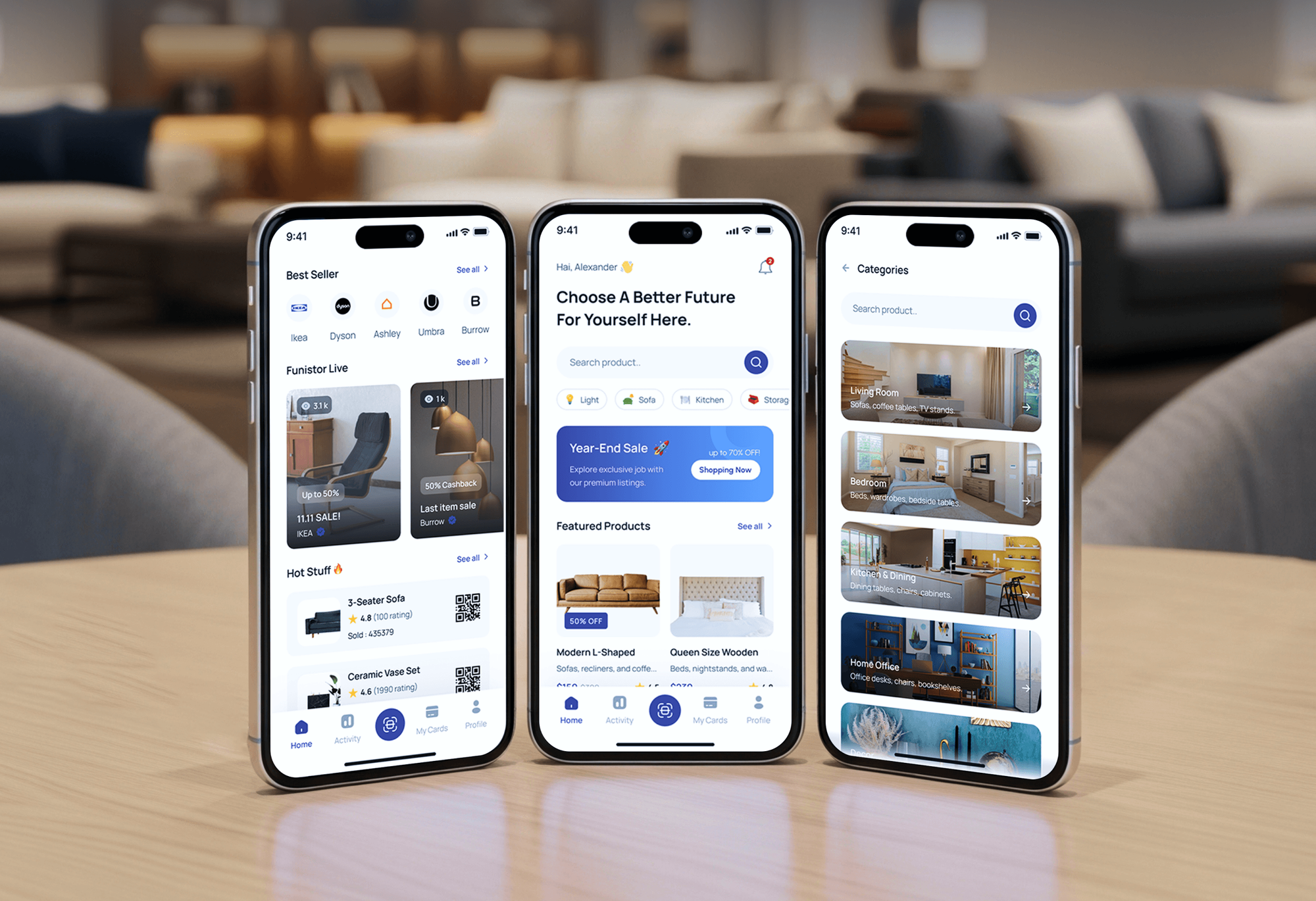
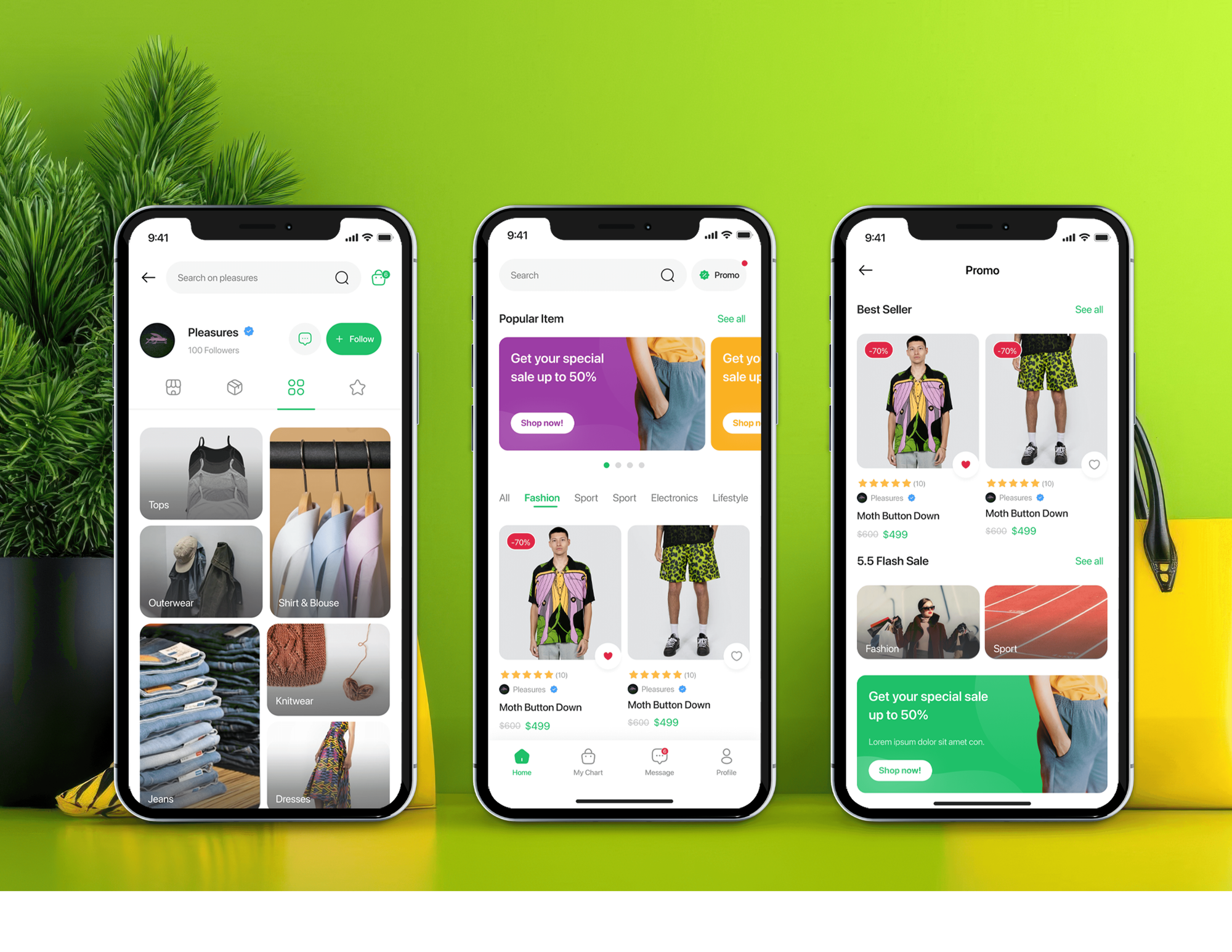
Ecommerce sites and shopping apps our team designed and built, each with order, inventory, and sales dashboards behind it. They show where we work, not accounting syncs.


What Our Clients Say
Feedback from teams we have built online stores and back-office integrations for.
We had a pretty specific idea of what we wanted our website to become, but I wasn’t sure how easily we could explain all of it to a development team. There were quite a few moving parts, and we were working toward a deadline, so I expected a few things to get lost along the way. That never really happened. They understood what we were trying to achieve, kept us updated throughout the process, and got everything ready within the agreed timeline. The final site feels much easier to navigate, works beautifully on mobile, and is noticeably smoother for our customers. It was a huge relief seeing the original idea actually turn into the website we had in mind.
The mobile experience is probably my favourite part of the new site. We had spent a lot of time making sure the desktop version looked right, and the team kept pushing us to think about how everything would actually feel on a phone too. They were right. The navigation is clean, the interactions feel natural, and everything we’ve tested so far works exactly as it should. They also went through the links, forms, integrations, and other details more than once before launch, which I really appreciated. And even after going live, we could still reach out when something came up. The whole process felt friendly, organised, and surprisingly straightforward.
What I appreciate most is that the website is actually easy for us to manage now. We can update content ourselves instead of sending a developer a message every time we need to change something small. They also paid attention to the technical SEO side, which mattered to us because we didn’t want a new website to create problems for the traffic we already had. I’ve probably asked more questions than I should have since launch, but every question has been handled patiently and without any fuss. The team is easy to work with, they explain things clearly, and when we need something changed, they focus on getting it done rather than making the process complicated.
1,250+
Projects shipped
10+
Years of experience
Top 3%
Upwork Top Rated Plus
5 stars
Average review score

Want results like these?
Tell us what you are building. You get a reply within 24 hours on business days, then a written estimate.
Work Culture
A sync that posts wrong creates work your accountant has to undo. These habits keep your Sage, Acumatica, or MYOB books clean from the first posted order.
Sage's and MYOB's marketplaces list Shopify connectors, and Acumatica's Retail Edition includes one. If one covers your setup, we'll tell you before we quote anything custom.
UK Sage 50 Accounts installs on your PC, Intacct has a REST API, and Sage 100 uses its Business Object Interface. We confirm your edition before choosing a path.
Shopify's payout data lists each transaction's fee and net amount. We post from that data, so deposits tie out instead of leaving a gap to explain.
Every mapping runs against a test company or sandbox with a month of your real orders. Your accountant signs off on the totals before anything goes live.
We switch syncs on at the start of a month or period, not in the middle of a close. Your accountant starts the new period with matching numbers.
Connectors run on your own subscriptions, and custom sync code is kept in your repository. Your team or accountant can review every mapping whenever they need to.
Overview
DeveloperLook sets up Shopify Sage integration, Acumatica connectors, and MYOB syncs for stores that want orders and payouts in their books without retyping. We pick the right path for your edition, map accounts, tax, fees, and stock, and test a full month first. Projects start at $850 and take 2 to 8 weeks.
DEVELOPERLOOK
Project facts · Shopify Sage, Acumatica and MYOB Integration
Reviewed 7 Oct 2026 by Saimul Islam
Good fit
Stores on Sage 50 or Sage 100
You run Sage 50 or Sage 100 in the office, and a Sage 50 Shopify integration needs to post orders without someone retyping them.
Growing brands on Sage Intacct
Your finance team moved to Intacct, and the Sage Intacct Shopify integration has to carry fees, refunds, and several entities correctly.
Distributors running Acumatica
You run Acumatica for inventory and orders, and you need an Acumatica Shopify integration that keeps stock and price lists in step.
Australian and NZ stores on MYOB
You sell from Australia or New Zealand, keep books in MYOB Business or AccountRight, and want MYOB Shopify syncing your accountant trusts.
Bookkeepers with Shopify clients
Your firm keeps books for several Shopify stores, and you need each client's connector set up and documented the same way.
Not a fit
Books in QuickBooks
Your books live in QuickBooks Online or Desktop instead. Our Shopify QuickBooks Integration page covers that setup and its payout rules.
Books in Xero
Your books live in Xero instead. Our Shopify Xero Integration page covers payouts, fees, and multi-currency for Xero.
NetSuite or another ERP
You run NetSuite, SAP, or Dynamics rather than Sage or Acumatica. Our Shopify ERP Integration page covers those systems.
Budget under $850
Your budget is under $850 and you take a handful of orders a month. A CSV import or a listed connector set up by your bookkeeper will do.
Not sure we're the right fit?
Book a free call or message us. We'll tell you honestly whether we're the right team.
Pricing
These are starting points in USD. Your final price depends on your edition, the data to sync, and your connector options, and you get a fixed proposal after a free edition review.
For one store using a listed connector or Acumatica's built-in Shopify connector.
$850one-time, USD
For stores on Sage 100, Intacct, or Acumatica that need items, stock, and refunds synced.
$2,400one-time, USD
For setups no connector covers, built on the Sage, Acumatica, or MYOB API.
$5,200one-time, USD
For Agencies
You own the client relationship. We supply the accounting integration work behind your Shopify builds: edition checks, account maps, a Shopify Acumatica integration or Sage connector, and test months. Your client sees your team, and every file stays theirs.
White label: your client only ever sees your brand
Send the client's edition, Shopify store, and their accountant's chart of accounts.
You get an account map and a fixed quote to share with your client.
We connect, test a month, and hand over a guide under your brand.
You handle the client while we map and connect behind the scenes.
Each company file or ERP priced up front for your proposals.
Every account and tax code written down for the client's accountant.
Integration developers for finance projects without another hire.
The Right Technology for Your Project
Each vendor's own connector or API first, Shopify's payout data for fees, and a test company to prove the numbers before go-live.
 Sage
Sage Shopify
 GraphQL
 Node.js
 Python
 PostgreSQL
 AWS
AWS Google Sheets
 Slack
SlackFAQ
Straight answers on Sage 50, Sage Accounting, MYOB, importing orders, inventory, cost, and timelines.
Saimul IslamFounder & CEO, DeveloperLookStill have questions?
Send a message or book a call with the team.
A Shopify Sage integration starts at $850 for a listed connector set up and mapped, with fees and payouts matched and a test month checked. Syncing items, stock, and refunds on Sage 100, Intacct, or Acumatica costs $2,400. A custom sync on a vendor API costs $5,200, each at a fixed price.
Connector setups take 2 to 3 weeks, including the account map and a test month. Custom syncs take 4 to 8 weeks, depending on your edition and what needs to sync. We go live at the start of a period, so timing also follows your accounting calendar.
Yes, through third-party apps rather than anything Sage builds itself. Sage's marketplace lists Sagify for the US and Canadian editions, which turns Shopify orders into sales invoices or sales orders, and Tradebox One for UK Sage 50 Accounts. We set up the one that fits your edition.
Yes, but the path depends on the product: Sage Accounting, Sage 50, Sage 100, Sage 200, Intacct, and X3 each connect differently. Intacct and Sage 200 have their own APIs, and a Shopify Sage 100 integration runs through Sage 100's Business Object Interface. We confirm your edition first, then choose a connector or a custom build.
Yes, Sage's main accounting products can work with Shopify, but none of them syncs on its own. You add a marketplace app or a custom sync in between. Compatibility usually comes down to details: gift cards, Shopify Payments fees, multi-currency, and whether stock needs to sync too.
Use an app from Sage's marketplace or the Shopify App Store. Zynk for Shopify and Combidesk's Sage Accounting app both post Shopify orders, and Combidesk also books refunds and Shopify Payments payouts. Map your accounts and tax rates first, then test with a week of orders before switching on.
In US Sage 50, you can import sales journal or sales order data from a CSV file, but only as new transactions. UK and Canadian editions handle transaction imports differently, so a marketplace app is usually safer there. Once you take more than a few orders a day, an app like Sagify removes the export step.
Use a connector that supports stock levels, or a custom sync, because Sage 50 has no Shopify sync of its own. Decide first which system owns stock, usually Sage when purchasing happens there. Then match every Shopify variant to a Sage item ID before the first sync, or counts will drift after each sale.
Yes, through third-party apps. MYOB's app marketplace notes its apps come from other companies, and it features Shopify by Amaka for AccountRight, MYOB Business, and Essentials. For custom needs, the MYOB Business API covers invoices, orders, customer payments, and inventory items, and we build on it directly.
Yes, MYOB Business and AccountRight both work with Shopify through a connector, and desktop AccountRight files expose a local API for custom syncs. MYOB serves Australian and New Zealand businesses, so GST codes and AUD or NZD payouts need mapping before the first sync. We check your file type and tax setup first.
Saimul IslamFounder & CEO, DeveloperLookStill have questions?
Send a message or book a call with the team.
Free 30-min callGoogle Meet
Book a call
In 30 minutes on Google Meet we walk you through how we would build it, how long it takes and what it costs. Then you get a written estimate.
Calendar not showing? Book on cal.com or send a brief.