Certificate and key setup
A free or paid certificate chosen for your setup, with the private key generated on your server.

For sites still showing Not Secure or renewing certificates by hand: the full chain installed, every page on HTTPS, and renewals that run on their own. From $350.
100%
Pages served over HTTPS
301
Redirect for every http URL
How your project runs
01 · FreeTeams we have built for:














The Problem
It shows up when a browser warns visitors away, a certificate expires over a weekend, or a scanner finds pages still loading files over plain http.
Mixed content
Images and scripts still load over plain http.
Mixed content
Every http file is found and fixed in your templates and database.
Two versions
The http and https pages both stay live.
Two versions
Each http URL gets a 301 redirect to its https version.
Silent expiry
A failed renewal shows visitors a full-page warning.
Silent expiry
Renewal runs automatically, gets tested, and alerts a real inbox before expiry.
Broken chain
Some browsers reject a certificate with missing intermediates.
Broken chain
The full chain is installed and tested in SSL Labs and several browsers.
Your host added a certificate, but some pages still show Not Secure because images and scripts load over http. The old http URLs still work, so search engines see two versions of every page. Last spring a renewal failed quietly, and your site showed a full-page warning until a customer emailed you. Certificates now expire sooner than they used to, and the reminder emails you relied on may have stopped.
We start with the chain, not just the certificate: the right certificate and key, the full chain on your server, and renewal that runs on its own. Then every http URL gets a 301 redirect, mixed content gets fixed in templates and the database, and HSTS goes on. Expiry alerts reach a real inbox. The next renewal happens in the background, not as a warning page.
Full chain, every server
The certificate, its intermediates, and your key are installed and tested on each server.
Renewals that run themselves
Automated renewal is set up, tested once, and backed by expiry alerts.
Every URL redirected
Each http address on your site redirects to https, and your canonicals and sitemap follow.
Our SSL Certificate Installation Service Process
You choose the certificate type, approve the redirect plan, and see the SSL Labs result and a test renewal before we hand over.
We check your current certificate, chain, expiry date, redirects, and mixed content on your key pages, plus where your DNS and hosting live. You get a short note and a fixed price. If your host's free one-click SSL already covers you, we'll tell you before we quote.
What's Included
A certificate and key plan, installation with the full chain, 301 redirects, mixed content fixes, HSTS, automated renewal with alerts, and a certificate inventory you keep.
Compare Options
A host's one-click SSL is free and fine for simple sites, and a DIY install costs only your time. For an HTTPS move that covers redirects, mixed content, and renewals, here is how they compare.
| Feature | DeveloperLookBest fit | Host one-click SSL | DIY install |
|---|---|---|---|
| Certificate issued | Free or paid, matched to you | Free certificate, issued automatically | Whatever you buy |
| Full chain | Installed and tested | Handled by the host | Often missing intermediates |
| HTTP to HTTPS | A 301 for every URL | Sometimes a single toggle | Rules written by hand |
| Mixed content | Fixed in templates and database | Not covered | Found page by page |
| Renewal | Automated, tested, with alerts | Automatic on the host | A calendar reminder |
| Multiple servers | One certificate on each server | One hosting account only | Copied by hand |
| SEO follow-up | Sitemap, canonicals, Search Console | Not covered | If you remember |
| Cost | From $350 one-time | Usually free with hosting | Only your own time |
Projects We've Built
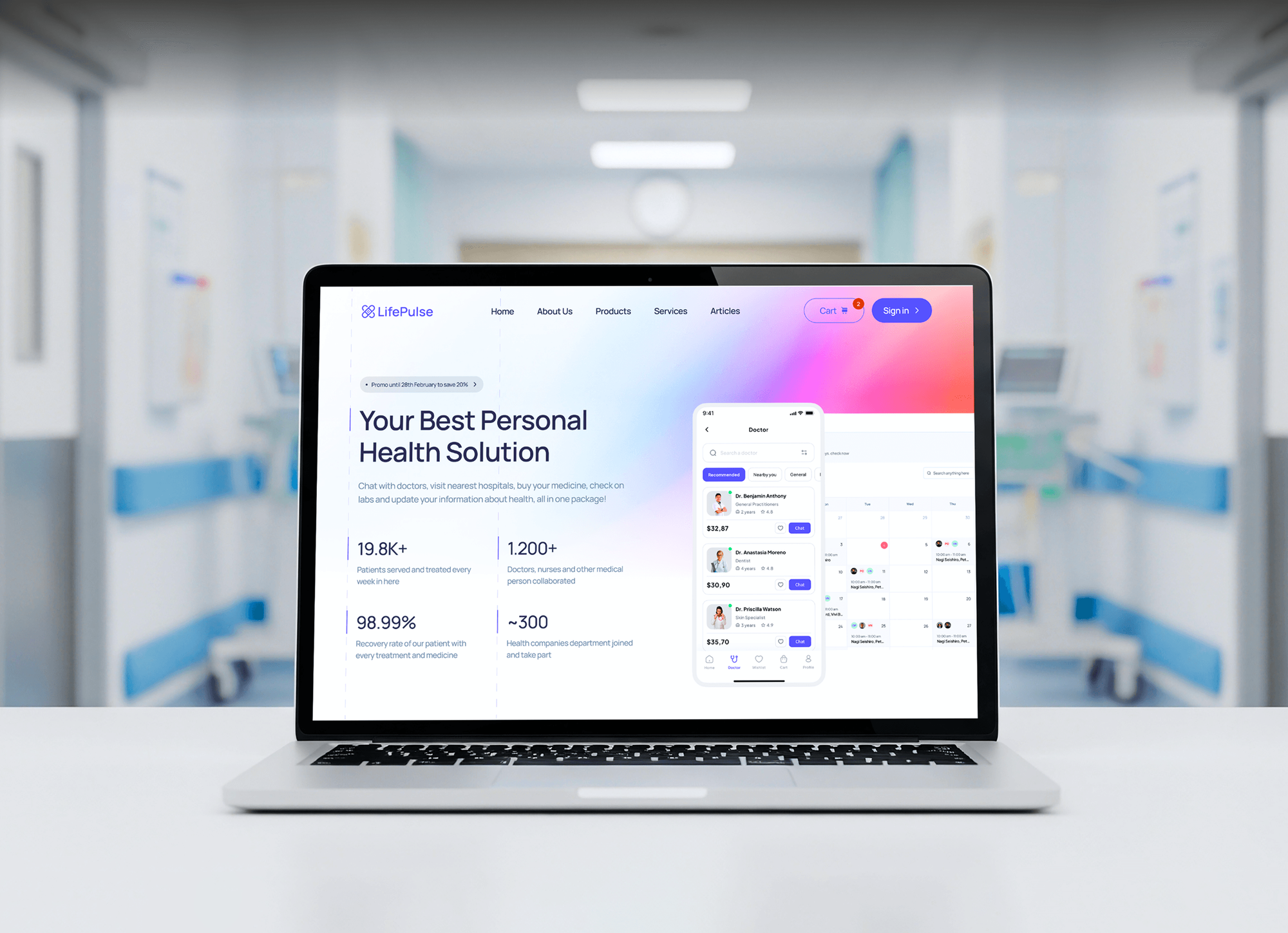
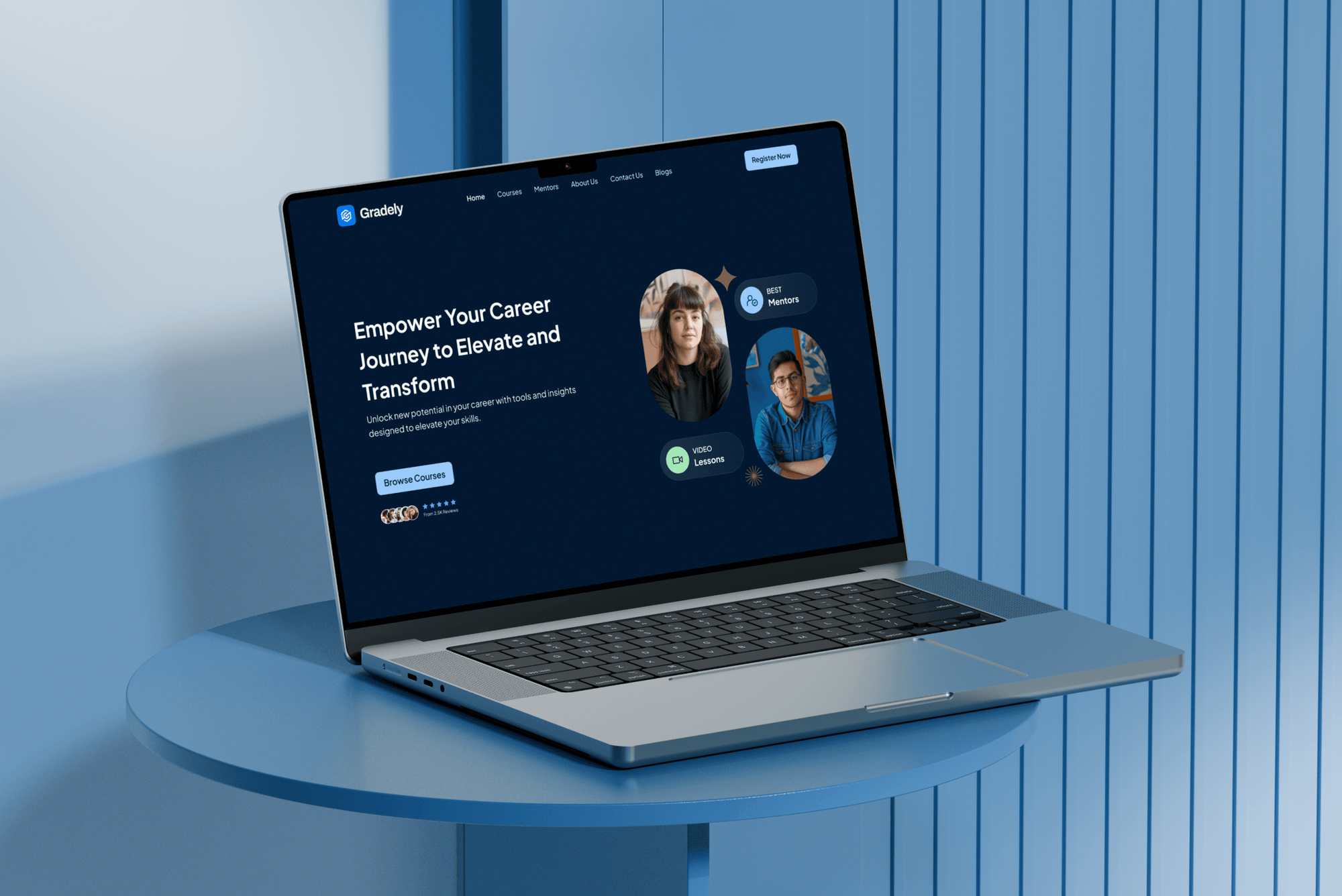
Sites with booking forms, patient details, and student logins that we designed and built. They weren't certificate projects, but they show why every page needs HTTPS.


What Our Clients Say
Feedback from teams we have built websites, apps, and platforms for.
We had a pretty specific idea of what we wanted our website to become, but I wasn’t sure how easily we could explain all of it to a development team. There were quite a few moving parts, and we were working toward a deadline, so I expected a few things to get lost along the way. That never really happened. They understood what we were trying to achieve, kept us updated throughout the process, and got everything ready within the agreed timeline. The final site feels much easier to navigate, works beautifully on mobile, and is noticeably smoother for our customers. It was a huge relief seeing the original idea actually turn into the website we had in mind.
The mobile experience is probably my favourite part of the new site. We had spent a lot of time making sure the desktop version looked right, and the team kept pushing us to think about how everything would actually feel on a phone too. They were right. The navigation is clean, the interactions feel natural, and everything we’ve tested so far works exactly as it should. They also went through the links, forms, integrations, and other details more than once before launch, which I really appreciated. And even after going live, we could still reach out when something came up. The whole process felt friendly, organised, and surprisingly straightforward.
What I appreciate most is that the website is actually easy for us to manage now. We can update content ourselves instead of sending a developer a message every time we need to change something small. They also paid attention to the technical SEO side, which mattered to us because we didn’t want a new website to create problems for the traffic we already had. I’ve probably asked more questions than I should have since launch, but every question has been handled patiently and without any fuss. The team is easy to work with, they explain things clearly, and when we need something changed, they focus on getting it done rather than making the process complicated.
1,250+
Projects shipped
10+
Years of experience
Top 3%
Upwork Top Rated Plus
5 stars
Average review score
1,250+
Projects shipped
10+
Years of experience
Top 3%
Upwork Top Rated Plus
5 stars
Average review score

Want results like these?
Tell us what you are building. You get a reply within 24 hours on business days, then a written estimate.
Work Culture
An HTTPS move goes wrong in small ways: a redirect loop, a missing image, a renewal nobody tested. These habits catch them before your visitors do.
We generate the private key on your server, so it isn't emailed or pasted into a chat. Only the certificate and chain travel.
We trigger a test renewal before handover. A renewal that works only on paper fails months later, usually at a bad time.
We crawl your site and check the database for http links, not just the homepage. Every image and script loads over https before HSTS goes on.
HSTS tells browsers to refuse plain http for a set period. We turn it on after everything loads over https, so nothing gets locked out.
A free Let's Encrypt certificate encrypts your traffic as strongly as a paid one. We suggest a paid OV certificate only when a buyer or policy asks for it.
Certificates, DNS, and alert inboxes stay in your name. If we stopped working together tomorrow, your renewals would keep running.
Overview
DeveloperLook will install SSL certificate files on your servers and move your whole site to HTTPS. We set up the certificate with its full chain, 301-redirect every http URL, fix mixed content, add HSTS, and automate renewal with alerts. Setups start at $350 and take 1 to 3 business days for one site.
DEVELOPERLOOK
Project facts · SSL Certificate Installation Service
Reviewed 26 Oct 2026 by Saimul Islam
Good fit
Small businesses seeing Not Secure
Your browser shows Not Secure on some pages, and you need the certificate and every image and script fixed properly.
Sites moving from http to https
Your site still answers on http, and you want installing SSL certificate files, redirects, and Search Console done in one pass.
Windows and IIS server owners
Your app runs on Windows Server, and you need to install an SSL certificate on IIS with the right binding and SNI settings.
Teams with several servers
Your site runs on several servers, and you need to install a wildcard SSL certificate on multiple servers without copying keys by hand.
Agencies handling client domains
Your agency manages client domains and hosting, and you want certificate installs and renewals handled the same way for every client.
Not a fit
Host offers one-click SSL
Your site runs on a host with free one-click SSL and no custom server. Turn it on in your host panel and force HTTPS there.
Need full security headers
You want HSTS plus a content security policy and the rest of the header set. Our Content Security Policy Implementation covers that project.
Moving host or domain too
You're changing hosts or domains at the same time. Our Website Migration Services handle that move, so plan HTTPS together with it.
Certificate for a device
You need a certificate on a phone, a browser, or a Windows PC store, not a web server. That's a device setting, not a website project.
Not sure we're the right fit?
Book a free call or message us. We'll tell you honestly whether we're the right team.
Pricing
These are starting points in USD. Your final price depends on your domains, servers, and mixed content, and you get a fixed proposal after a free HTTPS check.
For Agencies
You own the client relationship. We supply the certificate work behind it: installs, redirects, mixed content fixes, and renewals that run on their own. Your clients stop getting expiry warnings, and your team stops renewing certificates by hand.
White label: your client only ever sees your brand
Send the domains, hosting access, and any certificate warnings clients have seen.
We run a free HTTPS check on each domain and quote it.
We install, redirect, test renewals, and hand over notes under your brand.
Send the domains, hosting access, and any certificate warnings clients have seen.
We run a free HTTPS check on each domain and quote it.
We install, redirect, test renewals, and hand over notes under your brand.
The Right Technology for Your Project
We use free ACME automation where it fits, commercial certificates where a policy needs them, and test every install from the outside.
 Cloudflare
 AWS
AWS Chrome DevTools
 Google Search Console
Related Services
Teams often add a content security policy and the full header set, a firewall, WordPress hardening, or ongoing certificate and uptime monitoring after moving to HTTPS.
This page
SSL Certificate Installation Service
Pairs with the 6 services around it
FAQ
Straight answers on cost, timing, GoDaddy, Apache, IIS, wildcards, and shorter certificate lifetimes.
Saimul IslamFounder & CEO, DeveloperLookStill have questions?
Send a message or book a call with the team.
HTTPS setup from DeveloperLook starts at $350 for one site on one server, including redirects, key mixed content fixes, and tested auto-renewal. The $800 plan covers up to 3 domains with a full mixed content cleanup, HSTS, and Search Console updates. The $1,450 plan puts a wildcard or multi-domain certificate on up to 5 servers. Paid certificates are billed by your provider.
A standard SSL certificate install with redirects takes 1 to 3 business days for one site. Most of that time goes to your mixed content and testing, not the install itself. Paid OV certificates add the provider's validation time, and several servers or load balancers take 1 to 2 weeks.
You install an SSL certificate in four steps. Create a private key and certificate request on your server, and get the certificate from a certificate authority. Install it with its intermediate chain, then redirect your http pages to https. Free Let's Encrypt certificates can automate most of this with Certbot. Then test the result in SSL Labs and a few browsers.
To install SSL certificate files on a web server, point its TLS settings at the certificate, chain, and private key, then reload it. NGINX uses ssl_certificate with the full chain file, plus ssl_certificate_key for the key. Hosting panels such as cPanel and Plesk have an SSL screen for the same files. After the reload, check that port 443 answers and port 80 redirects.
If GoDaddy also hosts your site, the certificate can usually be applied from your GoDaddy account. If your site lives elsewhere, download the certificate files for your server type from GoDaddy, then install them with the intermediate bundle on that server. We check that the private key matches the certificate, because a mismatched key is a frequent cause of failed installs.
On Apache, you set SSLCertificateFile and SSLCertificateKeyFile in your site's SSL virtual host, enable mod_ssl, and reload. Since Apache 2.4.8, the intermediate certificates go in the same file as your certificate, so SSLCertificateChainFile isn't needed. Then add a port 80 virtual host that 301-redirects every request to https.
In IIS, you import the certificate into Server Certificates in IIS Manager, usually as a .pfx file with its key. Then edit the site's bindings, add https on port 443, pick the certificate, and tick Require Server Name Indication when several sites share an IP. To install an SSL certificate on Windows for other services, the Certificates console in MMC handles the import.
Because industry rules cut the maximum lifetime of public certificates. Under CA/Browser Forum ballot SC-081, the limit fell to 200 days on March 15, 2026, and drops to 100 days in 2027 and 47 days in 2029. Let's Encrypt also stopped sending expiry reminder emails in June 2025. So your renewal has to run automatically, with alerts you'll actually see.
Yes, most certificate providers let one wildcard certificate run on several servers. We move your key over an encrypted channel, install the certificate on each of your servers or load balancers, and set renewal so every copy updates together. One forgotten server is where expiry warnings usually start.
Every plan ends with a renewal test plus 30 days of fix support. We trigger one renewal before handover to prove it works, and expiry alerts go to an inbox you choose. You also get the certificate inventory. Ongoing checks can move to our Website Security Monitoring plans.
Saimul IslamFounder & CEO, DeveloperLookStill have questions?
Send a message or book a call with the team.
Free 30-min callGoogle Meet
Book a call
In 30 minutes on Google Meet we walk you through how we would build it, how long it takes and what it costs. Then you get a written estimate.
Calendar not showing? Book on cal.com or send a brief.