
Data flow diagram
Users, services, data stores, and third parties, with every trust boundary marked and checked by your engineers.

For engineering teams shipping features with logins, payments, or customer data: workshops that catch design flaws early and leave the fixes in your backlog. From $750.
100%
Trust boundaries mapped
2hrs
Per feature workshop
How your project runs
Teams we have built for:














The Problem
Design flaws tend to surface late: in a pen test report, a customer's security review, or an incident. By then the fix means rework across code that has already shipped.
01 · Access checks
The permission check lived only in the frontend.
We check every API path across the trust boundary, not just the screens.
02 · Missed scope
Last year's pen test didn't cover the new feature.
Each new feature gets its own session before it reaches production.
03 · Late fixes
One fix now touches the API, database, and screens.
Design changes happen on the whiteboard, before anyone writes the code.
04 · Lost context
Nobody wrote down why the flow was trusted.
The model lives in your repository, next to the code it describes.
Your team ships a new invite flow on Friday. On Tuesday a customer notices that invited users can open every workspace's billing page. The access check lived in the frontend, and nobody asked what happens when someone calls the API directly. Last year's pen test didn't cover this feature, because it did not exist yet. Now the fix touches the API, the database, and three screens, and support is answering anxious emails.
We start with a data flow diagram of the feature or app, drawn with your engineers in one session. Then we walk each trust boundary through STRIDE and ask what can go wrong at that point. Every real threat becomes a ticket with a clear fix and a test. Flaws get fixed on the whiteboard, not after customers find them.
Data flows drawn together
Your engineers and ours draw the diagram, so it shows how the system really works.
Threats checked per boundary
Spoofing, tampering, data exposure, and the rest, checked wherever data crosses a trust boundary.
Fixes in your backlog
Each threat lands as a ticket with acceptance criteria your team can test.
Our Threat Modeling Process
You choose the feature or app, take part in each workshop, and approve the ranked threat list before anything goes into your tracker.
We look at your architecture, recent features, and what worries your team most. You get a scope, a workshop plan, and a fixed price. If an internal session with the free OWASP Threat Dragon tool would cover your case, we'll tell you before we quote.
What's Included
A diagram your team trusts, a ranked threat list, fixes written as tickets, and a model that stays current as you keep shipping.
Compare Options
A modeling tool suits teams with security staff, and an ad hoc review suits small changes. Here is where each one helps and where it stops.
| Feature | DeveloperLookBest fit | Tool only | Ad hoc review |
|---|---|---|---|
| Planning | Scope and workshop plan | Install it and learn it | |
| Diagram | Drawn with your engineers | You draw it yourself | Rarely drawn |
| Threat method | STRIDE per trust boundary | Built-in rule sets | Reviewer's own experience |
| Coverage | Every boundary in scope | Whatever the diagram shows | The pull request only |
| Speed | 2-hour workshops | Fast once learned | Fastest for small changes |
| Output | Ranked tickets with tests | Generated threat report | Review comments |
| Support | 30 days of follow-up | Tool documentation | |
| Cost | Fixed price from $750 | Free or license fee | Engineer time only |
Projects We've Built
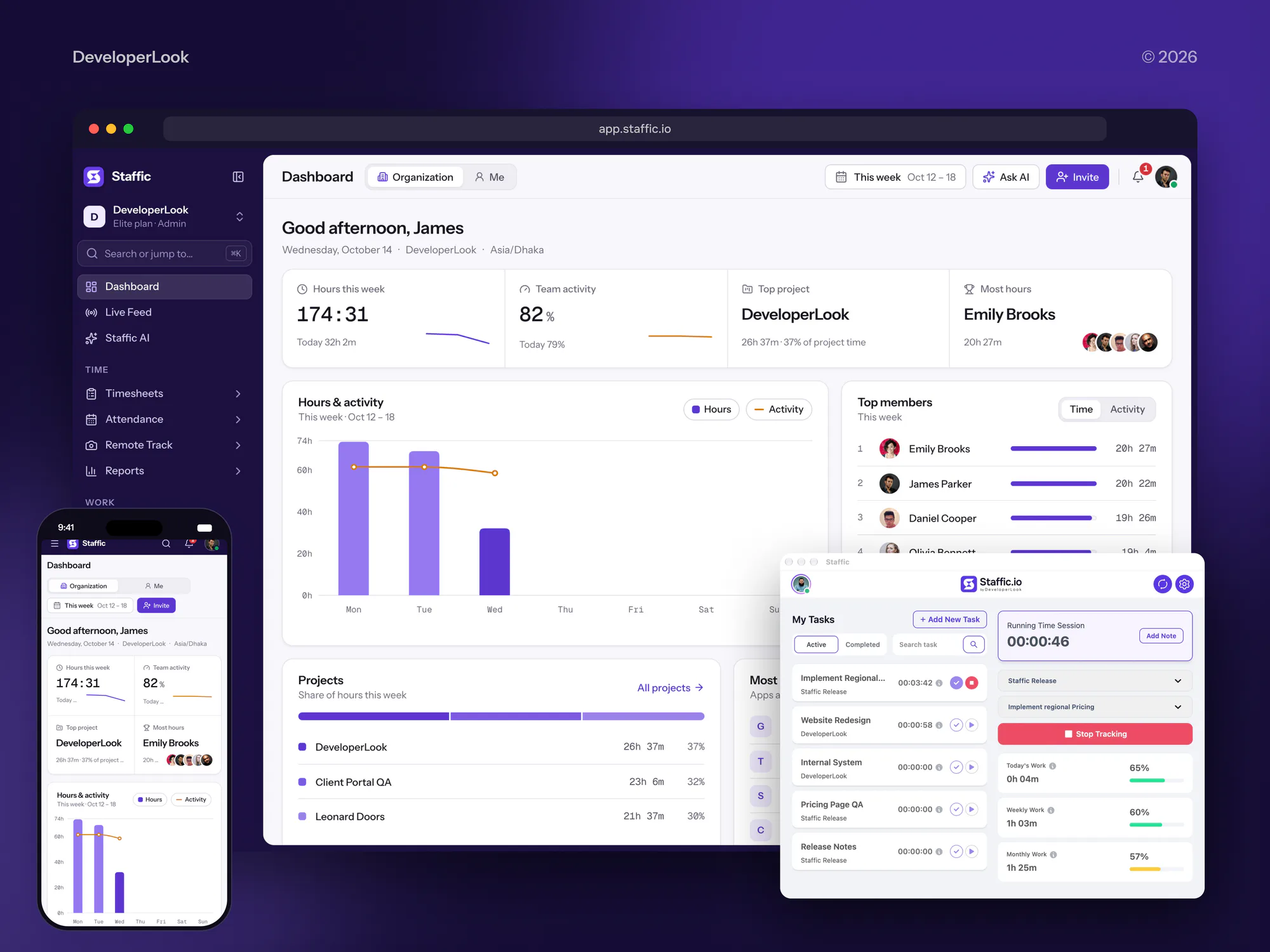
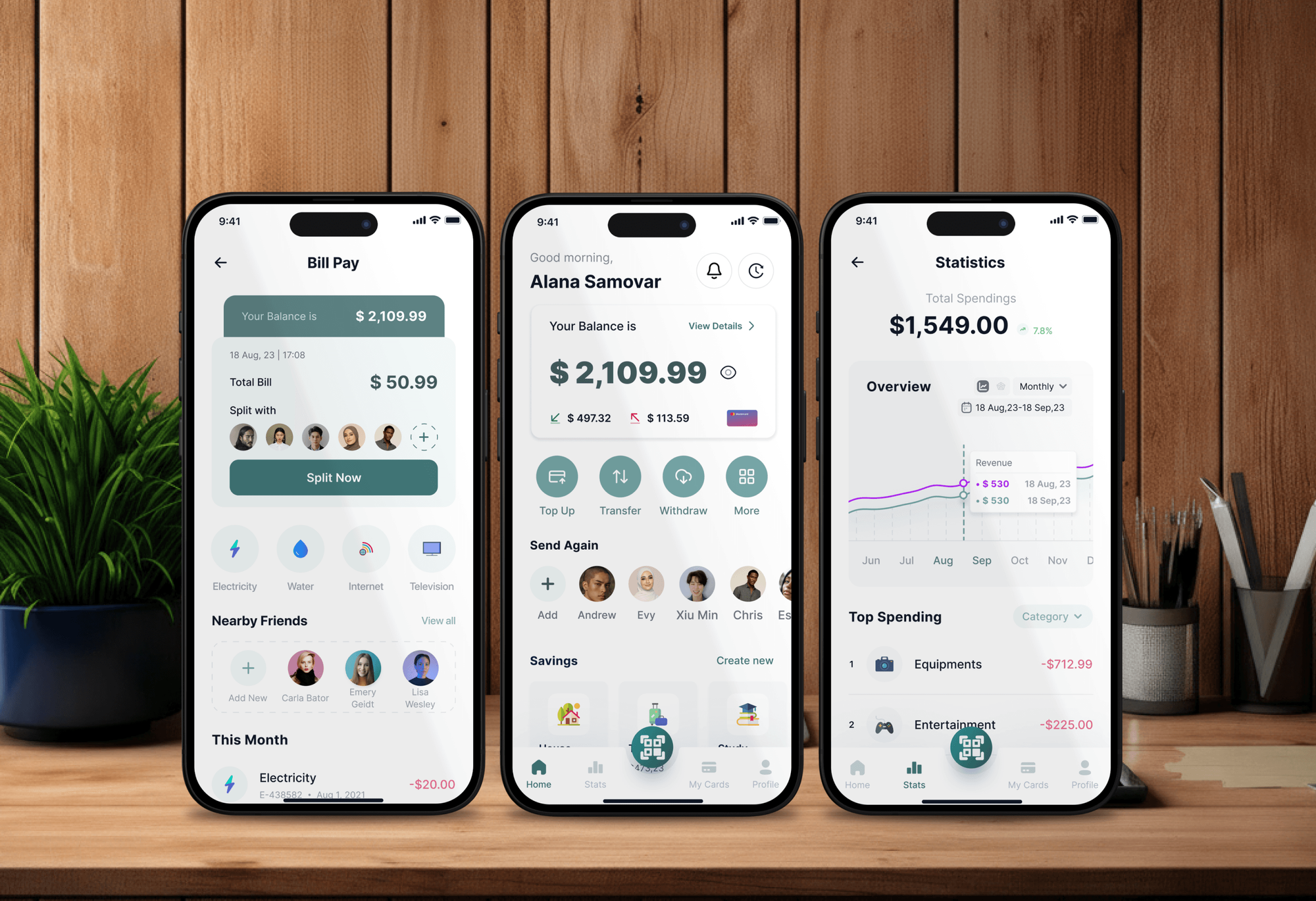
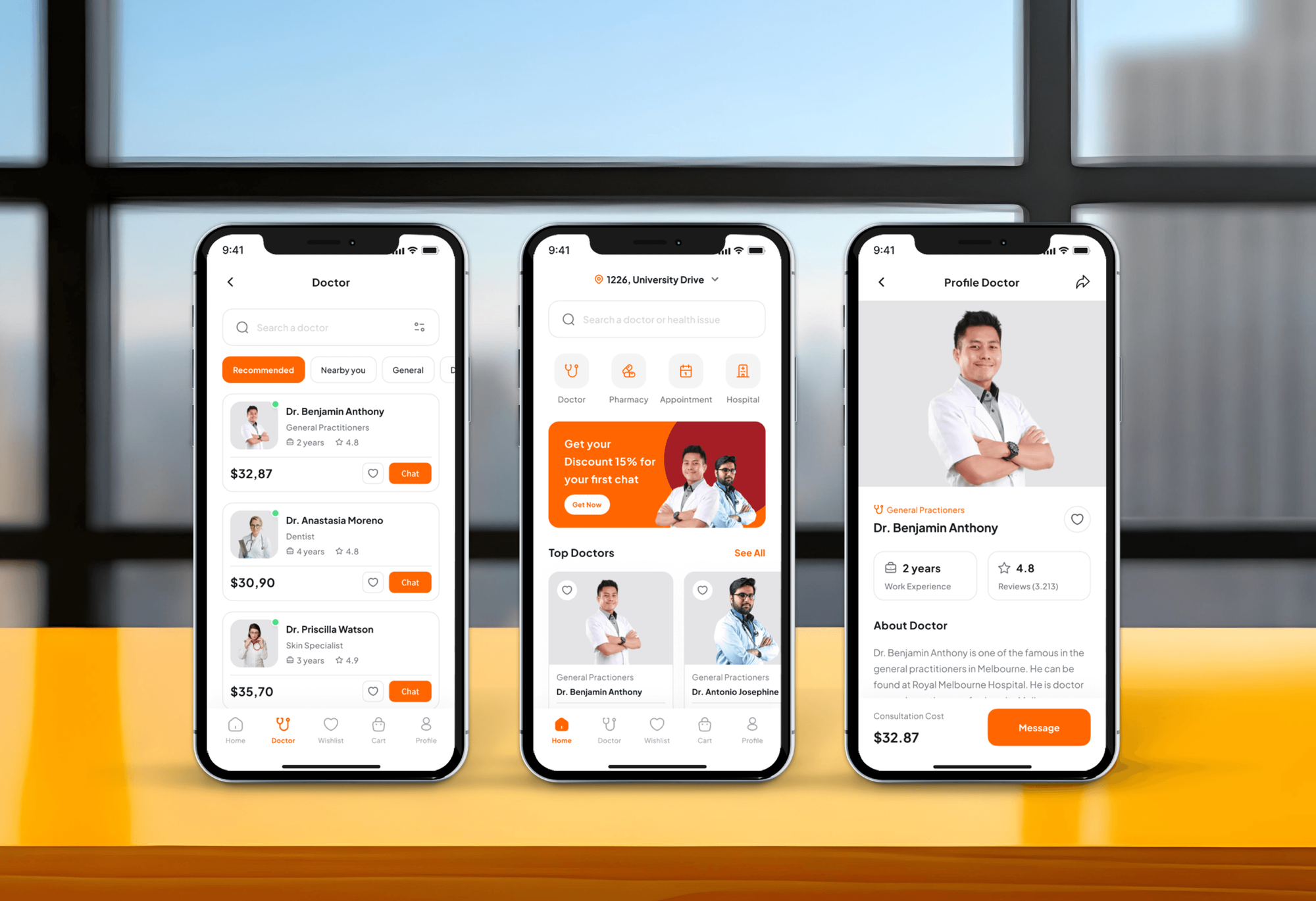
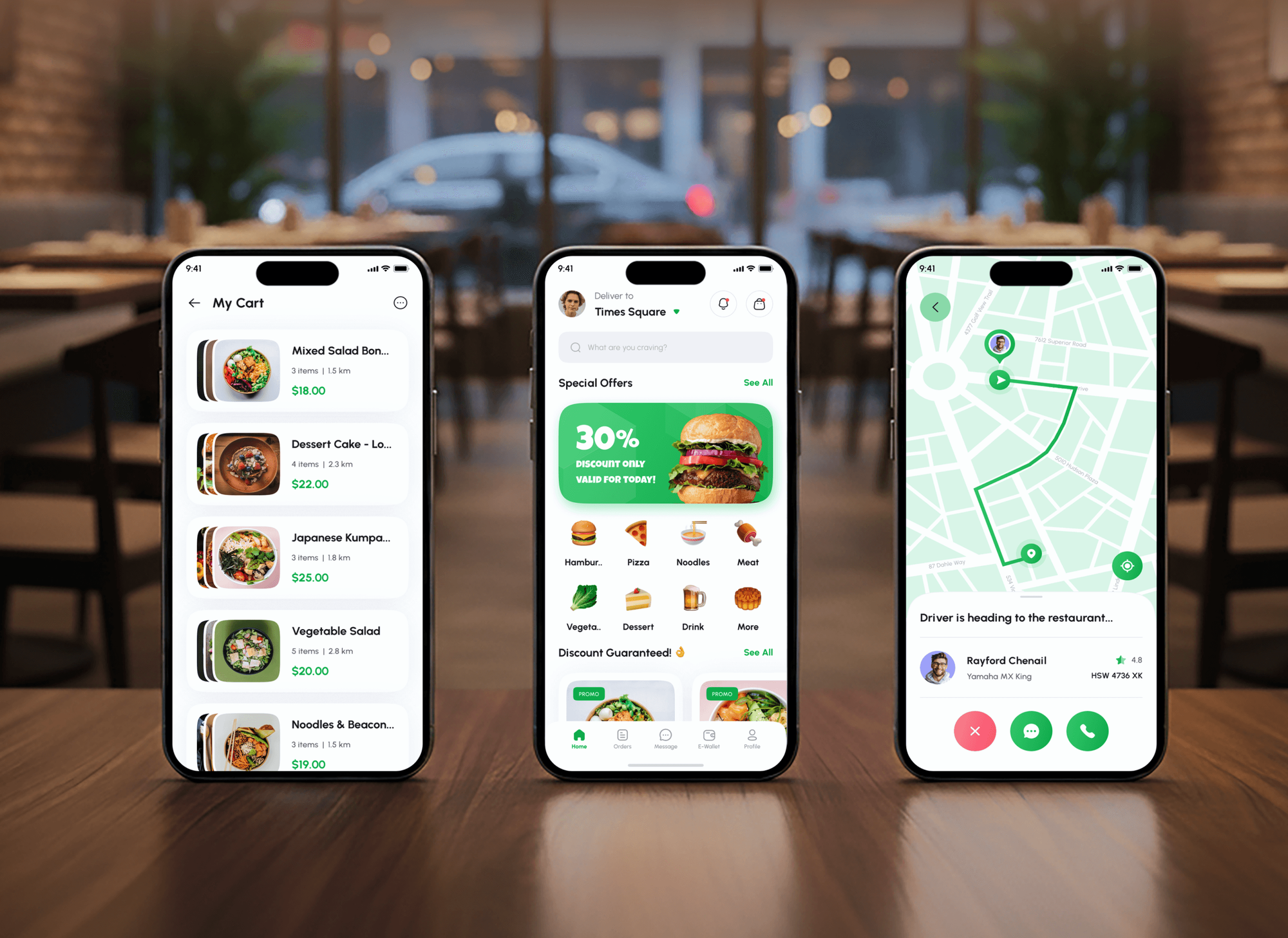
Apps we built with logins, roles, payments, and personal data. Products like these are where a threat model pays off before every new feature.
What Our Clients Say
Feedback from teams we have built apps, platforms, and websites for.
We had a pretty specific idea of what we wanted our website to become, but I wasn’t sure how easily we could explain all of it to a development team. There were quite a few moving parts, and we were working toward a deadline, so I expected a few things to get lost along the way. That never really happened. They understood what we were trying to achieve, kept us updated throughout the process, and got everything ready within the agreed timeline. The final site feels much easier to navigate, works beautifully on mobile, and is noticeably smoother for our customers. It was a huge relief seeing the original idea actually turn into the website we had in mind.
The mobile experience is probably my favourite part of the new site. We had spent a lot of time making sure the desktop version looked right, and the team kept pushing us to think about how everything would actually feel on a phone too. They were right. The navigation is clean, the interactions feel natural, and everything we’ve tested so far works exactly as it should. They also went through the links, forms, integrations, and other details more than once before launch, which I really appreciated. And even after going live, we could still reach out when something came up. The whole process felt friendly, organised, and surprisingly straightforward.
What I appreciate most is that the website is actually easy for us to manage now. We can update content ourselves instead of sending a developer a message every time we need to change something small. They also paid attention to the technical SEO side, which mattered to us because we didn’t want a new website to create problems for the traffic we already had. I’ve probably asked more questions than I should have since launch, but every question has been handled patiently and without any fuss. The team is easy to work with, they explain things clearly, and when we need something changed, they focus on getting it done rather than making the process complicated.
1,250+
Projects shipped
10+
Years of experience
Top 3%
Upwork Top Rated Plus
5 stars
Average review score

Want results like these?
Tell us what you are building. You get a reply within 24 hours on business days, then a written estimate.
Work Culture
Design reviews only work if engineers want to do them again. These habits keep sessions short, findings real, and the model useful long after we leave.
Workshops run about 2 hours and cover one flow at a time. Engineers stay engaged, and you don't lose a whole sprint to security.
Our people build web and mobile apps too, so we talk about endpoints and queries, not just policies. Your team gets advice it can apply the same day.
We drop theoretical threats that your design already blocks. A short list of real risks gets fixed, while a long list gets ignored.
Each session explains why a threat matters, using your own system. After a few features, your team can run the four questions without us.
The model sits in your repository and changes through pull requests. It stays accurate because it is part of normal work.
You know the features, sessions, and price before we start. Extra features get their own quote before any work starts.
Overview
DeveloperLook runs threat modeling for software teams through short workshops with your engineers. We draw the data flow diagram, walk each trust boundary through STRIDE, rank the threats, and write the fixes as tickets with tests. Engagements start at $750 for one feature, take 1 to 4 weeks, and leave a model file in your repository.
DEVELOPERLOOK
Project facts · Threat Modeling Services
Reviewed 23 Oct 2026 by Saimul Islam
Good fit
SaaS teams shipping features every sprint
You ship new features every sprint, and you want a quick security check on each design before the code is merged.
Startups facing enterprise security reviews
Your first enterprise customer asks whether you do security threat modeling, and you want a real answer with a document behind it.
Fintech and health app teams
Your app handles payments or patient data, and you need cybersecurity threat modeling before a partner or regulator reviews the design.
Teams rebuilding a legacy system
You're replacing an old monolith with services and APIs, and you want the new trust boundaries checked before the migration starts.
Agencies building client apps
Your agency builds apps for clients who ask about secure design, and you want a partner to run the sessions under your brand.
Not a fit
Live app, no design changes
Your app is live and no design changes are planned. Application Security Assessment will find more issues for your money at that stage.
Need a pen test report
A customer or auditor wants a penetration test report. Web Application Penetration Testing Services produces one, while a threat model is a design document.
No in-house software
You run no software of your own, only office IT and SaaS tools. Cybersecurity Services or Network Security Services fit that setup better.
Budget under $750
Your budget is under $750. OWASP Threat Dragon is free, and four simple design questions work well in an internal session.
Not sure we're the right fit?
Book a free call or message us. We'll tell you honestly whether we're the right team.
Pricing
These are starting points in USD. Your final price depends on the features or apps in scope and the workshops they need, and you get a fixed proposal after a free system walkthrough.
For teams that want one new feature or service checked before it ships.
$750one-time, USD
For products that need the whole app modeled, including APIs, admin tools, and integrations.
$1,850one-time, USD
For teams that want secure design reviews built into how they ship every feature.
$3,600one-time, USD
For Agencies
You own the client relationship. We join your design reviews as part of your team, draw the diagrams, run the workshops, and write fixes into your tracker. Your clients get secure design without you hiring a security architect.
White label: your client only ever sees your brand
Send the feature spec, architecture notes, and the client's security concerns.
You get a workshop plan, an attendee list, and a fixed price for the client.
We run the workshops and write fixes into your tracker, ready to build.
We run sessions under your brand, as members of your team.
Reusable data flow templates for the stacks you build most often.
A threat model document your clients can show their own customers.
Each feature or app is priced up front, protecting your margin.
The Right Technology for Your Project
We draw where your team already works and file the fixes where your engineers already track their work.
 OWASP Threat Dragon
 Node.js
 Python
 React
React AWS
AWS Google Cloud
FAQ
Straight answers on definitions, cost, STRIDE, the steps involved, and the fit with software development.
Saimul IslamFounder & CEO, DeveloperLookStill have questions?
Send a message or book a call with the team.
Threat modeling is a design review where a team maps how a system works and asks what could go wrong at each point. The Threat Modeling Manifesto boils it down to four questions. What are we working on? What can go wrong? What will we do about it? Did we do a good enough job?
A threat model is the document a modeling session produces: a diagram of the system, the threats found, and the fixes agreed. Ours includes the data flow diagram, a ranked threat list with STRIDE categories, and links to the tickets. It lives in your repository, so it changes whenever the design does.
DeveloperLook's workshops start at $750 for one feature, with a diagram, a 2-hour workshop, and ranked tickets. A whole application with up to 3 workshops costs $1,850. A program with training, attack trees, and 2 new-feature reviews within 90 days is $3,600. Each price is fixed after the free system walkthrough.
A single feature takes about 1 week, and a whole application takes 2 to 4 weeks. Most of that time is scheduling, since each workshop runs about 2 hours. We write diagrams and tickets between sessions, so your engineers spend only a few hours away from delivery.
Threat modeling steps are simple: diagram the system, find threats at each boundary, choose fixes, and check your work. Most teams use STRIDE to find threats. Start small with one feature and a whiteboard, then keep the diagram in your repository, so the next session starts from what you already know.
STRIDE is a threat model from Microsoft that sorts threats into six types: spoofing, tampering, repudiation, information disclosure, denial of service, and elevation of privilege. Each type breaks a security property, such as authentication or integrity. In STRIDE threat modeling, every flow that crosses a trust boundary gets checked against all six, so whole classes of risk aren't missed.
In cyber security, modeling threats means thinking like an attacker about one specific system before attackers do. It differs from threat intelligence, which tracks real attacker groups, and from a risk assessment, which rates risks across a whole company. Cyber threat modeling stays at the level of one system's design, so its fixes are concrete code and configuration changes.
In software development, threat modeling is the design-stage security check of a secure development life cycle. NIST's Secure Software Development Framework (SP 800-218) names it as a form of risk modeling under task PW.1.1. Teams usually model a feature when its design is drafted, then update the model whenever that design changes.
STRIDE is our default, and we add other methods when a system needs them. LINDDUN covers privacy threats for apps that hold personal data. PASTA suits teams that want a risk-driven, attacker-focused process. Attack trees help with one high-value target, such as account takeover or payment fraud.
You do: the diagram, the threat list, and the model file stay in your repository and tools. Every plan includes 30 days of follow-up questions, and the top plan adds 2 new-feature reviews within 90 days. Many teams then run their own sessions, using the model we leave behind as the starting point.
Saimul IslamFounder & CEO, DeveloperLookStill have questions?
Send a message or book a call with the team.
Free 30-min callGoogle Meet
Book a call
In 30 minutes on Google Meet we walk you through how we would build it, how long it takes and what it costs. Then you get a written estimate.
Calendar not showing? Book on cal.com or send a brief.