
App and role map
Every role, endpoint, and data store listed, so testing covers the whole app, not just the homepage.

For product teams who need to know how secure their app really is before a customer review or launch: verified findings, fix guidance, and a retest. From $900.
5/5
App risk layers checked
2+ roles
Tested for broken access
How your project runs
Teams we have built for:














The Problem
Automated scanners catch missing headers and old libraries. They rarely notice that one customer can open another customer's invoice by changing a number in the URL.
01 · Scanner noise
A free scanner returns a long list of minor findings.
Each finding is reproduced by hand, ranked, and shipped with a fix example.
02 · Role abuse
A viewer account can still call the delete endpoint.
We test every endpoint while logged in as each role you define.
03 · Old libraries
An image library with a known flaw sits in production.
Dependency checks list vulnerable packages and the version that fixes each one.
04 · Cloud storage
A storage bucket lets anyone list its files.
We review cloud and app configuration, including storage, secrets, and security headers.
Your biggest prospect sends a security questionnaire, and one question asks for your latest application security review. You run a free scanner and get a long list of findings, most of them low or duplicated. Meanwhile, the real issues sit elsewhere. A user with the viewer role can still call the delete endpoint. An image library in production has a known flaw. A storage bucket lets anyone list its files. Nobody can say which problems matter, so the questionnaire stays unanswered.
Our application security assessment starts by mapping your app: roles, endpoints, data stores, and third-party services. Then we check five layers, logged in as each role: design, access control, dependencies, configuration, and data handling. Every finding is confirmed by hand and comes with a fix example in your stack. Your developers get a short list of real issues, not a scanner export to sort through.
Five layers, one review
Design, access, dependencies, configuration, and data handling, checked together so gaps between them show up.
Tested as every role
We log in as each user role and try what that role should not be able to do.
Findings confirmed by hand
Every issue is reproduced and explained before it reaches your report, with a fix example.
Our Application Security Assessment Process
You approve the scope, roles, and test accounts first, see findings as they're confirmed, and get a retest once your fixes ship.
We learn your stack, your user roles, and the reason for the assessment, such as a customer review or a launch. You get a scope and a fixed price. If a free scanner like ZAP plus a dependency update would cover your case, we'll tell you before we quote.
What's Included
A mapped app, five layers assessed, verified findings with fixes, and a retest, so your team knows exactly what to change and when it's done.
Compare Options
A scanner is cheap and fast, and a pen test proves what an attacker can exploit. An assessment sits between them: broader than a test, deeper than a scan.
| Feature | DeveloperLookBest fit | Scanner alone | Pen test only |
|---|---|---|---|
| Planning | App and role map first | Point it at a URL | Scoping and rules of engagement |
| Design review | Rarely in scope | ||
| Access control | Every role tested | Limited without test logins | Tested in depth |
| Dependencies and config | Both reviewed by hand | Partly, by signature | Often out of scope |
| False positives | Removed by hand | Many to sort through | Removed by hand |
| Speed | 1 to 3 weeks | Minutes to run | 1 to 3 weeks |
| Retest | One retest included | Run it again yourself | Often an extra fee |
| Cost | Fixed price from $900 | Free or low cost | Higher than an assessment |
Projects We've Built
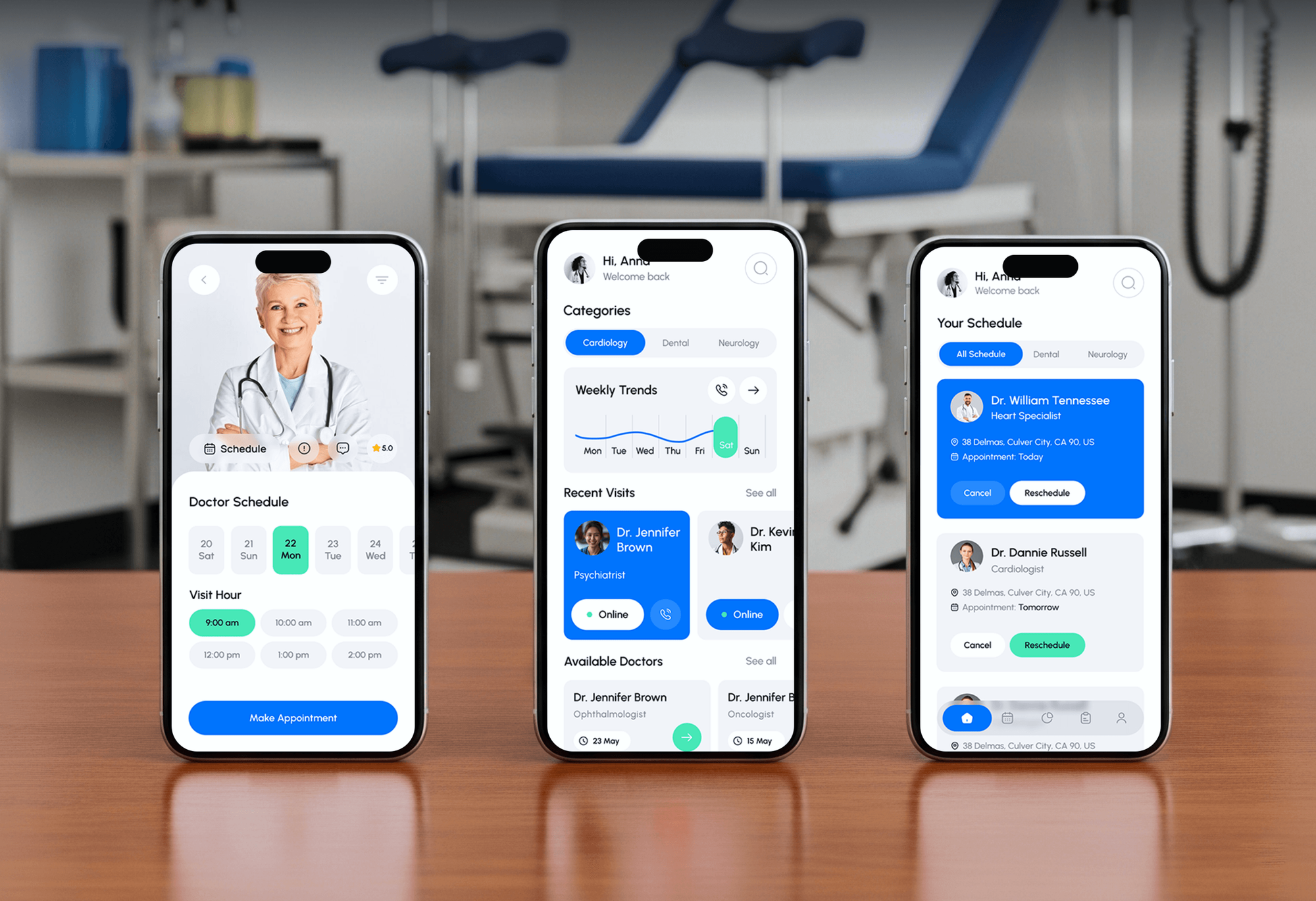
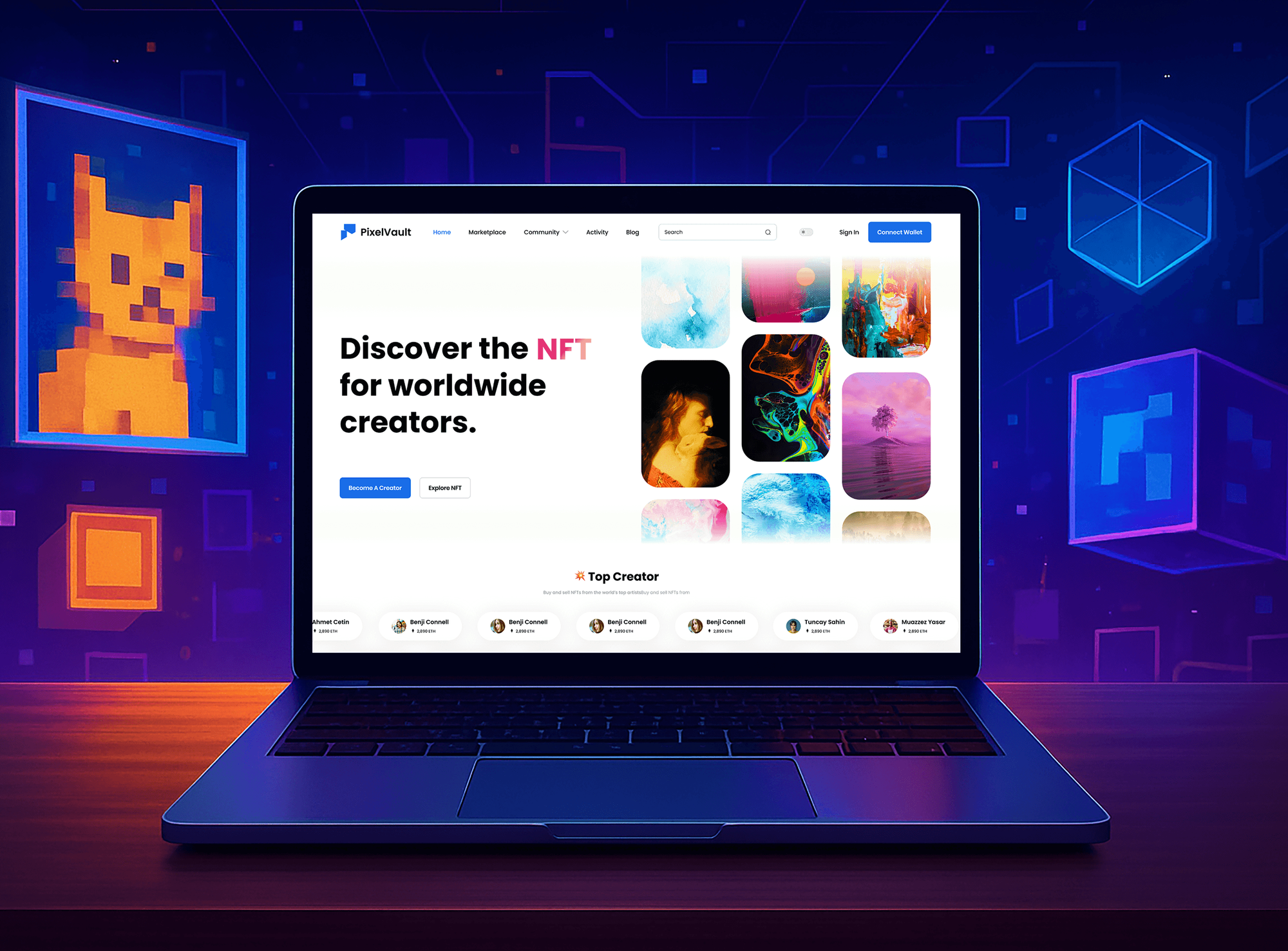
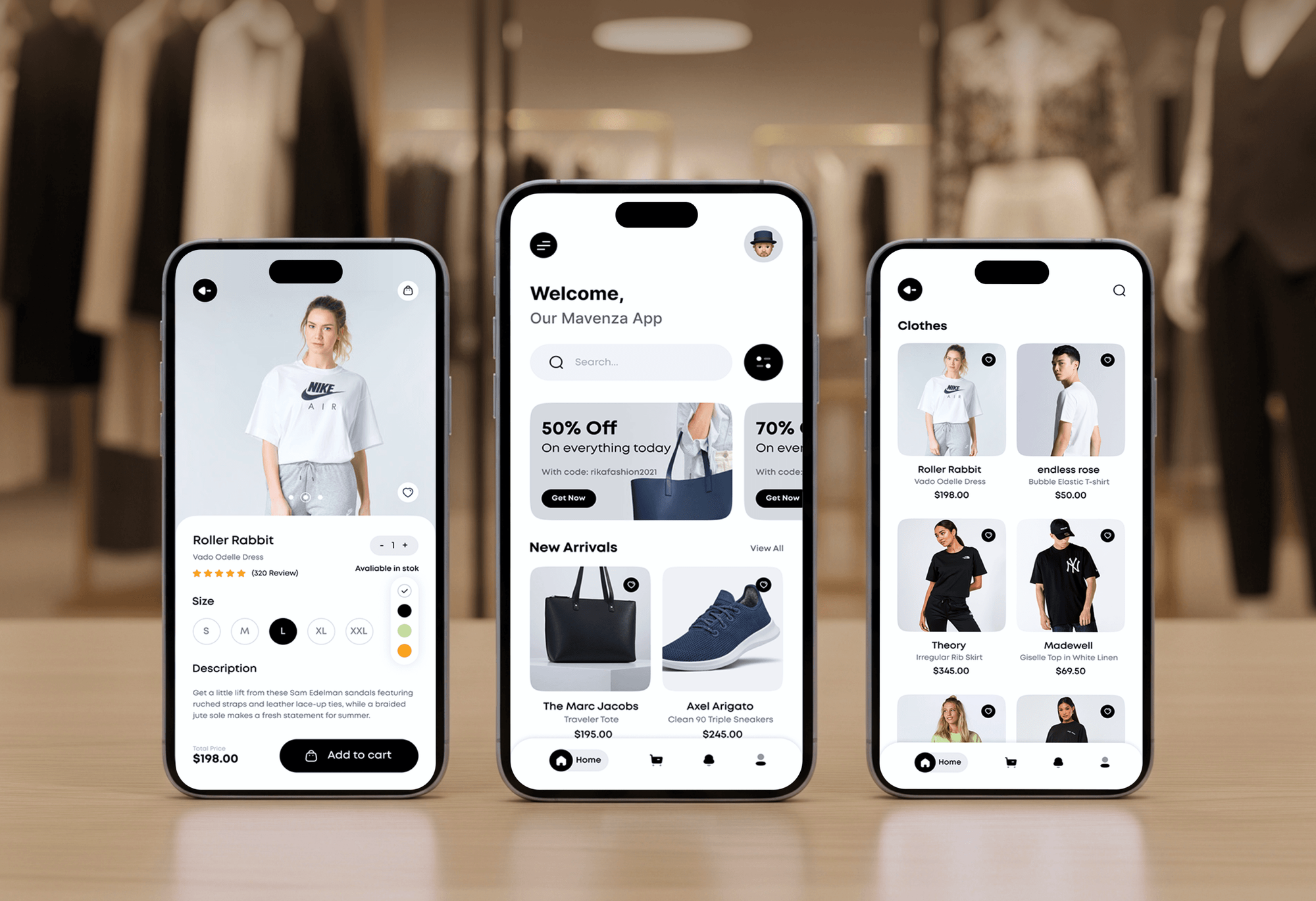
Web and mobile apps we built with logins, roles, payments, and admin dashboards. These are the layers an application security assessment checks.

What Our Clients Say
Feedback from teams we have built apps, platforms, and websites for.
We had a pretty specific idea of what we wanted our website to become, but I wasn’t sure how easily we could explain all of it to a development team. There were quite a few moving parts, and we were working toward a deadline, so I expected a few things to get lost along the way. That never really happened. They understood what we were trying to achieve, kept us updated throughout the process, and got everything ready within the agreed timeline. The final site feels much easier to navigate, works beautifully on mobile, and is noticeably smoother for our customers. It was a huge relief seeing the original idea actually turn into the website we had in mind.
The mobile experience is probably my favourite part of the new site. We had spent a lot of time making sure the desktop version looked right, and the team kept pushing us to think about how everything would actually feel on a phone too. They were right. The navigation is clean, the interactions feel natural, and everything we’ve tested so far works exactly as it should. They also went through the links, forms, integrations, and other details more than once before launch, which I really appreciated. And even after going live, we could still reach out when something came up. The whole process felt friendly, organised, and surprisingly straightforward.
What I appreciate most is that the website is actually easy for us to manage now. We can update content ourselves instead of sending a developer a message every time we need to change something small. They also paid attention to the technical SEO side, which mattered to us because we didn’t want a new website to create problems for the traffic we already had. I’ve probably asked more questions than I should have since launch, but every question has been handled patiently and without any fuss. The team is easy to work with, they explain things clearly, and when we need something changed, they focus on getting it done rather than making the process complicated.
1,250+
Projects shipped
10+
Years of experience
Top 3%
Upwork Top Rated Plus
5 stars
Average review score

Want results like these?
Tell us what you are building. You get a reply within 24 hours on business days, then a written estimate.
Work Culture
An assessment is only useful if developers can act on it. These habits keep findings real, fixes practical, and your release schedule intact.
Our engineers build apps in the same frameworks we assess. Fix examples fit your code, not a generic snippet from a scanner.
If we can't reproduce an issue, it doesn't go in the report. Your developers spend their time on real problems, not on disproving noise.
When we find something serious, you hear about it the same day. You don't wait for the report to start fixing it.
We test in staging whenever you have one and touch production only with written approval. Your customers don't notice the assessment.
Each finding explains what an attacker could actually do, in business terms. Product owners can rank fixes without needing a security background.
You own the report and can share its summary with customers. It describes what we checked honestly, without claiming the app is unbreakable.
Overview
DeveloperLook runs an application security assessment for web and mobile apps that hold customer data. We map roles and endpoints, check design, access control, dependencies, configuration, and data handling against OWASP ASVS, then verify every finding and retest your fixes. Assessments start at $900 with a fixed price and take 1 to 3 weeks.
DEVELOPERLOOK
Project facts · Application Security Assessment
Reviewed 23 Oct 2026 by Saimul Islam
Good fit
SaaS teams facing customer reviews
Your enterprise prospect asks for a recent application security review, and you need a credible report before the deal stalls.
Startups before a public launch
You're about to open signups to everyone, and you want an application vulnerability assessment before real customer data arrives.
Mobile app teams
Your iOS or Android app stores tokens and personal data, and you need a mobile application security assessment against OWASP MASVS.
Teams that inherited a codebase
You took over an app from another agency or developer, and you need an application security analysis before you build on it.
Agencies shipping client apps
Your agency delivers apps to clients who ask for security evidence, and you want assessments delivered under your own brand.
Not a fit
Need a pen test report
A customer or auditor specifically requires a penetration test. Web Application Penetration Testing Services delivers that report.
Design not built yet
Your feature is still a design or a diagram. Threat Modeling Services checks it before code exists, while changes are still cheap.
WordPress or Shopify site
You run a WordPress, Shopify, or other hosted website rather than a custom app. Website Security Audit Services fits that setup better.
Budget under $900
Your budget is under $900. Run a free scanner like ZAP and update your dependencies first, then book an assessment when you can.
Not sure we're the right fit?
Book a free call or message us. We'll tell you honestly whether we're the right team.
Pricing
These are starting points in USD. Your final price depends on your apps, user roles, and API endpoints, and you get a fixed proposal after a free app intake call.
For one web app that needs a credible review before a launch or customer request.
$900one-time, USD
For SaaS products with APIs, several roles, and customers asking hard questions.
$2,400one-time, USD
For products with a web app, APIs, and a mobile app that share one backend.
$4,900one-time, USD
For Agencies
You own the client relationship. We assess the apps your team builds and write findings in your report template. We also help your developers fix them, so your clients get security evidence without you hiring an AppSec engineer.
White label: your client only ever sees your brand
Send the stack, the user roles, staging access, and the client's deadline.
You get the role map, a test plan, and a fixed price per app.
We assess, report in your template, and retest after your team fixes.
Findings and summaries go out under your agency's name.
Fix examples written for the frameworks your team already uses.
Assessments booked into your release plan instead of after launch.
Each app is priced up front, so your margin stays predictable.
The Right Technology for Your Project
We test with standard security tools and can add checks to your pipeline, so new code gets scanned as it ships.
 Burp Suite
 OWASP ASVS
 React
React Node.js
 AWS
AWSFAQ
Straight answers on cost, timelines, assessment types, and how to keep a web application secure.
Saimul IslamFounder & CEO, DeveloperLookStill have questions?
Send a message or book a call with the team.
A web app security assessment is a structured review of a browser-based app's design, access controls, libraries, settings, and data handling. It looks for weaknesses an attacker could use, then explains how to fix each one. Unlike a pen test, it aims for broad coverage of the app rather than proving how far one attack chain goes.
The main types are automated scanning (DAST), static code analysis (SAST), dependency checks (SCA), configuration reviews, manual assessments, and penetration tests. Each one finds different problems: scanners miss logic flaws, and pen tests often skip dependencies. Our software security assessment combines manual testing with dependency and configuration review, and the top plan adds SAST to your pipeline.
An application security assessment from DeveloperLook starts at $900 for one web app with up to 2 user roles, verified findings, and one retest. Adding APIs, up to 5 roles, and ASVS Level 2 checks costs $2,400. A web and mobile assessment with pipeline scanning is $4,900. Each price is fixed after the free intake call.
Most assessments take 1 to 2 weeks for one web app, and 2 to 3 weeks with APIs or a mobile app. Mapping roles and setting up test accounts usually fills the first few days. The retest happens once your team ships fixes, within 30 days of the report.
Perform an application security gap assessment by comparing your app with OWASP ASVS and marking each requirement met, partly met, or missing. ASVS 5.0 has 3 levels: Level 1 is a baseline, and Level 2 suits most apps with sensitive data. The gaps become your fix list, ranked by risk. We use Level 1 on every plan and Level 2 on larger ones.
You prevent most web application attacks by enforcing access checks on the server, keeping dependencies patched, validating input, and setting secure defaults. The OWASP Top 10:2025 still ranks broken access control first. An application security assessment checklist built from ASVS helps your team apply these habits the same way on every release.
Ensure web application security by adding checks at every stage, from design reviews to dependency scans to assessments before major releases. No single test covers everything, so layers matter. Small teams can start with automated scans in CI and one assessment a year, then add threat modeling for risky features such as payments or roles.
No, an assessment aims for broad coverage, while a pen test tries to prove how far an attacker can get. An assessment checks design, dependencies, and configuration that a pen test may skip, and a pen test goes deeper on exploitation. Many teams run an assessment first, fix the findings, then book a pen test when a customer asks for one.
Yes, the top plan adds one iOS or Android app, checked against the OWASP Mobile Application Security Verification Standard (MASVS). We look at how the app stores tokens and personal data, how it talks to your API, and what it trusts. Mobile and web often share one backend, so we test them together.
After the report, your developers fix the findings while we answer questions, and we retest within 30 days to confirm each fix. The updated report shows what was fixed and what remains open. The top plan adds a second retest, 60 days of fix support, and security scans in your CI pipeline.
Saimul IslamFounder & CEO, DeveloperLookStill have questions?
Send a message or book a call with the team.
Free 30-min callGoogle Meet
Book a call
In 30 minutes on Google Meet we walk you through how we would build it, how long it takes and what it costs. Then you get a written estimate.
Calendar not showing? Book on cal.com or send a brief.