Class and sales calendar embeds
Wodify's class calendar and Online Sales Page calendar on your site, styled light or dark, filtered by program.

For CrossFit boxes and studios on Wodify: website leads, trials, and members land in the right Wodify record and Mailchimp audience, from $550.
100%
Leads tagged by stage
3+ hrs
List cleanup saved each week
How your project runs
01 · FreeTeams we have built for:














The Problem
It shows up when a gym adds trial offers, a chat widget, or a second email tool. Nobody decides how leads and members move between Wodify and everything else.
Lead form
An edited form in Core breaks the copy on your site.
Lead form
We regenerate and re-paste the form after each change, then test a submission.
Email list
Mailchimp holds members but none of your trial leads.
Email list
Zapier adds leads with a stage tag next to the natively synced members.
Chat leads
Intercom chat leads sit in a separate inbox.
Chat leads
A Zapier link creates or updates the Wodify lead from each new chat lead.
Cancellations
Cancelled members keep getting active-member emails for weeks.
Cancellations
The Active field updates in Mailchimp, so member campaigns skip them.
A visitor fills in the free trial form on your site on Sunday night. On Monday, the lead in Wodify has no phone number, because someone changed the form in Core and didn't re-paste the code. Your Mailchimp list holds every member but none of your leads, so trial follow-ups go to nobody. Chat leads from Intercom sit in a separate inbox. The schedule on your site still shows last month's coach. And a member who cancelled keeps getting see-you-in-class emails for weeks.
We start with the path a lead takes: website form or chat, then a Wodify lead, a trial, and a member. Each step gets one home. Class and sales calendars embed straight from Wodify, and the lead form is regenerated whenever Core changes. Mailchimp keeps members synced natively through the Active field, while Zapier tags leads and trials. Your follow-up emails reach the people they were written for, not your whole list.
One path for every lead
Website forms and chat leads land in Wodify first, then flow to email by stage.
Audiences tagged by stage
Leads, trials, members, and past members each get their own Mailchimp tag or field.
Schedules embedded live
Class and online sales calendars come straight from Wodify, so your site matches the app.
Our Wodify Integration Process
You see what Wodify's own embeds and Mailchimp sync already cover, approve the path every lead takes, and watch a test lead become a member before launch.
We look at your Wodify plan, website platform, email tool, chat widget, and every place a lead can start. You get a list of what Wodify's embeds, Mailchimp sync, and Workflows already cover.
What's Included
Live class and sales calendars on your site and a lead form that stays current. Mailchimp audiences follow each stage, Intercom leads reach Wodify, and API work covers the rest.
Compare Options
Wodify Sites gives you a website built by Wodify's own team, and a DIY zap is quick for one job. Here is where each fits once leads, chat, and email all need to agree.
| Feature | DeveloperLookBest fit | Wodify Sites | DIY Zapier |
|---|---|---|---|
| Your existing website | Kept, with embeds added | Replaced by a Wodify site | Kept, links added by you |
| Lead form upkeep | Regenerated and tested on change | Synced automatically | Re-pasted when remembered |
| Mailchimp by stage | Members and leads tagged | Separate setup | Built zap by zap |
| Intercom chat leads | Created as Wodify leads | Not covered | Possible with a template |
| Custom logic | API service with logging | Set by Wodify's team | Filters and paths |
| Setup speed | 1 to 5 weeks | Built by Wodify's team | Same day for one zap |
| Cost | From $550, fixed scope | In Ultimate or an add-on | Zapier plan fees |
| Ownership and docs | Runbook and keys you keep | Edited in Wodify's editor | Notes you keep yourself |
Projects We've Built
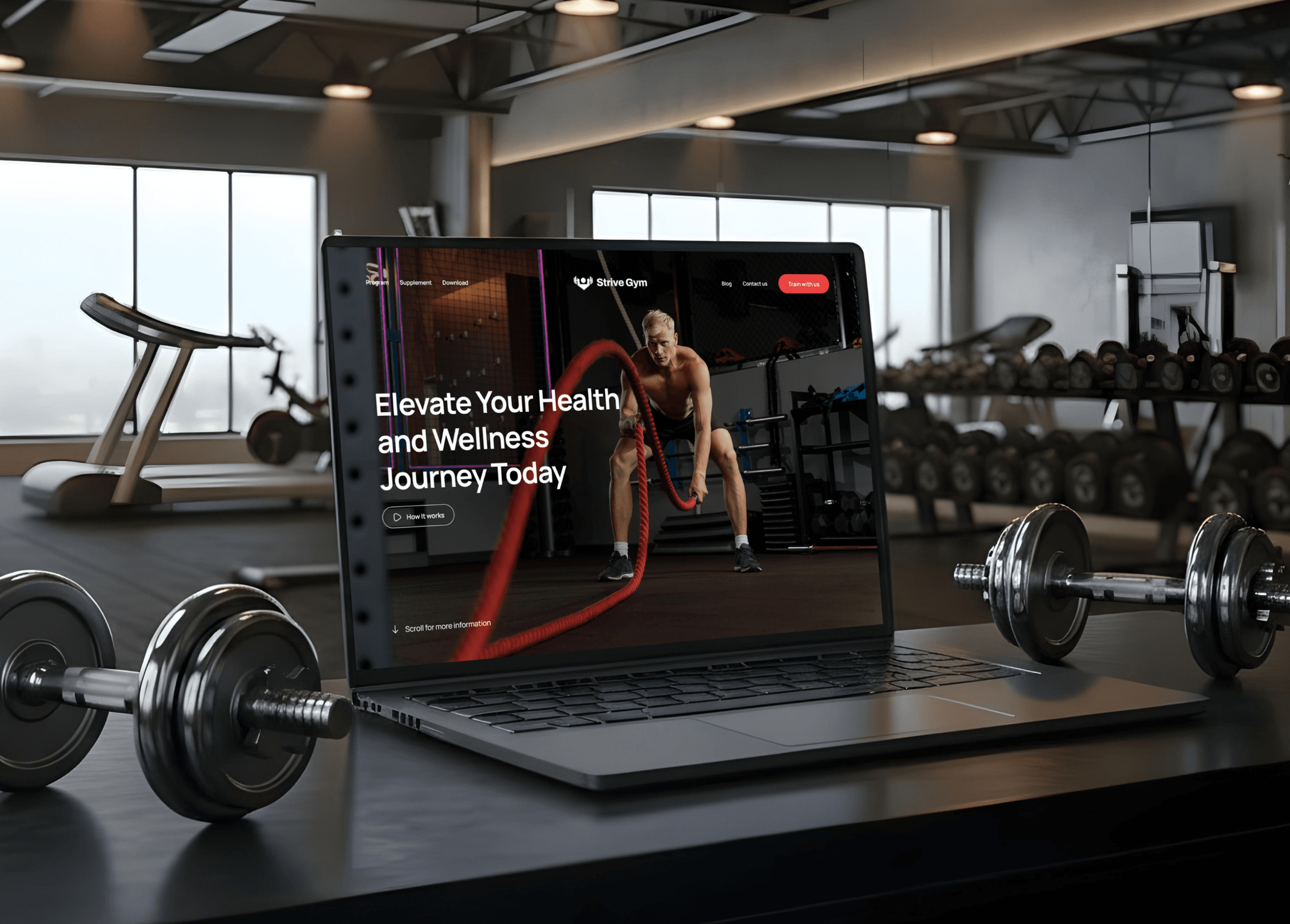
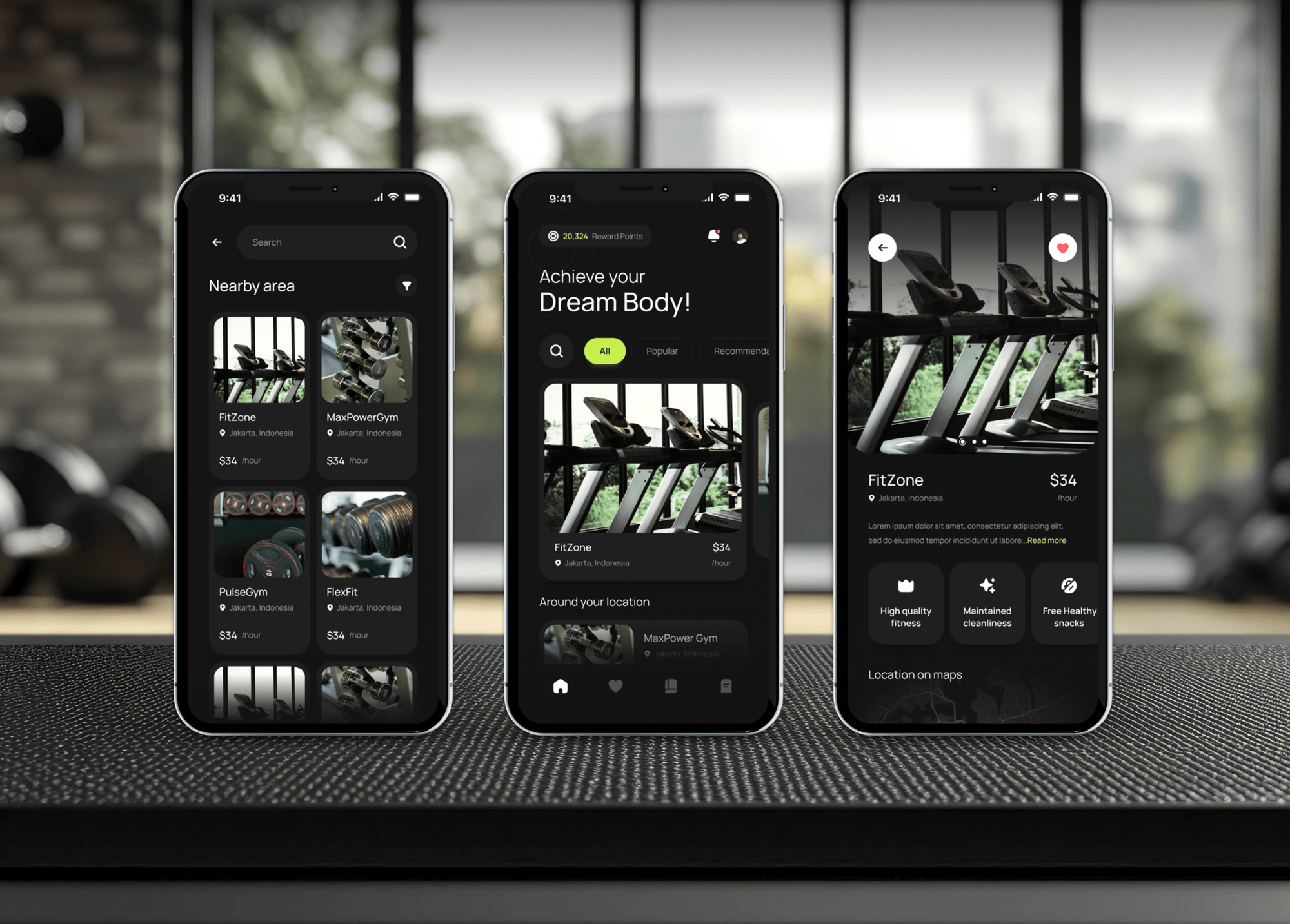
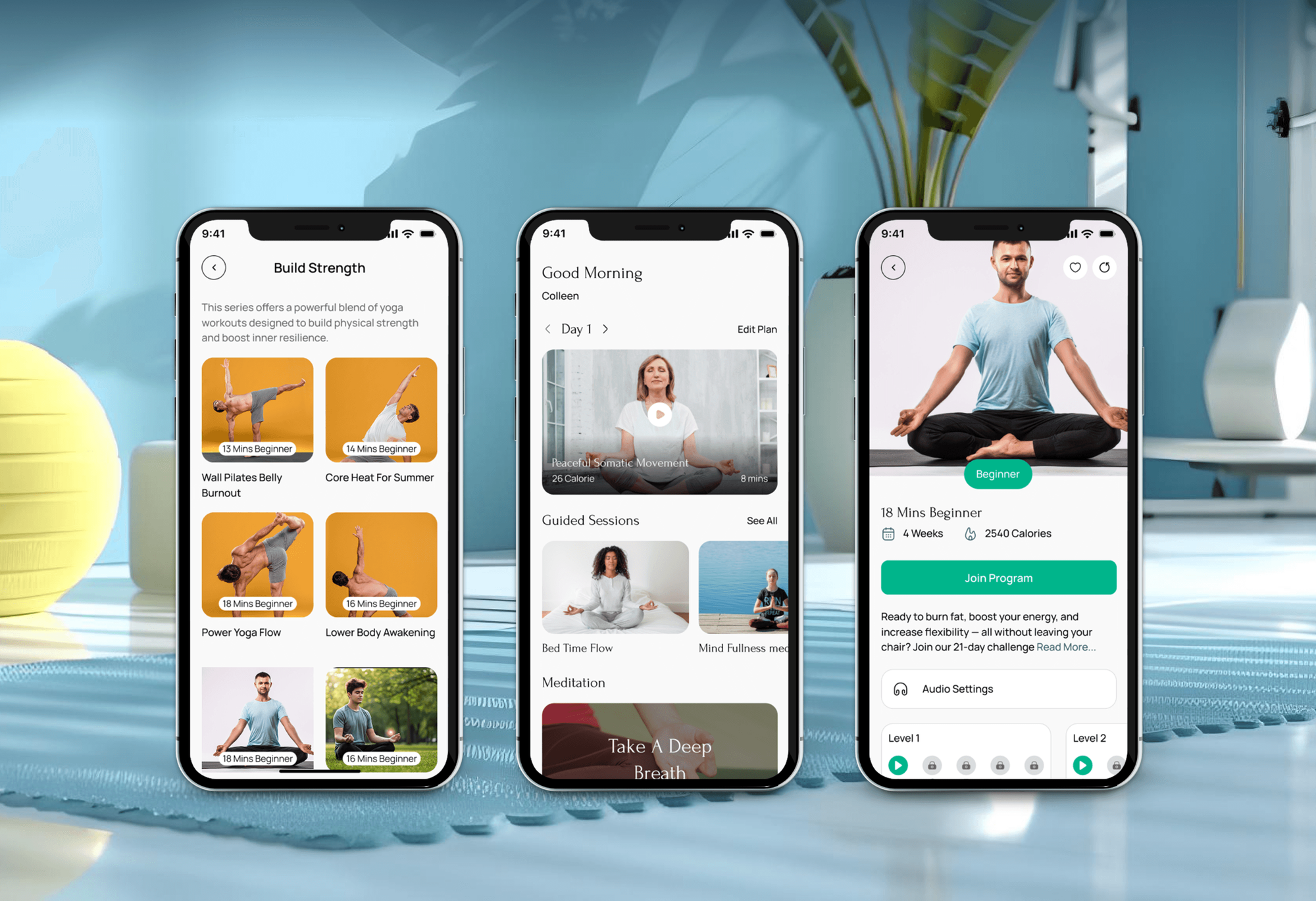
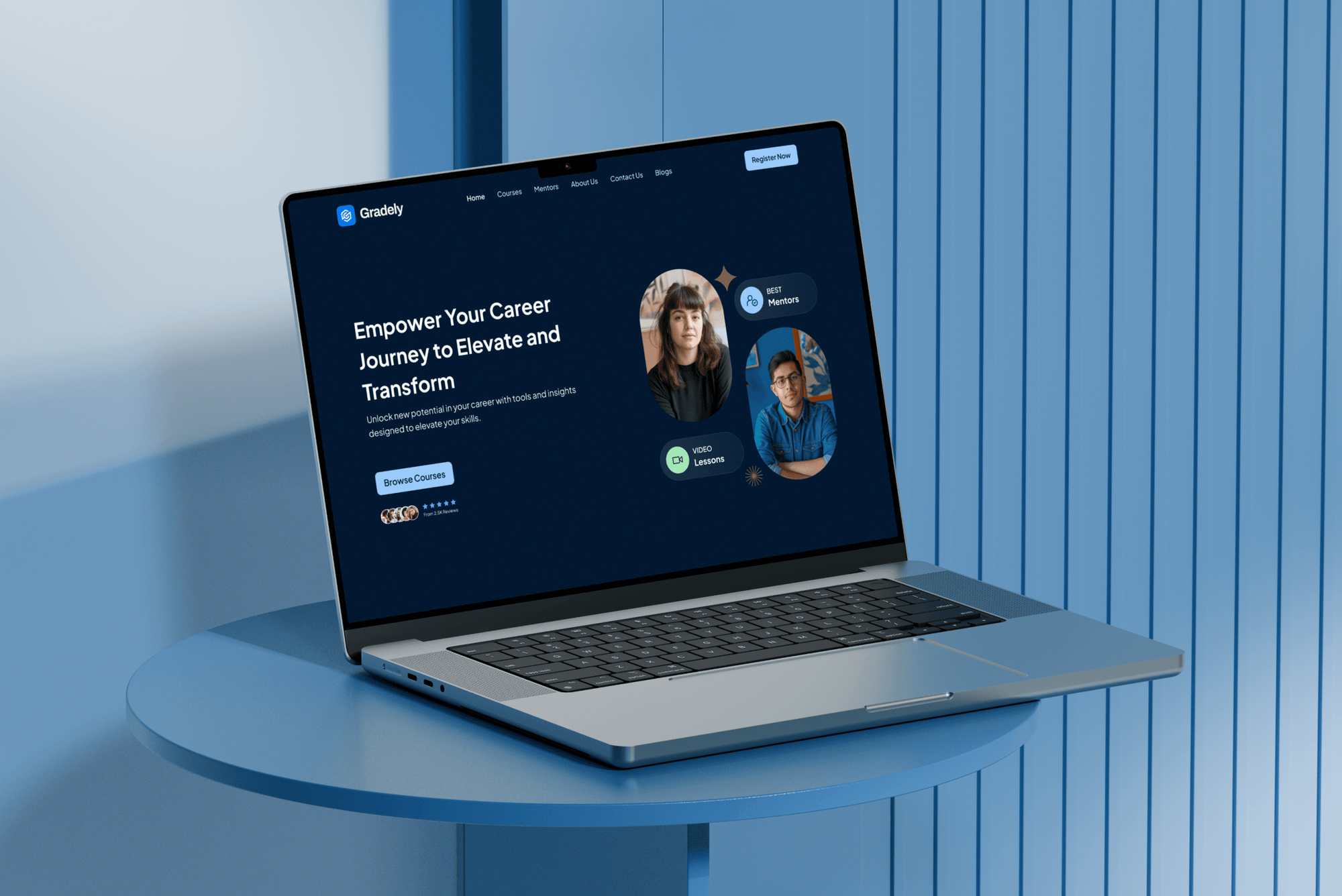
Gym membership, yoga, and online learning projects we designed and built. None ran Wodify, but they show how we handle class schedules, sign-ups, and member data.
What Our Clients Say
Feedback from teams we have built membership and class booking software for.
We had a pretty specific idea of what we wanted our website to become, but I wasn’t sure how easily we could explain all of it to a development team. There were quite a few moving parts, and we were working toward a deadline, so I expected a few things to get lost along the way. That never really happened. They understood what we were trying to achieve, kept us updated throughout the process, and got everything ready within the agreed timeline. The final site feels much easier to navigate, works beautifully on mobile, and is noticeably smoother for our customers. It was a huge relief seeing the original idea actually turn into the website we had in mind.
The mobile experience is probably my favourite part of the new site. We had spent a lot of time making sure the desktop version looked right, and the team kept pushing us to think about how everything would actually feel on a phone too. They were right. The navigation is clean, the interactions feel natural, and everything we’ve tested so far works exactly as it should. They also went through the links, forms, integrations, and other details more than once before launch, which I really appreciated. And even after going live, we could still reach out when something came up. The whole process felt friendly, organised, and surprisingly straightforward.
What I appreciate most is that the website is actually easy for us to manage now. We can update content ourselves instead of sending a developer a message every time we need to change something small. They also paid attention to the technical SEO side, which mattered to us because we didn’t want a new website to create problems for the traffic we already had. I’ve probably asked more questions than I should have since launch, but every question has been handled patiently and without any fuss. The team is easy to work with, they explain things clearly, and when we need something changed, they focus on getting it done rather than making the process complicated.
1,250+
Projects shipped
10+
Years of experience
Top 3%
Upwork Top Rated Plus
5 stars
Average review score
1,250+
Projects shipped
10+
Years of experience
Top 3%
Upwork Top Rated Plus
5 stars
Average review score

Want results like these?
Tell us what you are building. You get a reply within 24 hours on business days, then a written estimate.
Work Culture
We map the path every lead takes, check Wodify's own tools first, and keep your email audiences in step with who is actually training.
We map every step a lead takes before connecting anything. Your coaches see trials in Wodify, and your emails match the stage each person is in.
We check Wodify's embeds, Workflows, native Mailchimp sync, and its Zapier app before quoting code. If Wodify already covers your case, we'll tell you before we quote.
Wodify's lead form isn't live-linked, so we regenerate it after every field change and test a submission. A stale form won't quietly drop phone numbers.
Wodify's API allows 5 requests a second and 500,000 a month. We pace every sync inside that, so a busy Monday doesn't lock out your other tools.
We create one API key per integration in your Wodify account, as Wodify recommends. Revoking one link leaves the others running.
You get a fixed proposal after the free review, listing every embed, zap, and API task. If we find more work mid-build, we ask before adding it.
Overview
DeveloperLook builds Wodify API integrations and website embeds for CrossFit boxes and fitness studios. We embed class and sales calendars, keep the lead form current, sync Mailchimp by member stage, and bring Intercom chat leads into Wodify. Projects start at $550 and take 1 to 5 weeks, with a fixed scope after a free review.
DEVELOPERLOOK
Project facts · Wodify Integration
Reviewed 27 Oct 2026 by Saimul Islam
Good fit
CrossFit boxes running trial offers
Your free trial form feeds Wodify, but your Mailchimp list only knows members, so trial follow-up emails go out by hand or not at all.
Gyms using Intercom chat on their site
You added Intercom chat to your website and want Wodify Intercom integrations, so every chat enquiry becomes a lead your coaches can follow up.
Owners rebuilding their gym website
Your new WordPress or Squarespace site needs the Wodify class schedule, online sales calendar, and lead form embedded and tested before launch.
Multi-location gyms on Accelerate or Ultimate
You run two or more locations and want one dashboard or a custom tool built on the Wodify API instead of separate reports.
Agencies managing fitness clients
You build sites and run ads for gyms on Wodify and need embeds, pixels, and email tags set up the same way for each client.
Not a fit
Gym runs PushPress
Your gym runs PushPress, not Wodify. Our PushPress Integration page covers its Core and Grow routing, schedule embeds, and Zapier links.
Gym runs Zen Planner
Your gym runs Daxko Zen Planner. Our Zen Planner Integration page covers its member imports, website widgets, and accounting links.
Wodify Sites already works
You're on Ultimate and Wodify Sites already runs your website and lead forms well. Wodify's own team covers that, so we'll tell you before we quote.
Need a new gym website
You need a new website more than connections. Our CrossFit Box Website Design page builds the site, and the Wodify embeds come with it.
Not sure we're the right fit?
Book a free call or message us. We'll tell you honestly whether we're the right team.
Pricing
These are starting points in USD. Your final price depends on your Wodify plan, lead sources, and API work, and you get a fixed proposal after a free discovery call.
For Agencies
You own the gym client, their website, and their campaigns. We supply the Wodify side: calendar embeds, lead forms, Mailchimp tags, Intercom links, and API work, tested with a trial lead before launch. Your agency's name stays on the work.
White label: your client only ever sees your brand
Send the gym's Wodify plan, website platform, and the tools that need lead data.
We send a fixed quote, then build and test everything under your brand.
You get a white-label runbook and test notes to share with the gym.
Send the gym's Wodify plan, website platform, and the tools that need lead data.
We send a fixed quote, then build and test everything under your brand.
You get a white-label runbook and test notes to share with the gym.
The Right Technology for Your Project
The tools we connect around Wodify, taken from its integrations directory, help center, Zapier app, and developer docs, so every link runs on a supported route.
 WordPress
 Squarespace
 Google Analytics (GA4)
 Intercom
 Zapier
 Slack
Slack Node.js
 Google Sheets
 PostgreSQL
Related Services
Gyms connecting Wodify often look at these next: a wider integration plan, other gym software, Mailchimp work, or a new CrossFit box website.
This page
Wodify Integration
Pairs with the 6 services around it
FAQ
Straight answers on cost, timelines, Mailchimp, website embeds, the API and its limits, Intercom, the Workout Marketplace, and ownership.
Saimul IslamFounder & CEO, DeveloperLookStill have questions?
Send a message or book a call with the team.
A Wodify integration from DeveloperLook starts at $550 for calendar embeds, a lead form, native Mailchimp sync, and one tagged lead zap. Lead and trial tagging with Intercom chat leads starts at $1,400. A custom service on Wodify's developer API starts at $3,050. Your Wodify, Mailchimp, and Zapier subscriptions are billed by those companies, separately.
Wodify API work takes 3 to 5 weeks, including several days of testing with a trial lead. Embeds and Mailchimp setup take about 1 week, and lead tagging with Intercom links takes 2 to 3 weeks. After the free review, you know which tier fits your box before any build starts.
Yes, natively. In Wodify Core you switch Mailchimp on under Automations, then Integrations, and paste your Mailchimp API key. In Mailchimp you add an Active field (Yes or No), plus an optional Location field for multi-location gyms. Clients created after you enable it are added to your audience automatically.
Yes, through Zapier or the API, because Wodify's native Mailchimp article covers clients rather than leads. Zapier has a ready template that subscribes new Wodify Core leads to a Mailchimp list, and lead tag triggers can move people between audiences. Lead triggers need a qualifying Wodify plan, so we confirm yours first.
With three embeds from Wodify Core: the class calendar, the Online Sales Page calendar, and the lead form. Each is a copy-and-paste HTML snippet that works on WordPress, Squarespace, and most site builders. The lead form isn't live-linked, so after any field change in Core it has to be regenerated and pasted again.
The Wodify API documentation lives at docs.wodify.com, with guides on authentication, rate limits, and search, plus a full reference. Each request carries an API key in an x-api-key header. Admins create keys in Wodify Core under Automations, then Integrations, then API and MCP, on the Accelerate and Ultimate plans.
It allows 5 requests per second, bursts of 20, and 500,000 requests a month, and returns an error once you go over. It covers leads, clients, memberships, classes and sign-ins, appointments, financials, and workouts. We found no documented webhooks, so our syncs check for changes on a schedule sized to those limits.
Not natively: Intercom isn't on Wodify's integrations directory. Zapier offers a template that adds or updates a Wodify Core lead when a new lead appears in Intercom, which covers most chat-to-lead needs. Sending Wodify member data back into Intercom takes a custom zap or a small service, which we scope after the review.
No. Wodify's Workout Marketplace is an add-on that sells fitness programming straight into your account. Third-party tools such as Mailchimp, Zapier, Meta Leads, ClassPass, and QuickBooks sit on Wodify's integrations directory instead, grouped under marketing, operations, and programming. We check that directory before suggesting anything custom.
You do. API keys are created under your Wodify admin login, zaps live in your own Zapier account, and any code sits in your repository. At handover you get a runbook listing every embed, key, zap, and Mailchimp field. Your plan covers 14, 30, or 60 days of help once the links go live.
Saimul IslamFounder & CEO, DeveloperLookStill have questions?
Send a message or book a call with the team.
Free 30-min callGoogle Meet
Book a call
In 30 minutes on Google Meet we walk you through how we would build it, how long it takes and what it costs. Then you get a written estimate.
Calendar not showing? Book on cal.com or send a brief.