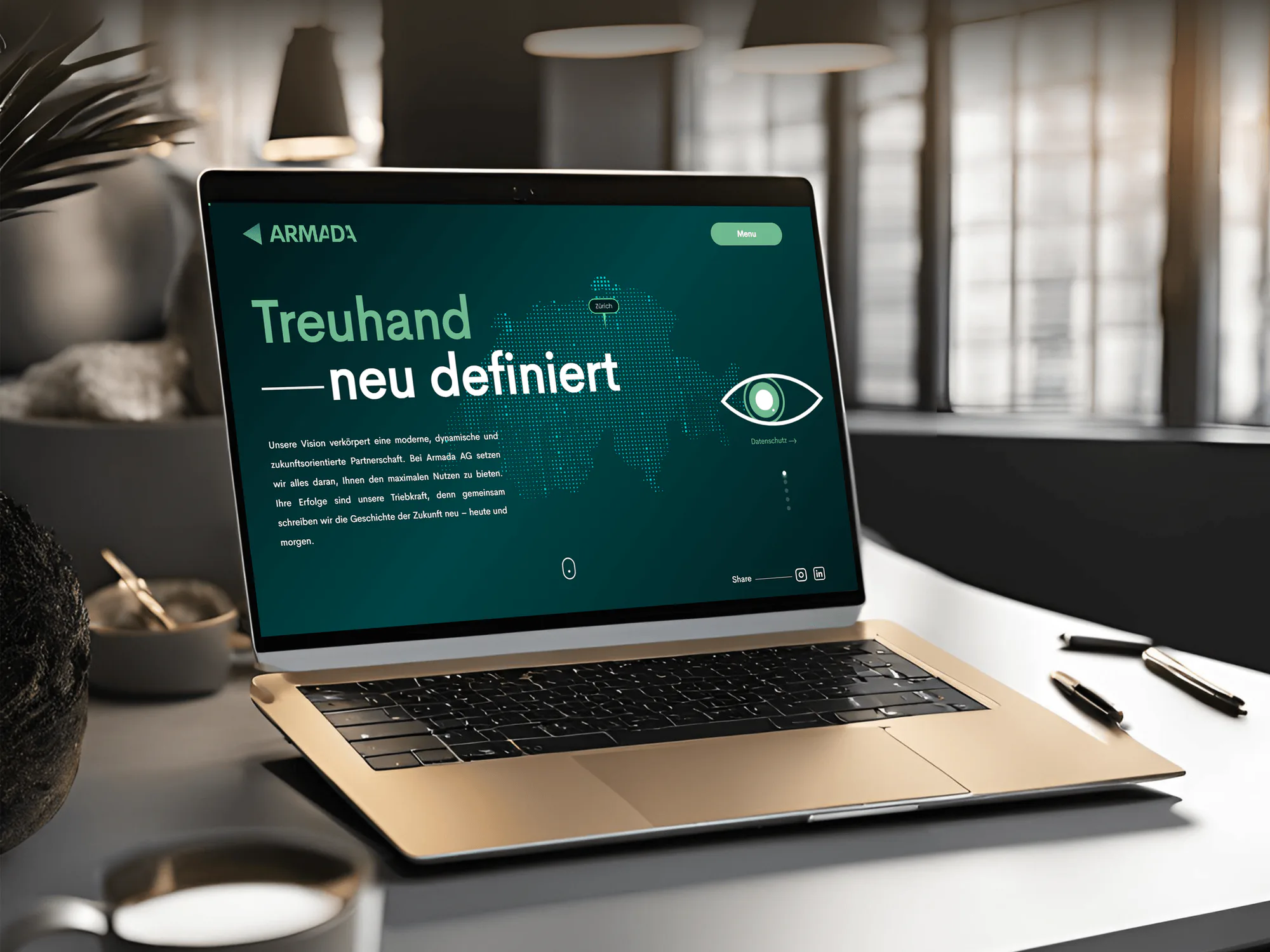
Armada AG Fiduciary and Consulting Services Website
- Finance
- Business
- Website

For law firms that hold privileged files and move client money: MFA on every client system, email spoofing protection, and a wire check staff will follow. From $750.
100%
Client file logins behind MFA
1call
Verifies every wire change
How your project runs
01 · FreeIndustry leaders we work with
The Problem
The gap shows up when a corporate client asks how you protect their files or a partner signs in from a hotel. It also shows up when an email asks to change wire details before a closing.
Wire changes
A spoofed email changes wire details right before a closing.
Wire changes
Staff confirm every changed payment detail by phone, using a number already on file.
Shared logins
Partners share one admin login for the practice system.
Shared logins
Each person gets their own account with MFA, and admin rights go to named owners.
Old access
Former associates can still open matters in the document system.
Old access
Leavers lose access the same day, and matter walls are checked against your conflicts list.
Client questions
A client questionnaire asks for proof the firm can't produce.
Client questions
You get settings, screenshots, and short policy answers ready to send.
A paralegal gets an email from the title company asking to update wire instructions an hour before closing. It looks right, down to a signature block copied from your website. Meanwhile, 2 former associates can still open NetDocuments, the partners share one Clio admin login, and nobody has checked who can see the matters behind your ethical walls. Your attorney bios list names, direct emails, and assistants, which is all a scammer needs to sound like you. Then a corporate client sends a long security questionnaire with a Friday deadline.
We start where attackers start: logins and email. Every account that opens client files gets MFA, and your domain gets SPF, DKIM, and DMARC so spoofed messages are flagged. Then we write a call-back rule for wire changes, review matter access in your document system, and train staff on the scams aimed at legal work. You get a ranked fix list in plain English. Client files end up behind locks you can show a client, not just describe.
Spoofed email flagged early
SPF, DKIM, and DMARC set so fake messages from your domain get flagged or rejected.
A call-back rule for wires
Changed payment details are confirmed by phone, using a known number, before money moves.
Matter access you can show
Ethical walls and leaver accounts checked in your document and practice management systems.
Our Cybersecurity for Law Firms Process
You approve the scope, pick when changes go live around your court calendar, and sign off the fix list and runbook before anything reaches clients or staff.
We ask about your headcount, offices, and the systems that hold client files, such as Clio or NetDocuments. A written scope and fixed price follow within 2 days. If your bar's free checklist already covers a firm your size, we'll say so before quoting.
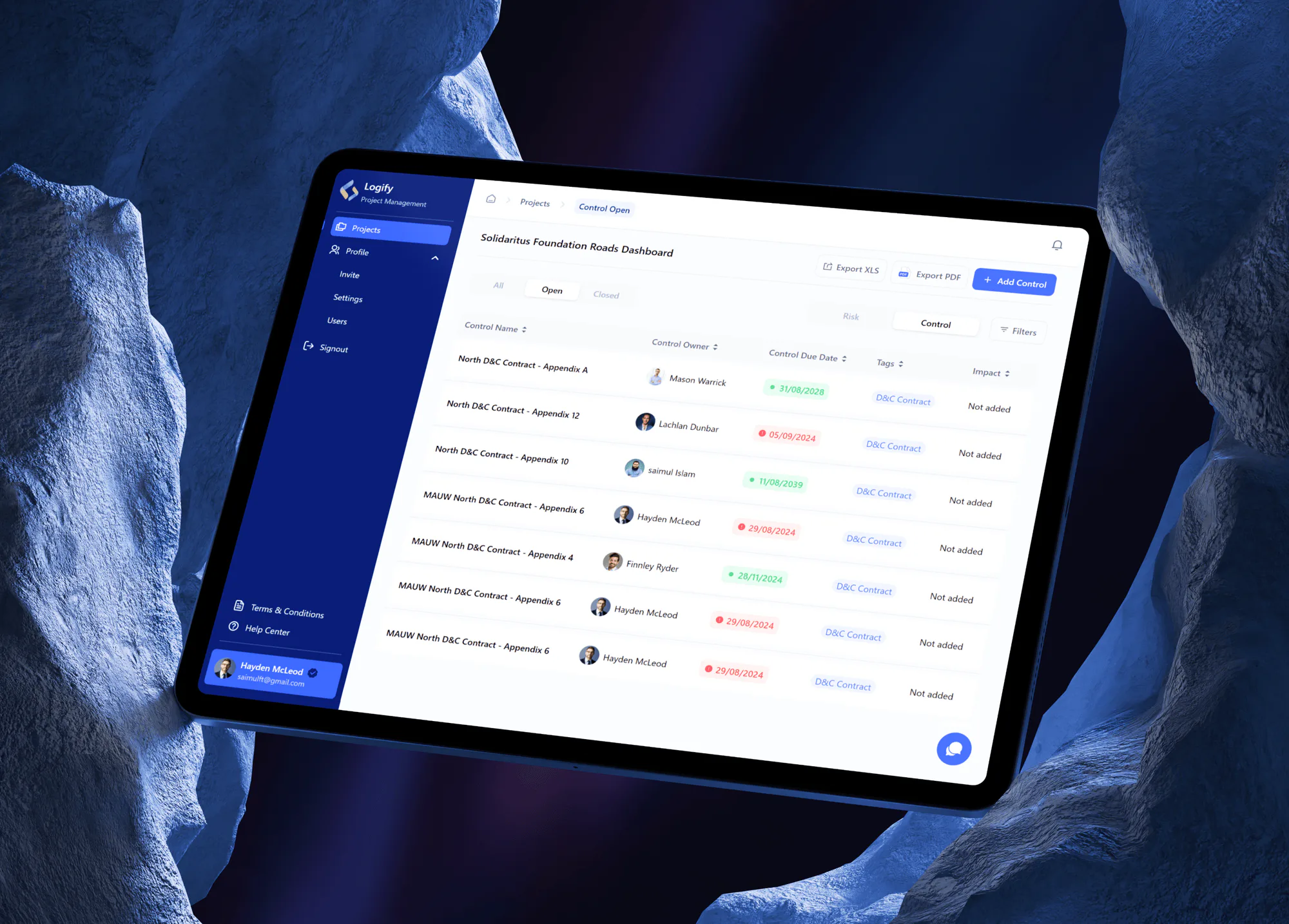
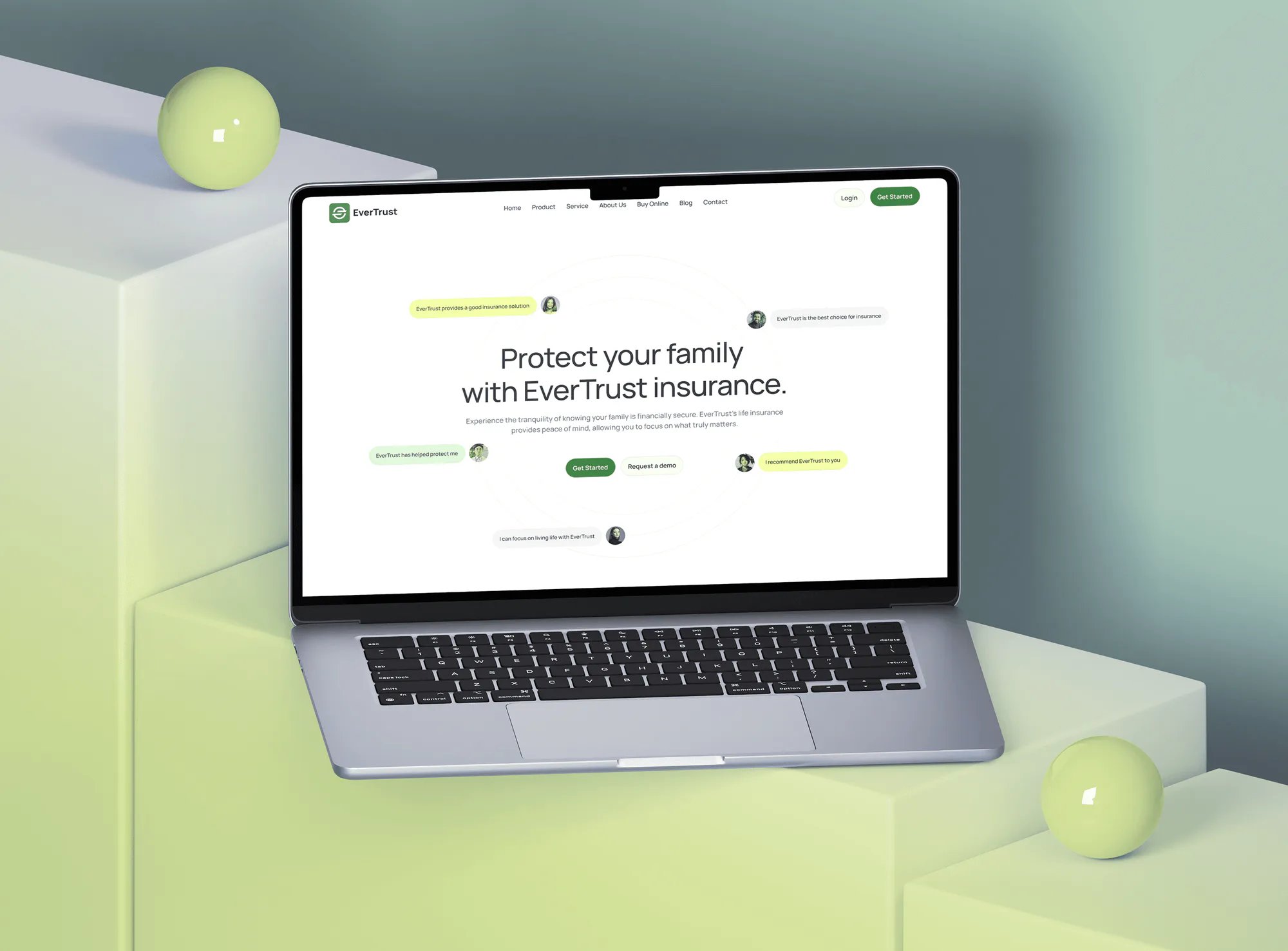
Projects We've Built
Websites and apps we designed and built for fiduciary, insurance, risk, and HR teams. They hold the same kind of confidential client data a law firm protects.

What's Included
The full scope covers MFA on every client system, email authentication, a wire verification rule, matter access review, and staff training. The top plan adds written policies and one baseline for every office.
Compare Options
Cybersecurity and law firms meet in a few systems: email, practice tools, and documents. A legal IT provider keeps the office running, and a free checklist helps a solo start. Here is where each fits.
| Feature | DeveloperLookBest fit | Legal IT provider | DIY checklist |
|---|---|---|---|
| Planning | Free call, written fixed scope | Bundled into the support contract | Bar and insurer checklists |
| Legal systems | Clio, NetDocuments, and iManage settings | Often general IT only | Generic advice |
| Wire fraud controls | Call-back rule and outside-mail banners | Varies by provider | Left to each person |
| Ethical walls | Matter access reviewed against conflicts | Set up when asked | Not covered |
| Staff training | Live session on legal-sector scams | Sometimes a video library | Free videos, no records |
| Ongoing support | 30 days, then your IT provider | Ongoing, part of the contract | No one to call |
| Client questionnaires | Answers library on the top plan | Usually not included | Not covered |
| Cost predictability | Fixed price from $750 | Monthly fee per user | Free to start |
What Our Clients Say
Feedback from teams we have built apps, platforms, and websites for.
We had a pretty specific idea of what we wanted our website to become, but I wasn’t sure how easily we could explain all of it to a development team. There were quite a few moving parts, and we were working toward a deadline, so I expected a few things to get lost along the way. That never really happened. They understood what we were trying to achieve, kept us updated throughout the process, and got everything ready within the agreed timeline. The final site feels much easier to navigate, works beautifully on mobile, and is noticeably smoother for our customers. It was a huge relief seeing the original idea actually turn into the website we had in mind.
The mobile experience is probably my favourite part of the new site. We had spent a lot of time making sure the desktop version looked right, and the team kept pushing us to think about how everything would actually feel on a phone too. They were right. The navigation is clean, the interactions feel natural, and everything we’ve tested so far works exactly as it should. They also went through the links, forms, integrations, and other details more than once before launch, which I really appreciated. And even after going live, we could still reach out when something came up. The whole process felt friendly, organised, and surprisingly straightforward.
What I appreciate most is that the website is actually easy for us to manage now. We can update content ourselves instead of sending a developer a message every time we need to change something small. They also paid attention to the technical SEO side, which mattered to us because we didn’t want a new website to create problems for the traffic we already had. I’ve probably asked more questions than I should have since launch, but every question has been handled patiently and without any fuss. The team is easy to work with, they explain things clearly, and when we need something changed, they focus on getting it done rather than making the process complicated.
1,250+
Projects shipped
10+
Years of experience
5 stars
Clutch rating
5 stars
GoodFirms rating
Excellent
Trustpilot rating
Top 3%
Upwork Top Rated Plus
1,250+
Projects shipped
10+
Years of experience
5 stars
Clutch rating
5 stars
GoodFirms rating
Excellent
Trustpilot rating
Top 3%
Upwork Top Rated Plus

Want results like these?
Tell us what you are building. You get a reply within 24 hours on business days, then a written estimate.
Work Culture
Cybersecurity for law firms touches privileged files, trust money, and partners' habits. These habits keep our work careful, quiet, and easy for your firm to explain to clients.
We review settings, permissions, and logs, not the contents of privileged documents. When a check needs a file, someone at your firm opens it while we look at the setting.
We schedule MFA rollouts and sign-in changes away from filing deadlines, trials, and closings. Nobody loses access the night before a hearing.
Partners get a one-page summary that says what the risk is, what fixing it takes, and who decides. There's no jargon and no scare tactics.
We set up controls that support your duty of confidentiality, but we don't interpret ethics rules. Your ethics counsel or your bar's ethics hotline answers those questions.
Your current IT provider keeps running the office day to day. We close the security gaps alongside them and leave notes they can maintain.
You get one fixed price for the people and offices in scope. A new office or a merger is quoted before we start on it.
Overview
DeveloperLook provides cybersecurity for law firms that hold privileged files and client funds. We put MFA on email, practice, and document systems, set up DMARC, write a call-back rule for wire changes, review matter access, and train staff. Projects start at $750 and take 1 to 6 weeks, at a fixed price. We review settings, not client matters.
DEVELOPERLOOK
Project facts · Cybersecurity for Law Firms
Reviewed 26 Oct 2026 by Saimul Islam
Good fit
Small firms that move client funds
Your firm handles settlement or escrow money, and a spoofed email asking to change wire details is the scam you worry about most.
Firms running cloud practice tools
You run Clio, NetDocuments, and Microsoft 365, and you want cloud-based law firm cybersecurity settings checked by someone outside your IT contract.
Firms facing client security questionnaires
Your corporate client's outside counsel guidelines ask how you protect their files, and you need honest answers backed by settings you can show.
Regional firms with several offices
Your offices set up laptops and sharing rules differently, and you need one security policy that every office follows and can prove.
Firms after a close call
Your partners read about a law firm hacked through one inbox, or it nearly happened to you, and you want the gaps closed now.
Not a fit
Need a client portal
You mainly need a safer way to share documents and messages with clients. Our law firm client portal page covers that build.
Want ongoing monitoring
You want someone watching sign-ins and alerts every business day after the fixes. Our managed security services page covers that monthly work.
Solo on one laptop
You're a solo lawyer on one laptop with Microsoft 365. Turning on MFA and following your bar's free checklist may be all you need for now.
Need an ethics opinion
You need advice on what your bar rules require in a specific matter. That's a question for ethics counsel or your bar's ethics hotline, not a security firm.
Not sure we're the right fit?
Book a free call or message us. We'll tell you honestly whether we're the right team.
Pricing
These are starting points in USD. Your final price depends on your headcount, your offices, and the systems that hold client files, and you get a fixed proposal after a free firm risk call.
For Agencies
You own the law firm relationship. We supply the security review, MFA rollout, email authentication, and wire rules under your brand, and you stay the provider the firm calls. Your clients get legal-specific security work without you hiring a specialist.
White label: your client only ever sees your brand
Send the firm's headcount, offices, and the systems that hold client files.
You get a written scope and one fixed price for each firm.
We deliver the fixes and the fix list for you to present.
Send the firm's headcount, offices, and the systems that hold client files.
You get a written scope and one fixed price for each firm.
We deliver the fixes and the fix list for you to present.
The Right Technology for Your Project
These are the identity, email, and device tools most firms already license, plus the legal systems where client files and matter records live.
FAQ
Straight answers on why it matters, the biggest risks, cost, timing, training, and how to judge a security advisor.
Saimul IslamFounder & CEO, DeveloperLookStill have questions?
Send a message or book a call with the team.
Because law firms hold two things criminals want: privileged information and client money. ABA Model Rule 1.6(c) asks lawyers to make reasonable efforts against unauthorized access to client information, and corporate clients now check. A single compromised inbox can expose every matter in it and redirect a settlement payment. We're not your ethics counsel, but we make the reasonable efforts visible.
Email is the biggest risk for most firms. Attackers phish one lawyer, quietly add a forwarding rule, and wait for a closing or settlement to send changed wire instructions. MFA, DMARC, and a call-back rule for payment changes close most of that path. Stale accounts for former staff come a close second, because nobody notices them until they're used.
It starts at $750 for firms of up to 15 people. That covers a systems review, MFA on client file logins, DMARC, and a wire call-back rule. Firms of up to 40 people that add matter access reviews and staff training start at $1,900. Multi-office programs for up to 100 people start at $3,850, fixed after a free call.
A review with first fixes takes 1 to 2 weeks for a small firm, and 2 to 4 weeks once training is added. Multi-office programs take 3 to 6 weeks, because policies need partner sign-off and changes roll out office by office. We plan MFA and sign-in changes around your court calendar, so the timeline bends around trials rather than the other way round.
Attorney bios publish names, titles, direct emails, practice areas, and often assistants, which is everything a scammer needs to impersonate a partner convincingly. You don't need to delete them, since they win clients. Instead, set DMARC so your domain can't be spoofed, tag outside mail that uses a lawyer's name, and train assistants to verify unusual requests by phone.
They enforce policies through central identity and device management instead of office-by-office habits. Sign-in rules live in Microsoft Entra ID, laptop settings in Intune, and sharing limits in the document system, so every office gets the same baseline. Exceptions are logged with an owner, and access reviews run on a schedule. Our Multi-Office Program sets up that model for up to 3 offices.
The best solutions are the controls that stop email takeover and wire fraud, not one brand. That means MFA, email filtering with DMARC, endpoint protection, encrypted laptops, tested backups, and tight document permissions. Most law firms' cyber security gaps can be closed with tools already included in Microsoft 365 Business Premium, so we check your licenses before suggesting anything new.
It should cover the scams that actually reach legal staff. Those are changed wire instructions, fake opposing counsel, spoofed court or e-filing notices, fraudulent invoices, and MFA prompts nobody requested. We keep sessions to about 30 minutes, use examples from legal work, and record attendance for your insurer or clients.
Ask for sample deliverables, who will actually do the work, and how the firm handles your confidential data. A good advisor reviews settings without reading client matters, explains findings to partners in plain English, and fixes gaps instead of only listing them. Ask about independence too: whoever sets up your controls shouldn't also be the one auditing them.
Call your cyber insurer's breach hotline before anything else, because the policy may require its panel lawyers and forensics firm. Then preserve evidence, reset passwords from a clean device, and check every mailbox for forwarding rules. If money moved, call your bank at once. Client notice questions go to ethics counsel, and our 30 days of support after handover covers runbook questions.
Saimul IslamFounder & CEO, DeveloperLookStill have questions?
Send a message or book a call with the team.
Free 30-min callGoogle Meet
Book a call
In 30 minutes on Google Meet we walk you through how we would build it, how long it takes and what it costs. Then you get a written estimate.
Calendar not showing? Book on cal.com or send a brief.