
Signed test authorization
Targets, dates, and lures approved in writing by a named executive before anything is sent.

For HR and IT teams that want to see how staff handle a convincing scam email, without blame: authorized tests, a working report button, and results by team. From $600.
1click
To report a suspicious email
5days
To results by department
How your project runs
Teams we have built for:














The Problem
It shows up when a supplier's bank details change by email, a fake MFA prompt arrives at 7 a.m., or a QR code in a message asks staff to verify their account.
01 · Realism
Default templates look nothing like the scams staff receive.
Lures copy the invoice, payroll, and login requests your teams really see.
02 · Reporting
Nobody tested whether the report button reaches IT.
We check that every report lands in your IT queue before testing starts.
03 · Blame
People who click get scolded, so fewer people report.
Clickers see a short explainer, and results go out by team, not name.
04 · One number
A single click rate hides who reports and how fast.
Results show click, report, and credential entry rates for each department.
You bought a phishing test tool, ran the default templates, and got a click rate for a slide. The template was a parcel notice nobody in your office would expect. Meanwhile, accounts payable got a convincing email from a lookalike of a real supplier's domain, and nobody reported it, because nobody had tested the report button. The people who clicked got a scolding email. Next quarter, fewer people reported anything at all.
We start with written authorization and the scams your staff really receive: supplier invoice changes, payroll requests, MFA prompts, and QR codes. Before any test goes out, we check that the report button works from the inbox to your IT queue. Results come back by department, with reporting rates next to click rates. Staff who click see a short explainer, not a public shaming.
Lures from your real inbox
Tests modeled on the invoice, payroll, and login scams your staff really receive.
Reporting measured first
Report rates sit next to click rates, because early reports help IT catch real attacks.
Authorized and blame-free
Written sign-off before every campaign, and results shared by team, not by name.
Our Phishing Simulation Services Process
You approve the targets, the lures, and the timing in writing, and you see every lure before a single test email leaves our platform.
We agree which mailboxes are in scope, what your staff have already learned, and what you want to measure. You get a written test plan and a fixed price. If your Microsoft 365 license already includes Attack simulation training, we'll tell you before we quote.
What's Included
Each engagement covers written authorization, realistic lures, a checked report button, the campaign itself, a short explainer for anyone who clicks, and results your leadership can act on.
Compare Options
An open-source toolkit costs nothing but your time, and a platform's built-in templates launch in minutes. Here is how a phishing attack simulation planned with your team compares.
| Feature | DeveloperLookBest fit | DIY toolkit | Platform defaults |
|---|---|---|---|
| Authorization | Signed scope before any email | Your own paperwork | Click-through terms |
| Lures | Modeled on your real scams | Whatever you write | Generic template library |
| Mail delivery | Allowlisting set up and tested | You configure the filters | Guided setup screens |
| Report button | Checked end to end | Not covered | Often built in |
| Results | By department, with report rates | Raw data export | Click rate dashboard |
| Staff experience | Short explainer, no names shared | Up to you | Automatic training assignment |
| Speed to start | About 2 weeks with approvals | Days, if you know mail | Same day |
| Cost | Fixed price from $600 | Free software | Yearly license per user |
Projects We've Built
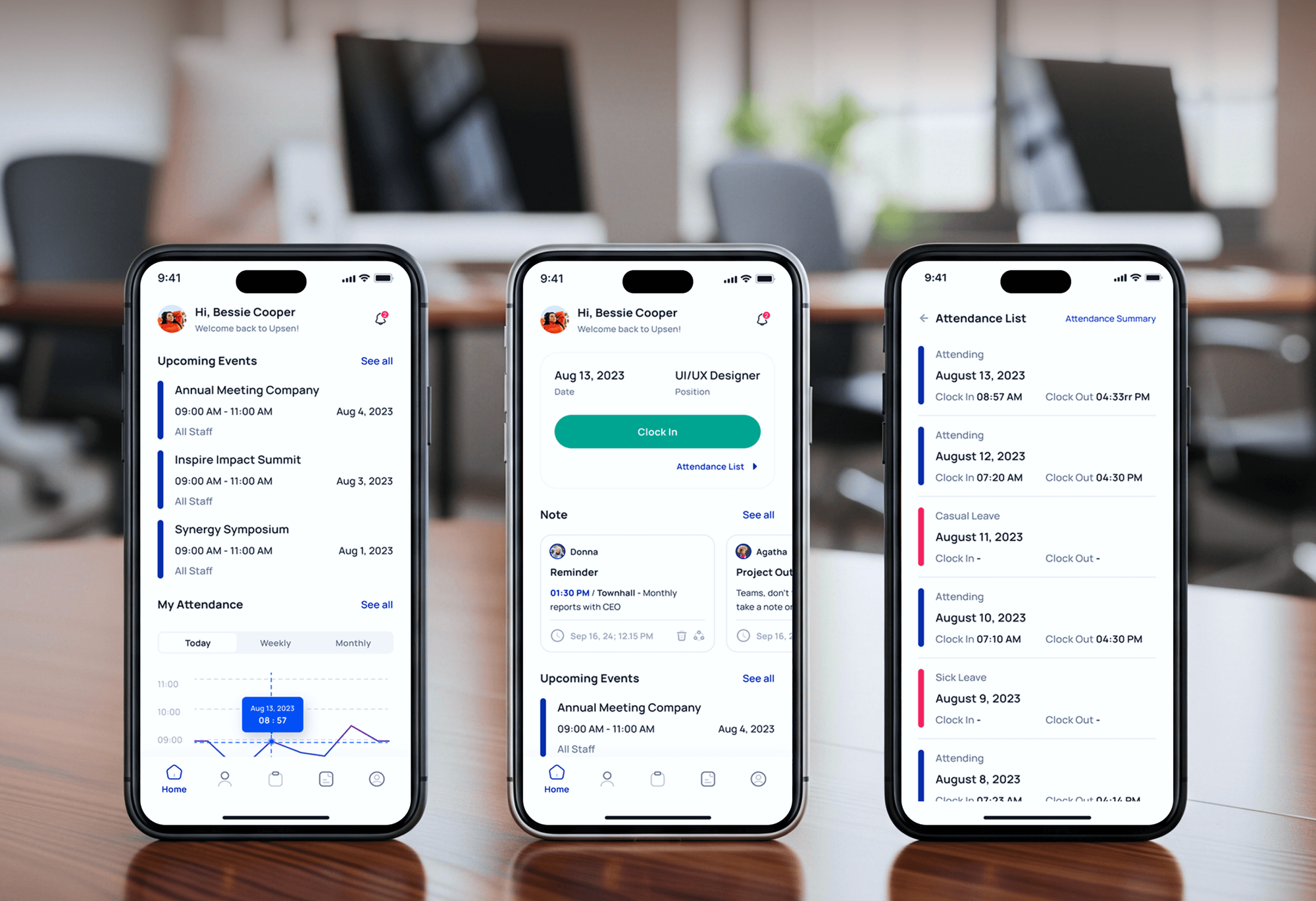
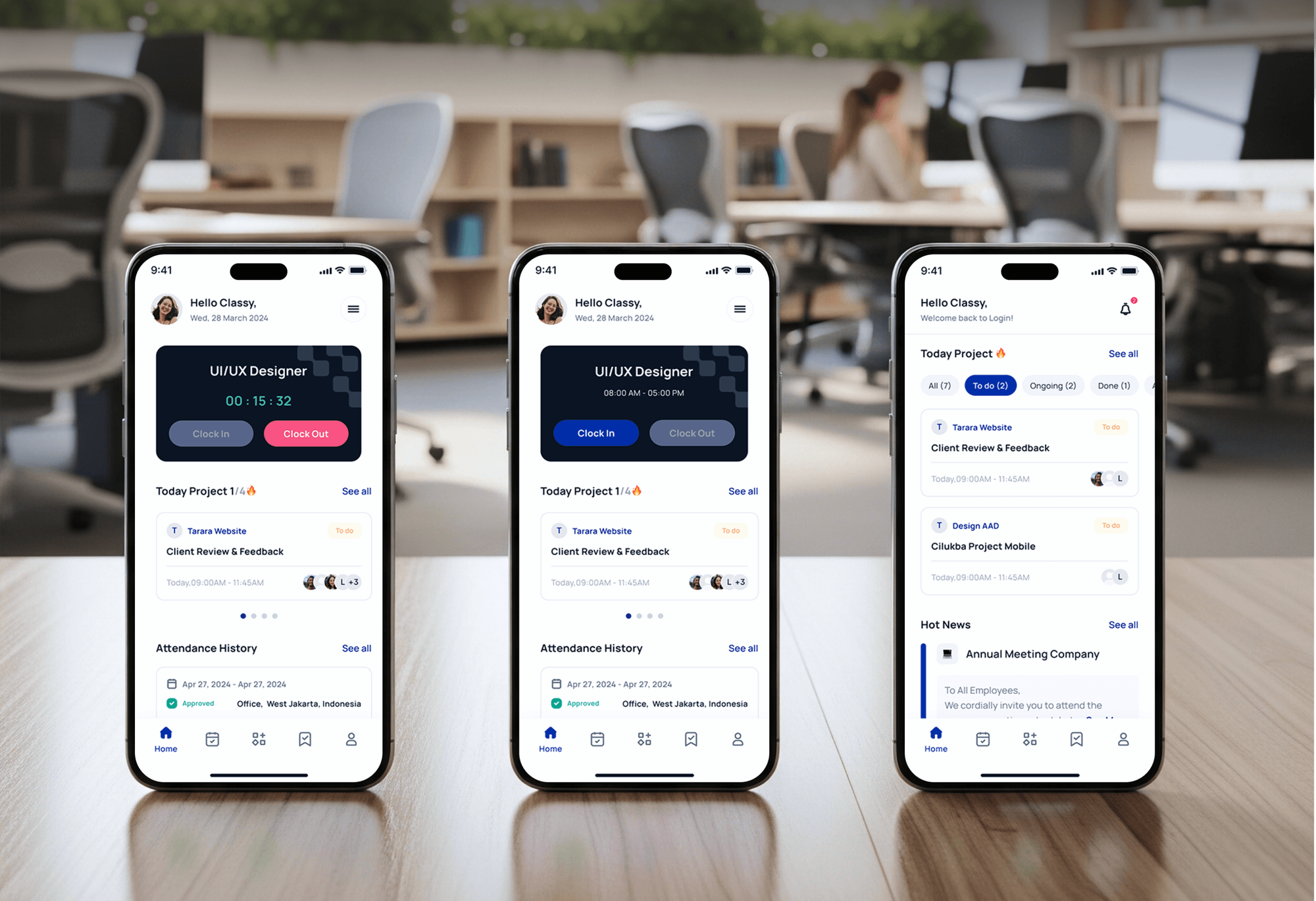
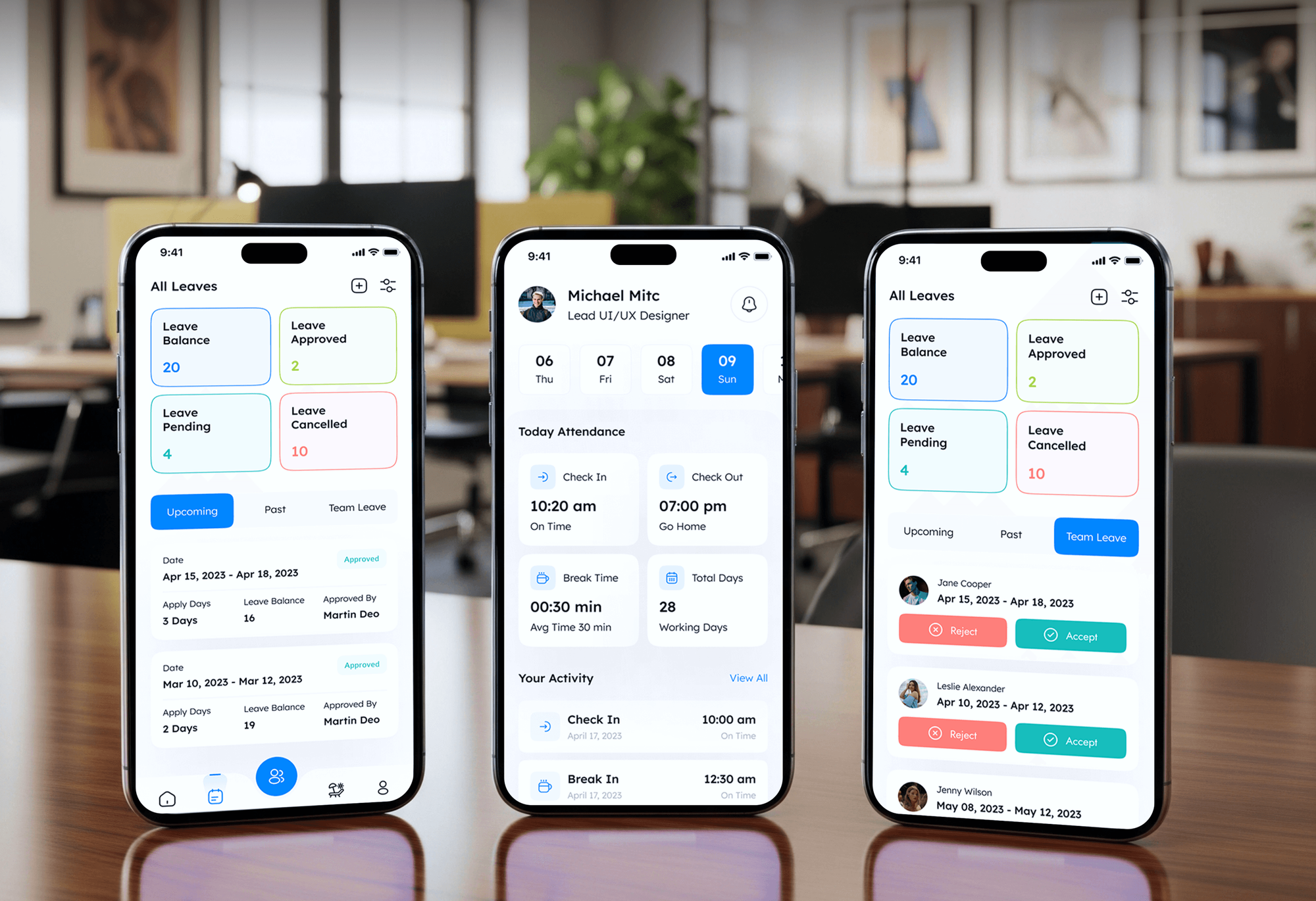
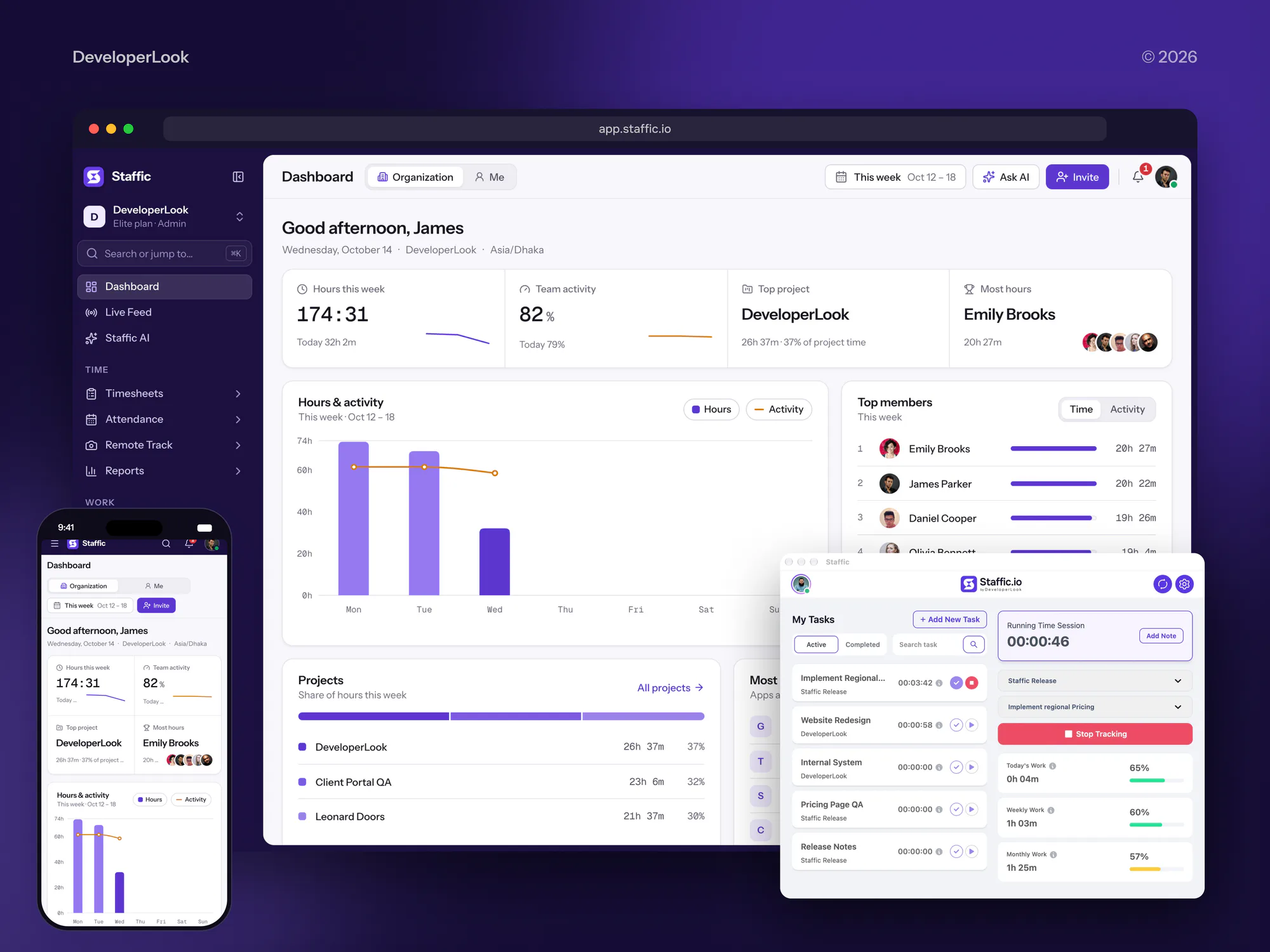
HR, staffing, and time tracking apps we designed and built. They show our build work for teams that manage staff, not past phishing campaigns.
What Our Clients Say
Feedback from teams we have built apps, platforms, and websites for.
We had a pretty specific idea of what we wanted our website to become, but I wasn’t sure how easily we could explain all of it to a development team. There were quite a few moving parts, and we were working toward a deadline, so I expected a few things to get lost along the way. That never really happened. They understood what we were trying to achieve, kept us updated throughout the process, and got everything ready within the agreed timeline. The final site feels much easier to navigate, works beautifully on mobile, and is noticeably smoother for our customers. It was a huge relief seeing the original idea actually turn into the website we had in mind.
The mobile experience is probably my favourite part of the new site. We had spent a lot of time making sure the desktop version looked right, and the team kept pushing us to think about how everything would actually feel on a phone too. They were right. The navigation is clean, the interactions feel natural, and everything we’ve tested so far works exactly as it should. They also went through the links, forms, integrations, and other details more than once before launch, which I really appreciated. And even after going live, we could still reach out when something came up. The whole process felt friendly, organised, and surprisingly straightforward.
What I appreciate most is that the website is actually easy for us to manage now. We can update content ourselves instead of sending a developer a message every time we need to change something small. They also paid attention to the technical SEO side, which mattered to us because we didn’t want a new website to create problems for the traffic we already had. I’ve probably asked more questions than I should have since launch, but every question has been handled patiently and without any fuss. The team is easy to work with, they explain things clearly, and when we need something changed, they focus on getting it done rather than making the process complicated.
1,250+
Projects shipped
10+
Years of experience
Top 3%
Upwork Top Rated Plus
5 stars
Average review score

Want results like these?
Tell us what you are building. You get a reply within 24 hours on business days, then a written estimate.
Work Culture
Testing your own people takes care. These habits keep tests authorized, kind, and useful, so staff learn from them instead of learning to distrust IT.
No email goes out until a named executive signs the scope, dates, and lures. HR sees every lure, so nothing crosses a line your people would resent.
Test pages record that a form was submitted, not what was typed. Real passwords from your staff stay out of our systems.
Leadership sees rates by department, and individual results stay with HR under your policy. Staff report more readily when one click doesn't follow them around.
We avoid lures about bonuses, layoffs, or health scares that damage trust. A test should feel like a fair drill, not a trick played on the team.
If studies show a tactic does little, such as long training after every click, we say so. You spend your budget on reporting habits instead.
Campaign data lives in your platform or a workspace you own. We delete our working copies 30 days after the final report.
Overview
DeveloperLook runs phishing simulation campaigns with written authorization, using lures modeled on the scams your staff really receive. We check your report button, send the campaign in staggered batches, show a short explainer to anyone who clicks, and report results by department. Tests start at $600 and take 2 to 3 weeks.
DEVELOPERLOOK
Project facts · Phishing Simulation Services
Reviewed 22 Oct 2026 by Saimul Islam
Good fit
IT teams with a new report button
You've just rolled out a report button in Outlook or Gmail and want a phishing simulation test that proves reports reach your IT queue.
Finance teams handling supplier payments
Your accounts payable team pays dozens of supplier invoices a week, and you want to see how they handle a convincing bank-change request.
Companies already on a training platform
You run phishing simulation training through a platform already, but the default templates produce numbers nobody trusts or acts on.
Firms asked for proof by insurers
Your cyber insurer or a customer questionnaire asks whether you run simulated phishing tests, and you want dated results to show them.
MSPs and IT agencies
Your clients want a phishing simulation program, and you need a partner who runs authorized campaigns quietly under your brand.
Not a fit
Want monthly lessons
You mainly want staff taught every month, with tests as a small extra. Our security awareness training program covers monthly lessons and completion records.
Testing people outside your company
You want to phish contractors, vendors, or another company's staff without their organization's written consent. We test only the staff you are authorized to test.
Need a technical attack test
You want testers to break into your web app or network, not trick staff. Our web application penetration testing services cover that work.
Budget under $600
Your budget is under $600 and you already have Microsoft 365 E5 or Defender for Office 365 Plan 2. Its built-in Attack simulation training is a sensible place to start.
Not sure we're the right fit?
Book a free call or message us. We'll tell you honestly whether we're the right team.
Pricing
These are starting points in USD. Your final price depends on mailbox count, the number of campaigns, and custom scenarios, and you get a fixed proposal after a free scoping call.
For teams that want one authorized test to see who clicks and who reports.
$600one-time, USD
For companies that want a series of 4 campaigns with rising difficulty.
$1,350one-time, USD
For larger teams that need role-specific scenarios, QR code lures, and leadership tests.
$2,700one-time, USD
For Agencies
You own the client relationship. We plan, authorize, and run each client's campaigns under your brand, and you present the results. Your clients get realistic tests and clear reports without you building a phishing platform.
White label: your client only ever sees your brand
Send the client's mailbox count, mail platform, and who will sign the authorization.
You get a lure plan, an authorization form, and a fixed price for each client.
We run the campaign, then deliver department results in your own report template.
You present the results while our team runs each campaign behind the scenes.
Scope and sign-off forms ready for each client's executive to approve.
Tested lures for finance, healthcare, and professional services clients, adapted per client.
Each client campaign is priced up front, so your margin stays predictable.
The Right Technology for Your Project
We work with the mail platform and training tools you already have, and set up allowlisting so tests reach inboxes the way real mail does.
 Python
 Cloudflare
 Google Sheets
 Slack
SlackFAQ
Straight answers on cost, whether tests work, how to pick a tool, and what staff should do with a test email.
Saimul IslamFounder & CEO, DeveloperLookStill have questions?
Send a message or book a call with the team.
A baseline test from DeveloperLook starts at $600 for one campaign to up to 100 mailboxes, with 3 custom lures and results by department. A program of 4 campaigns for up to 300 mailboxes costs $1,350. Up to 1,000 mailboxes with 8 campaigns, QR code lures, and executive scenarios starts at $2,700.
A baseline test takes 2 to 3 weeks. About a week goes to scoping, sign-off, and allowlisting, then a few days of staggered sending, with results within 5 business days. A 4-campaign program usually runs over 4 to 6 months, and 8 campaigns over 8 to 12 months, so each round builds on the last.
A phishing simulation is an authorized fake phishing email sent to your own staff to see who clicks and who reports it. The emails copy real scams, and the test page records actions without storing passwords. Good simulations measure reporting as much as clicking, because reports are how IT hears about real attacks early.
They show where people, mail filters, and reporting paths break before a real attacker finds out. A test might reveal that one department rarely questions bank-change requests, or that reports from phones go nowhere. ETH Zurich researchers found in 2022 that employee reports, gathered at scale, helped spot new phishing campaigns quickly.
The best tool is usually the one your mail platform already supports well. If you have Microsoft 365 E5 or Defender for Office 365 Plan 2, Attack simulation training is included. GoPhish is a free open-source option if someone can run it. Dedicated awareness platforms add bigger lure libraries and training, at a per-user cost.
Yes, staff should report simulated phishing emails exactly as they would a real one. Reporting is the habit you want, and each report proves the button reaches IT. We count reports as a good result, and set up your mail platform so reported test emails are recognized instead of flooding the security queue.
They work as measurement and reporting practice, but the evidence for click-based training is weak. A 2025 UC San Diego study found that embedded training after a click made little difference, and a 2022 ETH Zurich study found it could raise susceptibility. So our after-click page stays short, and we promise no drop in click rates.
They're necessary because filters miss some phishing, and you can't see how staff handle it without testing safely. A simulation shows whether a convincing invoice email gets paid, questioned, or reported, and whether the report reaches IT. Cyber insurers and enterprise customers also ask whether you run them, and dated results answer that.
Companies use them to measure real behavior instead of quiz scores. Simulations also find the departments and lures that need attention, and they let staff practice the reporting path. Each round leaves dated evidence for insurers, auditors, and customer questionnaires. Strong programs compare results across campaigns rather than chasing a single click rate.
Look for realistic, editable lures, staggered sending, and allowlisting support for your mail platform. It also needs a report button integration, test pages that record actions without storing passwords, and results by department rather than only by person. QR code and MFA prompt lures matter now, since attackers use both.
Saimul IslamFounder & CEO, DeveloperLookStill have questions?
Send a message or book a call with the team.
Free 30-min callGoogle Meet
Book a call
In 30 minutes on Google Meet we walk you through how we would build it, how long it takes and what it costs. Then you get a written estimate.
Calendar not showing? Book on cal.com or send a brief.