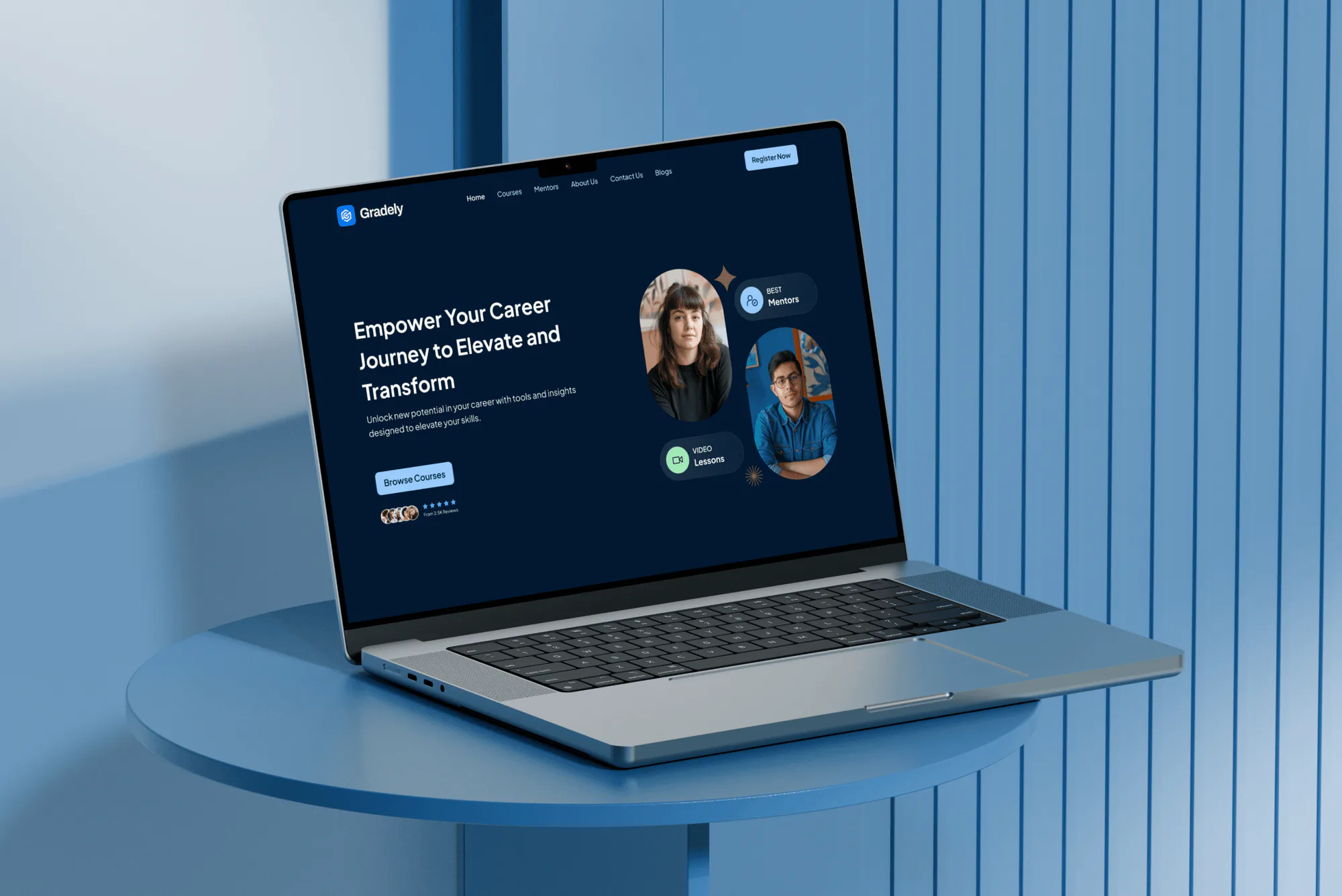
Gradely E-Learning Website Design & Development
- Education
- Dashboard
- Membership Platform

For K-12 schools and districts with a small IT team: MFA on staff logins, rules for the apps students connect, and a scored plan your board can fund. From $900.
100%
Student apps reviewed before access
5/5
CISA K-12 priority steps scored
How your project runs
01 · FreeIndustry leaders we work with
 Chromebooks
The Problem
The gap shows up when a teacher approves a fake sign-in prompt or a student connects a free app to a school account. It also shows up when an old vendor login still opens your student information system.
Fake sign-ins
A teacher signs in on a fake page and loses her account.
Fake sign-ins
Staff and admin accounts get MFA, with security keys for the people who hold admin rights.
Student apps
Students connect free apps that can read their school files.
Student apps
Each connected app is reviewed and set to trusted, limited, or blocked for student accounts.
Vendor access
An old vendor support login still opens your student system.
Vendor access
Every vendor login to your SIS is listed, owned, and put behind MFA or removed.
Backups
Backups run nightly, but nobody has tried a restore.
Backups
We restore one key system with your team, so you know how long recovery takes.
It's the second week of school. A teacher clicks a shared document link that asks her to sign in again, and her account starts emailing the whole staff. Meanwhile, students have connected dozens of free apps to their school Google accounts, and nobody has checked what those apps can read. Your student information system still has a support account a vendor set up years ago. Backups run every night, but nobody has tried a restore. Then the superintendent asks whether classes could go on if the network went down tomorrow.
We start with the accounts and apps that hold student data. Staff, admin, and SIS logins get MFA, student accounts get app access rules, and every vendor login gets an owner. Then we score your district against CISA's 5 priority steps for K-12, test one restore with your team, and hand you a ranked fix list. Changes go live on breaks and teacher workdays, not in the middle of state testing.
Classroom apps checked first
Third-party apps on student accounts are set to trusted, limited, or blocked, one by one.
MFA where student data lives
Staff, admin, and SIS logins get MFA, rolled out so no teacher is locked out mid-lesson.
Changes timed to the calendar
Rollouts land on breaks and teacher workdays, away from testing windows and the first week.
Our Cybersecurity for Schools (K-12) Process
You approve the scope, every app decision, and the rollout dates, so changes land on teacher workdays or breaks. Your technology director signs off the fix list before we hand over.
We ask how many schools, staff, and students you have, which tenant you run, and which systems hold student records. A written scope and fixed price follow within 2 days. If CISA's free K-12 resources already cover a district your size, we'll say so before quoting.
Projects We've Built
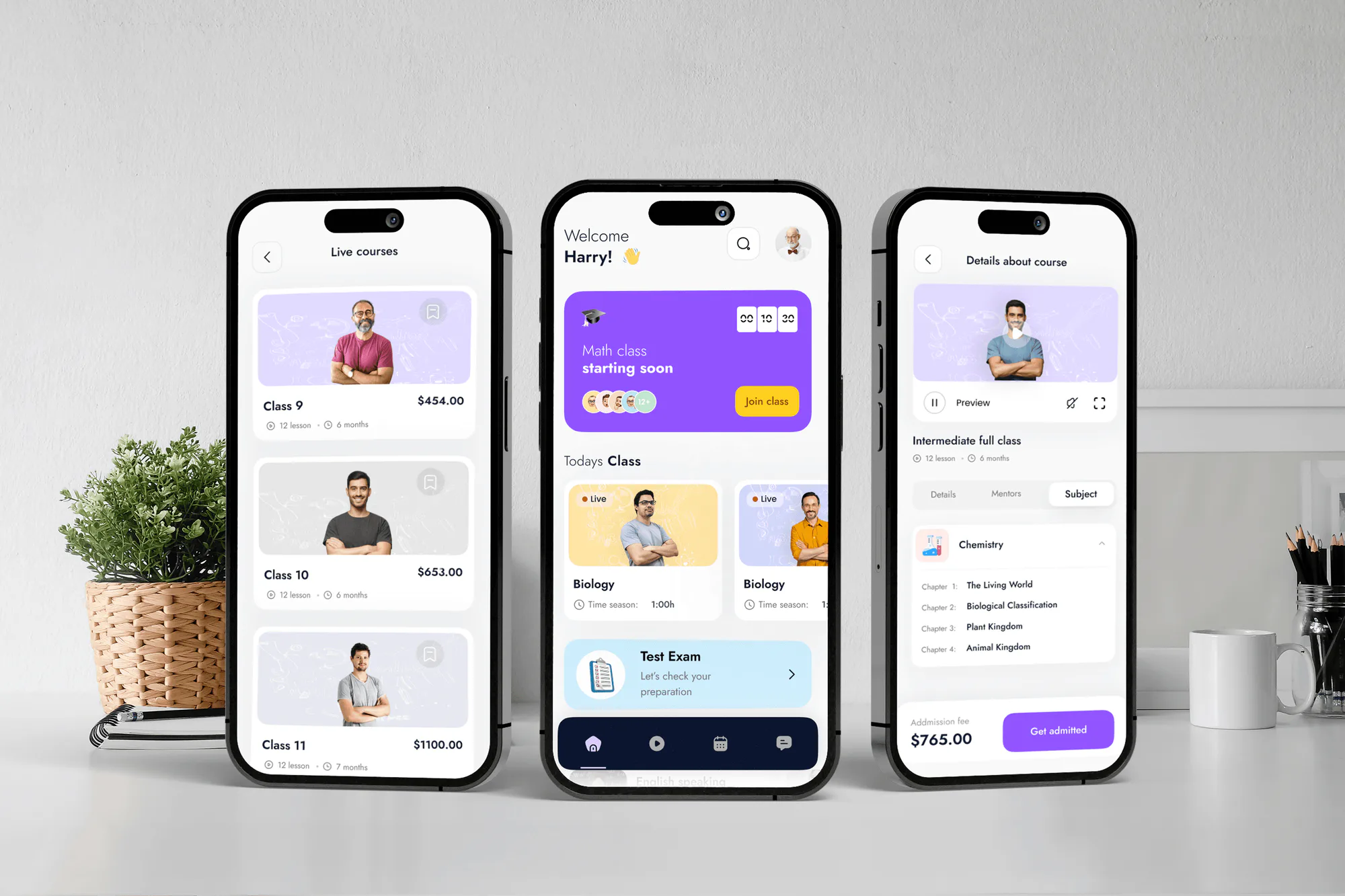
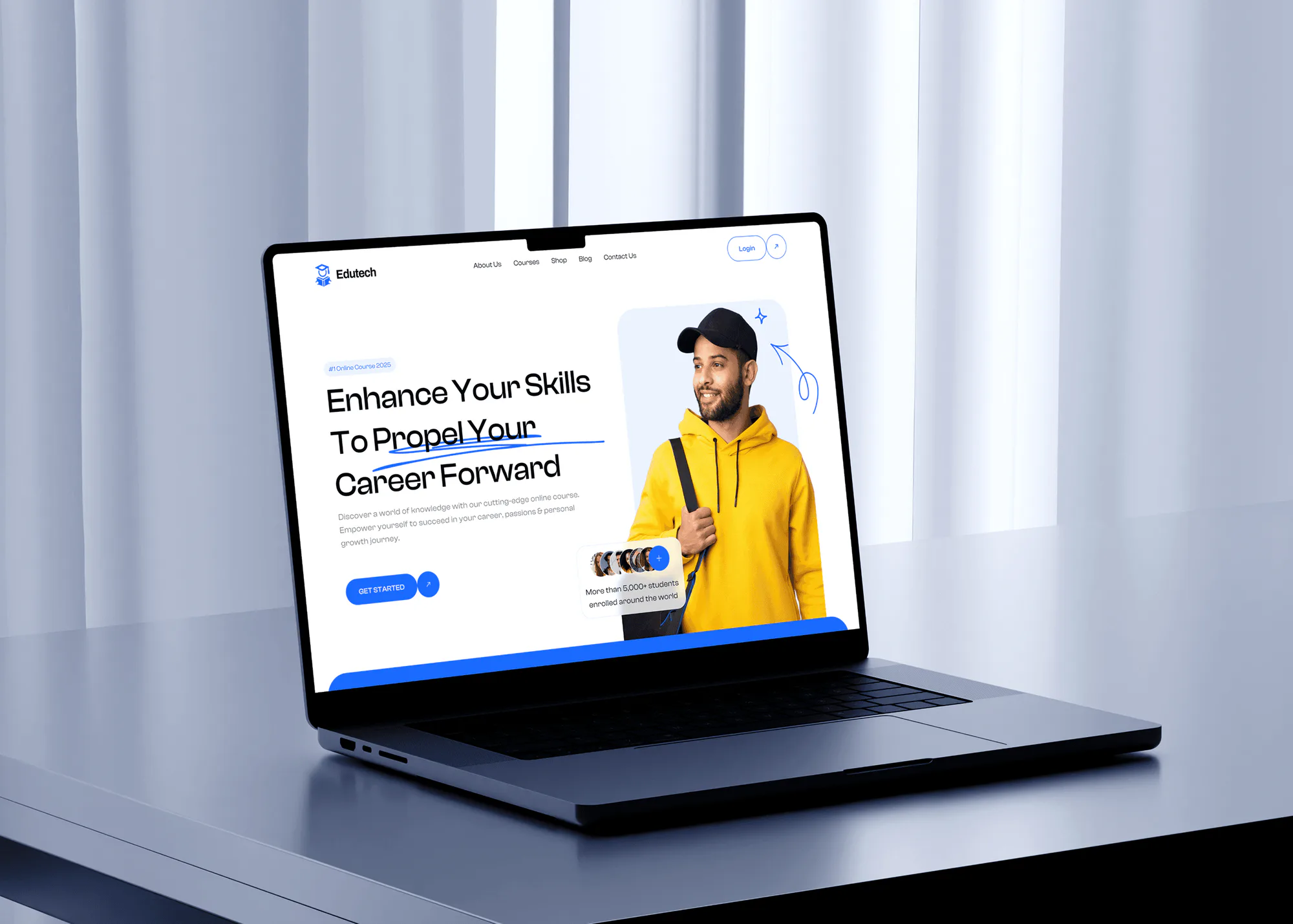
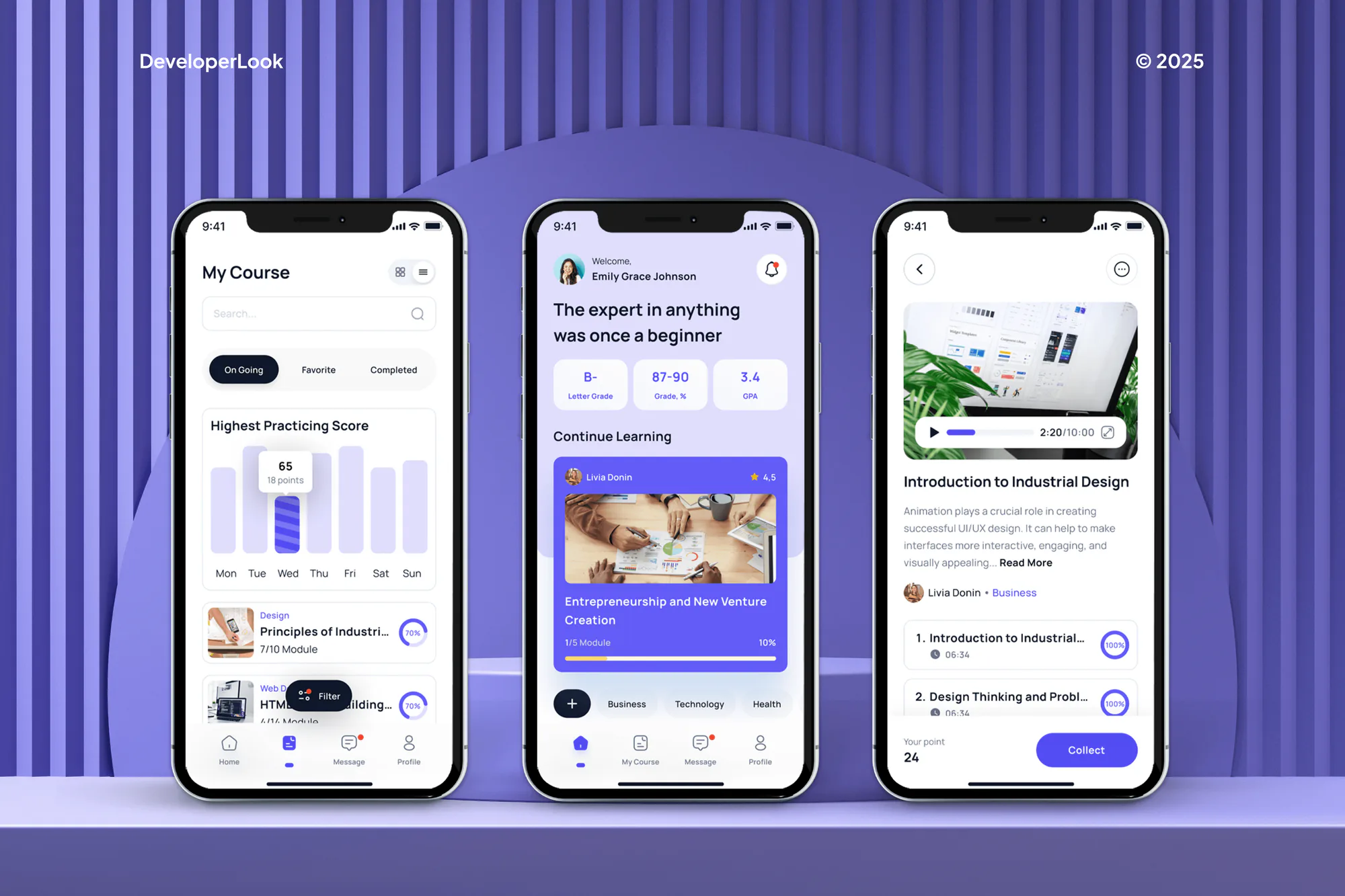
E-learning websites and apps we designed and built for students, teachers, and course teams. They handle the same kind of student accounts and records a district protects.
What's Included
The full scope covers your Google or Microsoft tenant, MFA on the logins that open student records, connected app rules, and a scored plan. District plans add vendor reviews, device policies, training, and a tested runbook.
Compare Options
Cybersecurity in schools often rests on a small IT team and free toolkits from CISA or the state. Both help. Here is where each one fits and where an outside review adds something.
| Feature | DeveloperLookBest fit | In-house IT only | Free toolkits |
|---|---|---|---|
| Planning | Free call, written fixed scope | Fits around daily tickets | Self-paced, no outside review |
| Local knowledge | Learned in the first call | Knows every building and teacher | Generic to all schools |
| Student app access | Every connected app reviewed and set | Often left at defaults | General guidance only |
| SIS and vendor logins | Listed, owned, and behind MFA | Often known to one person | Not covered |
| CISA priority steps | All 5 scored with evidence | Partly tracked | A checklist you fill in |
| Backup restore test | One timed restore with your team | Rarely time to test | Advice to test |
| Ongoing upkeep | Your team, with handover notes | Yours, every day | Yours to run |
| Cost predictability | Fixed price from $900 | Staff time already budgeted | Free to download |
What Our Clients Say
Feedback from teams we have built apps, platforms, and websites for.
We had a pretty specific idea of what we wanted our website to become, but I wasn’t sure how easily we could explain all of it to a development team. There were quite a few moving parts, and we were working toward a deadline, so I expected a few things to get lost along the way. That never really happened. They understood what we were trying to achieve, kept us updated throughout the process, and got everything ready within the agreed timeline. The final site feels much easier to navigate, works beautifully on mobile, and is noticeably smoother for our customers. It was a huge relief seeing the original idea actually turn into the website we had in mind.
The mobile experience is probably my favourite part of the new site. We had spent a lot of time making sure the desktop version looked right, and the team kept pushing us to think about how everything would actually feel on a phone too. They were right. The navigation is clean, the interactions feel natural, and everything we’ve tested so far works exactly as it should. They also went through the links, forms, integrations, and other details more than once before launch, which I really appreciated. And even after going live, we could still reach out when something came up. The whole process felt friendly, organised, and surprisingly straightforward.
What I appreciate most is that the website is actually easy for us to manage now. We can update content ourselves instead of sending a developer a message every time we need to change something small. They also paid attention to the technical SEO side, which mattered to us because we didn’t want a new website to create problems for the traffic we already had. I’ve probably asked more questions than I should have since launch, but every question has been handled patiently and without any fuss. The team is easy to work with, they explain things clearly, and when we need something changed, they focus on getting it done rather than making the process complicated.
1,250+
Projects shipped
10+
Years of experience
5 stars
Clutch rating
5 stars
GoodFirms rating
Excellent
Trustpilot rating
Top 3%
Upwork Top Rated Plus
1,250+
Projects shipped
10+
Years of experience
5 stars
Clutch rating
5 stars
GoodFirms rating
Excellent
Trustpilot rating
Top 3%
Upwork Top Rated Plus

Want results like these?
Tell us what you are building. You get a reply within 24 hours on business days, then a written estimate.
Work Culture
School security work touches student records, busy teachers, and budgets set a year ahead. These habits keep our work quiet in classrooms and easy to explain to your board.
Your staff opens any real record a check needs to see. We stay in the admin consoles, looking at settings, roles, and app permissions.
MFA and app changes go live on teacher workdays, breaks, or summer. We avoid state testing windows and the first weeks of a term, when sign-in trouble hurts most.
Your board and superintendent get a one-page summary of each risk, its fix, and its cost. The technical detail stays in the notes for your IT team.
We map where student data goes and which agreements cover it. What FERPA or your state's student privacy law requires is a question for your counsel.
Your technology staff or regional provider keeps running the district. We close security gaps with them and leave notes they can maintain without us.
Each fix comes with a cost range and a priority, so it fits your next budget cycle. Features in the licenses you already pay for come first.
Overview
DeveloperLook provides cybersecurity for schools and K-12 districts. We review your Google or Microsoft 365 tenant, add MFA to staff and SIS logins, set student app rules, and score you on CISA's 5 priority steps. Projects start at $900 and take 2 to 8 weeks at a fixed price, timed to your school calendar.
DEVELOPERLOOK
Project facts · Cybersecurity for Schools (K-12)
Reviewed 27 Oct 2026 by Saimul Islam
Good fit
Small districts with one IT person
Your technology director is also the help desk, and nobody has had time to review the Google or Microsoft security settings since setup.
Districts after a vendor breach
Your SIS or ed-tech vendor reported a breach, and the board wants to know which of your own accounts and vendor logins could be next.
Charter and private schools
Your school runs on Google Workspace for Education with no district IT behind it, and you want a cybersecurity evaluation for schools your size.
Districts preparing a funding request
Your district is applying for state or federal security funding, and you need scored, priced project descriptions instead of a wish list.
IT providers serving schools
Your company supports several districts, and you want a repeatable school security review you can deliver under your own brand.
Not a fit
University or college campus
You run a college or university with research data and many departments. That needs a broader program than a K-12 baseline, so start with our cybersecurity consulting page.
Need a new school website
You mainly need a new public website for families, with calendars and enrollment pages. Our school website design page covers that build.
Want daily monitoring
You want sign-ins and alerts watched all school year once the fixes are in. That's a monthly service, covered on our managed security services page.
Need a legal reading
You need to know exactly what FERPA or your state's student privacy law requires in one case. That's a question for your district's counsel, not a security firm.
Not sure we're the right fit?
Book a free call or message us. We'll tell you honestly whether we're the right team.
Pricing
These are starting points in USD. Your final price depends on your school count, staff accounts, and the systems that hold student records, and you get a fixed proposal after a free district call.
For Agencies
You own the district relationship. We supply the tenant review, MFA rollout, student app rules, and CISA scoring under your brand, and you stay the provider the district calls. Your school clients get K-12 security work without you hiring a specialist.
White label: your client only ever sees your brand
Share the school count, staff accounts, and which tenant and SIS the district runs.
We return a written scope and one price per district, usually within 2 days.
We make the fixes and hand you the scorecard to present as your own.
Share the school count, staff accounts, and which tenant and SIS the district runs.
We return a written scope and one price per district, usually within 2 days.
We make the fixes and hand you the scorecard to present as your own.
The Right Technology for Your Project
These are the identity, device, and email tools most districts already license, plus the classroom systems where student accounts and records live.
ChromebooksFAQ
Straight answers on cost, timing, the biggest threats, funding, student apps, training, and student privacy rules.
Saimul IslamFounder & CEO, DeveloperLookStill have questions?
Send a message or book a call with the team.
It starts at $900 for one school or a small district with up to 80 staff accounts. That covers a tenant review, MFA on staff and SIS logins, student app rules, and CISA scoring with one test restore. Districts with up to 6 schools start at $2,400, and programs for up to 15 schools start at $4,900, fixed after a free call.
A single school takes 2 to 4 weeks, and a multi-school district takes 4 to 8 weeks. Most of that time is rollout, not review, because MFA and app changes go live on teacher workdays or breaks. Summer is the easiest window, but a spring review lets you plan those changes before staff leave for the year.
The top 5 are phishing that takes over staff accounts, ransomware, breaches at ed-tech and SIS vendors, unvetted apps on student accounts, and unpatched systems. The vendor risk is real: PowerSchool said its breach, discovered in December 2024, began with one compromised support portal credential. Each threat maps to a CISA priority step, which is why we score those first.
Your state education agency and the Universal Service Administrative Company (USAC) are the two places to watch. USAC runs E-Rate and the FCC's Schools and Libraries Cybersecurity Pilot Program, which named its first participants in January 2025. States also pass State and Local Cybersecurity Grant Program money to local entities. We don't apply for grants, but we write priced project descriptions an application can use.
A school security evaluation covers tenant settings, admin roles, connected apps, SIS access, backups, and incident readiness, scored on CISA's 5 K-12 priority steps. Each gap gets an owner, a fix, and a cost range. You also get one timed restore test, so the backup score reflects a real result instead of a nightly success email.
Start with CISA's 5 priority steps: MFA, fixing known exploited vulnerabilities, tested backups, a practiced incident response plan, and staff training. For schools, add one more: control which third-party apps student accounts can use. Most of these run on tools your Google or Microsoft edition already includes, so the first fixes rarely need new software.
Use the Admin console's settings for users designated as under 18, who are blocked from unconfigured third-party apps by default. Each app can be trusted, limited, or blocked per organizational unit, and students can request access to the rest. We work through the request queue with you and write a short rule for future approvals. Microsoft 365 schools get similar control through admin consent settings.
It should cover the scams that actually reach school staff: fake document shares, MFA prompts nobody requested, payroll change requests, and spoofed vendor invoices. We keep the session to about 30 minutes, use examples from school email, and give front office staff a one-page sheet. Student lessons belong in your curriculum, so we focus on the adults who hold admin rights.
Student privacy laws decide who may see student records, so your security controls have to enforce those limits. FERPA, state student privacy laws, and COPPA for younger students all touch the apps you approve. We map where student data goes and which agreement covers each vendor. Your counsel decides what each law requires, and we set the controls to match.
Your IT team or provider keeps running the settings we changed, using the handover notes. We leave a quarterly checklist for app requests, leaver accounts, and restore tests, so the work doesn't drift. For daily alert review, our managed security services page describes the monthly option.
Saimul IslamFounder & CEO, DeveloperLookStill have questions?
Send a message or book a call with the team.
Free 30-min callGoogle Meet
Book a call
In 30 minutes on Google Meet we walk you through how we would build it, how long it takes and what it costs. Then you get a written estimate.
Calendar not showing? Book on cal.com or send a brief.