CIS benchmark report
Your kube-bench results for nodes and settings, adjusted where EKS, AKS, or GKE runs the control plane for you.

For teams running EKS, AKS, GKE, or their own clusters: pod privileges, permissions, Secrets, and images locked down in warn mode first, so production keeps serving. From $900.
5
Security layers checked per cluster
100%
Running images scanned for CVEs
How your project runs
01 · FreeTeams we have built for:














The Problem
It shows up in a customer security review, an audit, or a near miss: someone asks how your pods are isolated, and nobody on the team is sure.
Root pods
Most workloads run as root with the default service account.
Root pods
Pod Security Admission enforces non-root settings once warn mode shows nothing breaks.
Cluster-admin
Half the team holds cluster-admin from an old deploy fix.
Cluster-admin
RBAC roles get scoped per namespace, and cluster-admin goes back to a named few.
Readable Secrets
Anyone who can create a pod can read namespace Secrets.
Readable Secrets
Secrets get encrypted at rest and synced from an external store with scoped access.
Silent shells
Nothing alerts when a container suddenly opens a shell.
Silent shells
Falco rules flag shells, privilege changes, and unexpected outbound calls in running containers.
Your cluster went live fast, and your app works. Then a customer's security review asks how pods are isolated, and the honest answer is that they aren't. Most workloads run as root with the default service account. Half the team holds cluster-admin because it fixed a deploy once. Database passwords sit in Secrets that anyone who can create a pod in that namespace can read. Images come from public registries without a scan. Nothing alerts when a container opens a shell.
We start with five layers, from the outside in: cluster settings, RBAC, pod privileges, Secrets, and images. Then kube-bench scores your cluster against the CIS Kubernetes Benchmark, and every risky permission gets an owner. Pod Security Admission runs in warn and audit mode first, so you see what would break before anything is blocked. Then policies switch to enforce, one namespace at a time. Your workloads keep running while the rules tighten, not after an outage.
Five layers, outside in
Your cluster settings, RBAC, pod privileges, Secrets, and images reviewed in order, so the widest gaps close first.
Warn mode before enforce
Policies run in warn and audit mode first, so you see every violation before anything is blocked.
Images scanned and verified
Your running images get scanned for known CVEs, and larger plans verify signatures before images reach the cluster.
Our Kubernetes Security Services Process
You see every finding before any change, watch policies run in warn mode, and approve each enforcement step namespace by namespace.
You walk us through your clusters, how they're managed, and what prompted the review. You get a fixed scope and price. If your managed provider's built-in tooling already handles it, we'll say so before we quote.
What's Included
Your cluster benchmarked, permissions trimmed, Pod Security Standards enforced, Secrets encrypted, images scanned, and runtime alerts on the largest plan, all delivered as code in your repositories.
Compare Options
A platform gives you continuous scanning, and your own team knows your workloads best. Among kubernetes security solutions, here is where each helps you and where it leaves gaps.
| Feature | DeveloperLookBest fit | Security platform | In-house team |
|---|---|---|---|
| Cluster benchmark | kube-bench run and explained | Continuous benchmark checks | Run once, if ever |
| RBAC cleanup | Bindings mapped and trimmed | Flags risky roles | Depends on spare time |
| Pod Security rollout | Warn mode, then enforce | Policies you roll out yourself | Often skipped to avoid breakage |
| Image scanning | Trivy gate in your pipeline | Built in, broad coverage | Ad hoc scans |
| Runtime detection | Falco rules tuned to you | Included, noisy until tuned | Rarely set up |
| Time to start | Within a week | Days, after procurement | Whenever a sprint allows |
| Ongoing cost | Fixed project price | Yearly per-node license | Engineer time |
| What you keep | Policies, manifests, and checklist | Findings inside the platform | Whatever got documented |
Projects We've Built
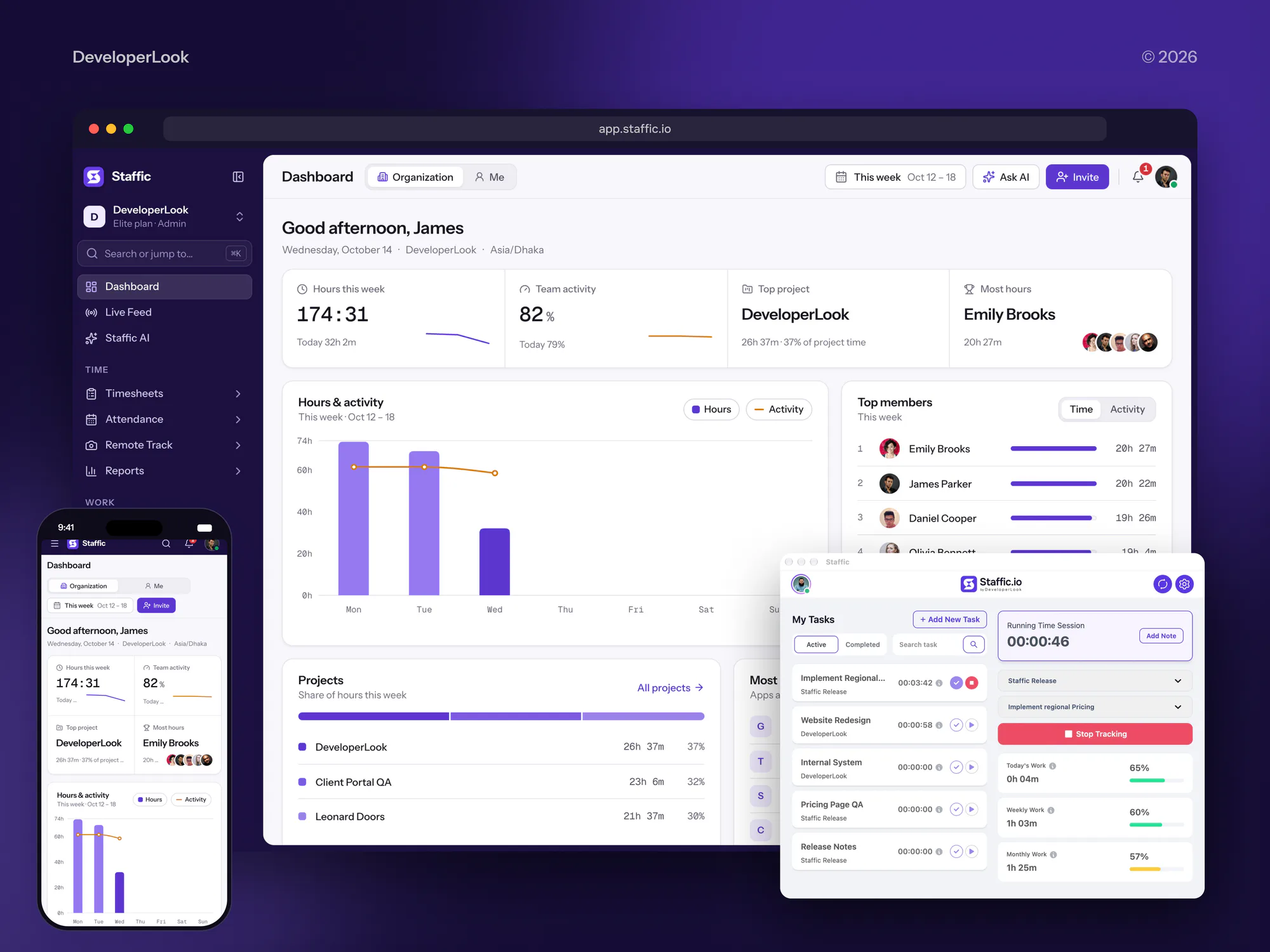
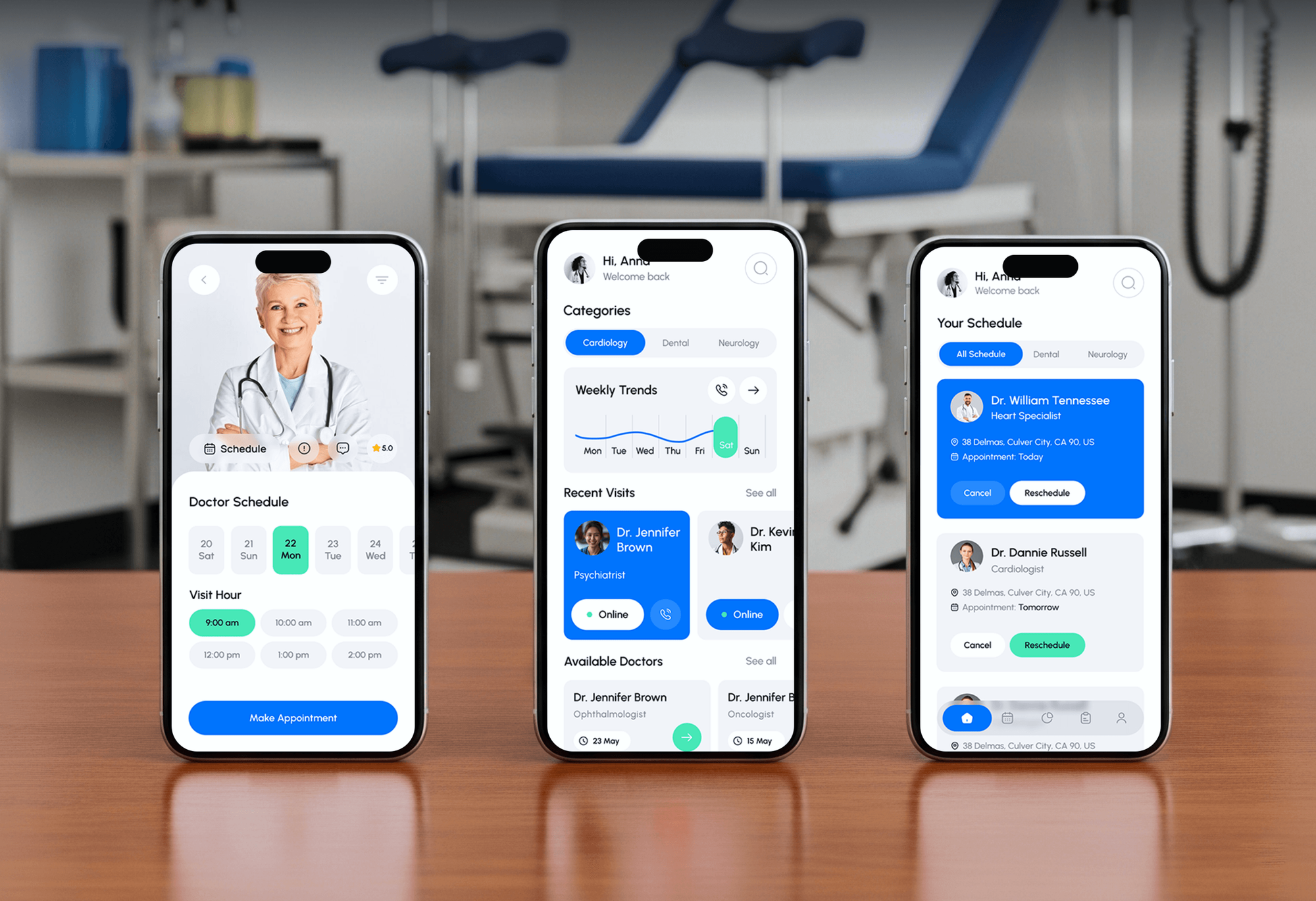
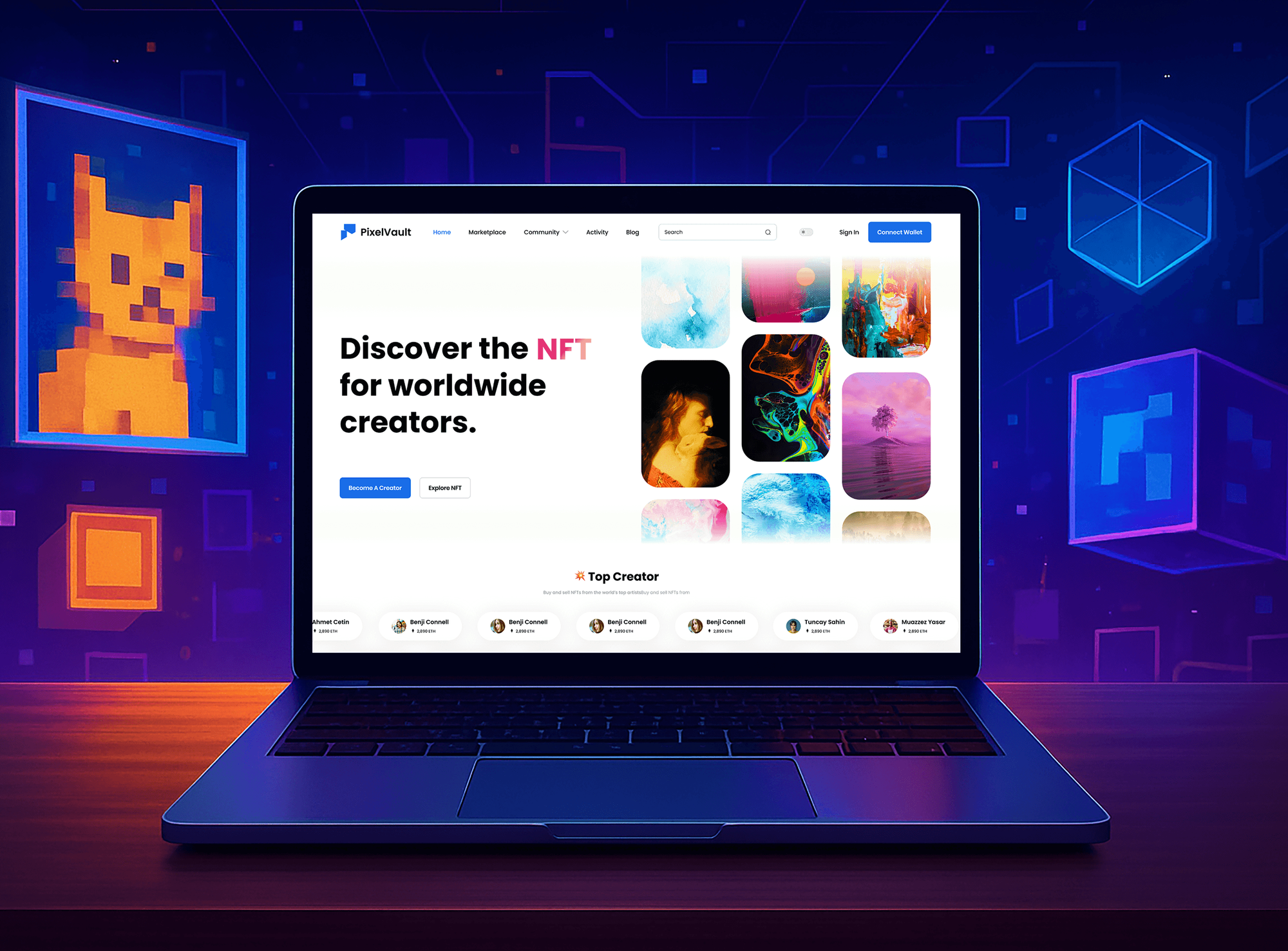
Web apps and platforms with several services and APIs that we designed and built. They weren't Kubernetes security projects, but they're the kind of workloads this service hardens.

What Our Clients Say
Feedback from teams we have built web apps and platforms for.
We had a pretty specific idea of what we wanted our website to become, but I wasn’t sure how easily we could explain all of it to a development team. There were quite a few moving parts, and we were working toward a deadline, so I expected a few things to get lost along the way. That never really happened. They understood what we were trying to achieve, kept us updated throughout the process, and got everything ready within the agreed timeline. The final site feels much easier to navigate, works beautifully on mobile, and is noticeably smoother for our customers. It was a huge relief seeing the original idea actually turn into the website we had in mind.
The mobile experience is probably my favourite part of the new site. We had spent a lot of time making sure the desktop version looked right, and the team kept pushing us to think about how everything would actually feel on a phone too. They were right. The navigation is clean, the interactions feel natural, and everything we’ve tested so far works exactly as it should. They also went through the links, forms, integrations, and other details more than once before launch, which I really appreciated. And even after going live, we could still reach out when something came up. The whole process felt friendly, organised, and surprisingly straightforward.
What I appreciate most is that the website is actually easy for us to manage now. We can update content ourselves instead of sending a developer a message every time we need to change something small. They also paid attention to the technical SEO side, which mattered to us because we didn’t want a new website to create problems for the traffic we already had. I’ve probably asked more questions than I should have since launch, but every question has been handled patiently and without any fuss. The team is easy to work with, they explain things clearly, and when we need something changed, they focus on getting it done rather than making the process complicated.
1,250+
Projects shipped
10+
Years of experience
Top 3%
Upwork Top Rated Plus
5 stars
Average review score
1,250+
Projects shipped
10+
Years of experience
Top 3%
Upwork Top Rated Plus
5 stars
Average review score

Want results like these?
Tell us what you are building. You get a reply within 24 hours on business days, then a written estimate.
Work Culture
Unlike many kubernetes security companies, we sell no platform license. You get hands-on hardening and habits that keep your deploys working while the rules tighten.
Every policy runs in warn and audit mode before it blocks anything. You see what would fail while production keeps serving traffic.
Changes go into your Helm charts, Kustomize overlays, or GitOps repo as pull requests. Nothing gets patched by hand on a live cluster.
We know what EKS, AKS, and GKE run for you and what they leave to you. Your report skips checks your provider already owns.
You keep a checklist for every new service and namespace. New workloads start compliant instead of waiting for the next audit.
We explain each finding in words your team and customers understand. A privileged pod gets one sentence on what an attacker could do with it.
Your policies, scan configs, and runbooks live in your own repositories. You can keep running and changing them without us after handover.
Overview
DeveloperLook provides Kubernetes security services for teams on EKS, AKS, GKE, and self-managed clusters. We run the CIS Kubernetes Benchmark, trim RBAC, enforce Pod Security Standards in warn mode first, encrypt Secrets, and scan images. Projects start from $900 with a fixed scope, take 1 to 5 weeks, and every policy stays in your repository.
DEVELOPERLOOK
Project facts · Kubernetes Security Services
Reviewed 27 Oct 2026 by Saimul Islam
Good fit
SaaS teams facing customer security reviews
Your enterprise customer's review asks how pods are isolated and where secrets live, and today's honest answer could cost you the deal.
Startups whose first cluster grew fast
You set up EKS or GKE in a weekend, and now every service runs with default settings and broad permissions.
Platform teams on managed Kubernetes
Your team owns the cluster without a security specialist, and you want kubernetes security best practices applied without breaking deploys.
Companies preparing for SOC 2 audits
Your auditor will ask for access reviews and change control in production, and the cluster is the part nobody has documented.
Agencies running client apps on Kubernetes
You host several client apps on shared clusters and need namespaces isolated, so one client's breach stays with that client.
Not a fit
Cluster ops, not security
You need upgrades, autoscaling, or GitOps deploys more than hardening. Kubernetes Consulting Services cover running the cluster day to day.
Apps not containerized yet
Your apps don't run in containers yet. Docker Containerization Services come first, and this review makes sense once workloads run in a cluster.
Whole cloud account in scope
Your concern is the whole AWS, Azure, or Google Cloud account, not only the cluster. Cloud Security Services cover identities, storage, and logging across accounts.
Budget under $900
Your budget is under $900, or one small cluster runs a single app. Running kube-bench yourself and following its fix notes is a fair start.
Not sure we're the right fit?
Book a free call or message us. We'll tell you honestly whether we're the right team.
Pricing
These are starting points in USD. Your final price depends on your cluster and workload count and how far enforcement goes, and you get a fixed proposal after a free discovery call.
For Agencies
You own the client relationship. We supply the Kubernetes hardening: benchmark runs, policy rollouts, and runtime alerts delivered under your brand. Your clients get clusters ready for their security reviews, and you stay the team they call.
White label: your client only ever sees your brand
You send each client's clusters and goals, and we confirm scope and price.
We benchmark, roll out policies, and open pull requests under your brand.
You present the report and checklist, and we answer follow-up questions.
You send each client's clusters and goals, and we confirm scope and price.
We benchmark, roll out policies, and open pull requests under your brand.
You present the report and checklist, and we answer follow-up questions.
The Right Technology for Your Project
We use open-source tools that run inside your cluster, so findings are reproducible and the policies keep working after we leave.
 Kubernetes
 Docker
Related Services
Pair cluster hardening with a cloud-wide review, secure pipelines, day-to-day cluster operations, container builds, or signed software releases.
This page
Kubernetes Security Services
Pairs with the 6 services around it
FAQ
Straight answers on cost, timelines, securing clusters and Secrets, managed clouds, and scaling safely.
Saimul IslamFounder & CEO, DeveloperLookStill have questions?
Send a message or book a call with the team.
Kubernetes hardening from DeveloperLook starts at $900 for an audit of one cluster with up to 15 workloads. That covers the CIS benchmark run, the RBAC review, a Pod Security and Secrets review, and an image scan. Harden and Enforce costs $2,600 for 2 clusters and 40 workloads. Runtime Protection costs $5,200 for up to 4 clusters with Falco alerts and signed image checks.
A Kubernetes cluster audit takes 1 to 2 weeks, and enforcement projects take 3 to 5 weeks. Most of that time is warn mode: policies run for several days so your team sees which workloads would fail. Fixes then land in your manifests or Helm charts before anything is blocked. Larger fleets take longer, because each namespace moves to enforce on its own.
Kubernetes security is the practice of protecting a cluster's control plane, nodes, workloads, and data from misuse. It spans who can call your API (RBAC) and what pods may do (Pod Security Standards). It also covers how Secrets are stored, which images may run, and what gets detected at runtime. Kubernetes container security is the workload part of that: your images and running containers.
You secure a Kubernetes cluster by locking down API access, node settings, and the permissions pods receive. Run the CIS Kubernetes Benchmark with kube-bench, keep the API server private or behind an allowlist, and trim RBAC so few people hold cluster-admin. Turn on audit logging. Then enforce Pod Security Standards so your containers can't run privileged or as root.
You secure Kubernetes at four stages: your image, the pipeline that ships it, the cluster that admits it, and the running container. Scan images with Trivy before push, sign them, and let admission policies reject anything unsigned or privileged. In production, Falco watches for shells and privilege changes. Securing Kubernetes this way stops problems before they reach a node.
Kubernetes Secrets aren't secure by default: they're stored unencrypted in etcd, and manifests only base64-encode them. The Kubernetes docs also warn that anyone allowed to create a pod in a namespace can read that namespace's Secrets. They become reasonably safe once you add encryption at rest, tight RBAC, and an external store for your most sensitive values.
You secure Secrets in Kubernetes by encrypting them at rest, limiting who can read them, and keeping the real values in an external store. Turn on a KMS encryption provider for etcd, which EKS, AKS, and GKE each support. Restrict get and list on Secrets in RBAC. Then sync credentials from AWS Secrets Manager, Azure Key Vault, or Vault with the External Secrets Operator.
You strengthen a cloud-hosted cluster by tying pod permissions to your cloud's identity system instead of static keys. Use EKS Pod Identity or IAM roles for service accounts, Microsoft Entra Workload ID on AKS, or Workload Identity Federation on GKE. Keep the control plane endpoint private where you can. Then turn on your provider's audit logs and its container threat detection.
You scale Kubernetes applications securely by making the security rules apply automatically to every new replica and namespace. Admission policies and Pod Security labels check each new pod, so autoscaling can't add a privileged one. Set resource quotas and limit ranges per namespace, so one app can't starve the others. Then template new namespaces with RBAC, network policies, and labels from day one.
No, because every policy runs in warn and audit mode before it enforces anything. Your team sees each would-be violation in deploy output and audit logs, and we fix manifests first. Enforcement then moves namespace by namespace, with a rollback path agreed in advance. A workload that truly needs extra rights gets a documented exception, not a cluster-wide hole.
Saimul IslamFounder & CEO, DeveloperLookStill have questions?
Send a message or book a call with the team.
Free 30-min callGoogle Meet
Book a call
In 30 minutes on Google Meet we walk you through how we would build it, how long it takes and what it costs. Then you get a written estimate.
Calendar not showing? Book on cal.com or send a brief.