
Eventbrite integration with website
Embedded Checkout as a pop-up or inline widget on your HTTPS pages, with your event content around it.

For event organizers and associations on Eventbrite: checkout on your own pages, attendees in your CRM and email lists, and webinar links that send themselves.
24/7
Tickets sold on your site
100%
Attendees synced to your tools
How your project runs
Teams we have built for:














The Problem
Eventbrite integration requests usually start after a busy season: buyers leaving your site to pay, attendee exports after every event, and a website events page nobody updated.
01 · Checkout
Buyers leave your site to pay, and some never return.
Embedded Checkout opens Eventbrite's checkout right on your event page.
02 · Attendee lists
Attendee lists get exported and uploaded after every event.
Orders and check-ins reach your CRM or email list as they happen.
03 · Listings
Your website shows old dates and sold-out events.
Listings refresh from Eventbrite, with the title and link it requires.
04 · Webinars
Paid webinar buyers email asking for the Zoom link.
Each online event links to Zoom, so buyers join from Eventbrite.
Your events sell on Eventbrite, but everything around the sale happens by hand. Your website links out, and buyers drift off before checkout. After each event, someone exports attendees and uploads them to Mailchimp or Salesforce. Your WordPress events page still shows last month's dates. Paid webinar buyers email to ask for the Zoom link. None of it is hard, but it repeats for every event, and the mistakes land on your best customers.
We start from what Eventbrite allows. Checkout stays in Eventbrite, because its API can't create orders, so we embed it on your own pages. Attendee data then flows out through native apps first: HubSpot, Mailchimp, and Zoom. Where those stop, we use the API and webhooks for Salesforce, WordPress listings, and reports, so data moves when orders do, not when someone remembers.
Checkout on your pages
Embedded Checkout as a pop-up button or inline on your site, tested with a real order.
Attendees where you work
HubSpot, Mailchimp, or Salesforce receive registrations and check-ins without any CSV uploads.
Webhooks, not exports
Order and check-in webhooks push changes as they happen, logged so nothing goes missing.
Our Eventbrite Integration Process
You approve which data goes where before anything connects. Then you watch a test order move from your site to Eventbrite, your CRM, and your email list.
We look at your Eventbrite organization, website, CRM, email tool, and any webinars. You get a short map of what the native apps cover and where the API is needed instead.
What's Included
Every project covers checkout on your site and attendee data in your tools. Then comes the API work your events need, each piece tested on a private event first.
Compare Options
Eventbrite's native apps are free and cover simple syncs, and a freelancer can be cheaper for one widget. Here is where each runs short across checkout, CRM, and reporting.
| Feature | DeveloperLookBest fit | Native apps only | Freelancer |
|---|---|---|---|
| Planning | Data map before any setup | Each app set up alone | One task at a time |
| Website checkout | Embedded, styled, and test-ordered | Yes, with Eventbrite's guide | Embedded, often untested |
| CRM sync | HubSpot, Mailchimp, or Salesforce mapped | HubSpot and Mailchimp only | Varies by experience |
| Webhooks | Orders and check-ins, logged | Sometimes, rarely logged | |
| Reporting | Attendee and revenue reports | Eventbrite's own reports | Rarely included |
| Cost | Fixed price from $600 | Free with your account | Often cheaper per hour |
| Support after launch | 30 to 90 days included | Eventbrite help center | Depends on availability |
| Ownership | Tokens and code stay yours | Sometimes kept by the freelancer |
Projects We've Built
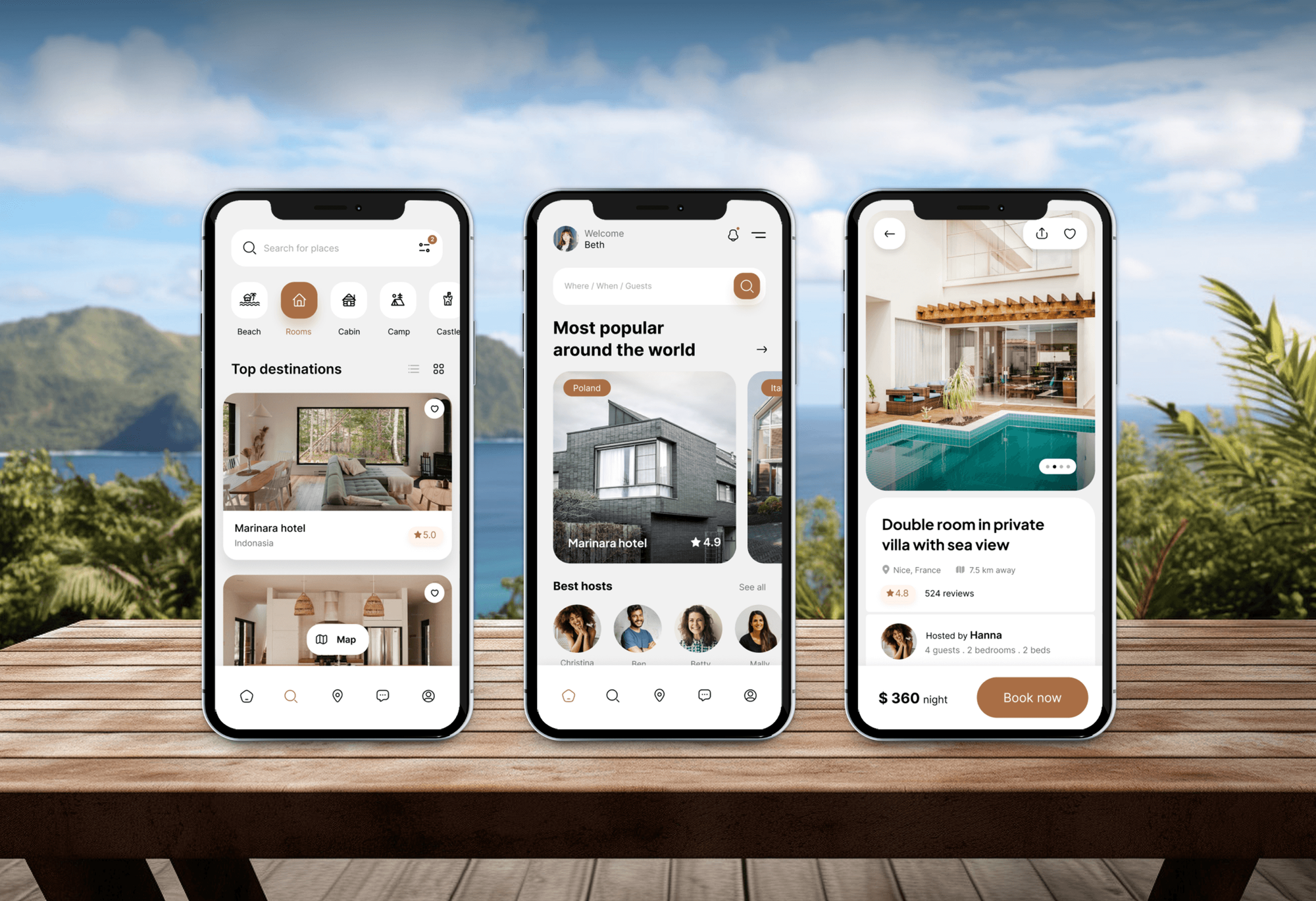
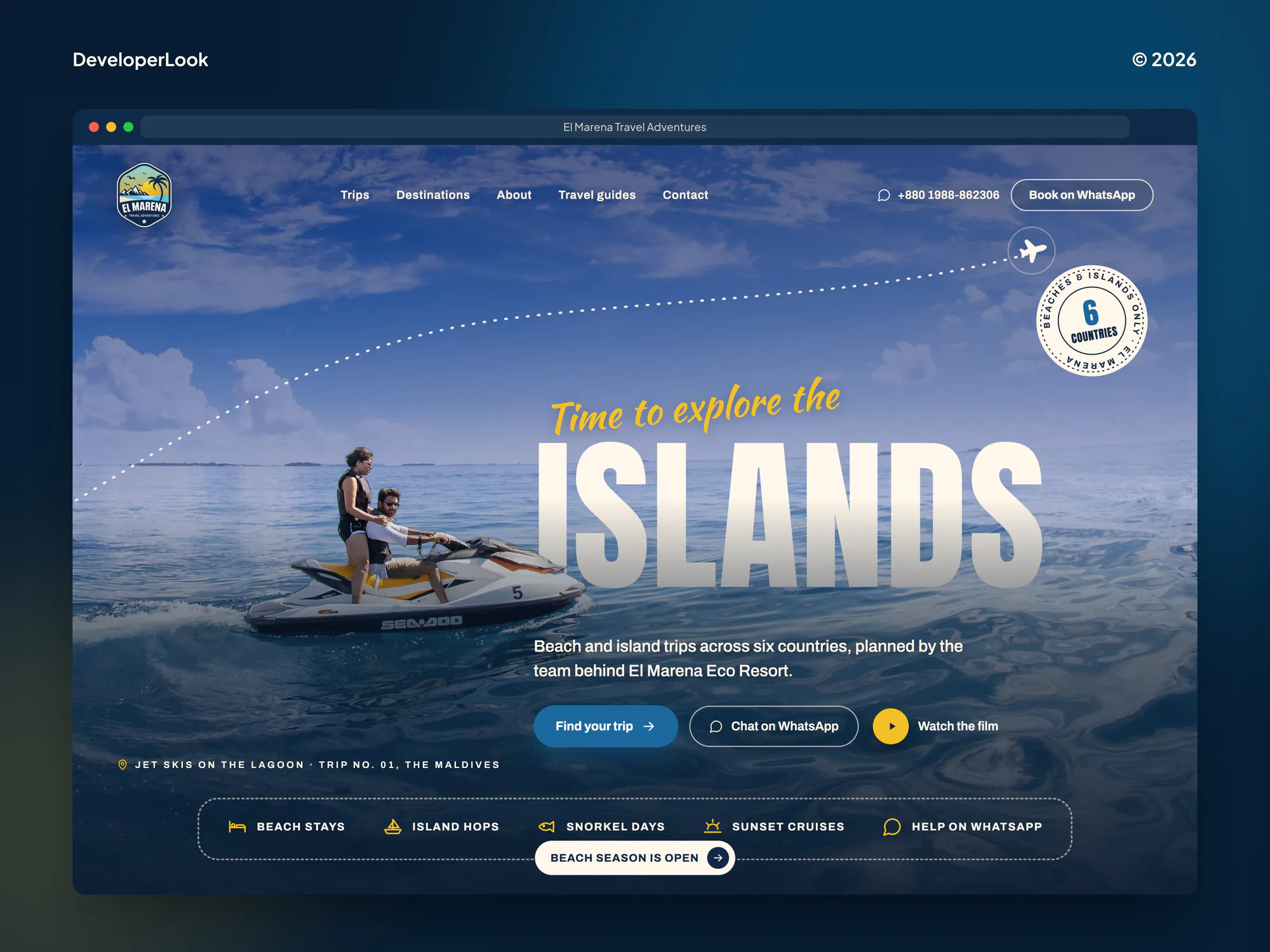
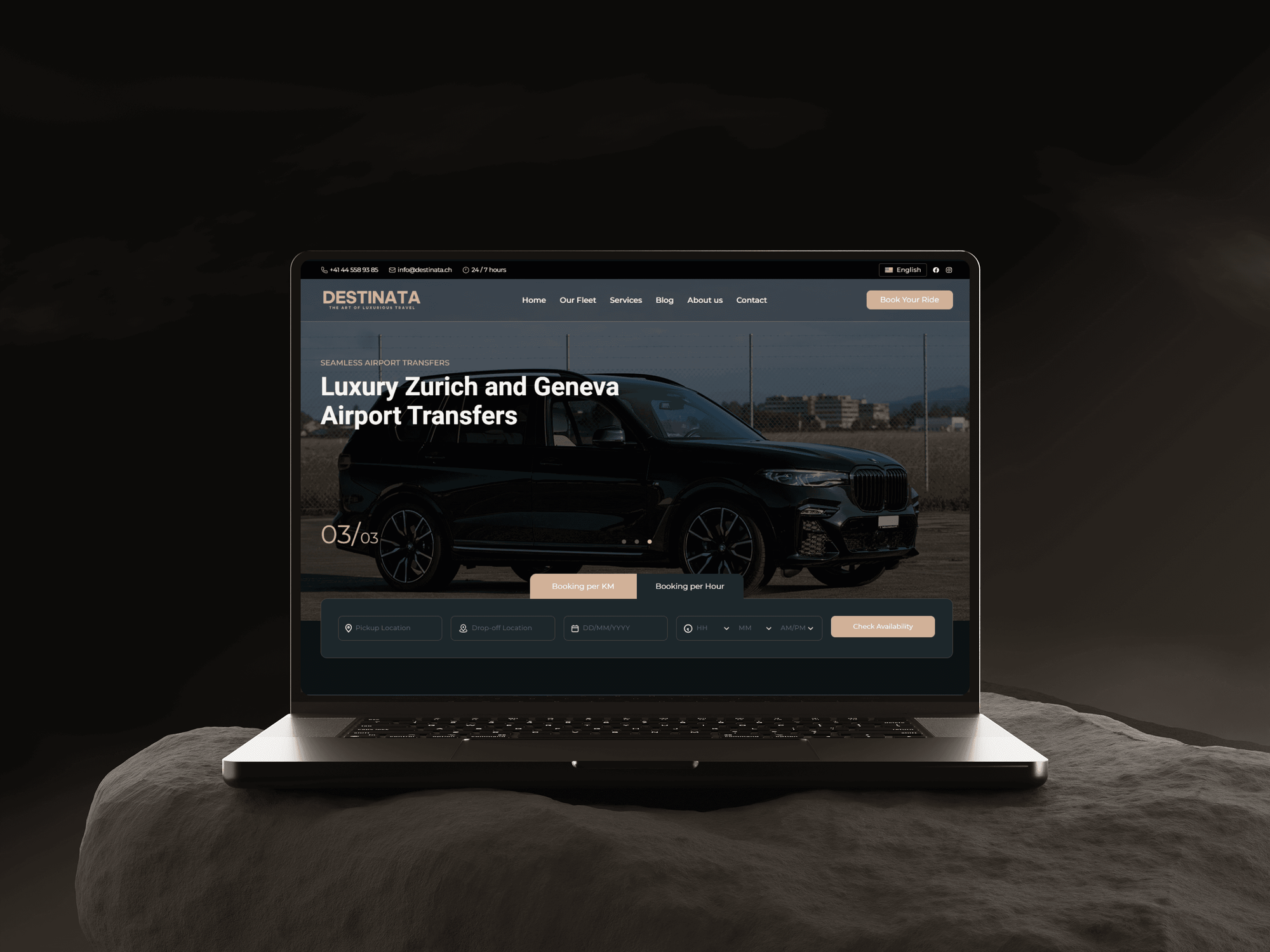
Booking platforms and experience sites we designed and built. None of them ran on Eventbrite, but each one turns interest into a confirmed booking.

What Our Clients Say
Feedback from teams we have built websites and business software for.
We had a pretty specific idea of what we wanted our website to become, but I wasn’t sure how easily we could explain all of it to a development team. There were quite a few moving parts, and we were working toward a deadline, so I expected a few things to get lost along the way. That never really happened. They understood what we were trying to achieve, kept us updated throughout the process, and got everything ready within the agreed timeline. The final site feels much easier to navigate, works beautifully on mobile, and is noticeably smoother for our customers. It was a huge relief seeing the original idea actually turn into the website we had in mind.
The mobile experience is probably my favourite part of the new site. We had spent a lot of time making sure the desktop version looked right, and the team kept pushing us to think about how everything would actually feel on a phone too. They were right. The navigation is clean, the interactions feel natural, and everything we’ve tested so far works exactly as it should. They also went through the links, forms, integrations, and other details more than once before launch, which I really appreciated. And even after going live, we could still reach out when something came up. The whole process felt friendly, organised, and surprisingly straightforward.
What I appreciate most is that the website is actually easy for us to manage now. We can update content ourselves instead of sending a developer a message every time we need to change something small. They also paid attention to the technical SEO side, which mattered to us because we didn’t want a new website to create problems for the traffic we already had. I’ve probably asked more questions than I should have since launch, but every question has been handled patiently and without any fuss. The team is easy to work with, they explain things clearly, and when we need something changed, they focus on getting it done rather than making the process complicated.
1,250+
Projects shipped
10+
Years of experience
Top 3%
Upwork Top Rated Plus
5 stars
Average review score

Want results like these?
Tell us what you are building. You get a reply within 24 hours on business days, then a written estimate.
Work Culture
Event days leave no room for broken links. These habits keep our Eventbrite integration services reliable from the first ticket sold to the last check-in.
If the HubSpot, Mailchimp, or Zoom app already covers your need, we connect it instead of writing code. You pay for API work only where those apps stop.
Eventbrite's API terms require listings to show the event title and a link back. We build every listing to those rules, so your API access stays safe.
We test with a private event and our own orders. Your real buyers never see a test ticket, a refund email, or a stray reminder.
API keys and private tokens are created by your organization's admin. We work under that access, and your admin can remove it at any time.
Webhook deliveries can fail quietly, so every one is logged and checked. A missed order shows up in an alert, not in a customer's complaint.
Each link gets a short guide: what it syncs, when, and what to check if numbers differ. Your event staff can follow it during a busy launch.
Overview
DeveloperLook builds Eventbrite integration for event organizers and associations. We embed Eventbrite checkout on your site, connect HubSpot, Mailchimp, Salesforce, and Zoom, and use the Eventbrite API with webhooks for listings and reports. Projects start at $600 and most take 1 to 5 weeks, tested on a private event before buyers see them.
DEVELOPERLOOK
Project facts · Eventbrite Integration Services
Reviewed 22 Oct 2026 by Saimul Islam
Good fit
Organizers selling from their own site
Your website sends visitors to Eventbrite to buy tickets, and some never come back. You want checkout to open right on your event page.
Associations running Salesforce
Your members live in Salesforce, but registrations and attendance stay in Eventbrite, so renewals and follow-ups start from a CSV export.
Marketing teams in HubSpot or Mailchimp
You want attendees to land in HubSpot or Mailchimp with the right event tag, instead of someone uploading a list after every event.
Webinar hosts selling on Eventbrite
You sell paid webinars on Eventbrite and want each buyer to get the Zoom link and be checked in when they join.
WordPress sites listing many events
Your WordPress site lists dozens of events by hand, and you want an Eventbrite WordPress integration that keeps dates, prices, and sold-out status current.
Not a fit
Venue sales run on Tripleseat
You sell private events and venue bookings through Tripleseat, not tickets on Eventbrite. Our Tripleseat venue integration page covers that sales flow.
Renting event gear, not tickets
You rent tents, tables, or equipment for events rather than selling tickets. Our party rental software integration service fits that work better.
Want your own ticketing
You want to sell tickets with your own checkout and keep the payments. Eventbrite's API can't create orders, so that's a custom ticketing project instead.
Budget under $600
Your budget is under $600, or you only need one Embedded Checkout button. Eventbrite's own guide covers that, and we'll say so before we quote.
Not sure we're the right fit?
Book a free call or message us. We'll tell you honestly whether we're the right team.
Pricing
These are starting points in USD. Your final price depends on the tools, API work, and organizations involved, and you get a fixed proposal after a free event review.
For organizers who want tickets sold on their own pages and attendees in one tool.
$600one-time, USD
For associations and teams that need orders and check-ins flowing into their CRM.
$1,650one-time, USD
For organizers running many events who need custom listings and reporting on the API.
$3,750one-time, USD
For Agencies
You own the event or association client. We supply the Eventbrite work behind your brand: embedded checkout, CRM and email syncs, Zoom links, and API builds. Your client sees your team at every step, and our name stays off the handover.
White label: your client only ever sees your brand
Send the Eventbrite organization, website platform, and tools the client wants connected.
We map each flow to a native app or the API and send a fixed scope.
We build, test on a private event, and hand over white-label guides.
Your brand on every data map and handover guide we write.
Work scheduled around your client's on-sale dates and event days.
Every test runs on a private event, never in front of buyers.
Help across several event clients without hiring another developer.
The Right Technology for Your Project
We use Eventbrite's Embedded Checkout and native apps first, then Eventbrite API v3 and webhooks where your events need more.
 WordPress
 Webflow
 Squarespace
 Wix
Wix Salesforce
 HubSpot
 Node.js
 Python
 PostgreSQL
 Google Sheets
FAQ
Straight answers on Eventbrite costs, the API, API keys, WordPress, Salesforce, embedding checkout, CRM apps, and Zoom.
Saimul IslamFounder & CEO, DeveloperLookStill have questions?
Send a message or book a call with the team.
An Eventbrite integration from DeveloperLook starts at $600 for Embedded Checkout on your site, event listings, and one email or CRM app. Attendee sync with webhooks, Salesforce, and Zoom is $1,650, and custom API builds with reporting start at $3,750. Eventbrite's own ticket fees stay between you and Eventbrite. After a free event review you get a fixed quote, and most builds take 1 to 5 weeks.
Yes, Eventbrite API v3 is a REST API that uses OAuth 2 and private tokens. It covers events, ticket classes, orders, attendees, venues, organizations, and webhooks. It can't create orders, so ticket sales still go through Eventbrite's checkout, and its public event search closed in December 2019. The Eventbrite API documentation lives on Eventbrite's platform site.
Yes, Eventbrite offers a free API key with your organizer account, and its API terms list no current fee. Eventbrite reserves the right to charge later, and the terms set display rules: listings must show the event title and a crawlable link to the Eventbrite page. Ticket fees on paid events still apply to every sale, API or not.
You create an API key, send its private token as a Bearer token, and call endpoints under eventbriteapi.com/v3. Most integrations read events and attendees, then subscribe to webhooks for orders and check-ins so data moves as it happens. We register webhooks per organization, log every delivery, and re-read the order when a delivery fails.
Go to Account Settings, then Developer Links, then API Keys, and choose Create API key. Eventbrite asks for a contact name, application name, description, and application URL, then emails you once the key is approved. The private token sits in the key's details. If the option is missing, your organization's owner or admin must grant permission.
Most sites use a maintained plugin, such as Display Eventbrite Events, which connects with a personal key from your Eventbrite account. Automattic's older Eventbrite API plugin closed in 2020, so skip tutorials built on it. An Eventbrite WordPress integration can also be our own code, when listings need layouts or filters the plugin doesn't offer.
Use an AppExchange app or a custom sync built on Eventbrite's API, because Eventbrite doesn't publish its own Salesforce connector. Partner apps such as Eventbrite for Salesforce sync events, attendees, orders, and revenue. A custom Eventbrite Salesforce integration fits when you need your own objects or campaign rules, driven by order and check-in webhooks.
Yes, with Eventbrite's Embedded Checkout, which you find in each event's Marketing menu. It opens as a button over your page or sits inline, and it needs access to your site's HTML and an HTTPS certificate. The event must be published, and the checkout layout can't be customized, so we design the page around it.
HubSpot and Mailchimp both connect without custom code. An Eventbrite HubSpot integration through HubSpot's own app adds registrations and attendance to contact timelines, but syncs only standard fields and events from the connecting user. The Eventbrite Mailchimp integration adds attendees who opt in at checkout to a list you choose.
It links each online event to a Zoom meeting or webinar, so buyers join from Eventbrite's online event page. You choose Add Zoom on that page, then create a meeting or link one starting within 6 months, and edits sync to Zoom. With Zoom registration on, attendees are checked in as they join. It needs a Zoom admin and skips recurring events.
Saimul IslamFounder & CEO, DeveloperLookStill have questions?
Send a message or book a call with the team.
Free 30-min callGoogle Meet
Book a call
In 30 minutes on Google Meet we walk you through how we would build it, how long it takes and what it costs. Then you get a written estimate.
Calendar not showing? Book on cal.com or send a brief.