Content model audit
Every content type mapped to its template, with missing SEO fields and rendering gaps listed.

For teams on a headless CMS: we put SEO fields in your content model, wire them into the front end, and keep previews out of Google.
2X
More organic visits to content
100%
Previews kept out of Google
How your project runs
01 · FreeTeams we have built for:














The Problem
It shows up a few months after launch. Headless CMS SEO problems hide between two systems, so the content team blames the developers and the developers blame the CMS.
Missing fields
Editors can't change a title tag without a developer.
Missing fields
Add SEO fields with sensible defaults to each content type.
Leaky previews
Draft pages on the preview domain appear in Google.
Leaky previews
Put previews behind a login or send a noindex header on them.
Broken slugs
Renaming a slug in the CMS breaks the old URL.
Broken slugs
Store redirects as CMS entries that the front end serves as 301s.
Frozen sitemap
The sitemap was built at deploy and misses new posts.
Frozen sitemap
Rebuild the sitemap from published entries whenever content changes.
Your new headless site is fast, and the marketing team can't change a single meta description. The content model has a title field and a body, nothing else. Titles come from code, so every story gets the same pattern. The preview domain shows up in Google with draft copy on it. A renamed slug breaks the old URL, because redirects live in a config file the content team can't reach. The sitemap was built at deploy and misses everything published since.
We start with the content model, because that's where headless SEO lives. Each content type gets fields for the title tag, description, canonical, noindex, and social image, with defaults for editors who skip them. The front end renders those fields on the server, the sitemap rebuilds from published entries, and redirects become CMS entries. Previews sit behind a login or noindex. Editors fix search issues themselves, not through a developer queue.
SEO fields in the model
Title, description, canonical, noindex, and social image fields on every content type.
Previews kept private
Preview and staging domains sit behind a login or noindex, so drafts stay out of results.
Redirects editors manage
Changed slugs create redirect entries in the CMS that the front end serves as 301s.
Our Headless SEO Services Process
You see where SEO breaks between your CMS and front end, approve a field spec before we build it, and check each change on staging before editors use it.
We look at your content model, the rendered HTML of 3 key pages, and any preview domains already in Google. You get a short note on where SEO breaks between the CMS and the site.
What's Included
The full scope: a content model audit, SEO fields with defaults, server-rendered metadata, a sitemap and redirects driven by the CMS, private previews, and launch checks.
Compare Options
A build agency knows the front end, and a generalist SEO agency knows content and links. Headless SEO needs both views at once, and the rows below show where each one stops.
| Feature | DeveloperLookBest fit | Headless build agency | Generalist SEO agency |
|---|---|---|---|
| Content model work | SEO fields designed with your editors | Fields only if requested | Rarely touches the CMS |
| Front-end rendering | Metadata checked in rendered HTML | Their strongest area | Crawl reports only |
| Preview leaks | Locked down and monitored | Often left open | Spotted after indexing |
| Redirect handling | Managed as CMS entries | A config file in code | Listed in a spreadsheet |
| Content and links | Not included, technical only | Not included | Their strongest area |
| Migration support | Every old URL mapped and tested | Main pages redirected | Advice, rarely hands-on |
| Pricing model | Fixed scope from $900 | Part of the build budget | Monthly retainer |
| Editor independence | Editors fix SEO themselves | Developers own most changes | Depends on the CMS |
Projects We've Built
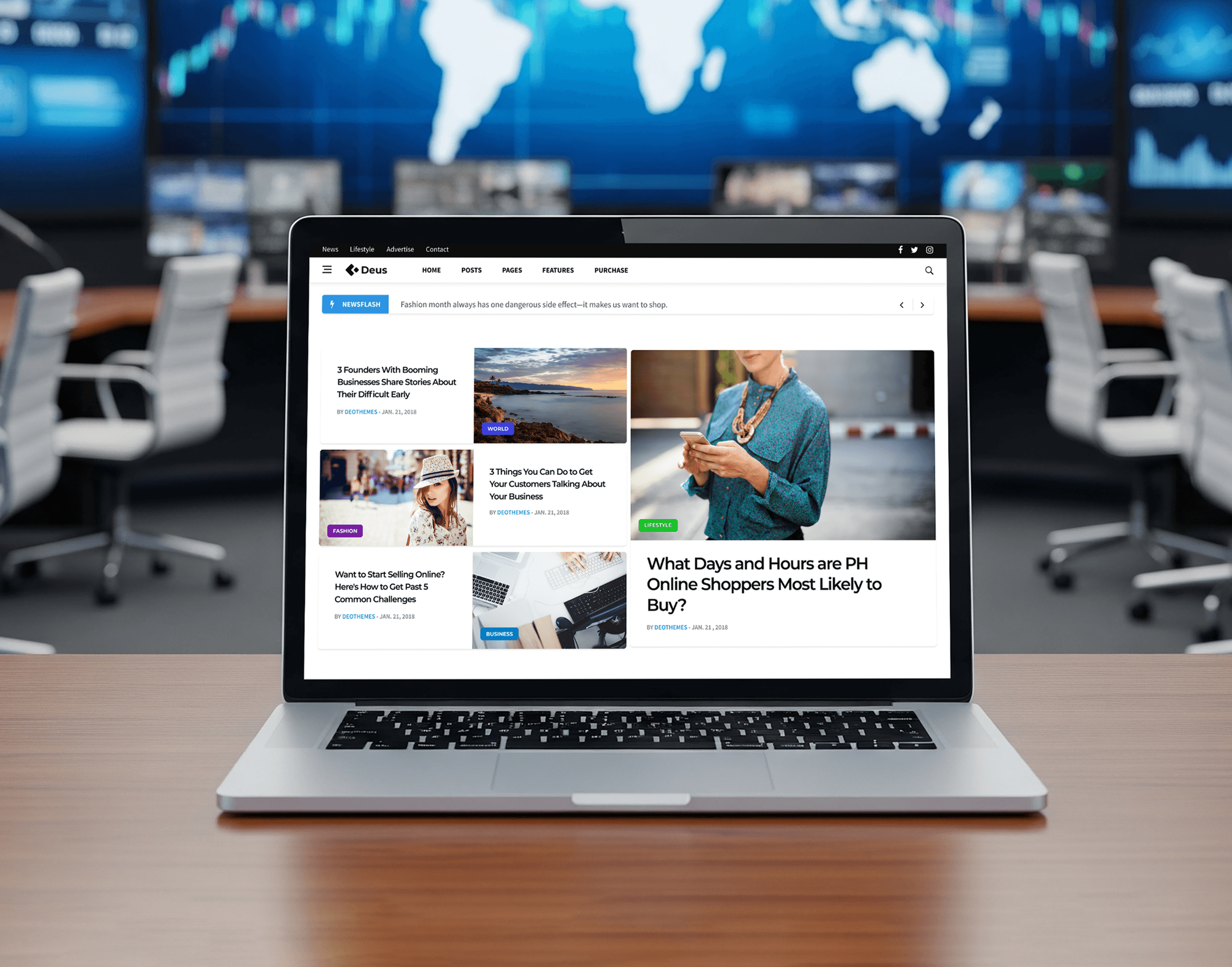
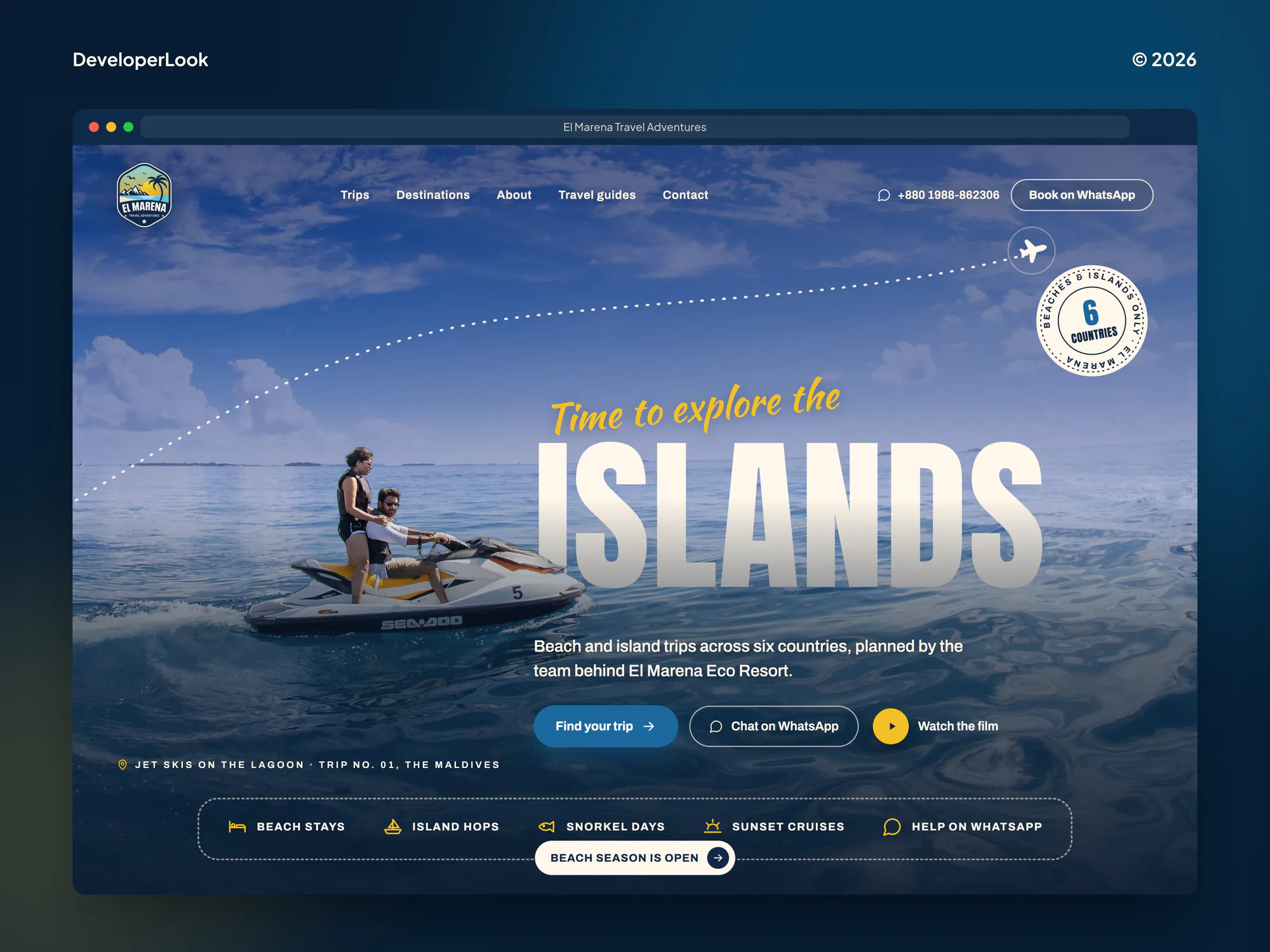
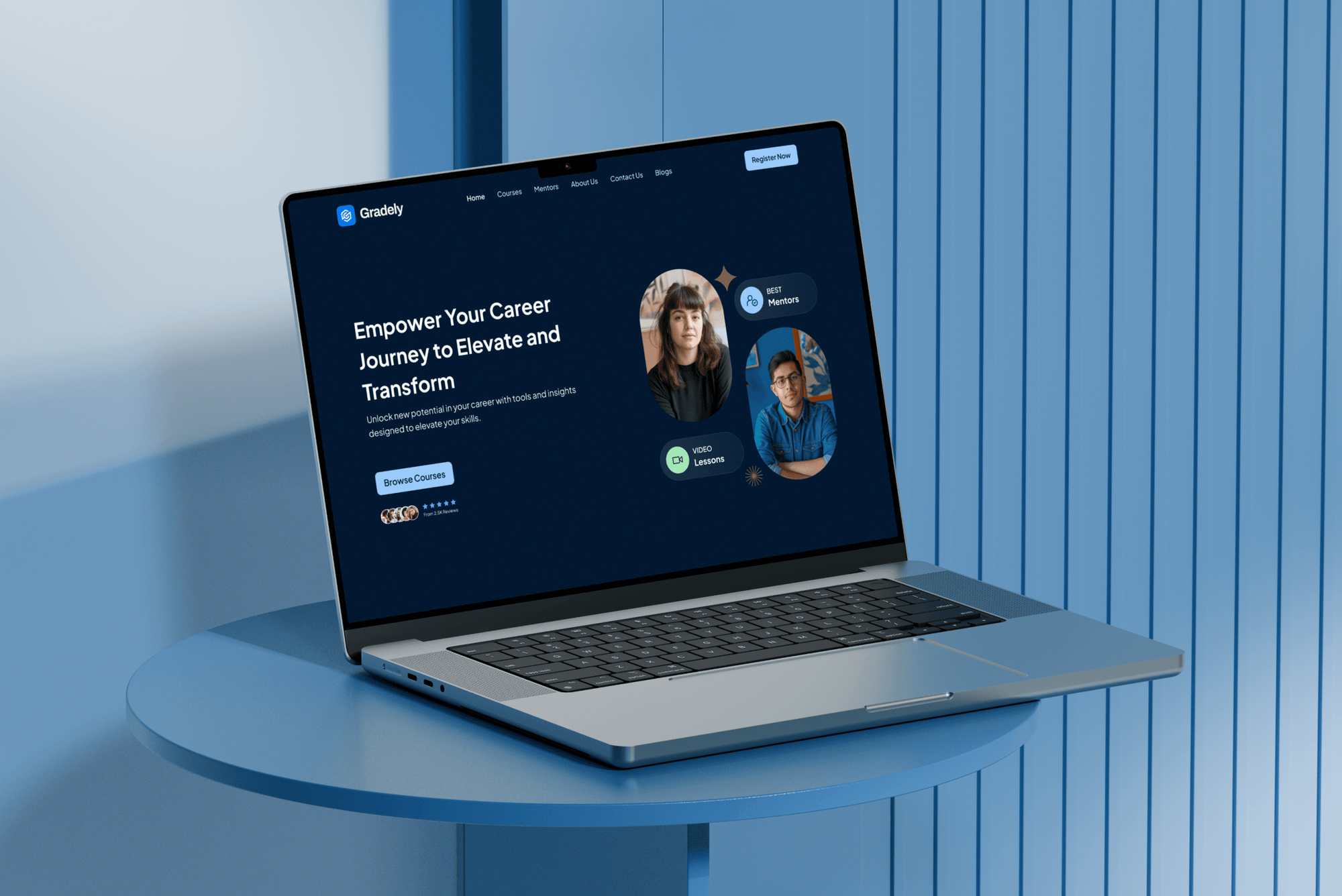
News, travel, and learning sites from our portfolio, chosen because they publish a lot of content. They are design and build projects, not SEO case studies.

What Our Clients Say
Feedback from teams we have built and launched websites for.
We had a pretty specific idea of what we wanted our website to become, but I wasn’t sure how easily we could explain all of it to a development team. There were quite a few moving parts, and we were working toward a deadline, so I expected a few things to get lost along the way. That never really happened. They understood what we were trying to achieve, kept us updated throughout the process, and got everything ready within the agreed timeline. The final site feels much easier to navigate, works beautifully on mobile, and is noticeably smoother for our customers. It was a huge relief seeing the original idea actually turn into the website we had in mind.
The mobile experience is probably my favourite part of the new site. We had spent a lot of time making sure the desktop version looked right, and the team kept pushing us to think about how everything would actually feel on a phone too. They were right. The navigation is clean, the interactions feel natural, and everything we’ve tested so far works exactly as it should. They also went through the links, forms, integrations, and other details more than once before launch, which I really appreciated. And even after going live, we could still reach out when something came up. The whole process felt friendly, organised, and surprisingly straightforward.
What I appreciate most is that the website is actually easy for us to manage now. We can update content ourselves instead of sending a developer a message every time we need to change something small. They also paid attention to the technical SEO side, which mattered to us because we didn’t want a new website to create problems for the traffic we already had. I’ve probably asked more questions than I should have since launch, but every question has been handled patiently and without any fuss. The team is easy to work with, they explain things clearly, and when we need something changed, they focus on getting it done rather than making the process complicated.
1,250+
Projects shipped
10+
Years of experience
Top 3%
Upwork Top Rated Plus
5 stars
Average review score
1,250+
Projects shipped
10+
Years of experience
Top 3%
Upwork Top Rated Plus
5 stars
Average review score

Want results like these?
Tell us what you are building. You get a reply within 24 hours on business days, then a written estimate.
Work Culture
We design for the people who publish every day, not just the developers who set the CMS up, so search stays fixable long after our project ends.
We write field names and help text for the people who publish. A field nobody understands stays empty, and empty fields cost rankings.
Every SEO field has a fallback, such as the entry title for the title tag. A rushed publish still ships a usable page.
We work with Contentful, Sanity, Strapi, Storyblok, and headless WordPress. We recommend the one that fits your team, not the one we use most.
Some headless front ends fetch content in the browser. We confirm every template sends its content and tags in the first HTML response.
Going headless doesn't improve rankings by itself. If your current CMS already works for your team, we say so before you pay for a migration.
Field definitions, front-end code, and redirect rules live in your CMS space and repository. Nothing depends on a plugin of ours.
Overview
DeveloperLook handles headless CMS SEO for sites on Contentful, Sanity, Strapi, Storyblok, and headless WordPress. We add SEO fields to your content model, make the front end render them, build sitemaps and redirects from published entries, and keep previews out of Google. Plans start at $900 with a fixed scope, and audits take 1 to 2 weeks.
DEVELOPERLOOK
Project facts · Headless SEO Services
Reviewed 28 Oct 2026 by Saimul Islam
Good fit
Marketing teams on Contentful or Sanity
Your editors publish in Contentful or Sanity, but changing a page title or meta description still needs a developer ticket and a deploy.
Teams moving to a headless CMS
Your team is leaving WordPress for a headless setup and needs the SEO considerations when migrating to headless CMS settled before any content moves.
Enterprise sites with many content types
Your site runs dozens of content types across regions, and you need a headless CMS for enterprise SEO that busy editors can't break.
Teams still choosing a CMS
Your team is comparing platforms and wants an honest view of the best headless CMS for SEO before signing a yearly licence.
Agencies running headless client builds
Your agency ships headless builds, and staging or preview URLs keep turning up in your clients' search results.
Not a fit
Need the headless store built
Your headless storefront still needs building. Our Headless Commerce Agency page covers storefront builds and their integrations, and this SEO work can join that project.
Problems sit in Next.js routes
Your content model is fine, and the gaps sit in Next.js routes and metadata. Our Next.js SEO Services page goes deeper into the framework itself.
Staying on classic WordPress
Your site runs on classic WordPress with an SEO plugin and you aren't going headless. Our Technical SEO Services page fits crawl and template problems there.
Small site, budget under $900
Your headless site has a handful of pages and no SEO fields worth building. A short checklist from the free review may be all you need.
Not sure we're the right fit?
Book a free call or message us. We'll tell you honestly whether we're the right team.
Pricing
These are starting points in USD. Your final price depends on your content types and whether you're migrating, and you get a fixed proposal after a free headless review.
For Agencies
Your agency owns the client and the build. We add the search layer of a headless project: the field spec, rendering checks, sitemaps, redirects, and preview lockdown, with notes your team can send as its own.
White label: your client only ever sees your brand
Send the CMS space, repository access, staging URL, and launch date.
We audit the content model and return a fixed proposal under your brand.
We add the SEO layer, check staging, and sign off the launch with you.
Send the CMS space, repository access, staging URL, and launch date.
We audit the content model and return a fixed proposal under your brand.
We add the SEO layer, check staging, and sign off the launch with you.
The Right Technology for Your Project
Tools we use to map content models, check what the front end renders, and confirm search results stay clean after launch.
 WordPress
 Next.js
 Nuxt
Nuxt Gatsby
 Google Search Console
 Semrush
 Chrome DevTools
 Vercel
 Netlify
 Cloudflare
 AWS
AWSRelated Services
Services that pair with headless CMS SEO: the core SEO program, JavaScript and Next.js SEO, SEO migrations, headless commerce builds, and CMS development.
This page
Headless SEO Services
Pairs with the 6 services around it
FAQ
Straight answers on cost, timing, migrations, and how a headless CMS and SEO fit together.
Saimul IslamFounder & CEO, DeveloperLookStill have questions?
Send a message or book a call with the team.
They start at $900 for a content model and front-end audit with a field spec and preview lockdown. Building SEO fields into up to 8 content types costs $1,800, and migrations to headless of up to 5,000 URLs start at $2,650. You get a fixed proposal after a free headless review.
SEO work on a headless CMS takes 1 to 2 weeks for the audit and 3 to 5 weeks with the field build. A migration from WordPress or another CMS usually needs 4 to 8 weeks, including the URL map and launch checks. Monitoring then runs 30 days, or 60 after a migration.
Headless SEO is search optimization for sites where the CMS stores content and a separate front end displays it. Because the two systems are split, SEO fields, rendering, sitemaps, and redirects each need an owner on one side. Most problems come from tasks neither side picked up.
A headless CMS is good for SEO when the front end renders on the server and the content model includes SEO fields. It isn't good by default: a fresh setup often has no meta fields, no sitemap, and open preview URLs. The CMS gives you control, and the setup decides the result.
A headless CMS helps SEO by pairing structured content with a fast, server-rendered front end. Editors can manage titles, canonicals, and redirects for every page without touching templates. Those gains depend on building the fields, which many headless launches skip to hit their date.
Going headless helps SEO mainly through speed and control. A modern front end can pass Core Web Vitals more easily, and you decide what HTML each template sends. It can also hurt, if the move drops redirects or schema the old CMS handled. For headless website SEO, the move itself is the riskiest moment.
Not automatically. A headless Shopify storefront can load faster than a theme, but it takes on work the theme did for you: metadata, sitemaps, structured data, and redirects. Checkout stays on Shopify either way. Our Headless Shopify Agency page covers the build, and we handle the search layer.
Check 5 things before migrating to a headless CMS. Map every old URL to its new path and add SEO fields to the new content model. Then confirm server rendering, assign sitemaps and redirects, and lock preview access. Missing any one of them is a common cause of traffic lost after a headless launch.
Subtract the yearly cost from the yearly gain, then divide by the cost, using your own numbers. Costs are the CMS licence, hosting, front-end development, and maintenance. Gains include editor hours saved, revenue from faster pages, and launches you couldn't ship before. We add organic traffic and leads from Search Console and GA4.
Yes, that's the point of the field build: editors manage titles, descriptions, canonicals, noindex, and redirects in the CMS. Field definitions and code stay in your space and repository, and fix support runs 30 days, or 60 after a migration. If your current CMS already covers your needs, we'll tell you before we quote.
Saimul IslamFounder & CEO, DeveloperLookStill have questions?
Send a message or book a call with the team.
Free 30-min callGoogle Meet
Book a call
In 30 minutes on Google Meet we walk you through how we would build it, how long it takes and what it costs. Then you get a written estimate.
Calendar not showing? Book on cal.com or send a brief.