
Network sensor per site
A sensor on a mirror port sees traffic from every device, including ones without security software.

For teams with nobody watching at night: automated monitoring around the clock, critical alerts sent to your phone, and every alert reviewed by an engineer. From $450 per month.
24/7
Automated detection and alerting
100%
Devices on the network inventoried
How your project runs
Teams we have built for:














The Problem
It shows up when a camera starts calling an unknown server on a Saturday, or when Monday's first coffee comes with a weekend of unread alerts.
01 · Unwatched inbox
Firewall alerts land in an inbox nobody reads after six.
Detections run continuously, and critical alerts ring your on-call phone.
02 · Agentless devices
Cameras and card terminals can't run security software.
A network sensor watches their traffic for strange destinations.
03 · Lost evidence
Logs roll over before anyone looks at them.
Alerts and the connection records behind them are kept for review.
04 · Scattered tools
Each console shows its own alerts, in no particular order.
Network, firewall, and cloud alerts land in one view, ranked by severity.
Your firewall sends alerts to an inbox nobody checks after six. The cameras, printers, and card terminals on your network can't run security software, so nobody knows what they're talking to. A laptop that connected over the weekend tried to reach a known malware server, and the log rolled over by Tuesday. Your cloud admin account got a sign-in from another country at 3 a.m. Everyone found out on Monday, from different tools, in no particular order.
We start by placing a network sensor on a mirror port, so it sees traffic from every device, including ones that can't run an agent. Detections run around the clock on that traffic, your firewall, and your cloud sign-ins. Known-bad activity triggers approved automated actions, critical alerts ring your on-call phone, and engineers review every alert each business morning. You get honest night coverage instead of an inbox that waits until Monday.
Sees agentless devices
A network sensor watches cameras, printers, and card terminals that can't run security software.
Detection around the clock
Rules run on network, firewall, and cloud sign-in activity every hour of every day.
Critical alerts reach a person
Serious alerts ring your on-call phone, and engineers review everything each business day.
Our Cyber Security Monitoring Services Process
You approve what we monitor, which alerts ring your phone at night, and what automation may block, then review findings with us every month.
We map your sites, network gear, cloud accounts, and who can answer a phone at night. You get a sensor plan, an alert routing plan, and a fixed monthly price. If your firewall's own alerts already cover you, we'll tell you before we quote.
What's Included
Network sensors, firewall and cloud sign-in alerts, detections running around the clock, after-hours alert routing, business-day review, and a monthly report, managed as one service.
Compare Options
Firewall alerts cost nothing extra, and a staffed SOC puts people on screens every night. Here is how each compares on visibility, night coverage, response, and cost.
| Feature | DeveloperLookBest fit | Firewall alerts only | Staffed 24/7 SOC |
|---|---|---|---|
| Visibility | Network, firewall, and cloud | Firewall traffic only | Whatever logs you send |
| Agentless devices | Seen by a network sensor | Only at the edge | Only with a sensor |
| Night detection | Automated, every hour | Automated, basic rules | Automated plus analysts |
| Night response | On-call call and approved actions | Email to an inbox | An analyst calls you |
| Daytime review | Every alert, each business day | When someone has time | Every alert, around the clock |
| Setup time | 1 to 2 weeks | Already running | Several weeks |
| Best fit | Small and midsize teams | Very small offices | Regulated or large firms |
| Cost | From $450 per month | Included with the firewall | Higher, staffing included |
Projects We've Built
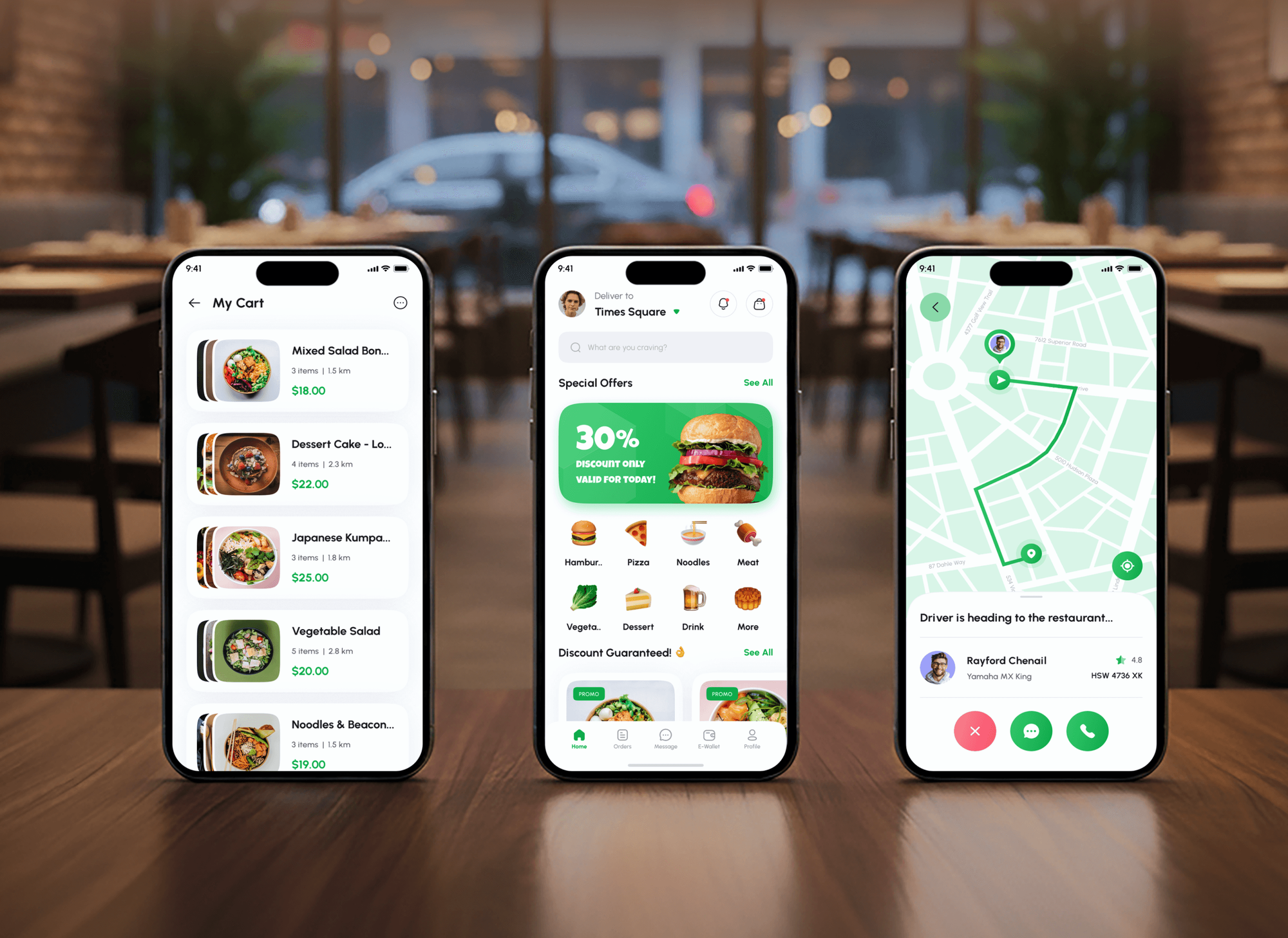
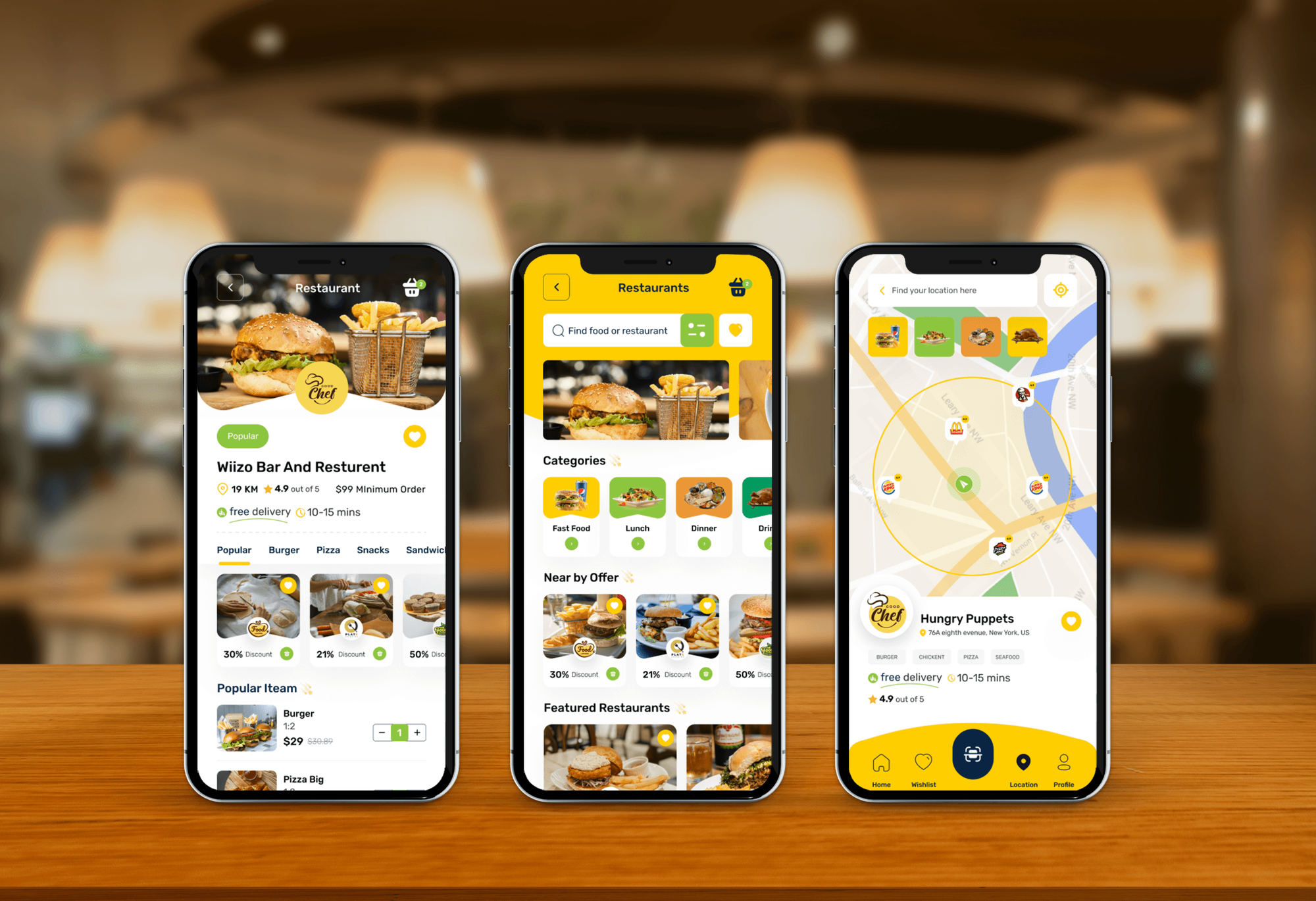
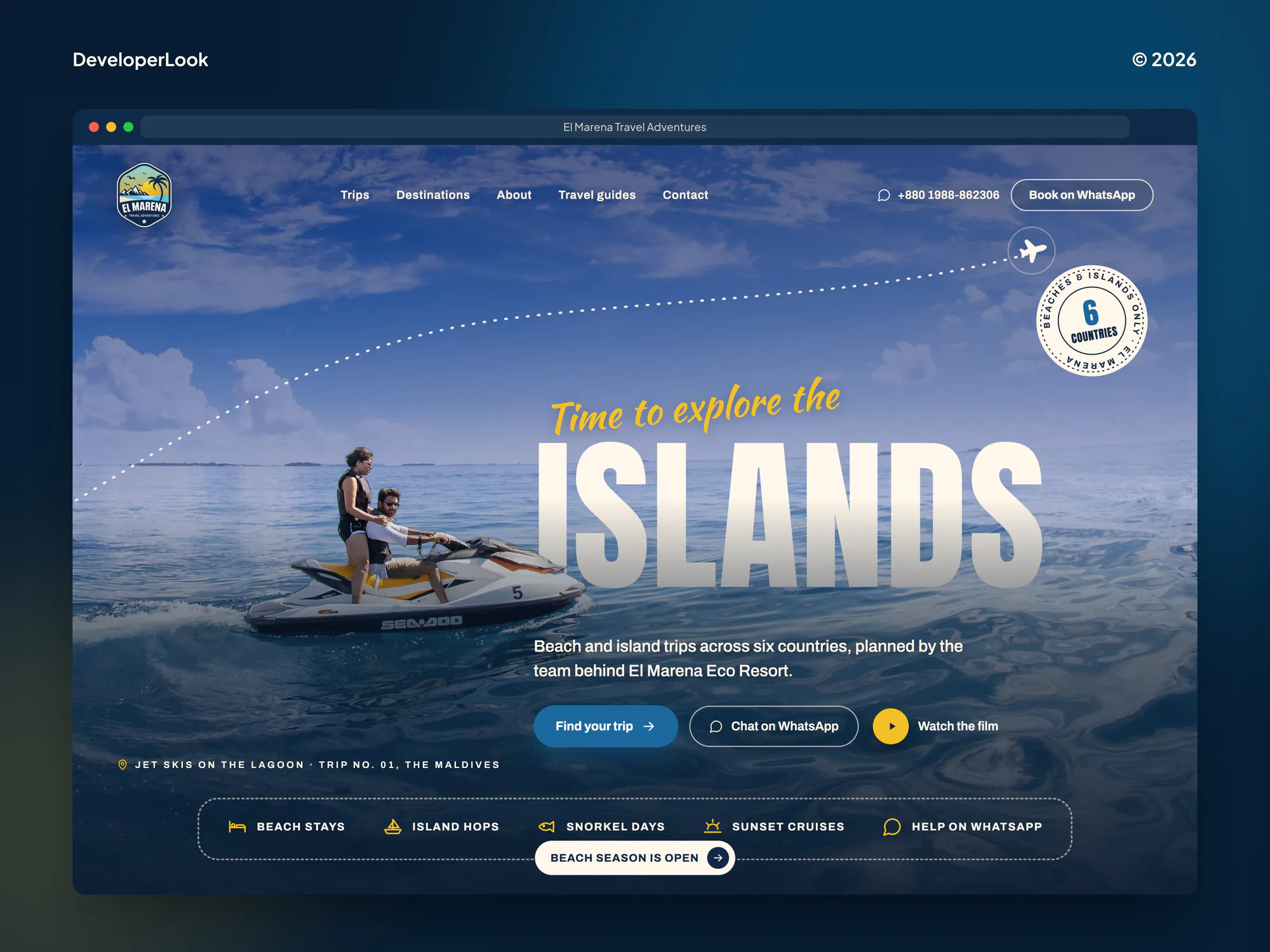
Food delivery apps and travel booking sites we built that take orders at all hours, the kind of systems that need watching after the office closes.

What Our Clients Say
Feedback from teams we have built apps, platforms, and websites for.
We had a pretty specific idea of what we wanted our website to become, but I wasn’t sure how easily we could explain all of it to a development team. There were quite a few moving parts, and we were working toward a deadline, so I expected a few things to get lost along the way. That never really happened. They understood what we were trying to achieve, kept us updated throughout the process, and got everything ready within the agreed timeline. The final site feels much easier to navigate, works beautifully on mobile, and is noticeably smoother for our customers. It was a huge relief seeing the original idea actually turn into the website we had in mind.
The mobile experience is probably my favourite part of the new site. We had spent a lot of time making sure the desktop version looked right, and the team kept pushing us to think about how everything would actually feel on a phone too. They were right. The navigation is clean, the interactions feel natural, and everything we’ve tested so far works exactly as it should. They also went through the links, forms, integrations, and other details more than once before launch, which I really appreciated. And even after going live, we could still reach out when something came up. The whole process felt friendly, organised, and surprisingly straightforward.
What I appreciate most is that the website is actually easy for us to manage now. We can update content ourselves instead of sending a developer a message every time we need to change something small. They also paid attention to the technical SEO side, which mattered to us because we didn’t want a new website to create problems for the traffic we already had. I’ve probably asked more questions than I should have since launch, but every question has been handled patiently and without any fuss. The team is easy to work with, they explain things clearly, and when we need something changed, they focus on getting it done rather than making the process complicated.
1,250+
Projects shipped
10+
Years of experience
Top 3%
Upwork Top Rated Plus
5 stars
Average review score

Want results like these?
Tell us what you are building. You get a reply within 24 hours on business days, then a written estimate.
Work Culture
Monitoring means seeing your traffic and sign-ins day and night. These habits keep that view narrow, your phone quiet unless it matters, and our coverage claims honest.
Automation and alert routing work all night, and our engineers review alerts on business days. We put that in writing, so nobody assumes more.
We tune rules before go-live so routine traffic stays quiet. Your on-call phone rings for the alert types you chose, not for every port scan.
Network sensors record connection details and alerts, not the content of your email or files. We tell staff what's monitored and why.
Automated blocks run only for actions you've signed off, such as isolating a device that contacts a known malware server. Everything else waits for a person.
Each monthly report lists what we can't see yet, such as a site without a sensor or a cloud app with no logs. You decide what to cover next.
Sensors run on your hardware or cloud account, and alerts live in systems you own. If you leave, the setup and its history stay with you.
Overview
DeveloperLook provides cyber security monitoring services for small and midsize companies with nobody watching at night. A network sensor, your firewall, and your cloud sign-ins feed detections that run around the clock. Critical alerts reach your on-call phone, and engineers review every alert each business day. Plans start at $450 per month, with setup in 1 to 2 weeks.
DEVELOPERLOOK
Project facts · Cyber Security Monitoring Services
Reviewed 23 Oct 2026 by Saimul Islam
Good fit
Offices with cameras and card terminals
Your network carries cameras, printers, and card terminals that can't run security software, and nobody would notice if one started calling a strange server.
Teams with nobody on nights
Your IT person goes home at six, and you want 24/7 security monitoring that's honest about what happens before they're back in the morning.
Companies asked for proof
Your insurer or a customer contract asks for continuous security monitoring, and you need evidence that alerts are watched and acted on.
IT leads choosing network tools
You're looking for network security monitoring services that show what moves inside the office network, not only what crosses the firewall.
Businesses with several sites
You run several shops, clinics, or offices, and you want cyber security monitoring that covers every site from one view.
Not a fit
Contract needs staffed nights
Your contract or regulator requires people watching screens overnight with a set response time. A provider with a staffed night shift fits better, and we'll help compare quotes.
Need a full log platform
You need every system's logs collected, searchable, and kept for audits. Our managed SIEM services cover that, from $550 a month.
Devices lack protection first
Your laptops and servers don't have EDR yet. Our managed endpoint security service fixes that first, from $300 a month, and monitoring builds on it.
Budget under $450 a month
Your budget is under $450 a month. Your firewall's built-in alerts and Microsoft 365 alert policies, sent to a shared inbox someone checks daily, are a fair start.
Not sure we're the right fit?
Book a free call or message us. We'll tell you honestly whether we're the right team.
Pricing
These are monthly starting points in USD. Your plan depends on site count, cloud accounts, and alert routes, and you get a fixed proposal after a free monitoring call.
For one office that needs its network and cloud sign-ins watched around the clock.
$450/month
For growing companies with up to 3 sites, cloud accounts, and an EDR to tie in.
$750/month
For companies with up to 10 sites, payment or guest networks, and audit requirements.
$1,200/month
For Agencies
You own the client relationship. We supply the monitoring behind it: sensors at each client site, alert tuning, after-hours routing to the people you choose, and monthly reports in your format. Your clients get watched networks without you building a night shift.
White label: your client only ever sees your brand
Send the client's sites, network gear, cloud accounts, and on-call contacts.
You get a sensor plan, alert routing, and a fixed monthly price.
We set up, tune, and review alerts, then report monthly under your brand.
You present the monthly reports while we tune and review alerts.
Critical alerts can ring your on-call team instead of the client's.
Monthly monitoring reports carry your logo and your wording.
Every client site gets its own sensor and alert list.
The Right Technology for Your Project
We build monitoring on open, proven tools you can keep, and connect the firewalls, cloud accounts, and EDR you already run.
FAQ
Straight answers on pricing, setup, what monitoring covers, night coverage, and why logging matters.
Saimul IslamFounder & CEO, DeveloperLookStill have questions?
Send a message or book a call with the team.
DeveloperLook's monitoring starts at $450 per month for one site: a network sensor, firewall and cloud sign-in alerts, after-hours routing, and business-day review. The $750 plan covers 3 sites with EDR alerts and approved containment. The $1,200 plan covers 10 sites with DNS analysis and 12-month retention. A small sensor box, if needed, is quoted separately.
Setup takes 1 to 2 weeks for most offices. The sensor and log connections go in during the first few days, then we spend about a week learning normal traffic and tuning rules. Alerts start reaching your phone once you approve the routing, so the first nights aren't full of noise.
Security monitoring is the ongoing collection and review of activity across networks, devices, and accounts to catch signs of attack. It combines tools that watch and raise alerts with people who decide what's real. Without the review part, monitoring turns into a pile of alerts nobody reads.
In cyber security, monitoring is the detect function: noticing an attack while it happens rather than after the damage. NIST's Cybersecurity Framework 2.0 lists Detect as one of six functions, next to Govern, Identify, Protect, Respond, and Recover. Monitoring feeds the Respond step with evidence and timing.
Continuous monitoring means watching security activity and control health all the time, not just in yearly checks. NIST's SP 800-137 (2011) describes it as ongoing awareness of threats, vulnerabilities, and how well controls work. For a small business, that means alerts, a device inventory, and configuration checks running every day.
Continuous security monitoring is the daily practice behind that idea: automated detections running every hour, plus regular review of what they find. It differs from a point-in-time audit, which shows how things looked on one day. Insurers and customer contracts often ask for it, with proof that someone acts on alerts.
Network security monitoring watches the traffic moving across your network for signs of attack. A sensor reads a copy of the traffic from a mirror port and records connections, DNS lookups, and alerts from tools like Suricata and Zeek. It sees devices that can't run security software, such as cameras, printers, and card terminals.
Without logs and monitoring, an attack can run for weeks before anyone notices, and there's no record of what happened. OWASP's 2021 Top 10 lists security logging and monitoring failures as a leading web application risk for that reason. Logs also give insurers, auditors, and investigators the evidence they ask for.
The detection is 24/7, and the human review isn't. Detection rules, approved automated actions, and alert routing run around the clock, so critical alerts reach your on-call contact at any hour. Our engineers review every alert on business days. If you need analysts watching screens overnight, we'll help you compare staffed providers.
Yes. Sensors run on your hardware or in your cloud account, and alert history lives in systems you own. When you leave, we hand over the sensor settings, rule notes, and routing plan, then remove our accounts. Your team or your next provider can keep monitoring without starting over.
Saimul IslamFounder & CEO, DeveloperLookStill have questions?
Send a message or book a call with the team.
Free 30-min callGoogle Meet
Book a call
In 30 minutes on Google Meet we walk you through how we would build it, how long it takes and what it costs. Then you get a written estimate.
Calendar not showing? Book on cal.com or send a brief.