
Tracking plan document
Every event, property, and naming rule in one shared spec your developers and product managers follow.

For SaaS and mobile app teams: one tracking plan, clean events in Mixpanel or Amplitude, and funnels your product managers can act on.
2X
Faster answers on feature use
100%
Events checked against the plan
How your project runs
Teams we have built for:














The Problem
Analytics breaks gradually. Each sprint adds events with new names, until the funnel numbers stop matching and product decisions go back to gut feel.
01 · Naming drift
signup, SignUp, and user_signed_up all exist at once.
One tracking plan names each event once and gives it an owner.
02 · Split users
Logged-out visitors don't merge with their own accounts.
Identity linking ties anonymous visits to the signed-in user.
03 · App mismatch
iOS and web send different properties for the same action.
Shared event specs keep web, iOS, and Android sending identical properties.
04 · Sales gap
Sales can't see which accounts use the new feature.
Usage traits sync to the CRM record before renewal calls.
Your team installed the SDK on day one and tracked everything. Now the project has signup, SignUp, and user_signed_up, and nobody knows which one feeds the funnel. Logged-out visitors don't merge with their accounts, so activation looks worse than it is. The iOS app sends different properties from the web app. Sales asks which accounts use the new feature, and the answer takes a week of exports. Retention charts exist, but nobody trusts them enough to act.
We start with the questions your product team needs answered, then write a tracking plan: each event, its properties, and who owns it. We implement it in Mixpanel or Amplitude across web and mobile, link anonymous visitors to accounts, and send key actions from your server. Your team reads funnels and retention from events it trusts, not from a guess.
One tracking plan
Every event and property named once, documented, and owned across web, iOS, and Android.
Users linked across devices
Anonymous visits merge with signed-in accounts, so one person counts as one user.
Server-side key events
Signups, payments, and plan changes sent from your backend, so ad blockers can't drop them.
Our Product Analytics Implementation Process
You approve the tracking plan, see every event fire correctly in a test project, and get dashboards before anything reaches production data.
We review your current events, properties, and identity setup, plus the questions your team can't answer today. You get a list of what's broken and an honest view of whether a cleanup beats a rebuild.
What's Included
Each project is scoped to your product, platforms, and questions. Most include these six parts, from the tracking plan to dashboards your team uses daily.
Compare Options
Autocapture suits early products, and your own developers suit small changes. Here's where each one holds up as events, platforms, and teams grow.
| Feature | DeveloperLookBest fit | Autocapture only | In-house developer |
|---|---|---|---|
| Tracking plan | Written and approved first | None, captures raw clicks | Usually in someone's head |
| Event naming | One convention, enforced | Auto-generated names | Varies by sprint |
| Identity | Anonymous linked to accounts | Partial, by default | Often missed |
| Server events | Billing and key actions | Not included | If someone has time |
| Setup speed | 2 to 9 weeks | Minutes to install | Between feature work |
| Product context | Learned in the audit | No product context | Deep, day to day |
| QA | Test project for every event | Spot checks in production | |
| Cost | Fixed price from $900 | Included in the plan | Developer time |
Projects We've Built
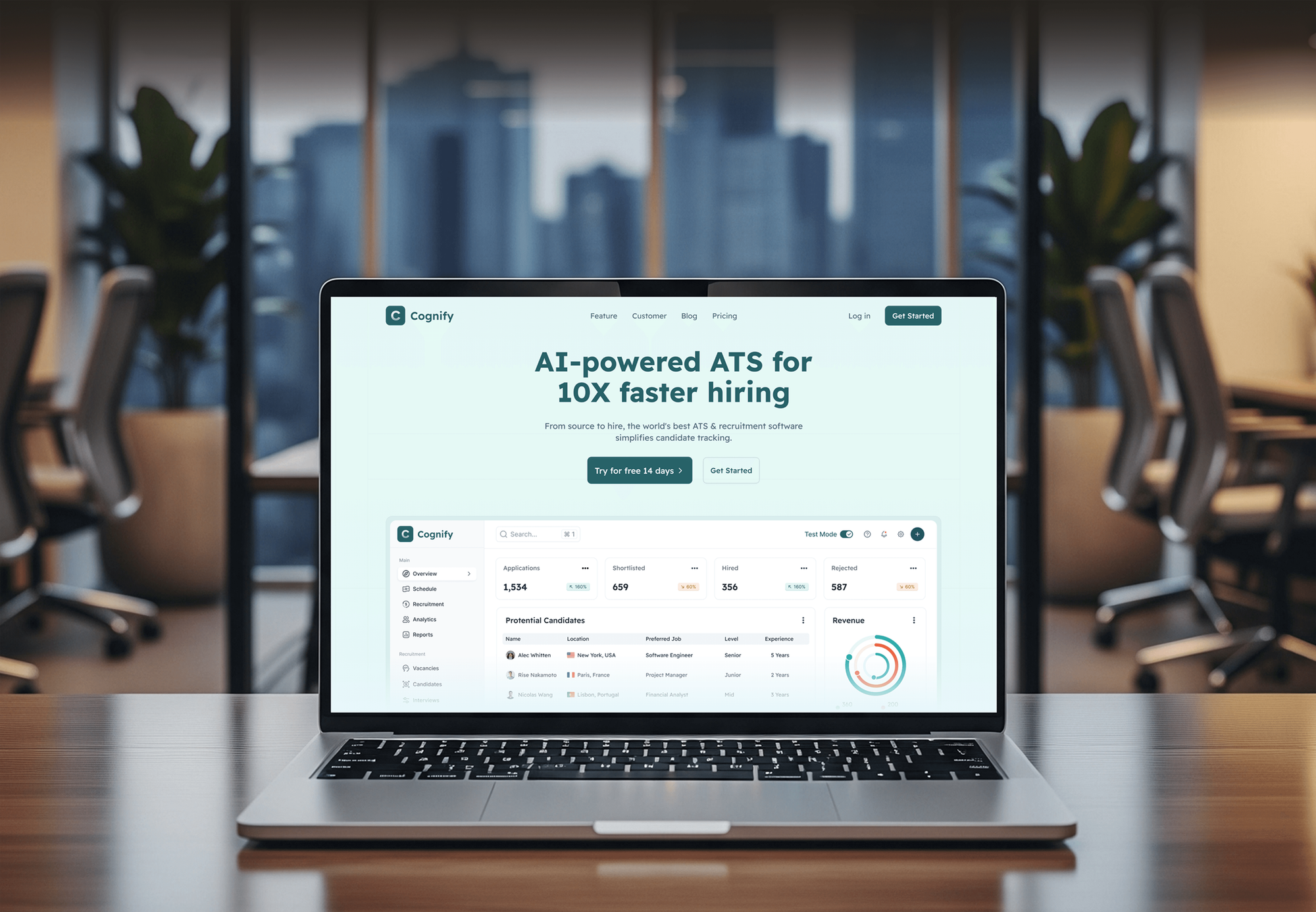
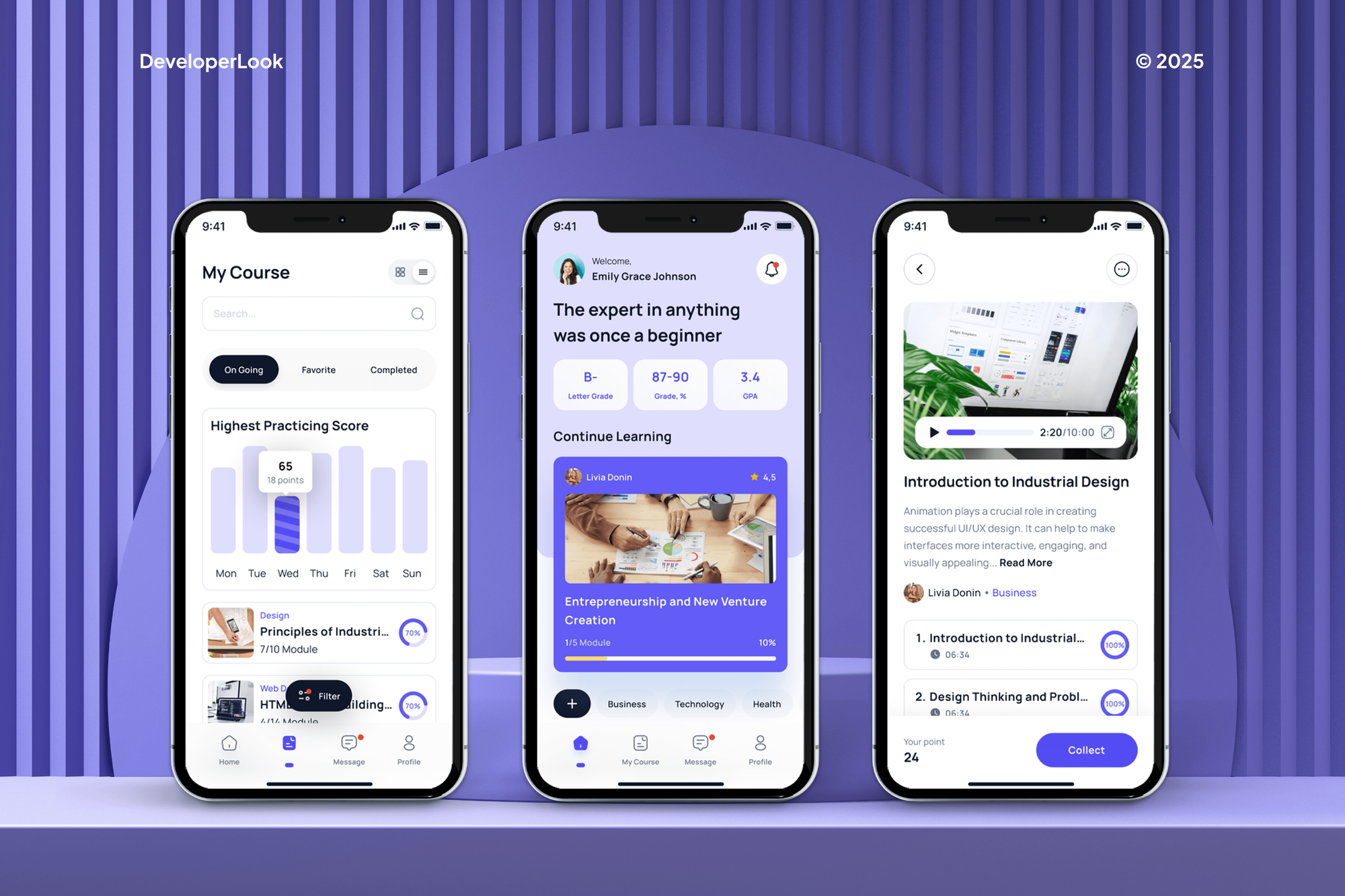
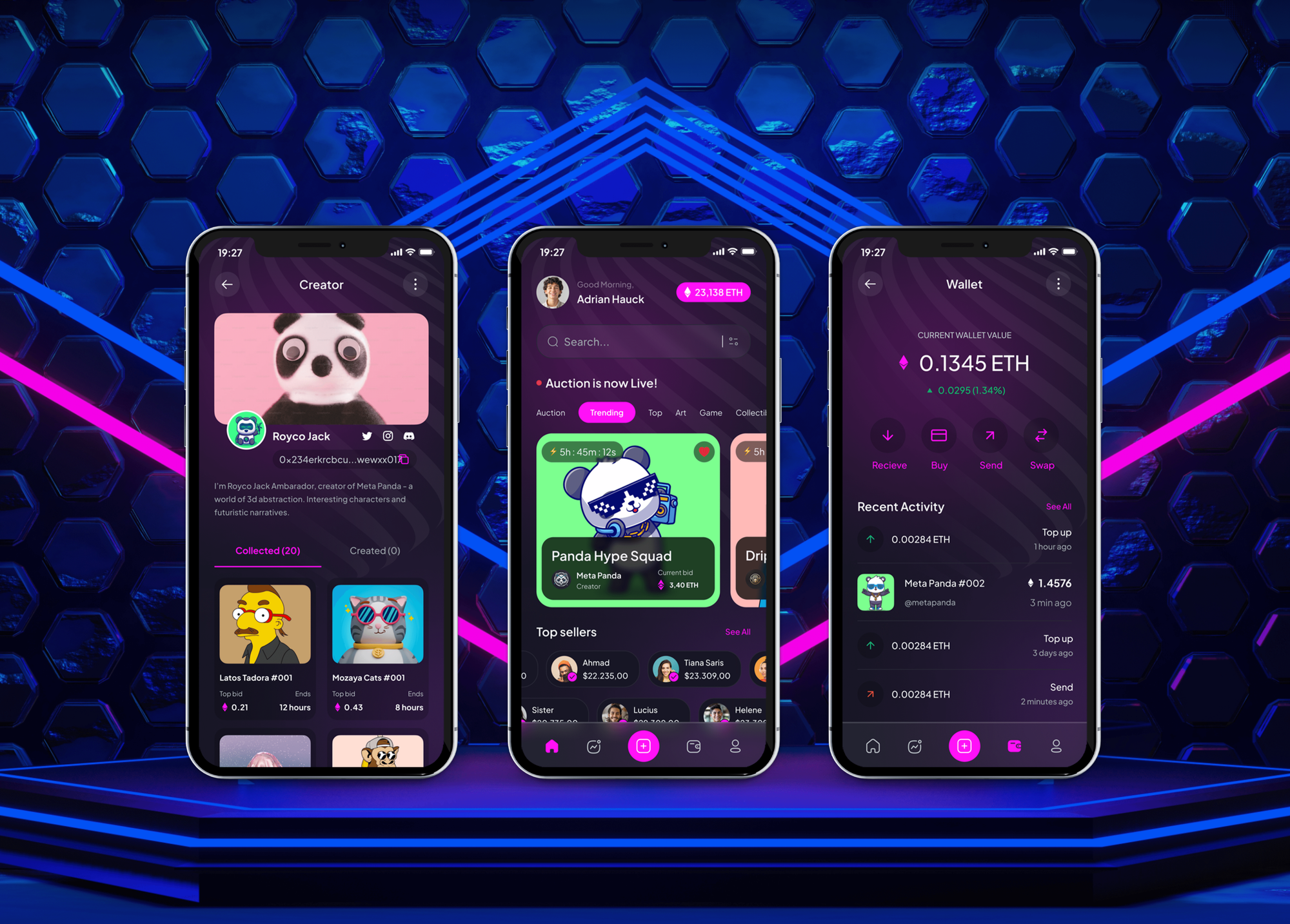
Web apps and mobile apps from our portfolio. They weren't analytics projects, but each is the kind of product a tracking plan gets written for.

What Our Clients Say
Feedback from teams we have built SaaS products and apps for.
We had a pretty specific idea of what we wanted our website to become, but I wasn’t sure how easily we could explain all of it to a development team. There were quite a few moving parts, and we were working toward a deadline, so I expected a few things to get lost along the way. That never really happened. They understood what we were trying to achieve, kept us updated throughout the process, and got everything ready within the agreed timeline. The final site feels much easier to navigate, works beautifully on mobile, and is noticeably smoother for our customers. It was a huge relief seeing the original idea actually turn into the website we had in mind.
The mobile experience is probably my favourite part of the new site. We had spent a lot of time making sure the desktop version looked right, and the team kept pushing us to think about how everything would actually feel on a phone too. They were right. The navigation is clean, the interactions feel natural, and everything we’ve tested so far works exactly as it should. They also went through the links, forms, integrations, and other details more than once before launch, which I really appreciated. And even after going live, we could still reach out when something came up. The whole process felt friendly, organised, and surprisingly straightforward.
What I appreciate most is that the website is actually easy for us to manage now. We can update content ourselves instead of sending a developer a message every time we need to change something small. They also paid attention to the technical SEO side, which mattered to us because we didn’t want a new website to create problems for the traffic we already had. I’ve probably asked more questions than I should have since launch, but every question has been handled patiently and without any fuss. The team is easy to work with, they explain things clearly, and when we need something changed, they focus on getting it done rather than making the process complicated.
1,250+
Projects shipped
10+
Years of experience
Top 3%
Upwork Top Rated Plus
5 stars
Average review score

Want results like these?
Tell us what you are building. You get a reply within 24 hours on business days, then a written estimate.
Work Culture
Analytics only helps when the team believes the numbers. These habits keep events clean, users counted once, and personal data where it belongs.
We check whether renaming and merging events fixes your data before proposing a new setup. If it does, we'll tell you before we quote.
Every new event fires into a separate test project before production. Bad data stays out of the reports your team relies on.
We set one naming convention and document it in the tracking plan. New features follow it, so next year's events still line up with this year's.
Emails, names, and payment details stay out of event properties unless your privacy policy allows them. Consent settings get respected on web and mobile.
We build reports around plain questions, like which features keep customers. Your sales and support teams read them without learning a query language.
Analytics projects, SDK keys, and the tracking plan live in your accounts. You can switch tools later and use the plan as your map.
Overview
DeveloperLook sets up product analytics for SaaS and app teams who can't trust their event data. We write the tracking plan, implement events in Mixpanel or Amplitude across web and mobile, link users to accounts, and build retention dashboards. Projects start at $900, take 2 to 9 weeks, and the data stays yours.
DEVELOPERLOOK
Project facts · Product Analytics Implementation
Reviewed 8 Oct 2026 by Saimul Islam
Good fit
SaaS teams with messy event data
Your Mixpanel product analytics project has 400 event names, half of them duplicates, and nobody trusts the funnel numbers anymore.
Startups choosing their first platform
You're picking between Mixpanel, Amplitude, and PostHog and want the tracking plan right before thousands of users arrive.
Mobile app teams on iOS and Android
Your iOS and Android apps track different events, so one user looks like two, and retention charts don't add up.
B2B products selling to accounts
Your sales team works from HubSpot or Salesforce, and you want product usage on each account record before renewal calls.
Agencies building client products
Your agency ships apps for clients and needs Mixpanel implementation done properly behind your brand before handover.
Not a fit
Marketing site tracking
You need GA4, Google Tag Manager, and ad conversions on a marketing website. Our GA4 Setup and Audit page covers that work.
Company-wide warehouse
You need product data joined with finance, sales, and operations in one warehouse. Our Data Engineering Services page builds that platform.
Better charts only
Your events are already clean, and you only need clearer charts for executives. Our Data Visualization Services page fits that scope.
Pre-launch, budget under $900
You haven't launched yet, and your budget is under $900. Your platform's default setup will do for now, and we'll tell you before we quote.
Not sure we're the right fit?
Book a free call or message us. We'll tell you honestly whether we're the right team.
Pricing
These are starting points in USD. Your final price depends on the number of events, platforms, and connected systems, and you get a fixed proposal after a free analytics audit.
For one web app that needs a clean tracking plan in Mixpanel or Amplitude.
$900one-time, USD
For products on web and mobile that need one view of each user and account.
$2,400one-time, USD
For product teams joining usage data with CRM, billing, and warehouse data.
$5,200one-time, USD
For Agencies
You own the client relationship. We supply the analytics engineering behind it: tracking plans, SDK setup, identity, and dashboards in Mixpanel or Amplitude. Fixed quotes protect your margin, and documented plans make the handover to your client simple.
White label: your client only ever sees your brand
Send the app, your client's key questions, and their chosen analytics platform.
You get a tracking plan draft and a fixed quote with delivery dates.
Events, dashboards, and a QA checklist delivered under your agency's brand.
Your agency's name on every deliverable, with no direct client contact unless requested.
Tracking plans and SDK work priced upfront, so your margin holds.
We instrument web apps, iOS, and Android in the same project.
Tracking plans your client's next developer can follow without us.
The Right Technology for Your Project
We work in the analytics platform you choose, with SDKs on each platform and server-side calls for events that can't go missing.
 Google Analytics (GA4)
 React
React Next.js
 Flutter
 Google Tag Manager
 Node.js
 HubSpot
 Salesforce
 Stripe
 Intercom
FAQ
Straight answers on costs, Mixpanel and Amplitude, choosing a platform, CRM syncs, and sharing results with the wider team.
Saimul IslamFounder & CEO, DeveloperLookStill have questions?
Send a message or book a call with the team.
Product analytics is the practice of tracking what users do inside a software product and studying it to improve the product. Teams record events such as signups, feature use, and upgrades, then look at funnels, retention, and paths. It shows which features keep customers, where new users get stuck, and what comes before churn.
Product analytics tools are platforms that collect in-app events and turn them into funnels, retention curves, and user paths. Mixpanel, Amplitude, and PostHog are common examples, and PostHog can be self-hosted. Most product analytics software includes SDKs for web and mobile, cohort building, and integrations with CRMs and warehouses.
Our setups start at $900 for a tracking plan of up to 25 events on one platform. Web plus mobile tracking with server-side events and account reporting starts at $2,400. Connecting usage data to your CRM and warehouse starts at $5,200. Mixpanel or Amplitude subscriptions stay on your own account.
One platform usually takes 2 to 3 weeks, and web, mobile, and CRM work takes 5 to 9 weeks. Writing and approving the tracking plan takes the first week, because it shapes everything after it. App store review can add a few days to mobile releases.
To implement Mixpanel, write a tracking plan first, then add the SDK, call identify at login, and track each planned event. Send billing events from your server, and test everything in a separate project before production. That order prevents the duplicate events and split users that make most projects hard to trust.
Amplitude is an analytics platform for product teams that turns tracked events into funnels, retention charts, and user journeys. It's known for behavioral cohorts and charts product managers can build without SQL. Amplitude product analytics also connects to warehouses and CRMs, and we implement it with the same tracking plan approach we use for Mixpanel.
The best platform depends on your team. Mixpanel and Amplitude suit product managers who want answers without SQL, while PostHog suits engineering-led teams that want session replay and self-hosting. For B2B web services, check account-level reporting and CRM syncs first, because those shape renewals. We compare the options with you during the free audit.
Choose a platform with mature iOS and Android SDKs, offline event queuing, and identity that links app users to web accounts. Check how it handles app versions, push notification events, and pricing by data volume. Mixpanel, Amplitude, and PostHog all support mobile, so the tracking plan matters more than the logo.
Send usage traits from your analytics platform into the CRM, and push CRM fields such as plan and account owner back the other way. Mixpanel and Amplitude both offer cohort syncs to tools such as HubSpot, and server-side jobs cover anything custom. Sales then sees feature usage on the account before a renewal call.
Lead with one question and its answer, such as which onboarding step loses the most users, then show the single chart that proves it. Use plain names instead of event names, and compare against last month or a target. Keep the full dashboard for follow-up questions, not for the first slide.
Saimul IslamFounder & CEO, DeveloperLookStill have questions?
Send a message or book a call with the team.
Free 30-min callGoogle Meet
Book a call
In 30 minutes on Google Meet we walk you through how we would build it, how long it takes and what it costs. Then you get a written estimate.
Calendar not showing? Book on cal.com or send a brief.