
Test plan and task script
Written goals, tasks, and success criteria for each flow, piloted once so participants read the tasks as intended.

For product teams with a launch, redesign, or Figma prototype on the line: watch real users try your key tasks and get a ranked fix list, from $650.
3days
From last session to fix list
100%
Findings backed by session clips
How your project runs
Teams we have built for:














The Problem
The people who build a product can't use it like a stranger. Problems hide in labels, steps, and forms that look obvious only to the team.
01 · Blind spots
Everyone on the team already knows where to click.
People who've never seen the product try your key tasks while we watch.
02 · Hidden steps
New users can't find the verify button after signing up.
Session clips show the exact moment people hesitate, so the fix targets the right step.
03 · Form errors
People type phone numbers in a format the form rejects.
Each problem gets a severity rating and a suggested fix for the field or message.
04 · Priorities
The team argues about which complaint matters most.
Findings are ranked by severity, so the worst blockers get fixed first.
Your signup flow passed every internal review. The designer walked it, the developer walked it, and the founder walked it twice. Then it launched, and the support tickets started: people couldn't find the verify button, typed phone numbers in a format the form rejected, and gave up on the plan picker. Nobody saw it coming, because everyone already knew where to click. Now the fixes compete with the next sprint, and the team argues about which complaint matters most.
We start with a test plan built around the 3 to 5 tasks your business depends on. Real participants try those tasks on your prototype or live site while we watch, record, and ask what they expected to happen. Every problem gets a severity rating, a video clip, and a suggested fix. You change what strangers struggle with, not what the team guesses.
Clips instead of opinions
Each finding links to the moment a participant hesitated, so debates end with a video, not a vote.
Tasks your revenue depends on
Sessions focus on signup, checkout, booking, or search: the flows where confusion costs you customers.
Retest after the fixes
The two-round plan tests again after changes ship, so you see whether the fixes actually worked.
Our Usability Testing Process
You approve the tasks and the participant profile before anyone is recruited, watch sessions live if you want, and get every finding with the clip that proves it.
We agree on the tasks that matter most, the people who should test them, and whether sessions run moderated or unmoderated. You get a written test plan, a participant screener, and a fixed price before anything is booked.
What's Included
Each round covers planning, recruiting support, sessions, analysis, and a readout, so your team gets evidence without running the study itself.
Compare Options
A self-serve testing tool is cheaper for teams with a researcher on staff, and a large research agency brings its own participant panel. Here's where a UX testing company like ours fits between them.
| Feature | DeveloperLookBest fit | DIY testing tool | Research agency |
|---|---|---|---|
| Test planning | Task script written and piloted | You write the tasks | Senior researcher writes the plan |
| Participants | Your users or a recruiting service | Tool's panel, quick to book | Own panel, larger samples |
| Moderation | Moderated or unmoderated | Mostly unmoderated | Moderated by researchers |
| Analysis | Ranked findings with clips | Raw recordings to review yourself | Detailed research report |
| Fix guidance | Designer and developer suggest fixes | Not included | Recommendations without build help |
| Speed | 1 to 2 weeks per round | Results often within a day | Often several weeks per study |
| Ownership | Recordings and report are yours | Stored in the tool's account | Shared under the agency's terms |
| Cost | Fixed price from $650 | Low monthly subscription | Higher project fees |
Projects We've Built
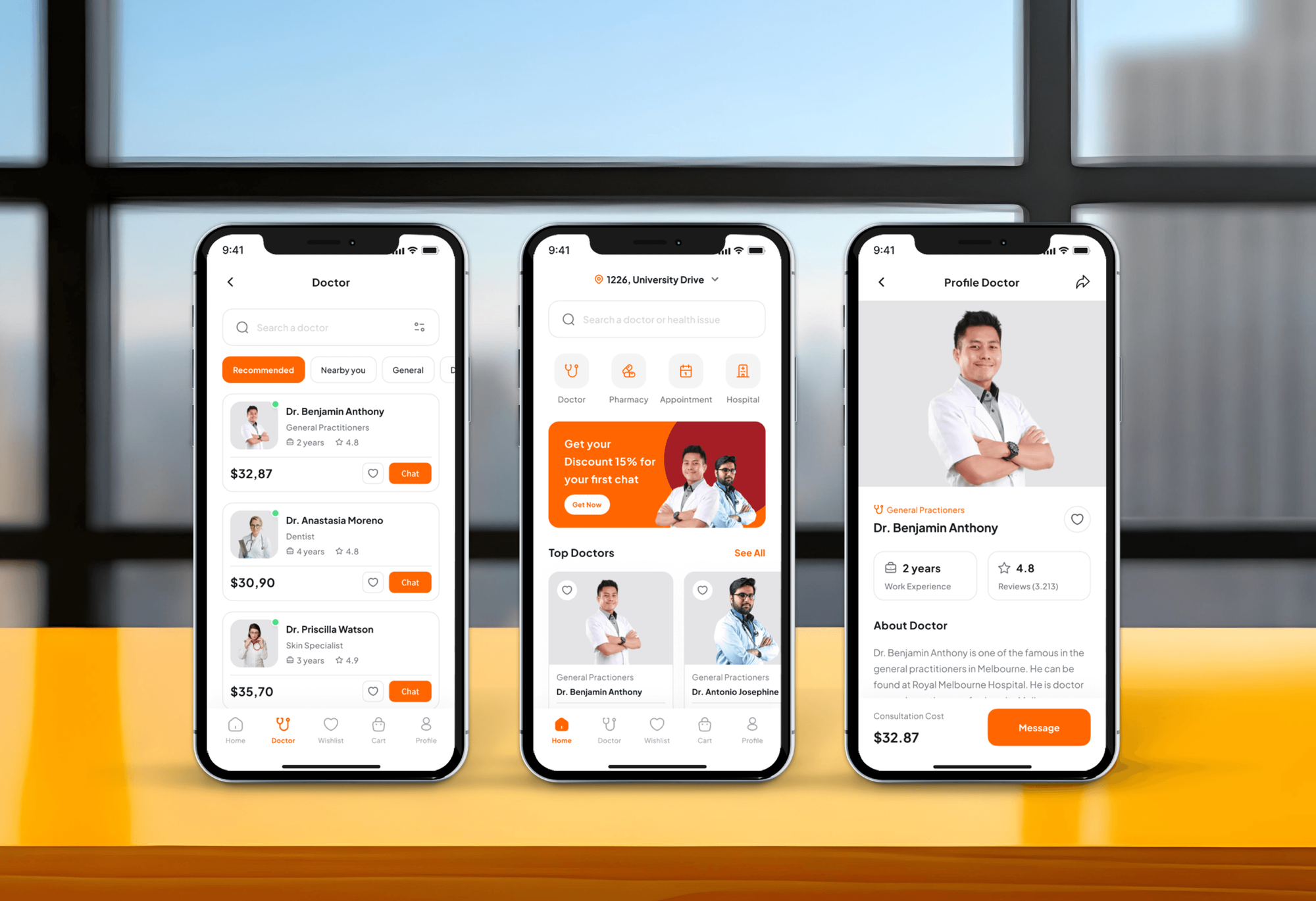
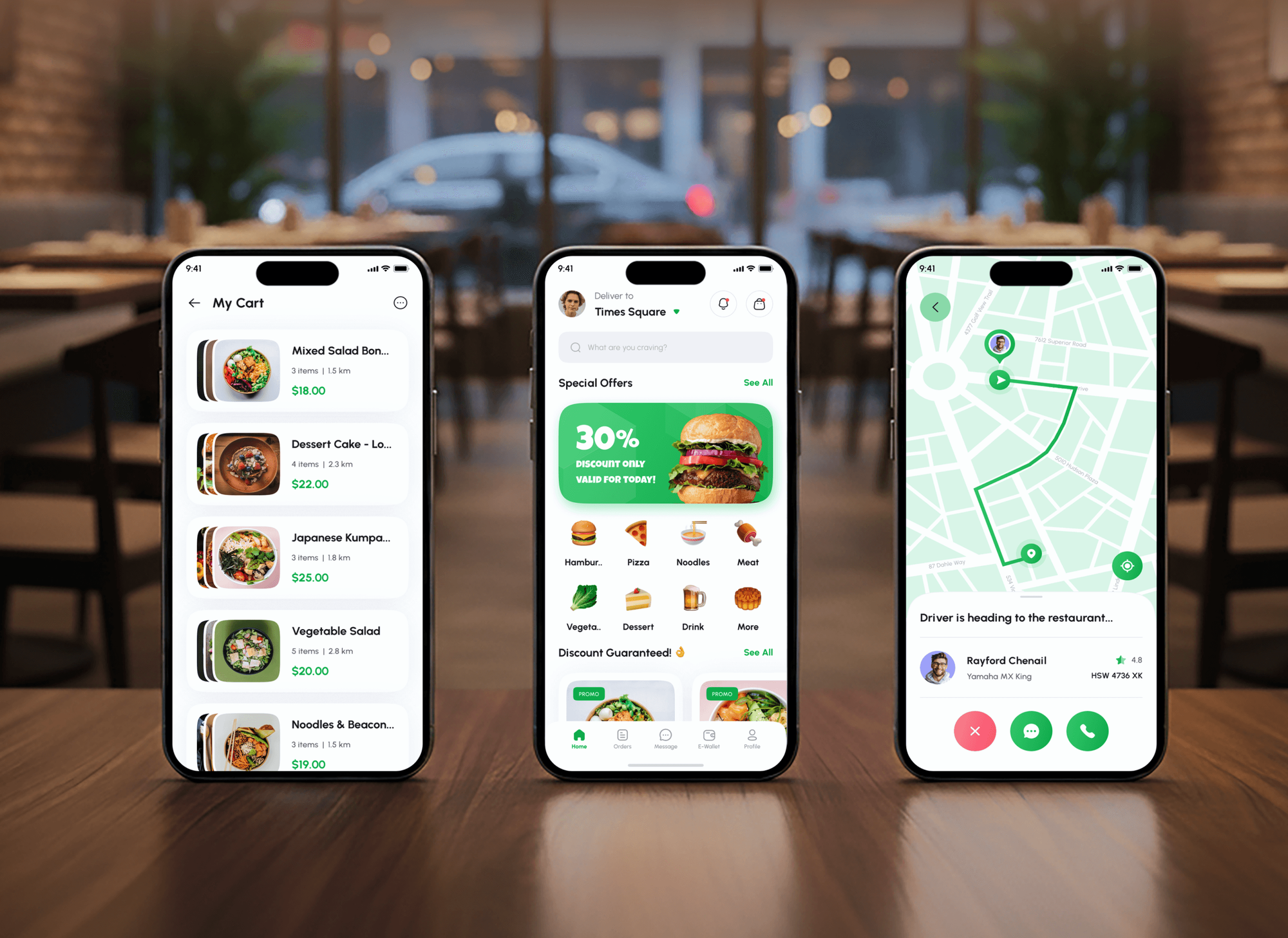
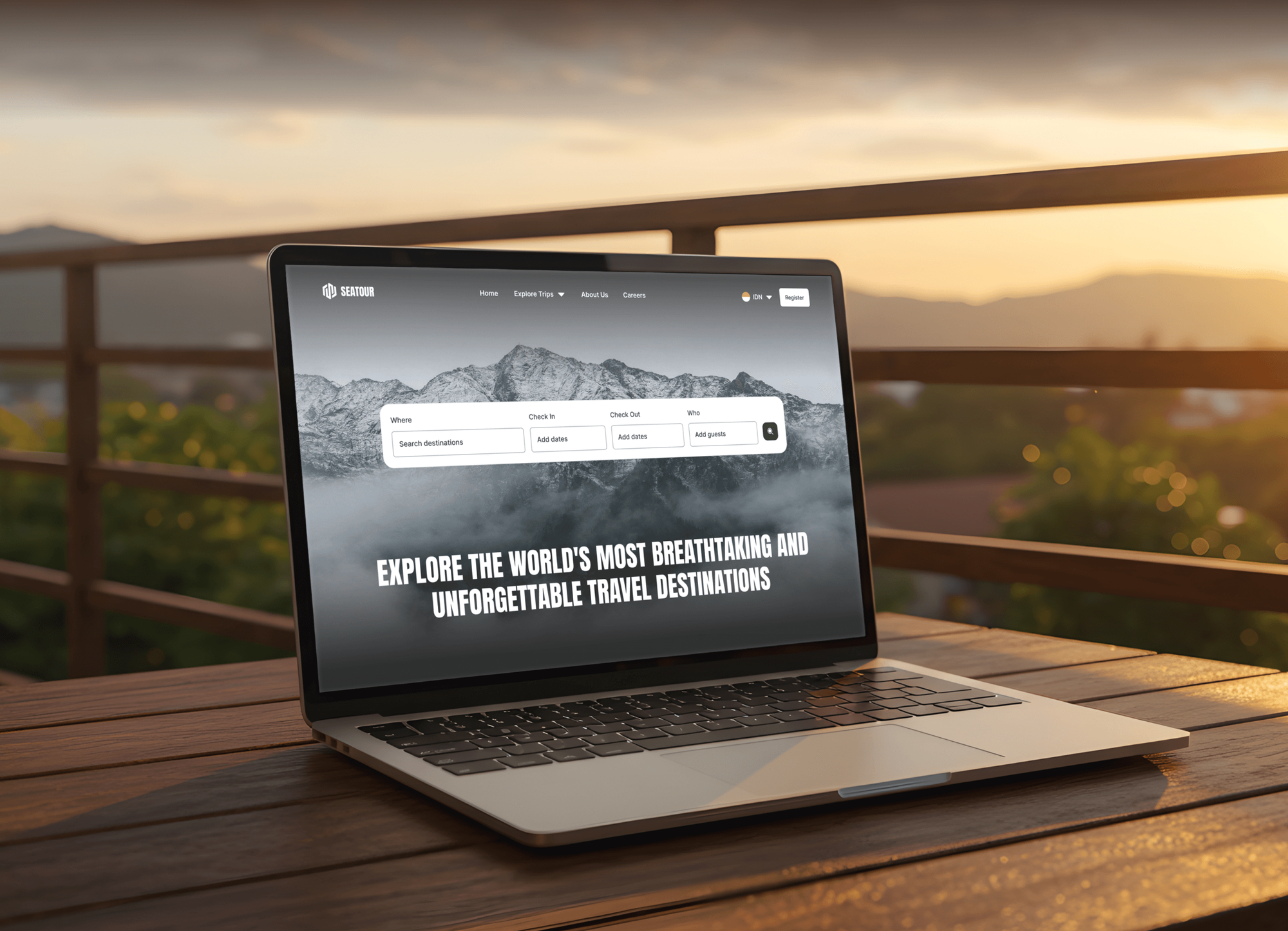
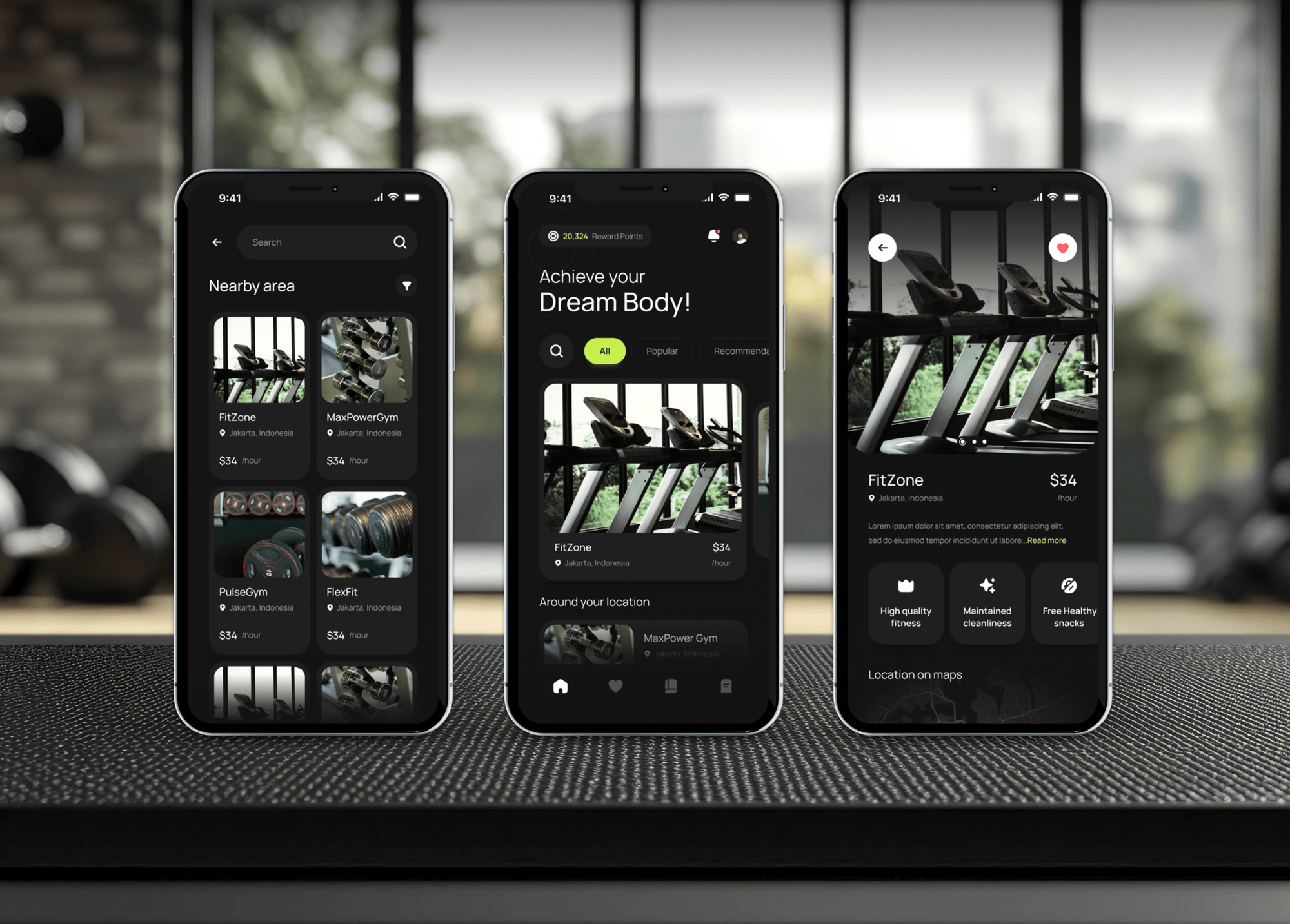
Appointment, food ordering, tour booking, and gym membership products our team designed and built. Flows like these are where testing finds the most problems.
What Our Clients Say
Feedback from teams we have designed and built websites and apps for.
We had a pretty specific idea of what we wanted our website to become, but I wasn’t sure how easily we could explain all of it to a development team. There were quite a few moving parts, and we were working toward a deadline, so I expected a few things to get lost along the way. That never really happened. They understood what we were trying to achieve, kept us updated throughout the process, and got everything ready within the agreed timeline. The final site feels much easier to navigate, works beautifully on mobile, and is noticeably smoother for our customers. It was a huge relief seeing the original idea actually turn into the website we had in mind.
The mobile experience is probably my favourite part of the new site. We had spent a lot of time making sure the desktop version looked right, and the team kept pushing us to think about how everything would actually feel on a phone too. They were right. The navigation is clean, the interactions feel natural, and everything we’ve tested so far works exactly as it should. They also went through the links, forms, integrations, and other details more than once before launch, which I really appreciated. And even after going live, we could still reach out when something came up. The whole process felt friendly, organised, and surprisingly straightforward.
What I appreciate most is that the website is actually easy for us to manage now. We can update content ourselves instead of sending a developer a message every time we need to change something small. They also paid attention to the technical SEO side, which mattered to us because we didn’t want a new website to create problems for the traffic we already had. I’ve probably asked more questions than I should have since launch, but every question has been handled patiently and without any fuss. The team is easy to work with, they explain things clearly, and when we need something changed, they focus on getting it done rather than making the process complicated.
1,250+
Projects shipped
10+
Years of experience
Top 3%
Upwork Top Rated Plus
5 stars
Average review score

Want results like these?
Tell us what you are building. You get a reply within 24 hours on business days, then a written estimate.
Work Culture
A test round is only worth paying for when it changes what you build. These habits keep sessions honest and findings easy to act on.
Moderators ask what participants expect and stay quiet when they struggle. Helping someone past a hard step would hide the exact problem you're paying to find.
We run each script with one person before real sessions start. A confusing task can waste a whole round, so we catch it while it's still cheap to fix.
Five users won't give you statistics, and we won't pretend they do. When you need numbers for a benchmark, we'll say so and scope a larger unmoderated study.
A front-end developer sits in on the readout and sizes each suggested fix. That way the ranked list turns straight into tickets for your next sprint.
Every participant signs a consent form before a session is recorded. We trim personal details out of clips before they're shared beyond the core team.
Every session recording, clip, and report belongs to you. Reuse them in onboarding, help docs, or the next design brief without paying a license fee.
Overview
DeveloperLook provides usability testing services for websites, web apps, and Figma prototypes. We write the task script, recruit 5 to 8 participants per round, run moderated or unmoderated remote sessions, and rank every problem by severity with a video clip. Rounds start at $650, take 1 to 2 weeks, and participant incentives are billed at cost.
DEVELOPERLOOK
Project facts · Usability Testing Services
Reviewed 7 Oct 2026 by Saimul Islam
Good fit
Product teams close to launch
You're two sprints from launch and want strangers to try signup and the core task before the code freezes and fixes get expensive.
Founders with a Figma prototype
Your Figma prototype is clickable but untested, and you want proof that new users can finish the main task before you pay for a build.
Marketing teams with a live site
Your website usability testing so far is a colleague clicking around, and nobody can explain why so few visitors finish the demo request form.
Teams with users in several countries
Your users are spread across the US, UK, and Australia, so recorded sessions over Zoom reach them better than a lab ever could.
Agencies selling redesigns
Your agency wants a usability testing company to test a client's current site under your brand, so the redesign proposal starts from evidence.
Not a fit
Expert review is enough
You want an expert to review your site without recruiting anyone. Our UX Audit Services page covers a faster review against usability heuristics and your analytics.
Discovery questions first
You don't know yet what your users need or which features to build. Our UX Research Agency page covers discovery interviews before anything gets tested.
Comparing two live versions
You have steady traffic and want to know which of two live pages converts better. Our Ecommerce CRO Services page runs A/B tests for that.
Budget under $650
Your budget is under $650 before incentives. Asking 3 people outside the project to try your key task while you take notes will still catch the worst problems.
Not sure we're the right fit?
Book a free call or message us. We'll tell you honestly whether we're the right team.
Pricing
These are starting points in USD. Your final price depends on the number of tasks, participants, and rounds, and you get a fixed proposal after a free planning call. Participant incentives are billed at cost.
For teams that need one key flow tested quickly by 5 participants, without live sessions.
$650one-time, USD
For products that need to hear users think aloud while they work through key flows.
$1,450one-time, USD
For launches and redesigns that need fixes made in Figma and proven with a second round.
$2,900one-time, USD
For Agencies
You own the client relationship. We supply the test plan, the sessions, and a findings report under your brand, so your redesign pitch rests on real user evidence. Our moderators can join client calls as part of your team.
White label: your client only ever sees your brand
Send the URL or prototype, the client's goals, and a short description of their users.
We write the script, run the sessions, and rank the findings within 1 to 2 weeks.
A branded report and clip reel, ready for your client meeting or redesign proposal.
Scripts, clips, and findings decks carry your agency's name and colors.
Clips of real users struggling make the case for the redesign you're proposing.
One round takes 1 to 2 weeks, so it fits inside a client sprint.
Moderators who keep every session neutral, on topic, and on schedule.
The Right Technology for Your Project
We test with tools your participants can open in a browser, record every session, and share findings in formats your designers and developers already use.
 Figma
Figma Webflow
 WordPress
 Shopify
 React
React Google Analytics
 Hotjar
 Loom
Loom Slack
SlackFAQ
Straight answers on test methods, how many users you need, remote sessions, and A/B tests.
Saimul IslamFounder & CEO, DeveloperLookStill have questions?
Send a message or book a call with the team.
It means watching real people try specific tasks on your product while you note where they hesitate, make errors, or give up. It works on a sketch, a Figma prototype, or a live site. The goal is finding problems in the design, not judging the participant or collecting opinions about colors.
It involves a test plan, participants who match your users, realistic tasks, and someone observing each attempt. With DeveloperLook's usability testing services, one round takes 1 to 2 weeks: planning, recruiting, sessions, analysis, and a readout. Your team can watch sessions live and gets a clip of every problem we log.
Test whenever a key flow is about to cost real money to build or change: before development, before launch, and after a redesign. Early tests on a prototype are the cheapest, because fixes are still Figma edits. If a quick test with colleagues outside the project already answers your question, we'll tell you before we quote.
Five participants per round is the usual starting point, based on Nielsen Norman Group's guidance that small groups reveal most serious problems in a flow. We recruit 5 to 8 per round. If your users split into distinct groups, such as buyers and admins, each group needs its own participants.
It's mostly qualitative: a usability test shows why people struggle through what they say and do. It can also produce numbers, such as task success rates, time on task, and System Usability Scale scores. With 5 to 8 participants, treat those numbers as signals. Benchmarks need a larger unmoderated study, which we scope separately.
Remote usability testing means participants take part from their own computer or phone instead of visiting a lab. Moderated sessions run live over Zoom or Google Meet with a facilitator. Unmoderated sessions run in tools like Maze or Lyssna, where people record themselves completing tasks. All our sessions are remote, so we reach users in any time zone.
A/B testing measures which of two live versions performs better, while usability testing shows why people struggle with a version. A/B tests need steady traffic and a finished page. Usability tests work on prototypes with a handful of users. Many teams test usability first, then A/B test the fix through a program like our Ecommerce CRO Services.
The main benefits are fewer support tickets, fewer rebuilt features, and design decisions settled by evidence instead of opinion. Problems found in a prototype cost a Figma edit rather than a code change. Teams also get clips to reuse in help docs and the next redesign brief.
It matters because the people who build a product can't see it the way a new user does. They know every label and shortcut, so confusing steps look obvious to them. Testing with outsiders finds those blind spots before your customers run into them in production.
UX researchers and product designers usually run usability tests, either in-house or through an outside specialist. At DeveloperLook, our UX testing services are run by a designer, with a front-end developer at the readout, from $650 per round. For website usability testing services on WordPress, Shopify, or Webflow, the same team can also make the fixes.
Saimul IslamFounder & CEO, DeveloperLookStill have questions?
Send a message or book a call with the team.
Free 30-min callGoogle Meet
Book a call
In 30 minutes on Google Meet we walk you through how we would build it, how long it takes and what it costs. Then you get a written estimate.
Calendar not showing? Book on cal.com or send a brief.