
Developer accounts set up
Apple Developer Program and Google Play Console accounts enrolled, verified, or transferred into your company's name.

For founders and app teams with a finished app who want it live on the App Store and Google Play, in their own accounts. From $450.
2
Business days to answer a rejection
100%
Listings in your name
How your project runs
Teams we have built for:














The Problem
Submission trips up finished apps in predictable places: developer accounts, signing, privacy forms, and review notes that leave reviewers guessing.
01 · Wrong account
The developer account belongs to a former freelancer, not you.
We enroll your company or transfer the app into accounts you control.
02 · Privacy forms
Nobody knows which data the app's SDKs actually collect.
We map each SDK's data use and complete App Privacy and Data safety from it.
03 · Closed testing
A new Play account can't publish until a closed test finishes.
We set up the closed test early and track testers until production unlocks.
04 · Vague rejections
A rejection cites a guideline number and little else.
We read the guideline, reply in the review thread, fix the cause, and resubmit.
Your app is finished and tested. Then the store work starts. The Apple Developer account is in your old freelancer's name. On a new personal account, Google wants 12 testers in a closed test for 14 days before production. The privacy form asks about data types nobody on your team can answer. You submit anyway, and the review comes back with a guideline number and two sentences. Launch week slips while everyone reads forum threads about what it means.
We start by checking your accounts, signing, and build against each store's current requirements, then fix what would block review. We write the listing, complete the privacy and rating forms with you, and leave reviewers a demo login and clear notes. If a rejection comes back, we answer it within 2 business days, change what's needed, and resubmit. Your launch plan runs on a checklist instead of guesswork.
Accounts in your name
Apple and Google developer accounts enrolled or transferred to your company, not left with a freelancer.
Privacy forms that match the app
App Privacy details and the Data safety form matched to what your app and its SDKs collect.
Rejections answered fast
We reply to review notes within 2 business days, with code or listing fixes when needed.
Our App Store Submission Process
Five steps take a finished build to a live listing. You approve the listing text and privacy answers, and you see every message from Apple and Google review.
On a free call, we look at your build, your developer accounts, and any past rejections. You get a list of blockers, the current store requirements that apply to your app, and a fixed quote.
What's Included
Account and signing setup, store listings, privacy and rating forms, review notes, submission to each store, and replies to rejections, all under your own accounts.
Compare Options
Doing it yourself costs only time and suits a simple app on one store. A freelancer can be cheaper too. Help pays off when accounts, forms, or rejections stall a launch.
| Feature | DeveloperLookBest fit | DIY | Freelancer |
|---|---|---|---|
| Account ownership | Your company, from day one | Your company | Sometimes theirs |
| Current store rules | Checked for every submission | Learned from scratch | Varies |
| Privacy and Data safety forms | Mapped to each SDK | Often guessed | Often guessed |
| Google closed test | Planned from week one | Often found late | Depends on experience |
| Rejection replies | Within 2 business days | When you find time | Varies |
| Code fixes for review | Included in Release Rescue | Your developers | Often extra |
| Cost | From $450, fixed scope | Store fees only | Hourly rate |
| Your time spent | A few approvals | Days of forms and reading | Some coordination |
Projects We've Built
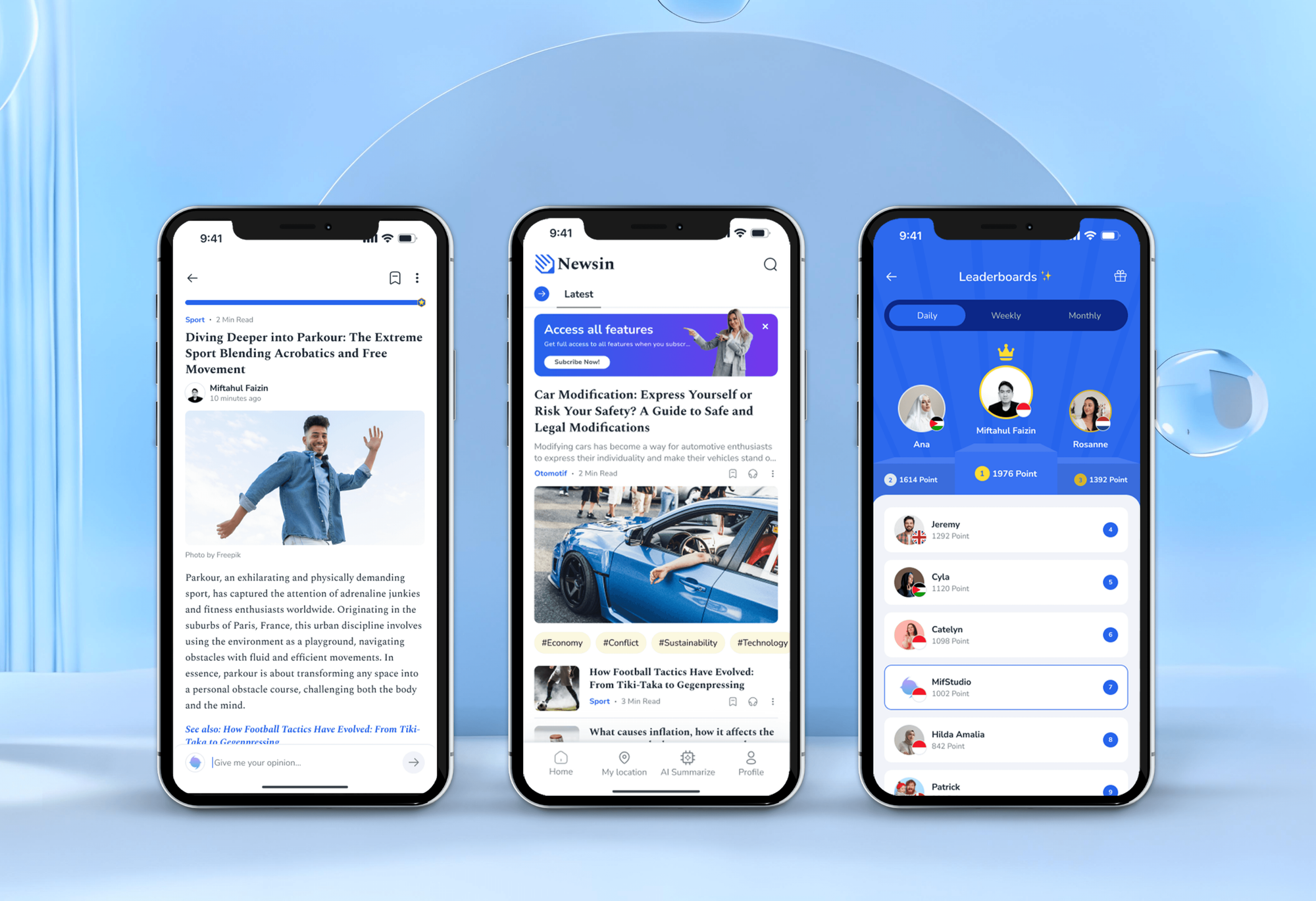
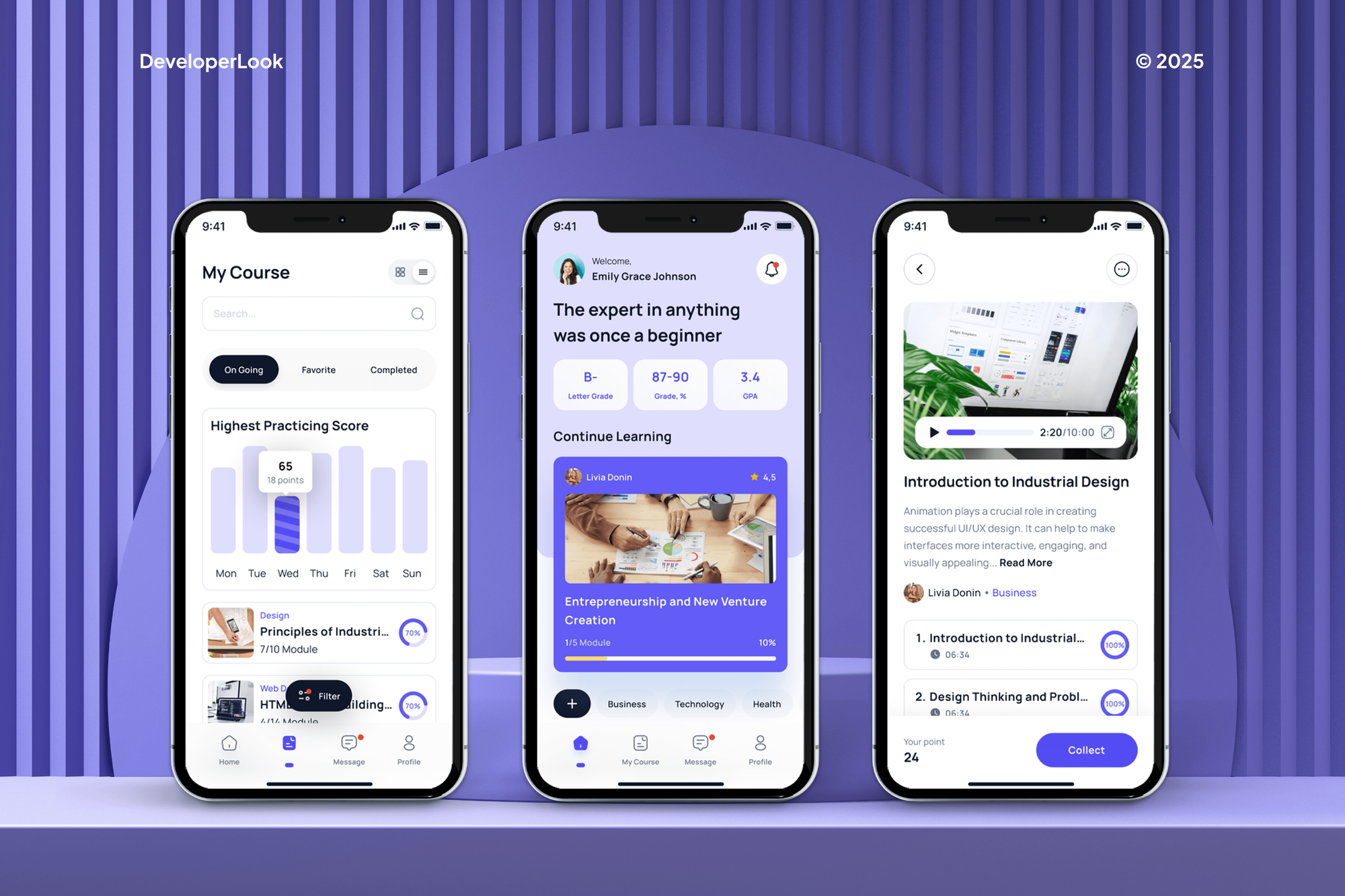
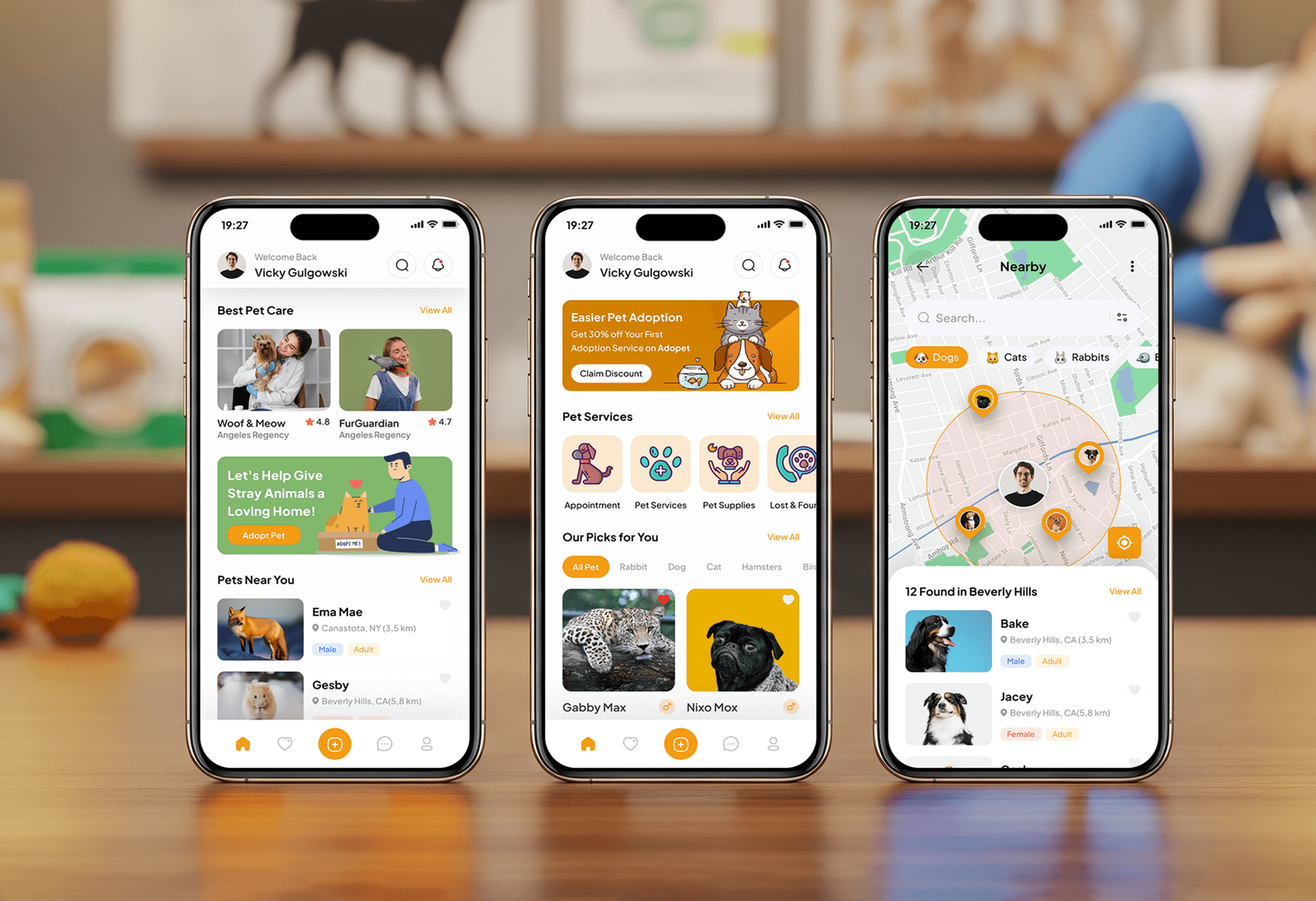
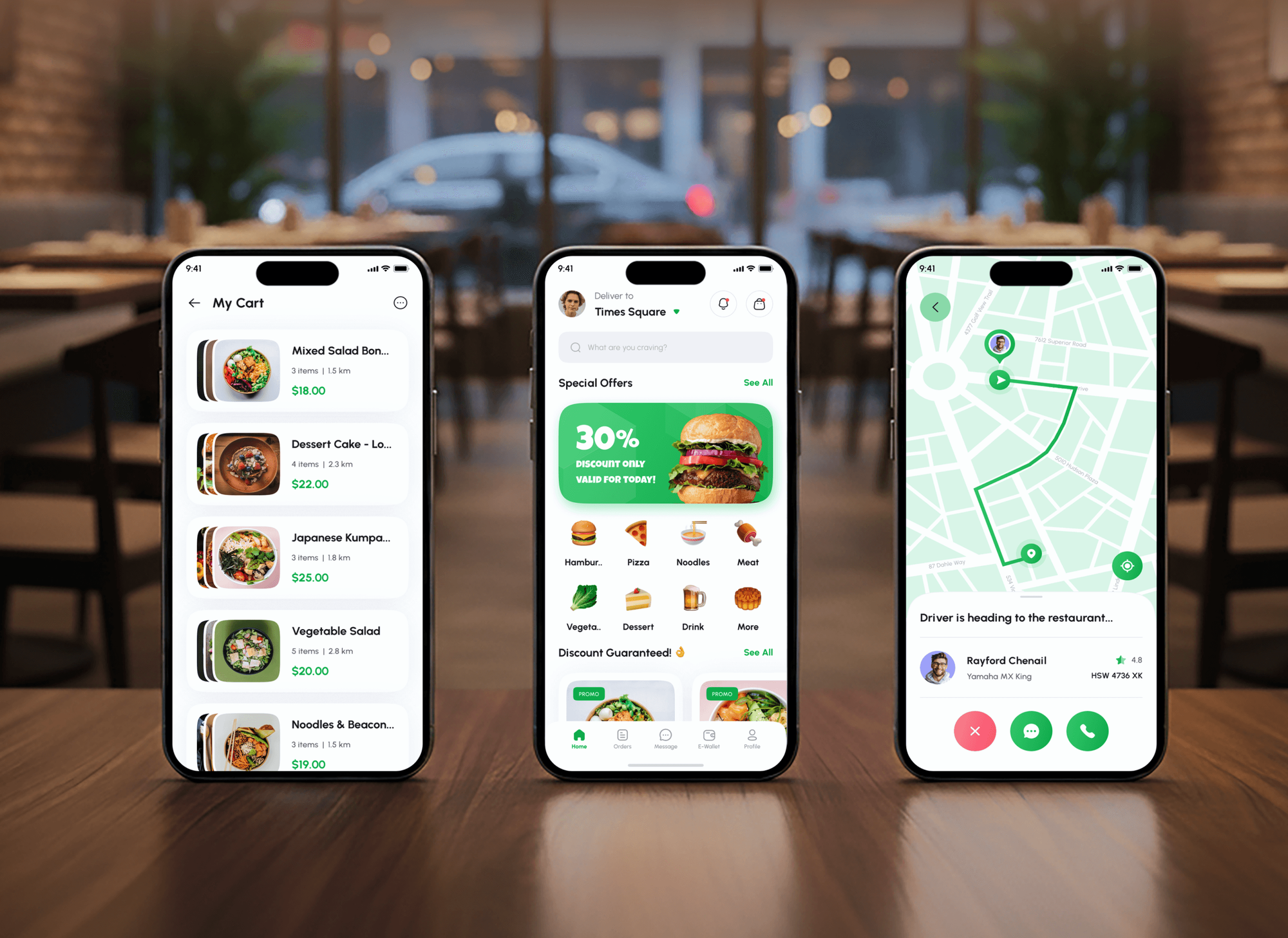
News, e-learning, pet care, and food delivery apps, shown for their screens and flows. They aren't presented as submission work.
What Our Clients Say
Feedback from teams we have built and launched apps for.
We had a pretty specific idea of what we wanted our website to become, but I wasn’t sure how easily we could explain all of it to a development team. There were quite a few moving parts, and we were working toward a deadline, so I expected a few things to get lost along the way. That never really happened. They understood what we were trying to achieve, kept us updated throughout the process, and got everything ready within the agreed timeline. The final site feels much easier to navigate, works beautifully on mobile, and is noticeably smoother for our customers. It was a huge relief seeing the original idea actually turn into the website we had in mind.
The mobile experience is probably my favourite part of the new site. We had spent a lot of time making sure the desktop version looked right, and the team kept pushing us to think about how everything would actually feel on a phone too. They were right. The navigation is clean, the interactions feel natural, and everything we’ve tested so far works exactly as it should. They also went through the links, forms, integrations, and other details more than once before launch, which I really appreciated. And even after going live, we could still reach out when something came up. The whole process felt friendly, organised, and surprisingly straightforward.
What I appreciate most is that the website is actually easy for us to manage now. We can update content ourselves instead of sending a developer a message every time we need to change something small. They also paid attention to the technical SEO side, which mattered to us because we didn’t want a new website to create problems for the traffic we already had. I’ve probably asked more questions than I should have since launch, but every question has been handled patiently and without any fuss. The team is easy to work with, they explain things clearly, and when we need something changed, they focus on getting it done rather than making the process complicated.
1,250+
Projects shipped
10+
Years of experience
Top 3%
Upwork Top Rated Plus
5 stars
Average review score

Want results like these?
Tell us what you are building. You get a reply within 24 hours on business days, then a written estimate.
Work Culture
A store launch goes smoothly when accounts, forms, and reviewer messages get the same care as the code. These habits keep yours predictable.
Apple and Google decide reviews and their timing, so we don't promise approval or a review date. We promise what we control: complete submissions and fast replies.
Developer accounts, signing keys, and listings belong to your company, with us invited as team members. If you change vendors, nothing needs transferring.
Store guidelines and SDK requirements change often, so we check the current versions before each submission. A rule that changed last month is caught before your launch.
We list every SDK in your app and the data it collects, including analytics and ad libraries. Your privacy answers then match the app, which is what reviewers check.
Reviewers test quickly, so we explain hidden features, test accounts, and hardware needs in plain notes. Fewer questions come back when nothing is left to guess.
Every launch ends with a release checklist for your next update: accounts, signing, forms, and review notes. Your team can ship the next version on its own.
Overview
DeveloperLook provides app store submission help for iPhone and Android apps. We set up developer accounts and signing, write the store listing, complete the privacy and rating forms, submit with clear review notes, and answer rejections. Help starts at $450, prep takes 3 to 10 business days, and Apple and Google set their own review times.
DEVELOPERLOOK
Project facts · App Store Submission Help
Reviewed 10 Oct 2026 by Saimul Islam
Good fit
Founders with a finished app
Your build is tested, and you want to publish your app to the App Store and Google Play without learning two store consoles first.
Teams after a rejection
Your app came back from review with a guideline number, and you need the app store submission guidelines read and answered properly.
Owners locked out of accounts
Your previous developer published the app under their own account, and you need it transferred to your company before the next update.
Android teams on new accounts
You're new to android app publishing, and your personal Play account needs a closed test before production access opens.
Agencies shipping client apps
Your team builds apps for clients, and you want store submissions handled under each client's accounts and your agency's name.
Not a fit
App not finished yet
Your app still has crashes or missing features. Our Mobile App Testing Services page covers full QA before you think about submission.
Ongoing releases needed
You need monthly updates, OS deadline work, and crash fixes long after launch. Our App Maintenance Services page covers that each month.
App needs a rebuild
Your app was built on an outdated stack and fails current SDK rules at its core. Our Mobile App Development Company page covers a rebuild.
Budget under $450
Your budget is under $450, or your app is simple and your team has time to learn the consoles. If that's you, we'll tell you before we quote.
Not sure we're the right fit?
Book a free call or message us. We'll tell you honestly whether we're the right team.
Pricing
These are starting points in USD. Your final price depends on how many stores, your account status, and past rejections, and you get a fixed proposal after a free readiness check.
For a finished app going to the App Store or Google Play for the first time. About 3 to 5 business days of prep.
$450one-time, USD
For apps launching on the App Store and Google Play together. About 1 to 2 weeks of prep.
$1,100one-time, USD
For rejected apps, apps stuck in an old developer's account, or teams that want automated releases. About 2 to 3 weeks.
$2,400one-time, USD
For Agencies
You keep the client relationship. We handle the store work behind it: accounts in your client's name, listings and privacy forms you can review, and replies to reviewers that keep launches on schedule.
White label: your client only ever sees your brand
Send the build, account access, and any rejection messages from past reviews.
You get a blocker list, a launch plan, and a fixed price to resell.
We publish under your client's accounts and hand over a reusable release checklist.
Listings and developer accounts stay under your client's company.
A launch plan that includes Google's closed test and review windows.
We track App Review Guidelines and Play policy changes between launches.
Hand us one submission, a rejected app, or every client release.
The Right Technology for Your Project
The two store consoles, the build tools each store expects, release automation for repeat updates, and crash monitoring for launch week.
 Firebase App DistributionFirebase Crashlytics
 Google Analytics
 Slack
SlackFAQ
Straight answers on submission costs, store fees, review times, requirements, Macs, PWAs, and rejections.
Saimul IslamFounder & CEO, DeveloperLookStill have questions?
Send a message or book a call with the team.
App store submission help from DeveloperLook starts at $450 for one store. That covers account and signing checks, the listing, privacy forms, review notes, and 30 days of rejection replies. Launching on both stores starts at $1,100, and rescue work with code fixes and an app transfer starts at $2,400. Store fees go to Apple and Google directly.
Yes, both stores charge developer fees. Apple's Developer Program costs $99 a year, and Google Play charges a one-time $25 registration fee, according to their current program pages. Both stores also take a commission on paid apps and in-app purchases, so check current rates before you set prices.
Publishing a mobile app costs the store fees plus the prep work. Apple charges $99 a year and Google $25 once, and you'll need screenshots, a privacy policy, and completed forms. With our help, one store starts at $450 and both stores at $1,100, fixed before work starts.
Most apps go from a finished build to a live listing in 1 to 3 weeks. Prep takes 3 to 10 business days, then each store reviews the app. New personal Google Play accounts must first run a closed test with 12 testers for 14 days. Plan for that if you publish your app on the Play Store for the first time.
Apple and Google set review times, not us. Apple's App Review page says it typically reviews at least 50% of submissions in under 24 hours and 90% in under 48 hours. Google says some reviews take up to 7 days, or longer in exceptional cases. A complete submission with a demo login avoids most of the back-and-forth that adds days.
Both stores need a developer account, a signed build, a store listing, a privacy policy, and completed privacy and age rating forms. Other app store submission requirements differ: Apple needs builds made with its current Xcode and SDK, and Google needs an Android App Bundle targeting its current API level. Both require apps with sign-up to offer account deletion.
You need macOS somewhere in the process, but not necessarily your own Mac. Xcode, which builds and signs iOS apps, runs only on macOS. Cloud build services such as Xcode Cloud, Expo's EAS Build, or GitHub Actions macOS runners can build and upload for you. That's how we handle teams without Macs.
Not directly: Apple's App Store needs a native app, so a PWA must be wrapped in a native shell such as Capacitor. Apple's guideline 4.2 rejects apps that are only a repackaged website, so the wrapper needs app-like features. Google Play is easier, because it accepts PWAs packaged as Trusted Web Activities.
A rejection is a request for changes, not a ban. We read the cited guideline or policy, reply in App Store Connect or Play Console within 2 business days, fix the listing, forms, or build, and resubmit. The causes we see most are missing demo logins, privacy form mismatches, and incomplete metadata.
Yes, Apple and Google both support transferring an app to another developer account, and the listing and its reviews move with it. Apple's transfer has conditions, such as at least one released version, so we check its criteria first. We prepare both accounts, request the transfer, and confirm that signing and updates still work afterward.
Saimul IslamFounder & CEO, DeveloperLookStill have questions?
Send a message or book a call with the team.
Free 30-min callGoogle Meet
Book a call
In 30 minutes on Google Meet we walk you through how we would build it, how long it takes and what it costs. Then you get a written estimate.
Calendar not showing? Book on cal.com or send a brief.