
Facebook lead ads connected
New Facebook leads become CRM leads automatically, with full names split and the FACEBOOKAD source set.

For real estate teams on BoomTown: Facebook ads, outside website forms, Mailchimp, and dialers connected, so every lead lands with its source and the right agent.
100%
Lead sources tagged in BoomTown
6+ hrs
Manual lead imports saved weekly
How your project runs
Teams we have built for:














The Problem
BoomTown integrations come up when a team adds lead channels faster than it connects them: a Facebook campaign, a second website, a dialer, a newsletter. Each one starts life as a manual import.
01 · Ad leads
Facebook leads wait in a spreadsheet until someone imports them.
A Zapier connection creates each lead with the FACEBOOKAD source set.
02 · Web forms
Your outside website emails form entries to a shared inbox.
Form entries arrive through Zapier or Auto-Import and get assigned like any lead.
03 · Phones
Agents text from personal cells, so lead history stays empty.
BoomTown Numbers and a listed dialer log calls and texts on the lead.
04 · Newsletters
Mailchimp keeps mailing clients who closed months ago as buyers.
Category changes update or unsubscribe the matching Mailchimp contact.
Your Facebook campaign collected leads overnight, and they sit in a spreadsheet until someone imports them after the morning meeting. The contact form on your WordPress site emails a shared inbox. Agents text from their own phones, so the CRM shows no history when a lead calls back. Mailchimp still sends buyer tips to people who closed last spring. Every channel ends up with a different source name, so your report can't tell you which ads pay. The slower the hand-off, the colder the lead.
We start by listing every lead channel and the source name each one should carry. Then we connect them through paths BoomTown documents: Zapier templates for Facebook Lead Ads and outside forms, Auto-Import for supported portals, and listed partners for dialers, dotloop, and two-way syncs. Each connection is tested with an existing email before agents rely on it. Leads arrive tagged and assigned, not pasted in after lunch.
One name per lead source
Every channel arrives with the source label your reports and routing rules already expect.
Duplicate emails tested first
We send a known contact through each connection to see whether the CRM updates or rejects it.
Exports kept in your hands
A clean copy of leads, categories, and notes saved where your broker can reach it.
Our BoomTown Integrations Process
You see each channel, its BoomTown label, and the connection we plan before anything changes. Every step ends with something you can check inside your own account.
We list every place your leads come from, how each arrives today, and which package and user roles you have. You get a written map with a keep, connect, or skip call per channel. If a BoomTown template already covers your case, we'll tell you before we quote.
What's Included
Each project covers your lead channels first, then the tools that read BoomTown data: newsletters, surveys, dialers, and transaction software. You keep every login and every Zap.
Compare Options
BoomTown's Zapier templates suit a single channel, and a freelancer can be quicker for one Zap. Here is where each option holds up as your lead sources multiply.
| Feature | DeveloperLookBest fit | DIY templates | Freelancer |
|---|---|---|---|
| Planning | Source map before any build | Template by template | Usually task by task |
| Source naming | One label per channel | Whatever each template sets | Varies by person |
| Core connections | Ads, forms, Mailchimp, dialers, dotloop | One template at a time | Often Zapier only |
| Duplicate handling | Tested before launch | Found when a Zap fails | Sometimes tested |
| Speed to start | Review in 2 to 3 days | Same day for one template | Fast for a single Zap |
| Support | 30 to 90 days included | BoomTown help center | Depends on availability |
| Ownership | Every Zap under your login | Yours | Sometimes their own account |
| Cost predictability | Fixed price per plan | Your Zapier plan only | Hourly and open-ended |
Projects We've Built
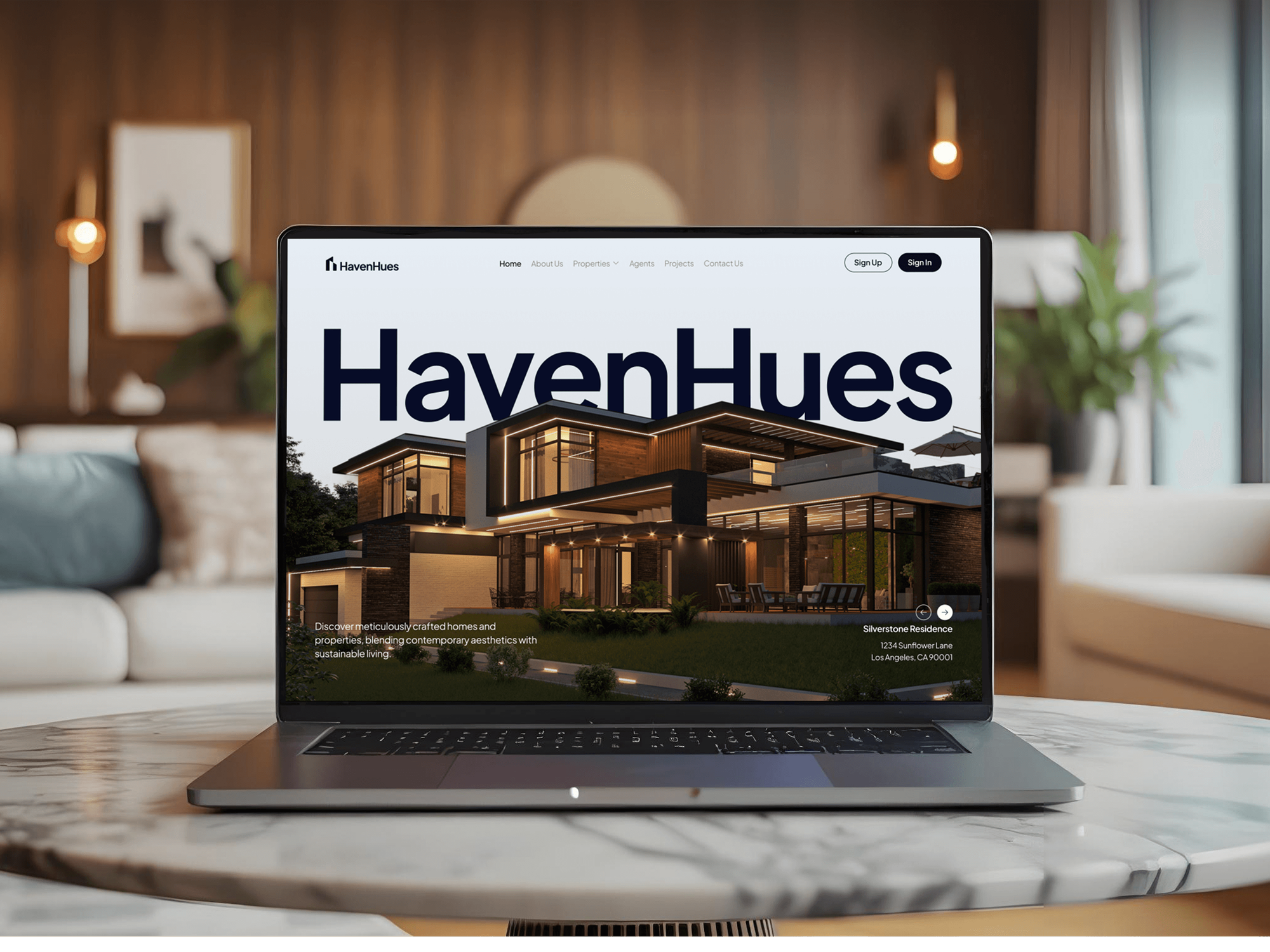
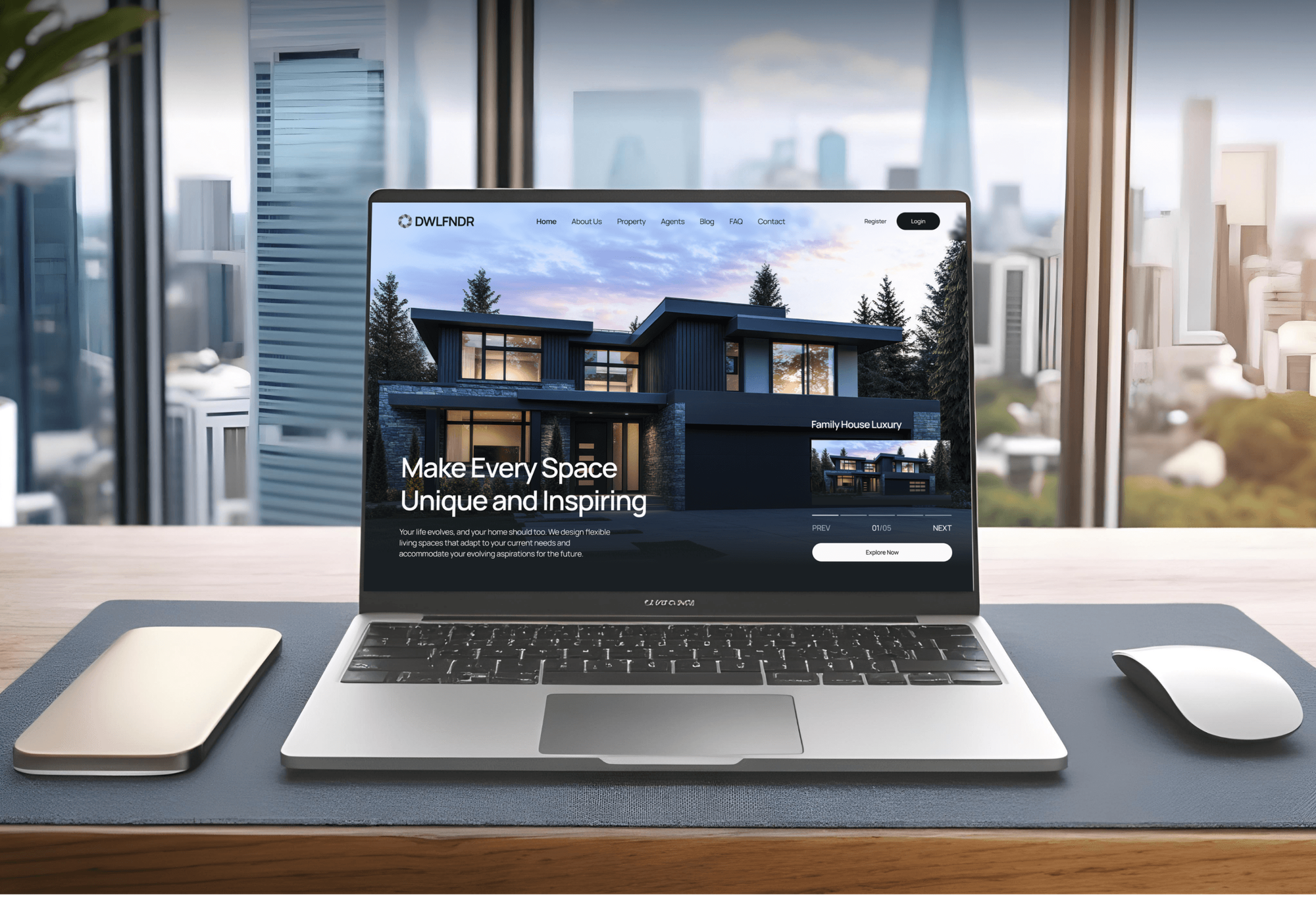
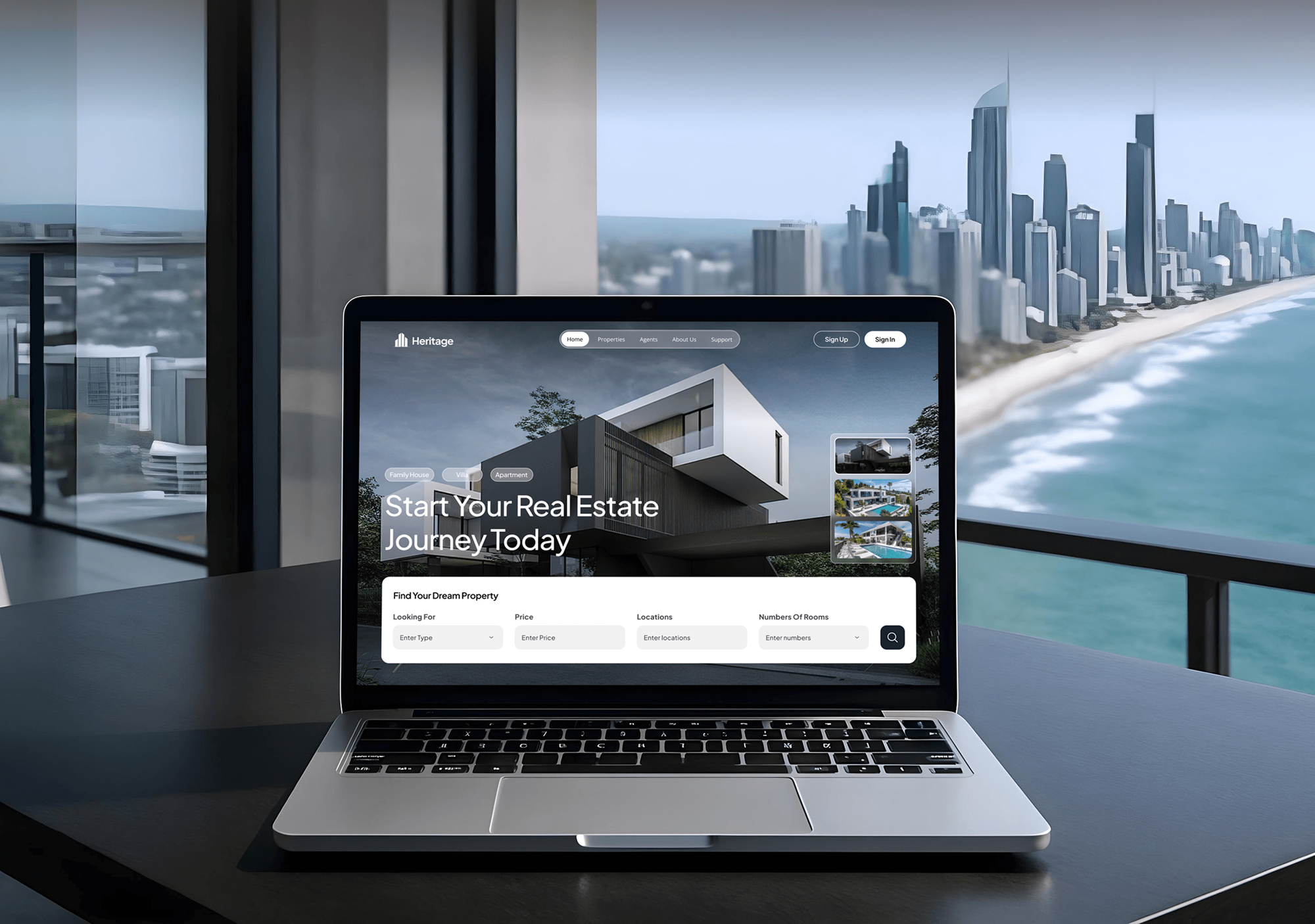
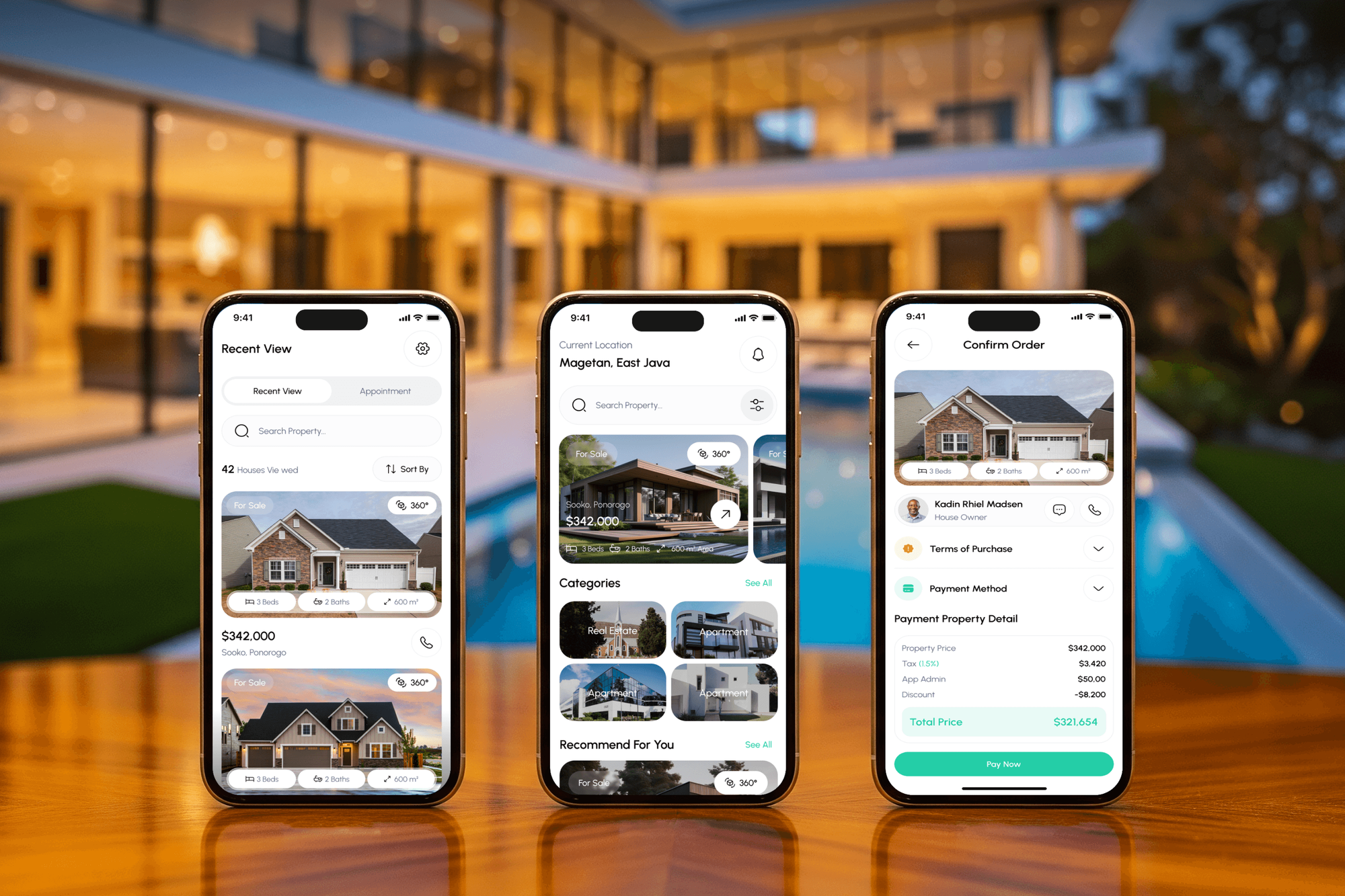
Real estate websites and apps with property search, saved homes, and lead forms. None ran BoomTown, but each shows how we handle leads, listings, and agent hand-offs.
What Our Clients Say
Feedback from teams we have built websites, apps, and integrations for.
We had a pretty specific idea of what we wanted our website to become, but I wasn’t sure how easily we could explain all of it to a development team. There were quite a few moving parts, and we were working toward a deadline, so I expected a few things to get lost along the way. That never really happened. They understood what we were trying to achieve, kept us updated throughout the process, and got everything ready within the agreed timeline. The final site feels much easier to navigate, works beautifully on mobile, and is noticeably smoother for our customers. It was a huge relief seeing the original idea actually turn into the website we had in mind.
The mobile experience is probably my favourite part of the new site. We had spent a lot of time making sure the desktop version looked right, and the team kept pushing us to think about how everything would actually feel on a phone too. They were right. The navigation is clean, the interactions feel natural, and everything we’ve tested so far works exactly as it should. They also went through the links, forms, integrations, and other details more than once before launch, which I really appreciated. And even after going live, we could still reach out when something came up. The whole process felt friendly, organised, and surprisingly straightforward.
What I appreciate most is that the website is actually easy for us to manage now. We can update content ourselves instead of sending a developer a message every time we need to change something small. They also paid attention to the technical SEO side, which mattered to us because we didn’t want a new website to create problems for the traffic we already had. I’ve probably asked more questions than I should have since launch, but every question has been handled patiently and without any fuss. The team is easy to work with, they explain things clearly, and when we need something changed, they focus on getting it done rather than making the process complicated.
1,250+
Projects shipped
10+
Years of experience
Top 3%
Upwork Top Rated Plus
5 stars
Average review score

Want results like these?
Tell us what you are building. You get a reply within 24 hours on business days, then a written estimate.
Work Culture
Your leads are the business. These habits keep BoomTown the record your agents trust, from the first source review to the last export.
We connect through Zapier, Auto-Import, API Nation, and the partners BoomTown lists, not screen scraping. Supported routes keep working after the vendor updates its product.
We agree on the label every channel carries before building anything. Your source report then shows which ads and sites bring closings, not a pile of near-duplicate names.
Zaps, Auto-Import addresses, and partner accounts sit under company logins. When an agent or a vendor leaves, the connections stay with the brokerage.
Contacts who replied STOP or unsubscribed stay excluded across connected tools. We test that rule on purpose, because texting and email consent follow the lead.
We explain each change to the people who work leads every day, in plain terms. A short walkthrough beats a surprise in Lead Central on Monday morning.
Your fixed proposal lists each channel and connection after the free review. A new lead source added midway gets its own quote first, so the final bill holds no surprises.
Overview
DeveloperLook sets up BoomTown integrations for real estate teams through documented paths: Zapier, Auto-Import, API Nation, and listed partners. We connect Facebook Lead Ads, outside website forms, Mailchimp, dialers, and dotloop, and test duplicates first. Projects start at $700 and take 1 to 5 weeks.
DEVELOPERLOOK
Project facts · BoomTown Integrations
Reviewed 22 Oct 2026 by Saimul Islam
Good fit
Teams running Facebook lead ads
You pay for Facebook lead ads, then download the leads each morning and import them, so new leads wait hours before an agent sees them.
Brokerages with an outside WordPress site
Your main website runs on WordPress with Gravity Forms, and its contact form emails a shared inbox instead of creating a CRM lead.
Teams that call and text from cell phones
Your agents call and text leads from personal cells, so nothing is logged, and you want a BoomTown phone integration that records every conversation.
Teams mailing past clients from Mailchimp
Your past clients get a monthly Mailchimp newsletter, but the list was last refreshed a year ago and misses everyone who closed since then.
Brokers planning a move off BoomTown
You expect to move to BoldTrail or another CRM, and you need every lead, source, and note exported cleanly before anything is switched off.
Not a fit
Team runs on Follow Up Boss
Your team works leads in Follow Up Boss, not BoomTown. Our Follow Up Boss Integration Services page covers its events API, lead flow, and action plans.
Already moved to BoldTrail
You have already moved to BoldTrail, formerly kvCORE. Our kvCORE Integration Services for Real Estate page covers its API, lead routing, and Smart Campaigns.
Need a listings site you own
You want an IDX listings site on your own domain rather than the site your CRM supplies. Our IDX & MLS Integration Services page is the better starting point.
Budget under $700
Your budget is under $700 and you only need one Zapier template switched on. The vendor's help center walks through each template step by step, so you may not need us.
Not sure we're the right fit?
Book a free call or message us. We'll tell you honestly whether we're the right team.
Pricing
These are starting points in USD. Your final price depends on lead source count, partner tools, and migration plans, and you get a fixed proposal after a free source review.
For teams that want ad and website leads assigned without manual imports.
$700one-time, USD
For teams connecting newsletters, surveys, and phones to the same lead record.
$1,700one-time, USD
For brokerages syncing another CRM, or planning a clean move off BoomTown.
$3,600one-time, USD
For Agencies
You own the client relationship. We supply the CRM connection work: Facebook lead ads, website forms, Mailchimp, and dialers wired for your real estate clients, documented under your agency name, and tested before the team sees anything.
White label: your client only ever sees your brand
Send the client's BoomTown package, lead sources, and the tools they want connected.
We return a fixed quote, then build and test each connection in the client's accounts.
You present the guide and runbook under your brand, with our support behind you.
Your brand on every guide, and we join calls only when asked.
Fixed scope per client, with each lead source dated in the plan.
Zapier, Auto-Import, and partner setups by people who test duplicates first.
Add one team or a whole brokerage roster without hiring for it.
The Right Technology for Your Project
We use BoomTown's own connection points first, then Zapier and listed partner tools, so every lead path is one its support team recognizes.
 Zapier
 WordPress
 Google Tag Manager
FAQ
Straight answers on BoomTown costs, website forms, other CRMs, phones, and exports.
Saimul IslamFounder & CEO, DeveloperLookStill have questions?
Send a message or book a call with the team.
BoomTown integrations with DeveloperLook start at $700 for up to 2 lead sources connected and tested. Adding Mailchimp, survey triggers, and dialer mapping moves you to the $1,700 plan, and two-way CRM syncs or a migration export start at $3,600. Zapier's own subscription is billed to you separately.
Most single lead sources go live in 1 to 2 weeks, including the review and tests. Full setups with Mailchimp, a dialer, and dotloop take 3 to 5 weeks. The wait is usually access: a Broker or Admin login, a paid Zapier plan, and approval from whoever owns the Facebook Page.
BoomTown supplies its own IDX website, whose registration and contact forms create leads directly. An outside site connects through Zapier: a Gravity Forms, Google Forms, or Wufoo entry creates the lead. Auto-Import is the other route, parsing lead emails from supported sources. There is no published API for custom forms, so most WordPress sites take the Zapier route.
Several CRMs do, mostly through BoomTown's partners rather than one-click links. KW Command syncs both ways through API Nation. RealSynch moves contacts to or from other CRMs in the direction you choose, and Follow Up Boss can receive new leads by email forwarding. Sisu and Brokermint receive transactions and leads one way, and we confirm the direction you need before quoting.
A Facebook Lead Ads connection runs through Zapier: each new lead form submission triggers a Zap that creates the lead in BoomTown. The vendor's template has you pick the Facebook Page, split the full name with a Formatter step, and set the FACEBOOKAD source. Turning it on needs a paid Zapier plan, and we test what happens when the email already exists in your account.
Yes, BoomTown connects to Mailchimp through Zapier or API Nation rather than a built-in switch. Templates add, update, or unsubscribe a Mailchimp contact when a lead's category changes, and a new subscriber can create a lead, with duplicate emails skipped. We map categories to Mailchimp audiences or tags, so past clients stop getting buyer emails.
Yes, AskNicely surveys can fire after a closing, with a Zapier step in between. AskNicely isn't on the official partner list. Instead, a BoomTown AskNicely integration starts from a trigger such as Category Changed or Tag Added and passes the contact to AskNicely. We set it to fire once per closing, so clients aren't surveyed twice for the same move.
There are 3 main options: BoomTown Numbers, Mojo Dialer, and CallAction. The built-in number logs texts on the lead and forwards calls to the agent. Mojo Dialer takes batches of up to 800 leads and syncs call results back, while CallAction brings tracked-number calls and texts in one way.
A Broker or Admin user with export permission runs the export, and other users have to ask them. We run the BoomTown export leads option together, compare row counts against your lead totals, and map each column to the new system before anything is switched off.
Not automatically, because each Zap and partner link points at your current account. Inside Real Estate, which bought BoomTown in January 2023, says it is moving standalone users to BoldTrail, so ask your account manager for your date. We document every connection, so each one can be rebuilt on BoldTrail without guesswork.
Saimul IslamFounder & CEO, DeveloperLookStill have questions?
Send a message or book a call with the team.
Free 30-min callGoogle Meet
Book a call
In 30 minutes on Google Meet we walk you through how we would build it, how long it takes and what it costs. Then you get a written estimate.
Calendar not showing? Book on cal.com or send a brief.