
Catalog search and links
A header search box and clear links that pass patrons to your existing catalog and account pages.

For public and school libraries: a site that puts the catalog, events, hours, and card sign-up one click away, built and tested to WCAG 2.1 AA, from $1,200.
1click
To the catalog from any page
100%
Templates screen-reader tested
How your project runs
Teams we have built for:














The Problem
It shows up whenever someone visits your site on a phone to check hours, renew a book, or sign a child up for story time. Then they leave without finishing.
01 · Hidden catalog
Your catalog search hides behind a Resources menu.
A catalog search box sits in the header of every page.
02 · Event overload
Every program sits in one long, unfiltered list.
Events are filtered by age group and branch, with sign-up links.
03 · Mixed hours
Branch hours differ from page to page.
Your hours live in one place and update everywhere at once.
04 · Screen readers
Screen reader users can't get past the search box.
Every template is tested with NVDA and VoiceOver before launch.
A parent wants to sign up for Saturday story time. Your homepage shows a carousel of five announcements, and the events page lists every program in one long scroll. Your catalog search sits behind a menu called Resources, so patrons look for it on Google. Your branch hours differ between the homepage and the branch page. A patron using a screen reader can't get past the search box at all. Your staff then spend the week answering calls the site should have handled.
We start with patron tasks: find hours, search the catalog, get a card, and join a program. Each task gets one short path from your homepage. The catalog search sits in the header of every page. Your events are filtered by age group, and branch hours come from one place. Every template on your site is tested with screen readers before launch. Patrons finish tasks on their own, not on the phone with your staff.
Catalog search on every page
A search box in the header that hands patrons to your existing catalog in one step.
Events by age and branch
Story time, teen programs, and adult classes filtered so families find theirs fast.
Tested with screen readers
Every template checked with NVDA and VoiceOver against WCAG 2.1 AA before launch.
Our Library Website Design Process
You see the patron task plan first, approve designs with your staff and board, and test catalog search and event sign-up yourself before launch.
We test your current site the way patrons use it: finding hours, searching the catalog, and joining a program on a phone. You get a short report with a screen reader check and a fixed quote. If your catalog vendor's hosted site already covers your needs, we'll tell you before we quote.
What's Included
Each project covers catalog access, events, branches, card sign-up, digital resources, and accessibility testing. Your patrons then finish common tasks without calling the desk.
Compare Options
A vendor's library template or your city's IT team suits some libraries, especially those with tight procurement rules. Here's how the options compare, from catalog access to accessibility testing.
| Feature | DeveloperLookBest fit | Vendor template | In-house IT |
|---|---|---|---|
| Patron planning | Top patron tasks mapped first | The vendor's standard layout | Depends on staff time |
| Catalog access | Search box on every page | Built into the template | Usually a menu link |
| Events | Filtered by age and branch | The vendor's events module | Often a PDF calendar |
| Accessibility | NVDA and VoiceOver tested | The vendor's own claims | Depends on training |
| Staff editing | Templates plus recorded training | Easy within set layouts | Tickets to the IT queue |
| Upfront cost | From $1,200, fixed scope | Annual subscription fee | No outside invoice |
| Speed to launch | 3 to 10 weeks | Fast setup on templates | Waits behind other IT work |
| Ownership | Your accounts and domain | Tied to the vendor | Fully in-house |
Projects We've Built
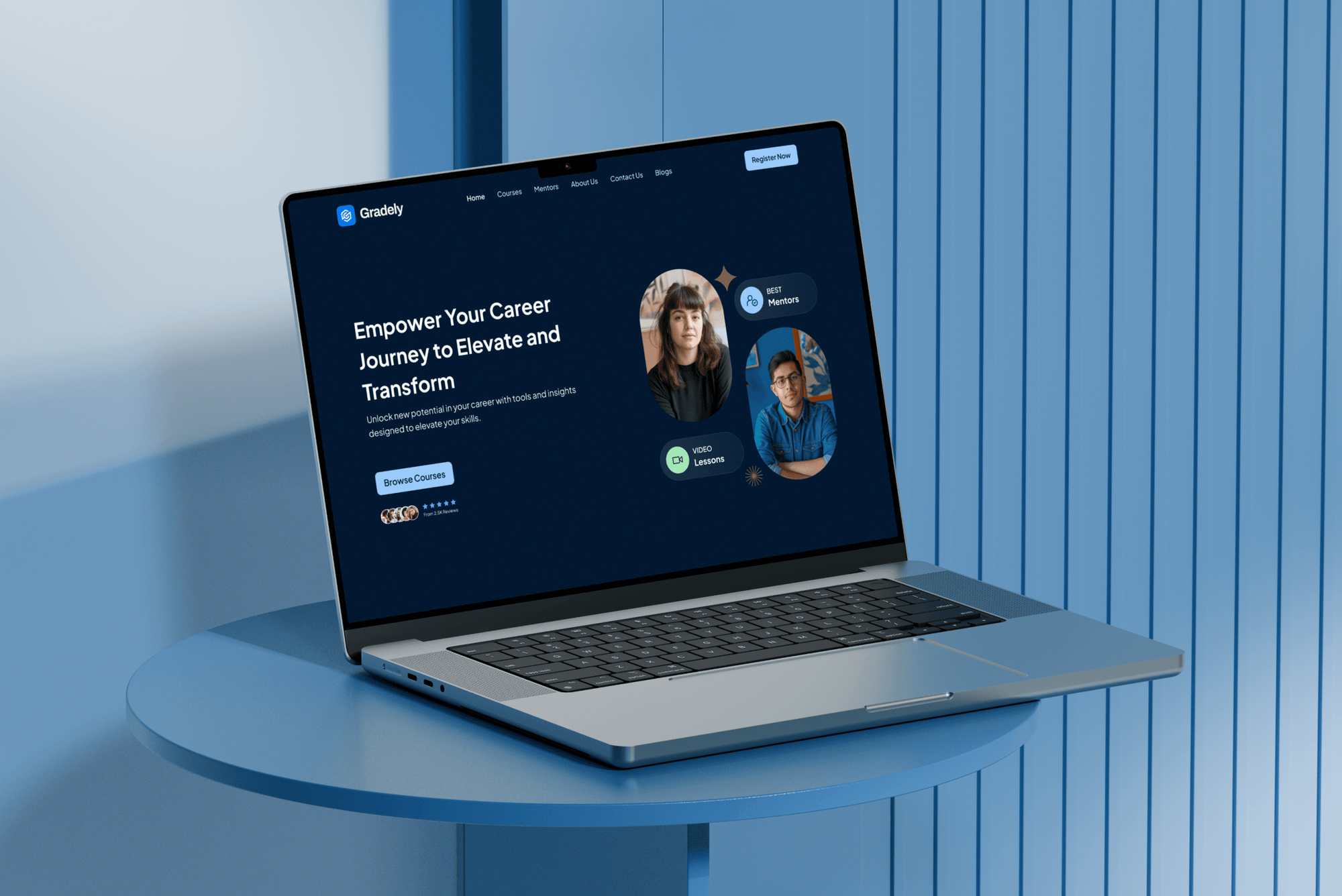
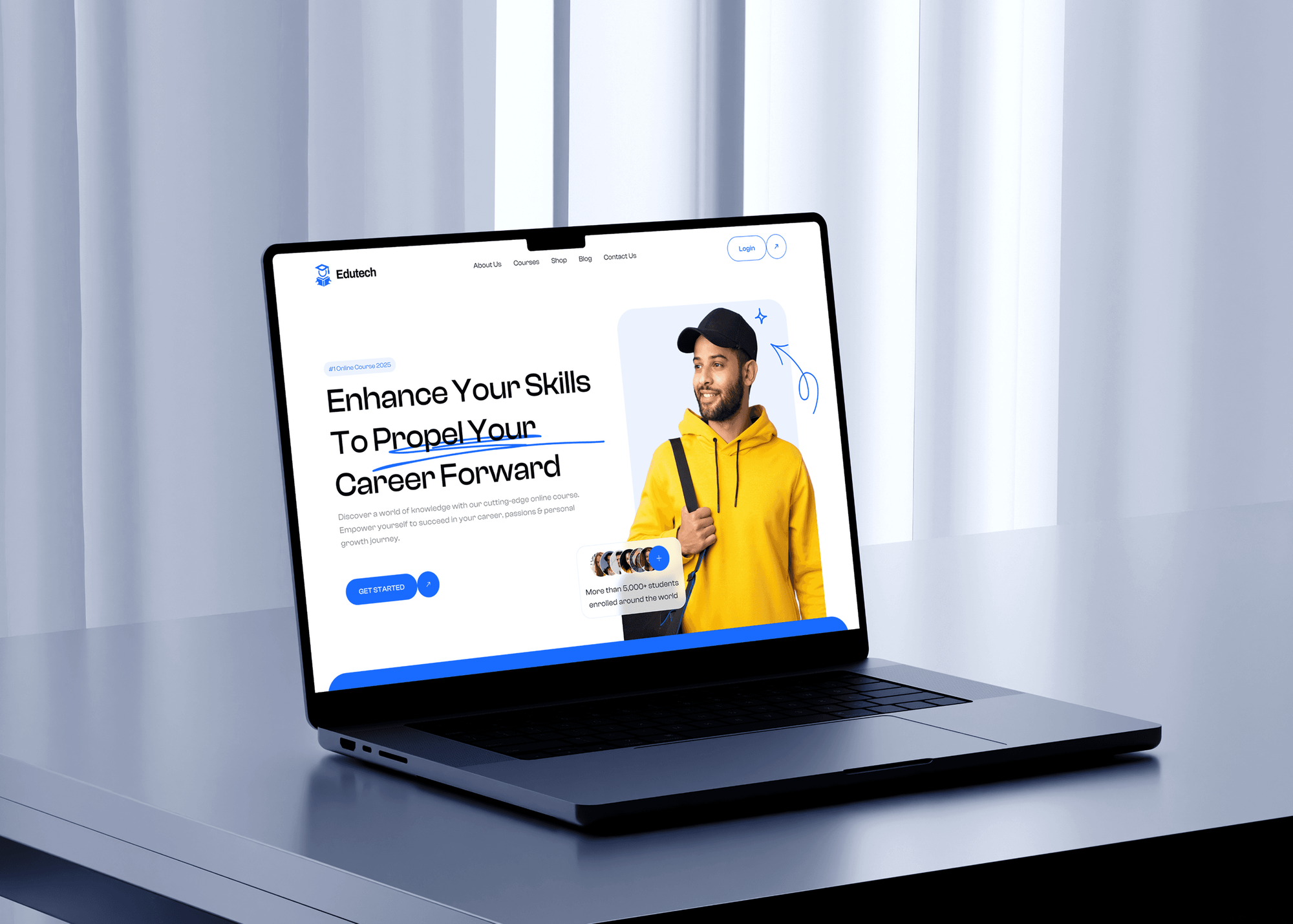
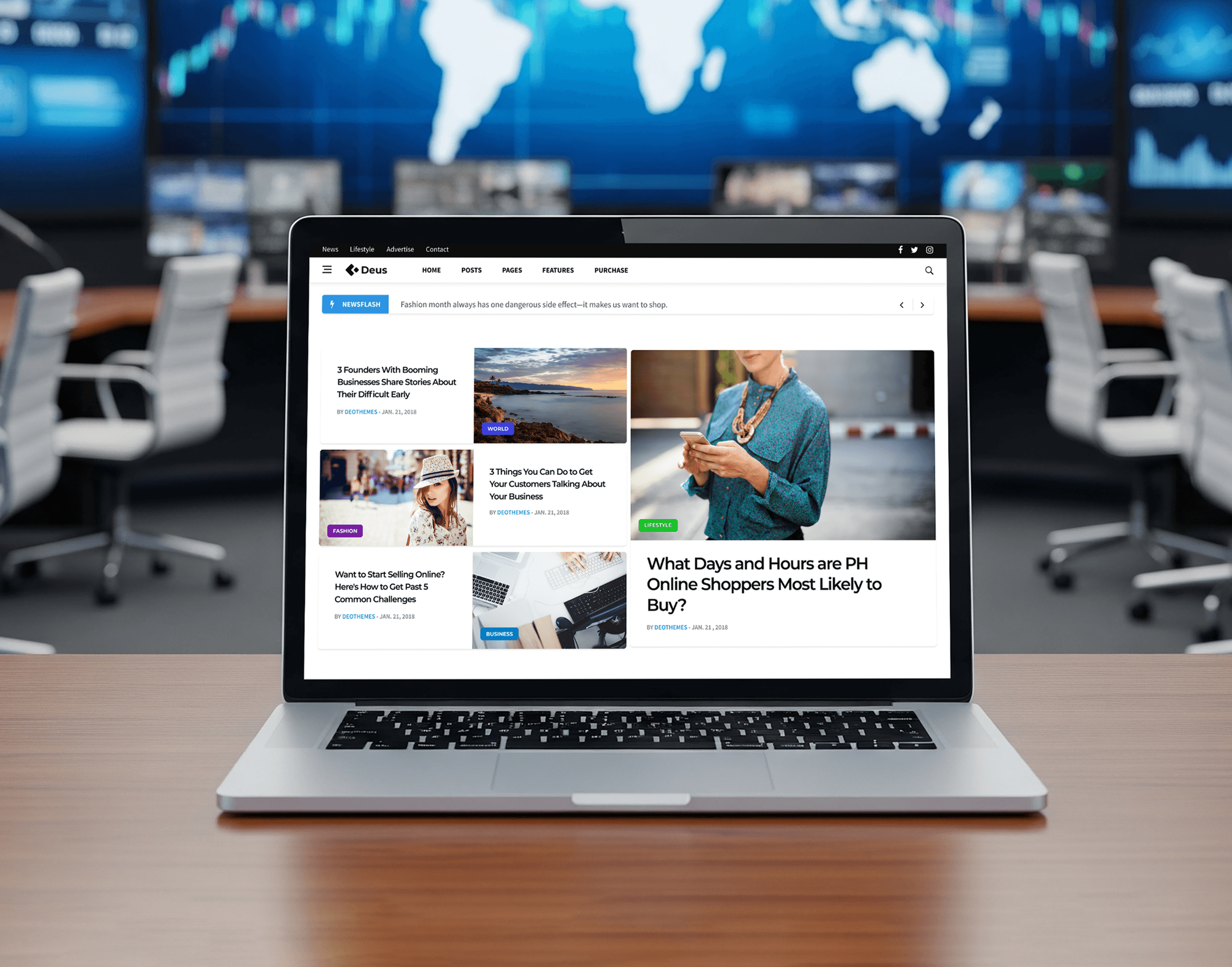
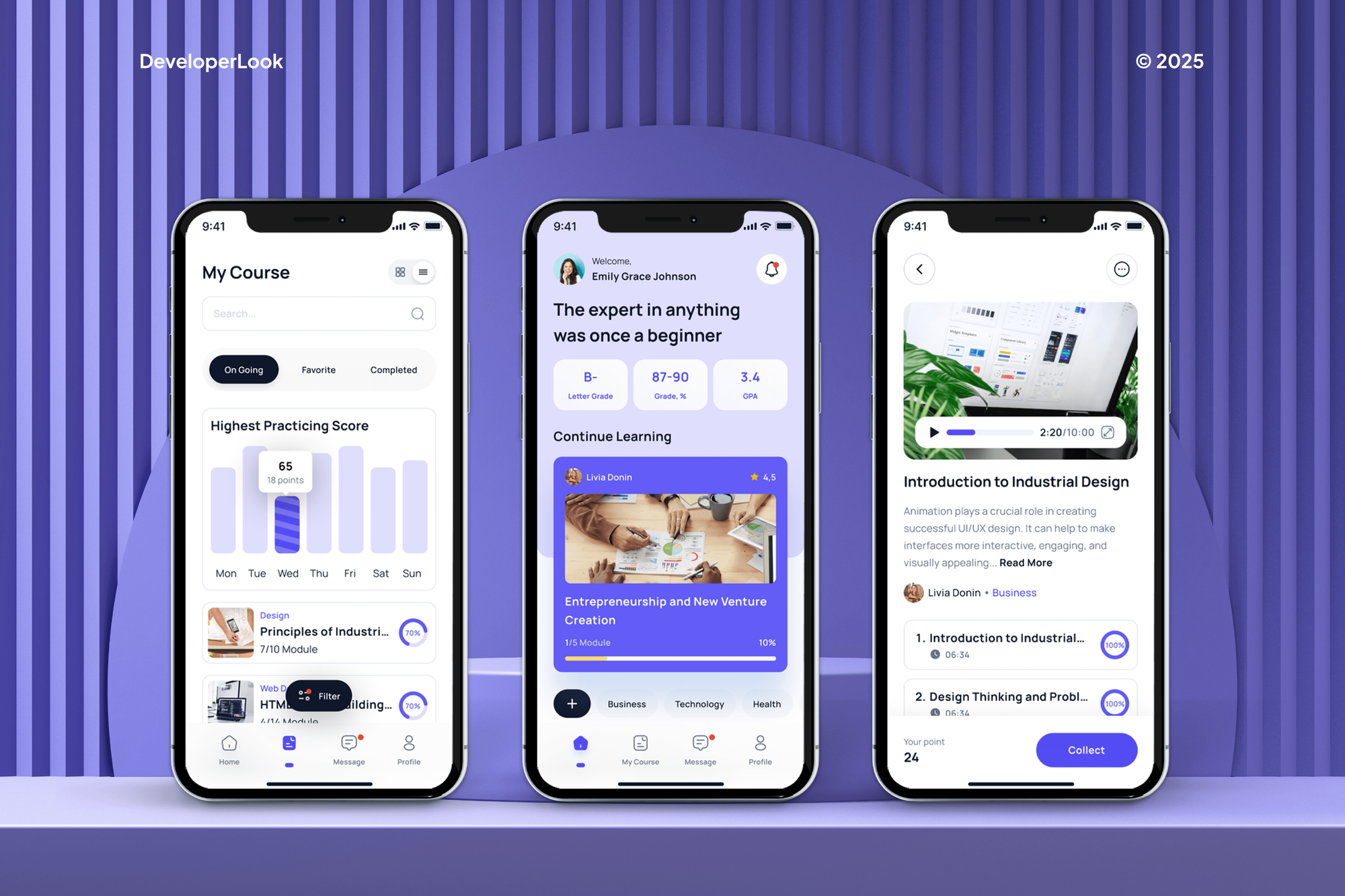
E-learning platforms and a news archive built by our team, with search, filters, and large content libraries. They are education and media work, not library builds.
What Our Clients Say
Feedback from teams we have designed and built websites for.
We had a pretty specific idea of what we wanted our website to become, but I wasn’t sure how easily we could explain all of it to a development team. There were quite a few moving parts, and we were working toward a deadline, so I expected a few things to get lost along the way. That never really happened. They understood what we were trying to achieve, kept us updated throughout the process, and got everything ready within the agreed timeline. The final site feels much easier to navigate, works beautifully on mobile, and is noticeably smoother for our customers. It was a huge relief seeing the original idea actually turn into the website we had in mind.
The mobile experience is probably my favourite part of the new site. We had spent a lot of time making sure the desktop version looked right, and the team kept pushing us to think about how everything would actually feel on a phone too. They were right. The navigation is clean, the interactions feel natural, and everything we’ve tested so far works exactly as it should. They also went through the links, forms, integrations, and other details more than once before launch, which I really appreciated. And even after going live, we could still reach out when something came up. The whole process felt friendly, organised, and surprisingly straightforward.
What I appreciate most is that the website is actually easy for us to manage now. We can update content ourselves instead of sending a developer a message every time we need to change something small. They also paid attention to the technical SEO side, which mattered to us because we didn’t want a new website to create problems for the traffic we already had. I’ve probably asked more questions than I should have since launch, but every question has been handled patiently and without any fuss. The team is easy to work with, they explain things clearly, and when we need something changed, they focus on getting it done rather than making the process complicated.
1,250+
Projects shipped
10+
Years of experience
Top 3%
Upwork Top Rated Plus
5 stars
Average review score

Want results like these?
Tell us what you are building. You get a reply within 24 hours on business days, then a written estimate.
Work Culture
Your site serves every age, ability, and device, and it's often run by staff with other jobs. These habits keep it usable for your patrons and simple for your staff.
If your catalog vendor's hosted website already covers what patrons need, we'll say so before quoting. Sometimes you only need better content, not a rebuild.
Automated checkers miss problems your patrons hit with real screen readers. We test each template with NVDA and VoiceOver, not just a scanning tool.
Kids' pages, teen sections, and adult services each get language that fits the reader. Your older patrons get larger tap targets and plain labels, not icons alone.
Library records are sensitive, so we keep tracking light and leave account data with your catalog. Your analytics measure page use, not what anyone borrowed.
You get a written scope, a fixed price, and an accessibility testing summary your board or city can review. Changes are quoted before any work starts.
The domain, hosting, and CMS sit in your library's or city's accounts from day one. Our access is a guest login that your staff can switch off whenever they choose.
Overview
DeveloperLook offers library website design for public and school libraries that want patrons to reach the catalog, events, and services without calling the desk. We plan patron tasks, build branch and event pages, place catalog search on every page, and test with screen readers. Projects start at $1,200, take 3 to 10 weeks, and the site stays in your accounts.
DEVELOPERLOOK
Project facts · Library Website Design
Reviewed 8 Oct 2026 by Saimul Islam
Good fit
Public libraries under the ADA Title II rule
Your library falls under the ADA Title II web rule, and you aren't sure the current site works with a screen reader.
Small libraries with one web editor
Your branch manager updates the site between desk shifts, and program listings run weeks behind the flyer by the door.
Library systems with several branches
Your system's branches each keep their own hours page, and patrons keep showing up when a branch is closed.
School libraries in a district
Your school library needs pages students can use for research databases, reading lists, and hours, separate from the district's main site.
Libraries on old WordPress or Drupal
Your library's WordPress or Drupal site is years behind on updates, and staff are afraid to touch it before summer programs start.
Not a fit
Government office, not a library
You run a city, county, or district office rather than a library. Our Government Website Design page covers agendas, notices, and resident services.
Accessibility fixes only
Your site's design works, and you only need its accessibility problems fixed. Our Website Accessibility Remediation service handles that without a rebuild.
Need new catalog software
You need a new integrated library system or catalog, not a website. That is a vendor selection project, so start with your state library's guidance.
Budget under $1,200
Your budget is under $1,200. Your catalog vendor's hosted website or a simple template may be the sensible start until funding allows a full site.
Not sure we're the right fit?
Book a free call or message us. We'll tell you honestly whether we're the right team.
Pricing
These are starting points in USD. Your final price depends on branch count, events and resource pages, and content to move, and you get a fixed proposal after a free library site review.
For single-branch and school libraries that need the catalog, hours, and programs easy to find.
$1,200one-time, USD
For libraries with a few branches, busy program calendars, and growing digital collections.
$2,900one-time, USD
For library systems with many branches, several languages, and an older site to move.
$5,800one-time, USD
For Agencies
You own the client relationship. We supply the library design and build behind it: patron task plans, catalog search placement, events, and screen reader testing. Your client keeps its own accounts, and every file carries your agency's branding.
White label: your client only ever sees your brand
Send the client's branches, programs, catalog vendor, and current site access.
You get a patron task plan, a sitemap, and a resale-ready fixed quote.
Pages built and screen reader tested, with staff training delivered as your agency.
Plans, previews, and testing notes go out under your agency's name.
Screen reader and keyboard checks on every template, documented for your client.
Fixed prices per library site that fit grant and procurement timelines.
More hands when several library or school clients need sites at once.
The Right Technology for Your Project
We build on CMS platforms that public bodies already trust, and test with the screen readers your patrons actually use.
 Figma
Figma Adobe XD
 Canva
Canva WordPress
 PHP
PHP MySQL
MySQL Lighthouse
 Chrome DevTools
 Google Analytics
 Google Search Console
 Google Tag Manager
 PageSpeed Insights
FAQ
Straight answers on library website costs, timelines, usability, digital collections, and school library sites.
Saimul IslamFounder & CEO, DeveloperLookStill have questions?
Send a message or book a call with the team.
A DeveloperLook library site starts at $1,200 for up to 8 pages with catalog search in the header, events, and screen reader testing. Sites with branch pages, an events calendar by age group, and a digital resources directory start at $2,900. Multi-branch systems with migration and editor roles start at $5,800. Your catalog vendor and hosting bill you separately.
Single-branch library sites usually launch in 3 to 5 weeks, and multi-branch systems take 6 to 10 weeks. Your board or city approvals often set the pace more than the build does. So we plan review dates up front. Launching before your summer reading program is a common target, and we schedule backward from it.
A good library website lets your patrons finish their main tasks quickly: find hours, search the catalog, get a card, and join a program. The best public library websites keep catalog search in the header, list events by audience, and use plain language instead of library terms. They also work on any phone and with a screen reader.
A library website is your library's online branch. Patrons use it to check hours, search the catalog, find events, and reach e-books and databases. It usually links to a separate catalog run by your library's system vendor. For many patrons, it's the branch they visit most often.
Design a library website around the tasks patrons come to do, with one short path from the homepage for each. The best library website design work starts by mapping those tasks with your staff. Then we design your homepage, an events page, and a branch page in Figma. Accessibility checks happen during design, not only after the build.
To create a library website, choose a platform your staff can update, such as WordPress or Drupal, and gather hours, services, and program details first. Then build the pages, place the catalog search in the header, and connect your events tool. Test with a screen reader before launch, and train the staff who will post updates.
You can make a library website in three ways: use your catalog vendor's hosted template, build one in-house, or hire a design team. Vendor templates are quick but rigid, and in-house builds depend on your staff's time. Hiring a team makes sense when you need custom events, several branches, or documented accessibility testing.
A digital library website gives your patrons online access to collections such as local history scans, e-books, and databases. Online library website design for digital collections adds search by subject and date, item pages with clear descriptions, and access rules for licensed content. Your e-book and database providers keep hosting their own content, and the site links patrons there.
Design them around patron tasks: short menus, a search box on every page, and plain labels instead of library jargon. Following best practices for library websites also means events filtered by age and real screen reader testing. Award-winning library websites tend to get both right. Public libraries fall under the ADA Title II web rule, which sets WCAG 2.1 AA as the standard.
A school library website serves students and teachers first, so it leads with research databases, reading lists, and the hours students can visit. Keep it inside your school's main site or clearly linked from it, with logins handled by your district's tools. Public school districts fall under the same ADA Title II accessibility rule as public libraries.
Saimul IslamFounder & CEO, DeveloperLookStill have questions?
Send a message or book a call with the team.
Free 30-min callGoogle Meet
Book a call
In 30 minutes on Google Meet we walk you through how we would build it, how long it takes and what it costs. Then you get a written estimate.
Calendar not showing? Book on cal.com or send a brief.