
Sign-in built for phones
Email, Apple, and Google sign-in with refresh tokens, so users stay logged in without passwords stored on the device.

For founders and app teams who need sign-in, data, and push that keep working on patchy networks and older app builds. From $1,400.
24/7
Automated error alerts
100%
Releases tested on old builds
How your project runs
Teams we have built for:














The Problem
Mobile backends break in ways web backends rarely do: patchy signal, push tokens that expire, and old app versions that stay installed for months.
01 · Double orders
A retried request on a weak signal creates a duplicate order.
Idempotency keys make every write safe to retry, so each order is recorded once.
02 · Silent push
Notifications reach Android phones but go missing on iPhones.
We configure APNs and FCM together and clear expired device tokens automatically.
03 · Broken versions
A backend change breaks the app version users still have installed.
Versioned endpoints are tested against older builds before any change goes live.
04 · Open files
User photos load from a public storage bucket.
Uploads go to private storage, served through short-lived signed URLs.
Your app worked in the demo, on office Wi-Fi. Then real users arrived. A customer taps Pay on a train, the request times out, they tap again, and two orders appear. Push notifications reach Android phones but go missing on iPhones. Last month's backend change broke the version still installed on half your users' phones. Someone notices that user photos load from a public bucket. And the database bill climbs every time a list screen refreshes.
We start from how phones behave: they lose signal, retry requests, and keep old versions for months. Writes become retry-safe, push runs through APNs and FCM with token cleanup, and every API change is tested against the builds still installed. Files sit behind signed URLs, and queries are shaped for each screen. You get a backend your app can lean on, not one it has to work around.
Writes safe to retry
A payment or order sent twice on a weak signal is recorded once, not twice.
Push that reaches both phones
APNs and FCM wired with token refresh and cleanup, so notifications land on iPhone and Android.
Old app versions supported
A versioned API and a minimum-version check keep installed builds working until users update.
Our Mobile App Backend Development Process
Our mobile app backend development service runs in five steps. Your app developers review the API contract, build against staging every week, and see each change tested on older builds.
On a free call, we go through your app's screens, its data, and any backend or Firebase project you already run. You get an honest build-versus-hosted recommendation and a fixed quote.
What's Included
Sign-in, a versioned API, offline sync rules, push for both platforms, secure uploads, and monitoring, deployed to your own cloud account.
Compare Options
A hosted backend like Firebase or Supabase is the fastest start, and a freelancer can handle a small API. A custom mobile backend pays off once rules, sync, and costs outgrow them.
| Feature | DeveloperLookBest fit | Hosted backend | Freelancer |
|---|---|---|---|
| Time to a working API | 2 to 3 weeks | Days | Varies |
| Business rules | Server-side, fully custom | Security rules and functions | Depends on the developer |
| Offline sync | Designed per screen | Built in for some data | Often missing |
| Duplicate-safe writes | Idempotency keys on every write | Manual, per function | Rarely considered |
| Old app versions | Versioned API, tested | Schema changes reach every version | Often unplanned |
| Cost as usage grows | Predictable server costs | Usage billing can climb | Depends on hosting |
| Vendor lock-in | Your cloud, your code | Varies by provider | Depends on the stack |
| Upfront cost | From $1,400, fixed scope | Lowest to start | Lower hourly rate |
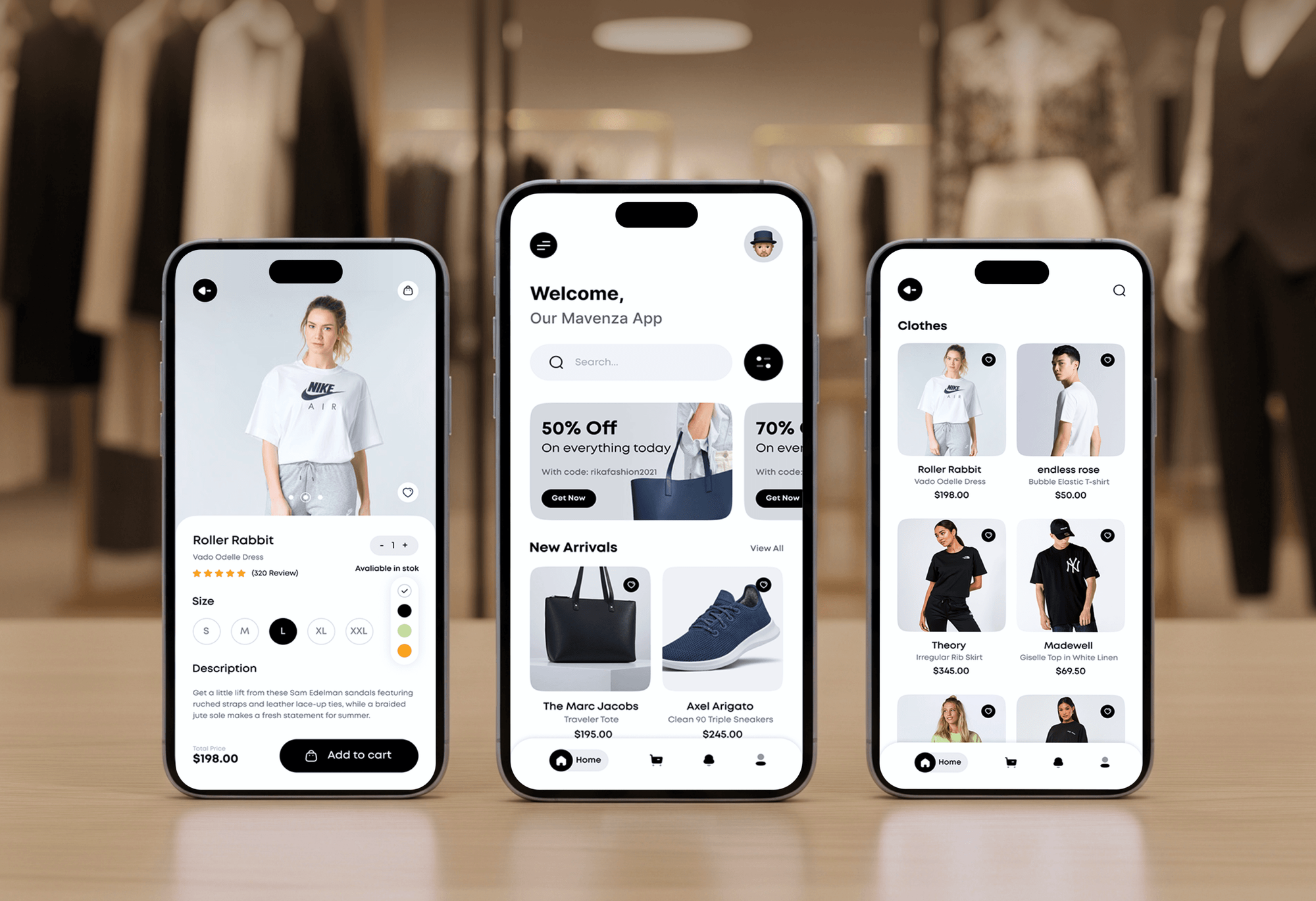
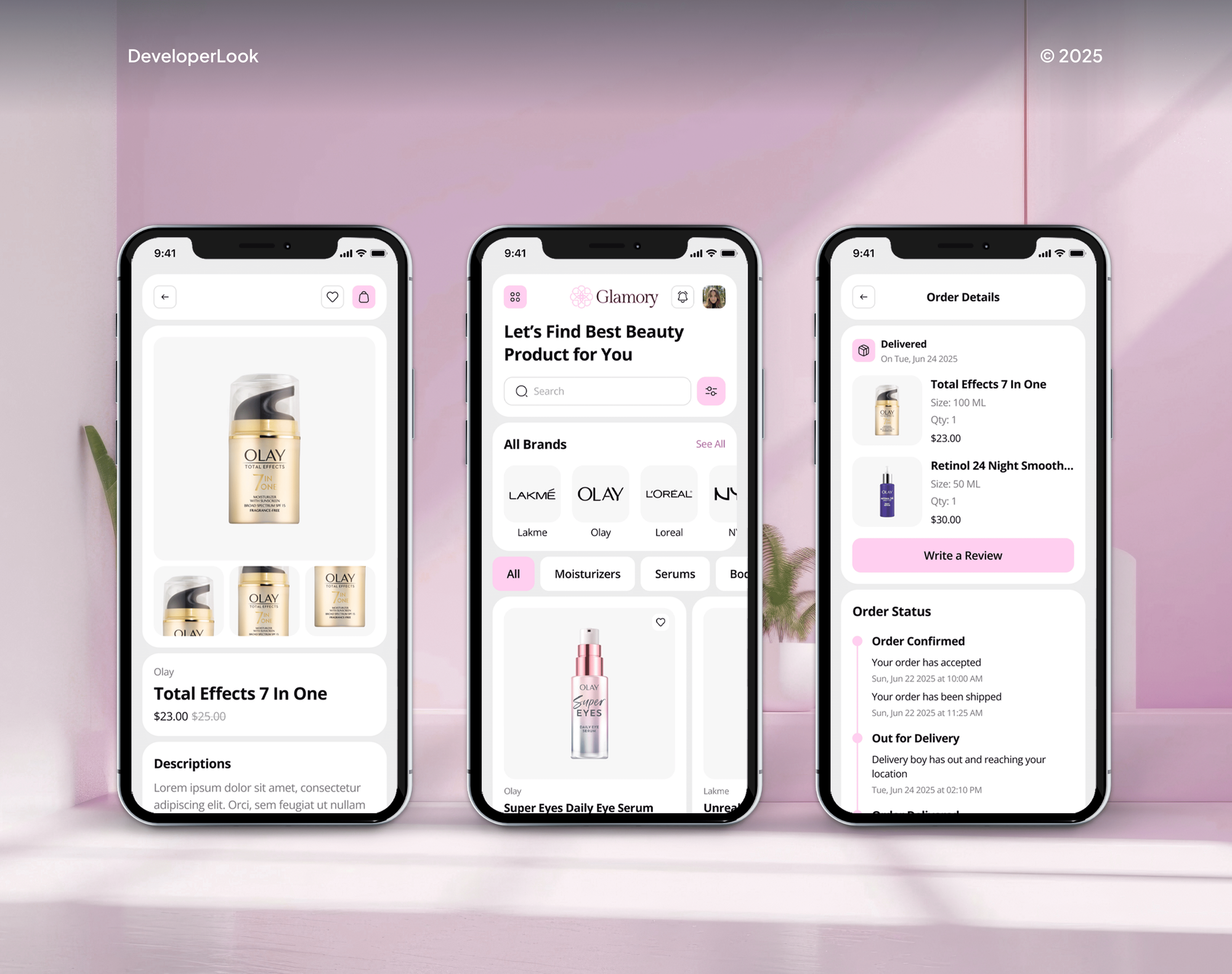
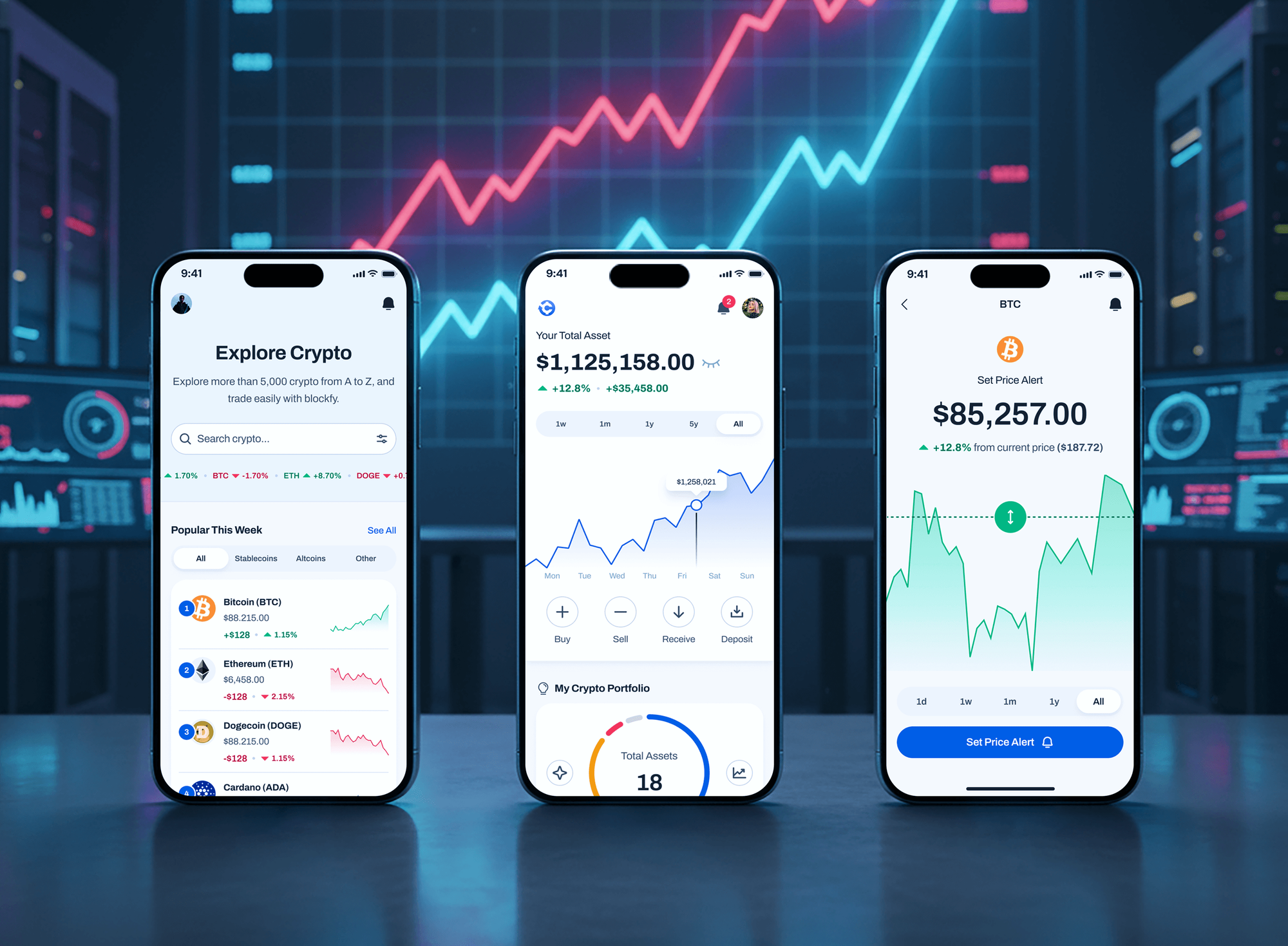
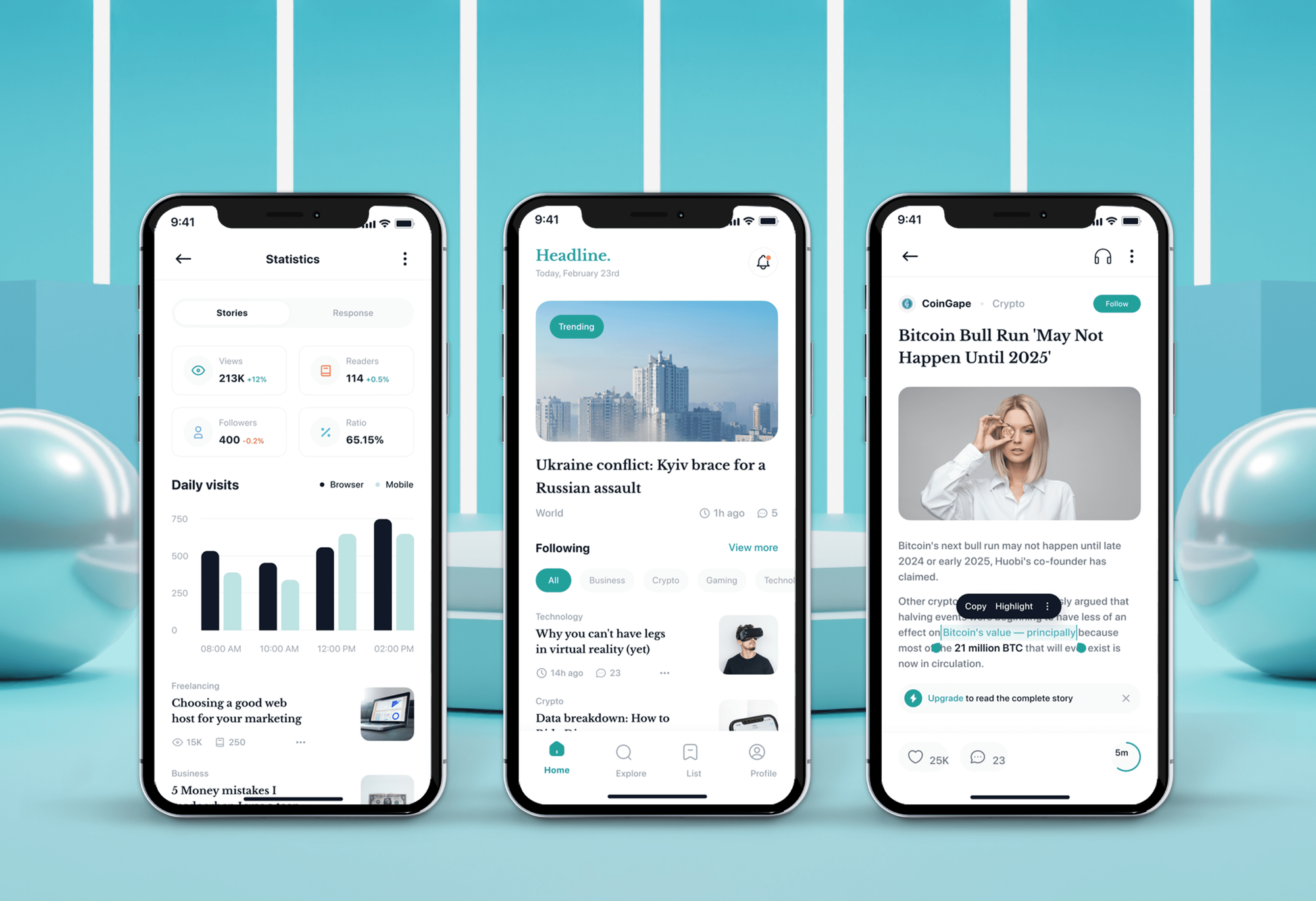
Projects We've Built
Ecommerce, beauty, crypto, and news apps with live data and admin dashboards, shown for their screens and flows rather than as backend case studies.
What Our Clients Say
Feedback from teams we have built apps and backends for.
We had a pretty specific idea of what we wanted our website to become, but I wasn’t sure how easily we could explain all of it to a development team. There were quite a few moving parts, and we were working toward a deadline, so I expected a few things to get lost along the way. That never really happened. They understood what we were trying to achieve, kept us updated throughout the process, and got everything ready within the agreed timeline. The final site feels much easier to navigate, works beautifully on mobile, and is noticeably smoother for our customers. It was a huge relief seeing the original idea actually turn into the website we had in mind.
The mobile experience is probably my favourite part of the new site. We had spent a lot of time making sure the desktop version looked right, and the team kept pushing us to think about how everything would actually feel on a phone too. They were right. The navigation is clean, the interactions feel natural, and everything we’ve tested so far works exactly as it should. They also went through the links, forms, integrations, and other details more than once before launch, which I really appreciated. And even after going live, we could still reach out when something came up. The whole process felt friendly, organised, and surprisingly straightforward.
What I appreciate most is that the website is actually easy for us to manage now. We can update content ourselves instead of sending a developer a message every time we need to change something small. They also paid attention to the technical SEO side, which mattered to us because we didn’t want a new website to create problems for the traffic we already had. I’ve probably asked more questions than I should have since launch, but every question has been handled patiently and without any fuss. The team is easy to work with, they explain things clearly, and when we need something changed, they focus on getting it done rather than making the process complicated.
1,250+
Projects shipped
10+
Years of experience
Top 3%
Upwork Top Rated Plus
5 stars
Average review score

Want results like these?
Tell us what you are building. You get a reply within 24 hours on business days, then a written estimate.
Work Culture
Your backend outlives several app releases. These habits keep it safe to change, affordable to run, and easy to hand over.
If Firebase or Supabase covers your rules and budget, we'll say so and set it up properly. Custom servers are for apps that have outgrown them, not a default.
We test endpoints with throttled networks, airplane mode, and app restarts mid-request. Mobile failures look different from browser failures, and the test plan reflects that.
Each endpoint gets a test that tries to fetch another user's records. Those tests run on every release, so a permissions slip is caught before your users find it.
You see expected hosting and push costs for your user numbers before we build. Queries are shaped for each screen, so a busy list doesn't multiply your bill.
The backend runs in your AWS, Google Cloud, or Supabase account, with secrets and push keys stored there. Changing developers later means sharing access, not moving servers.
You get API docs, deployment steps, and a runbook for common incidents, such as an expired push certificate or a full disk. Your team can operate the backend without us.
Overview
DeveloperLook provides mobile app backend development for iOS and Android apps: sign-in, a versioned API, offline sync rules, push through APNs and FCM, and secure uploads. We build on Node.js and PostgreSQL, or set up Supabase or Firebase when that's enough. Backends start at $1,400, most take 6 to 10 weeks, and they run in your own cloud account.
DEVELOPERLOOK
Project facts · Mobile App Backend Development
Reviewed 10 Oct 2026 by Saimul Islam
Good fit
Founders with an app and no server
Your app's screens are designed or built, and you need a backend that handles sign-in, data, and push before the first store release.
Apps outgrowing Firebase rules
Your security rules have grown into a maze, the monthly bill climbs with every list screen, and business logic is scattered across cloud functions.
Teams whose API breaks old builds
Your last backend release broke the app version many users still run, and support tickets spiked before the store update went out.
Buyers comparing backend partners
You're comparing a mobile app backend development company against freelancers and want the data model and running costs explained before you sign.
Agencies building client apps
Your team designs and builds the app screens, and you need app backend development delivered quietly under your agency's brand.
Not a fit
Web app backend only
Your product is a web app with no phone app planned. Our Backend Development Services page covers web backends and APIs in depth.
Store payments only
You only need subscriptions or in-app purchases verified on a server. Our In-App Purchase and Subscription Integration page covers that work.
Supabase setup only
You've chosen Supabase and need help with its schema, policies, and functions. Our Supabase Developer for Hire page focuses on exactly that.
Budget under $1,400
Your budget is under $1,400, or a hosted backend's free tier already covers your app. If it does, we'll tell you before we quote.
Not sure we're the right fit?
Book a free call or message us. We'll tell you honestly whether we're the right team.
Pricing
These are starting points in USD. Your final price depends on data models, offline sync, and any backend migration, and you get a fixed proposal after a free backend review.
For a new app that needs sign-in, one core data model, and push working on both phones. About 2 to 3 weeks.
$1,400one-time, USD
For apps going to both stores with offline sync, uploads, and an admin panel. About 6 to 10 weeks.
$3,800one-time, USD
For apps moving off Firebase, Parse, or an aging server without breaking installed versions. About 10 to 14 weeks.
$7,600one-time, USD
For Agencies
You keep the client relationship. We supply the server side your app team needs: a data model you can present, a documented API, and a backend running in your client's cloud account.
White label: your client only ever sees your brand
Send the screens, the data the app shows, and any backend already running.
You get a data model, an API outline, and a fixed price to resell.
We deploy to your client's cloud and hand over docs, keys, and runbooks.
Cloud accounts, push keys, and repositories belong to your client.
Weekly staging releases your app developers can build against.
Node.js and PostgreSQL developers who design for phones and patchy networks.
Hand us a full backend, a Firebase migration, or one tricky endpoint.
The Right Technology for Your Project
Node.js and PostgreSQL for custom backends, Supabase or Firebase when a hosted backend fits, and the push and cloud tools a mobile app depends on.
 Node.js
 NestJS
 Express
 TypeScript
 GraphQL
 OpenAPI
 PostgreSQL
 Supabase
 MongoDB
 Firebase
 Twilio
 AWS
AWS Google Cloud
 Docker
FAQ
Straight answers on backend costs, timelines, whether your app needs a backend, hosted versus custom, and push notifications.
Saimul IslamFounder & CEO, DeveloperLookStill have questions?
Send a message or book a call with the team.
Mobile app backends at DeveloperLook start at $1,400 for a starter build: sign-in, one core data model, push, and error alerts. A full backend with offline sync, uploads, and an admin panel starts at $3,800. Moving an existing app off Firebase or another backend starts at $7,600. Hosting is billed separately by your cloud provider, and we estimate it before the build.
A starter backend takes 2 to 3 weeks, and a full mobile backend with sync, uploads, and an admin panel takes 6 to 10 weeks. Migrations take 10 to 14 weeks, because the old and new backends run side by side until installed app versions switch over.
You need a backend if your app has user accounts, shares data between users or devices, sends push notifications, or takes payments. A calculator, a single-player game, or an offline notes app can run without one. If your data only lives on one phone, we'll tell you a backend isn't worth paying for yet.
The backend of an app is everything that runs on servers instead of the phone. That covers the database, the APIs the app calls, sign-in, file storage, and push notifications. Users don't see it directly, but every login, feed refresh, and order goes through it. A well-built mobile application backend also handles retries and old app versions.
There's no single best backend: the right one depends on your data, your rules, and who will run it. Supabase or Firebase suits apps that need to launch fast with standard sign-in and data. A custom Node.js and PostgreSQL backend suits apps with complex business rules, heavy offline sync, or costs that grow with usage.
A backend app is a server-side application that stores data and runs business logic for other apps, without a screen of its own. Your iPhone app, Android app, and web admin panel all talk to the same backend app through its API. In backend app development, that shared server is where the rules live, so every client follows them.
A backend-powered app is a mobile app whose main features depend on a server, such as accounts, feeds, chat, bookings, or payments. Without a connection, it falls back to cached data or queued actions. Most business apps are backend-powered, which is why sync, retries, and push need planning from the first sprint.
Use Firebase when you need to launch quickly, your rules are simple, and its usage-based pricing suits your traffic. Choose a custom backend when rules get complex, you need SQL reporting, or costs climb with usage. Many apps start on Firebase and move later, and we plan that move so installed app versions keep working.
Your backend sends each notification to Apple's APNs for iPhones and Google's FCM for Android phones, which deliver it to the device. The backend stores each device token, decides who gets which message, and removes tokens from uninstalled apps. We also log delivery failures, so a broken key or expired token shows up in alerts.
You own it: the backend runs in your own AWS, Google Cloud, Supabase, or Firebase account, with the code in your repository. The App Backend plan includes 30 days of support after launch and the migration plan 60 days. After that, you can run it in-house with our runbooks or keep us on for monthly upkeep.
Saimul IslamFounder & CEO, DeveloperLookStill have questions?
Send a message or book a call with the team.
Free 30-min callGoogle Meet
Book a call
In 30 minutes on Google Meet we walk you through how we would build it, how long it takes and what it costs. Then you get a written estimate.
Calendar not showing? Book on cal.com or send a brief.