Catalog and custom apps
Apps from the Okta Integration Network first, then custom SAML 2.0 or OIDC integrations for everything else.

For engineering and IT teams that pay for Okta but still run in-house, legacy, or Microsoft apps with their own logins and hand-managed access.
Day 1
App access for every new hire
1runbook
Per app for your admins
How your project runs
01 · FreeTeams we have built for:














The Problem
It shows up when a new hire waits two days for app access, or when an audit asks why three internal tools still keep their own passwords.
Own passwords
Internal tools keep separate passwords outside Okta.
Own passwords
Custom SAML or OIDC integrations, so every app trusts Okta for sign-in.
Manual access
IT adds each new hire to six apps by hand.
Manual access
Group rules assign apps automatically when a person joins a team.
Leftover accounts
Leavers keep one account nobody remembered to close.
Leftover accounts
Disabling someone in Okta ends their sign-in to every connected app.
Legacy apps
An old billing tool only reads a username header.
Legacy apps
Okta Access Gateway puts Okta sign-in in front of it without a rewrite.
Okta signs your team into Microsoft 365, Slack, and Zoom. Then there's the internal dashboard your developers built and the old billing tool that reads a username header. There's also a vendor app with a SAML settings page nobody has touched. Each one keeps its own password. When someone joins, IT adds them to six places by hand. When someone leaves, one account usually survives. Your Okta bill grows, but half your login risk sits outside it.
We start by sorting every app into catalog, custom SAML or OIDC, or gateway. Catalog apps get connected first, custom integrations follow, and in-house tools get Okta login in their code. Groups decide who gets what, so a new hire's access appears on day one. Leavers lose every connected app when Okta disables them, not when someone remembers.
Every app on the dashboard
Catalog, custom, and legacy apps all open from the Okta dashboard with one sign-in.
Access follows groups
Okta group rules decide who reaches each app, so access changes with a person's role.
A runbook per app
Protocol, mappings, groups, and certificate dates written down for your next admin.
Our Okta Integration Services Process
You approve the per-app plan, the group rules, and the rollout order, and you see every app sign in through Okta before your staff do.
We review your Okta org, your app list, and where your users come from today. You get a per-app plan: catalog connector, custom SAML or OIDC, or a gateway for older apps. If an app's own Okta guide already covers it, we'll tell you before we quote.
What's Included
App-by-app integrations in your Okta org, directory and Microsoft 365 links, group rules and sign-in policies, code changes where apps need them, and runbooks your admins keep using.
Compare Options
Your own admin knows your people, and a vendor services team knows the product. Here is where each one fits when you connect apps to Okta.
| Feature | DeveloperLookBest fit | In-house admin | Vendor services |
|---|---|---|---|
| Cost to start | From $700 per app | Staff time only | Scoped by the vendor |
| Catalog apps | Connected first, same week | Quick when time allows | |
| Custom SAML and OIDC | Built and tested | Learned on the job | Configured to a standard |
| Code changes in apps | Okta SDKs in your repo | Needs a developer | Usually out of scope |
| Legacy header apps | Access Gateway setup | Rarely attempted | Separate engagement |
| Microsoft 365 and Entra | Federation or coexistence plan | Depends on experience | |
| Admin documentation | Runbook for every app | Often in one person's head | Product guides |
| After handover | 30 days, then your admins | On staff full time | Support contract |
Projects We've Built
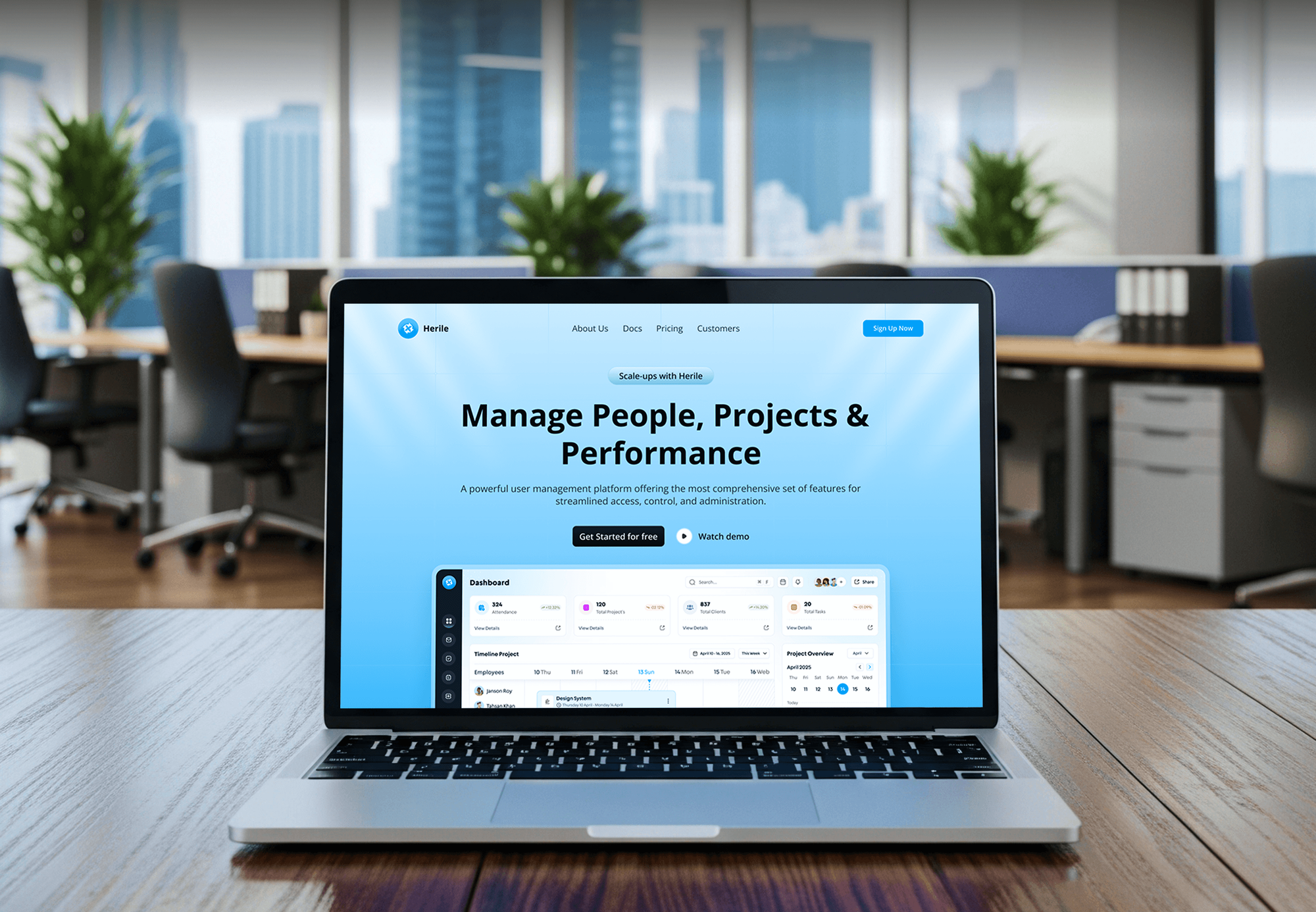
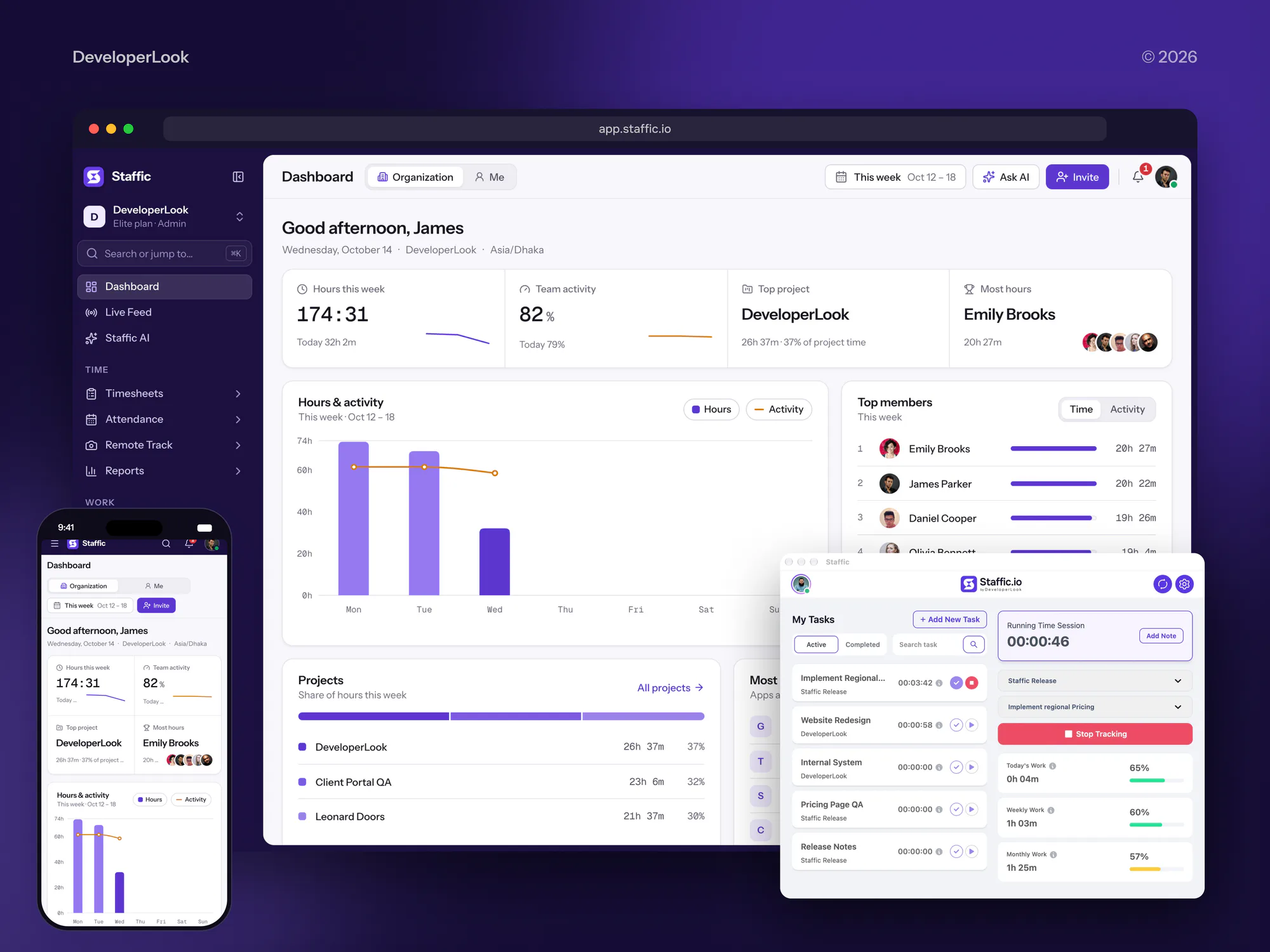
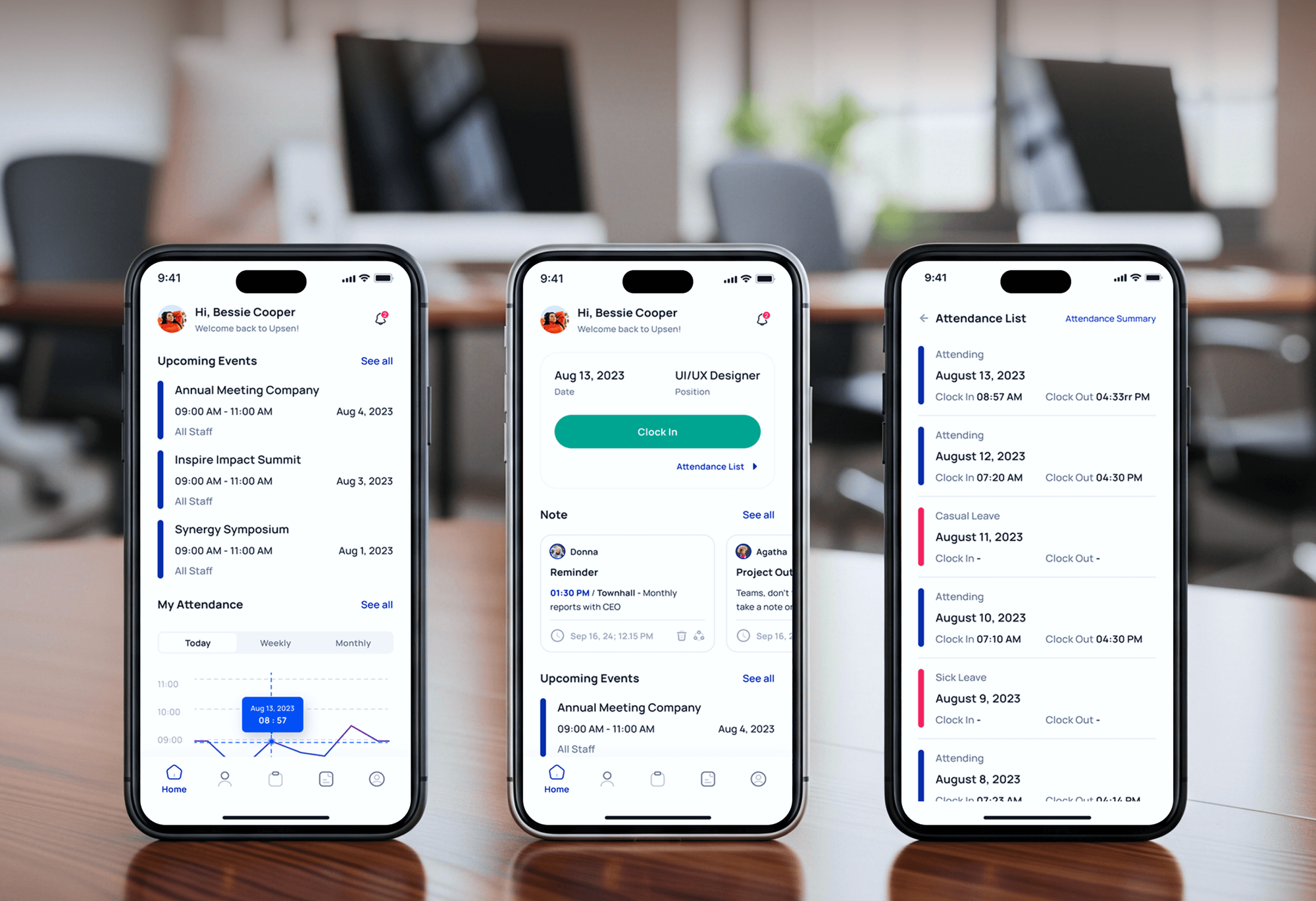
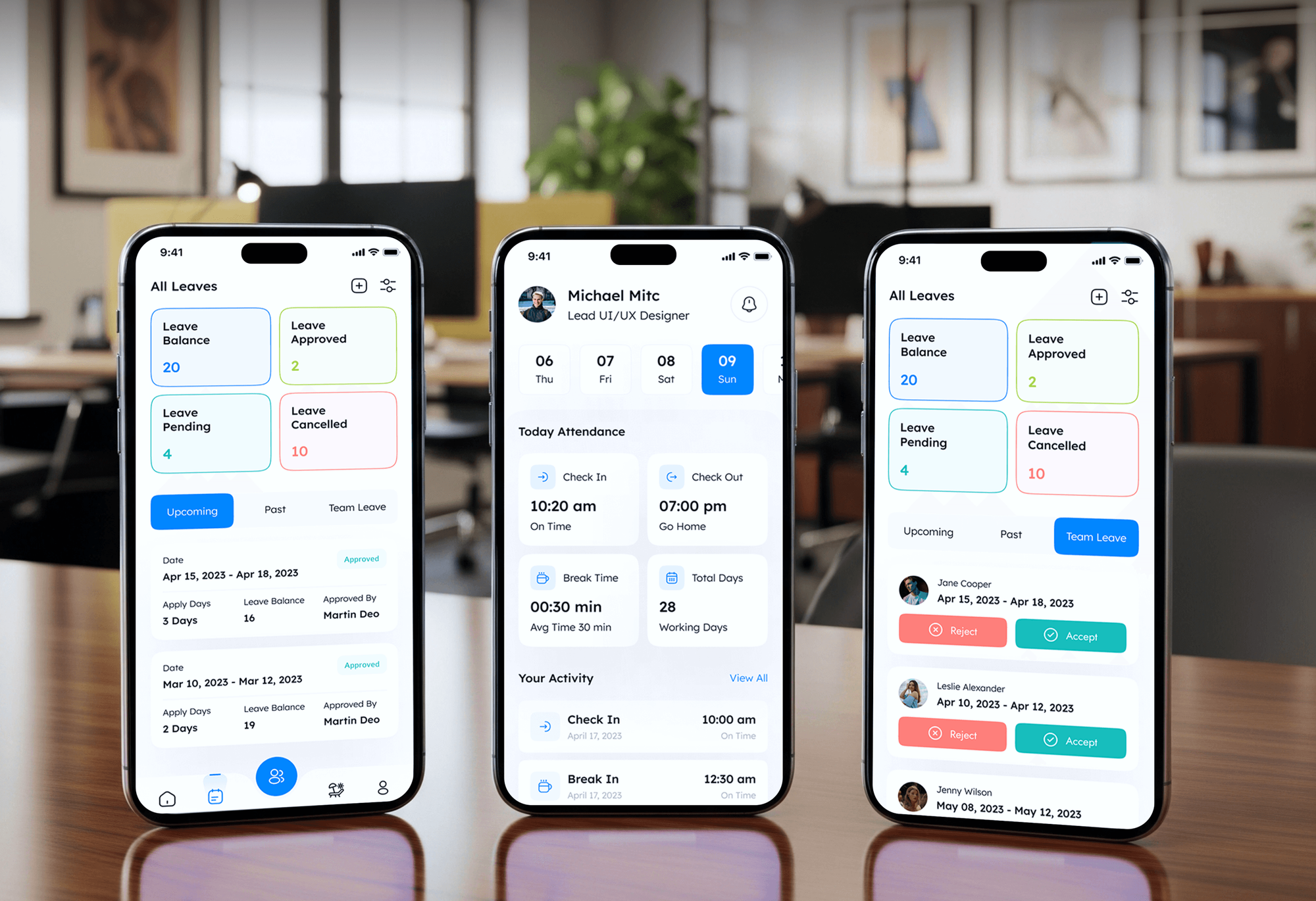
HR, payroll, attendance, and time tracking apps we designed and built. Internal tools like these are the ones companies most want behind their Okta login.
What Our Clients Say
Feedback from teams we have built platforms, apps, and websites for.
We had a pretty specific idea of what we wanted our website to become, but I wasn’t sure how easily we could explain all of it to a development team. There were quite a few moving parts, and we were working toward a deadline, so I expected a few things to get lost along the way. That never really happened. They understood what we were trying to achieve, kept us updated throughout the process, and got everything ready within the agreed timeline. The final site feels much easier to navigate, works beautifully on mobile, and is noticeably smoother for our customers. It was a huge relief seeing the original idea actually turn into the website we had in mind.
The mobile experience is probably my favourite part of the new site. We had spent a lot of time making sure the desktop version looked right, and the team kept pushing us to think about how everything would actually feel on a phone too. They were right. The navigation is clean, the interactions feel natural, and everything we’ve tested so far works exactly as it should. They also went through the links, forms, integrations, and other details more than once before launch, which I really appreciated. And even after going live, we could still reach out when something came up. The whole process felt friendly, organised, and surprisingly straightforward.
What I appreciate most is that the website is actually easy for us to manage now. We can update content ourselves instead of sending a developer a message every time we need to change something small. They also paid attention to the technical SEO side, which mattered to us because we didn’t want a new website to create problems for the traffic we already had. I’ve probably asked more questions than I should have since launch, but every question has been handled patiently and without any fuss. The team is easy to work with, they explain things clearly, and when we need something changed, they focus on getting it done rather than making the process complicated.
1,250+
Projects shipped
10+
Years of experience
Top 3%
Upwork Top Rated Plus
5 stars
Average review score
1,250+
Projects shipped
10+
Years of experience
Top 3%
Upwork Top Rated Plus
5 stars
Average review score

Want results like these?
Tell us what you are building. You get a reply within 24 hours on business days, then a written estimate.
Work Culture
Okta integration services change who can reach your apps, so we test every login path with real groups before anyone loses a password.
We check Okta's catalog for every app before building anything. A prebuilt connector is faster to set up and easier for your admins to maintain.
Every app is tested from the Okta dashboard and from its own login page. Your users start from both, and testing only one hides half the bugs.
SAML signing certificates expire on a schedule. Each date goes in the runbook, so your admins plan the renewal weeks ahead.
Login changes to in-house apps arrive as pull requests with tests. Your developers review every line before it reaches production.
We test what happens when someone is disabled in Okta, app by app. Apps that keep local sessions get a cleanup step in your runbook.
Every integration lives in your own org, with no connector of ours in the middle. You can change or remove any of it without us.
Overview
DeveloperLook handles Okta integration for teams whose apps still sit outside their Okta org. We connect catalog and custom apps with SAML 2.0 or OIDC, link Active Directory and Microsoft 365, and set group rules. In-house apps get Okta login in their code. Projects start at $700 and take 1 to 7 weeks.
DEVELOPERLOOK
Project facts · Okta Integration Services
Reviewed 26 Oct 2026 by Saimul Islam
Good fit
Companies with in-house apps outside Okta
Your staff reach Microsoft 365 and Slack through Okta, but three in-house tools still have their own passwords that IT resets by hand.
IT teams on Okta and Active Directory
You need to integrate with Okta while on-premises Active Directory still owns your users, and nobody wants two sets of passwords.
Microsoft shops adding Okta
Your company bought Okta, but Microsoft 365 and Entra ID already hold every account, and you need to decide which one signs people in.
SaaS vendors seeking an OIN listing
Your enterprise customers keep asking to find your app in the Okta Integration Network, and your SAML setup has never passed an outside review.
Agencies delivering client apps
Your client runs Okta and wants the portal you're building to use their company login on day one, with access set by Okta groups.
Not a fit
SSO for many customer IdPs
You sell a SaaS product and must support every customer's identity provider, not only Okta. Our SSO integration services build multi-tenant SAML and OIDC.
Choosing an identity provider
You haven't picked between Okta, Entra ID, and Google Workspace yet. Our identity and access management services help you choose before anything gets built.
Customer login for your app
You need sign-up, social login, and accounts for your product's own customers. That's customer identity, and our Auth0 implementation services fit it better.
Budget under $700
Your budget is under $700 and the app is already in Okta's catalog. Okta's own setup guide for that app may get you there without us.
Not sure we're the right fit?
Book a free call or message us. We'll tell you honestly whether we're the right team.
Pricing
These are starting points in USD. Your final price depends on how many apps you connect, whether any need code changes or a gateway, and how your directory is set up, and you get a fixed proposal after a free Okta review.
For Agencies
You own the client relationship. We supply the Okta engineering: app integrations, group rules, directory links, and code changes in the client's apps, delivered under your brand while your team keeps the account.
White label: your client only ever sees your brand
Send the app list, the Okta setup, and where the client's users live today.
You get a per-app integration plan and a fixed price under your brand.
We configure, code, test, and hand over runbooks carrying your branding.
Send the app list, the Okta setup, and where the client's users live today.
You get a per-app integration plan and a fixed price under your brand.
We configure, code, test, and hand over runbooks carrying your branding.
The Right Technology for Your Project
Okta's own catalog, protocols, and SDKs come first, with Access Gateway and the AD agent for apps and directories that can't speak modern protocols.
Related Services
Okta work usually sits beside SSO for your own product, user provisioning, customer login, and the wider access program. These services cover those pieces.
This page
Okta Integration Services
Pairs with the 6 services around it
FAQ
Straight answers on Okta integration, SAML apps, in-house apps, Azure AD, catalog listings, and cost.
Saimul IslamFounder & CEO, DeveloperLookStill have questions?
Send a message or book a call with the team.
Connecting one app to Okta starts at $700 at DeveloperLook, with SAML 2.0 or OIDC, group assignment, and a runbook. The $2,150 plan covers up to 10 apps, your directory, group rules, and Microsoft 365. The $4,600 plan adds Okta login coded into in-house apps, a legacy gateway, and an OIN submission.
One Okta SSO integration takes 3 to 5 business days, including tests with real user groups. A 10-app rollout with directory and Microsoft 365 work takes 2 to 4 weeks, and code changes in in-house apps stretch it to 7 weeks. Apps already in Okta's catalog move fastest, because the connector exists.
An Okta integration is the connection that lets an app trust Okta to sign people in, and often to create their accounts. It uses SAML 2.0, OpenID Connect, or Secure Web Authentication for apps with neither. Okta then decides who reaches the app through groups and sign-in policies, so access follows a person's role.
You integrate with Okta in one of two ways. If the app is in Okta's catalog, you add it from the Admin Console and follow its setup guide. If not, you create a custom app integration with SAML 2.0 or OIDC, exchange settings with the app, map attributes, and assign groups.
You add OIDC login to the application's code and register it in Okta as an app integration. Okta's SDKs handle the redirect, token checks, and sessions for React, Node.js, .NET, Python, and mobile apps. We use the authorization code flow with PKCE and map groups to your app's roles.
You integrate Okta with Azure AD, now Microsoft Entra ID, in one of three ways. Okta can federate your Microsoft 365 domains through WS-Federation, so Okta handles sign-in. Entra ID can act as an identity provider inside Okta through OpenID Connect. Okta can also act as an external MFA method for Entra ID, a newer option Microsoft labels preview.
In the Okta Admin Console, choose Create App Integration, pick SAML 2.0, then enter the app's single sign-on URL and audience. Map attributes such as email and role, load Okta's metadata into the app, and test with one group from both login paths. Each Okta SAML integration gets a runbook entry with its certificate expiry date.
Yes. The Okta AD agent imports users and groups from on-premises Active Directory and can check passwords against it through delegated authentication. Older web apps that only read HTTP headers or Kerberos tickets can sit behind Okta Access Gateway, a reverse proxy. Apps you can't rewrite still get Okta sign-in and policies.
Yes. Software vendors submit SAML 2.0 or OIDC integrations through the OIN Wizard, from an Okta Integrator Free Plan org. Okta reviews each submission and needs a test admin account in your app that stays active during the review. We build or fix the integration, write your customer setup guide, and prepare the submission.
Your own Okta admins do, with a runbook for every app: protocol, attribute mappings, groups, certificate expiry date, and test steps. Everything lives in your org, with no connector of ours in between. Support continues for 30 days after go-live, and we can return for new apps on a fixed quote.
Saimul IslamFounder & CEO, DeveloperLookStill have questions?
Send a message or book a call with the team.
Free 30-min callGoogle Meet
Book a call
In 30 minutes on Google Meet we walk you through how we would build it, how long it takes and what it costs. Then you get a written estimate.
Calendar not showing? Book on cal.com or send a brief.